Hi @hellosudeepsingh , no, a Cone consists of triangles, you cannot make an edge loop through CTRL-R.
What you can do, is to go into front orthographic view (if the cone isn’t rotated..) and use the Knife tool:
Press K (knifecut) C (constrain the cut to an axis) Z (cut ‘through the mesh’) and make a straight horizontal cut.
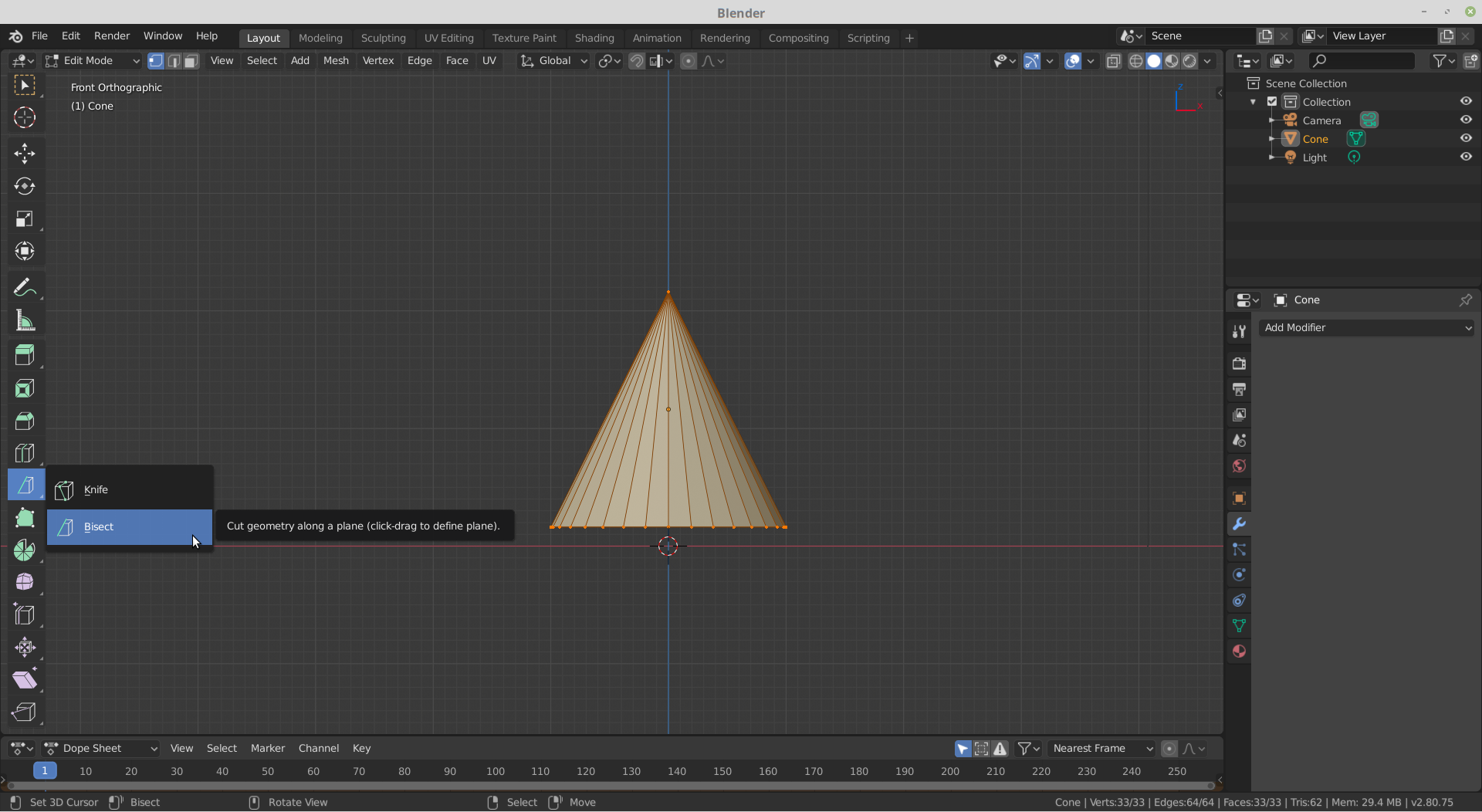
If you are using 2.80, you can also use the Bisect Tool:
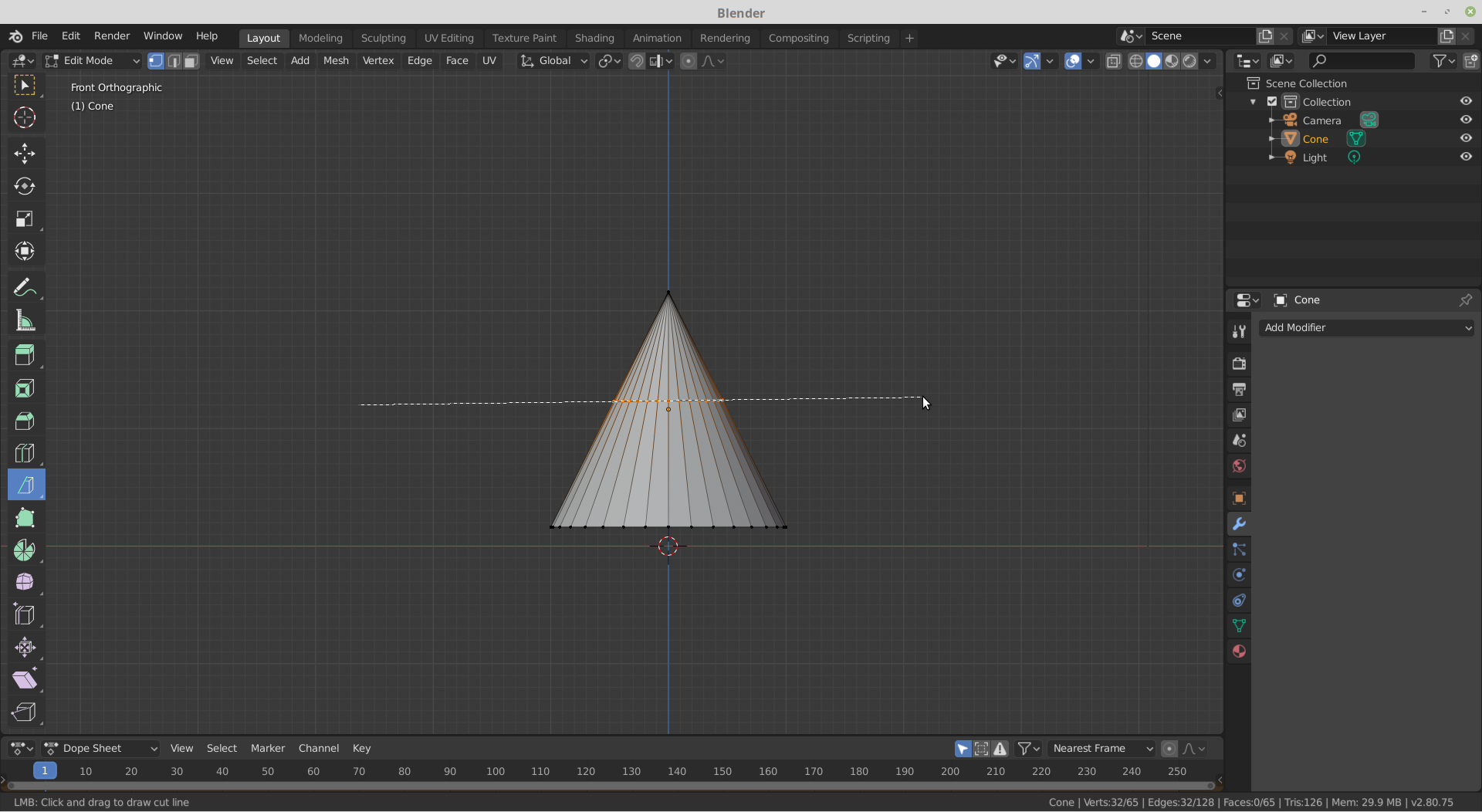
If that’s not completely horizontal, you can select the ‘cut’ and press S Z 0.
In both cases, you can use G G to slide the ‘loop cut’ up and down.

