Hi Rob @modelmonkey ,
The easiest way is to use the Search, when you use SHIFT+A to Add a Node, there is a Search on the top and if you start Typing:
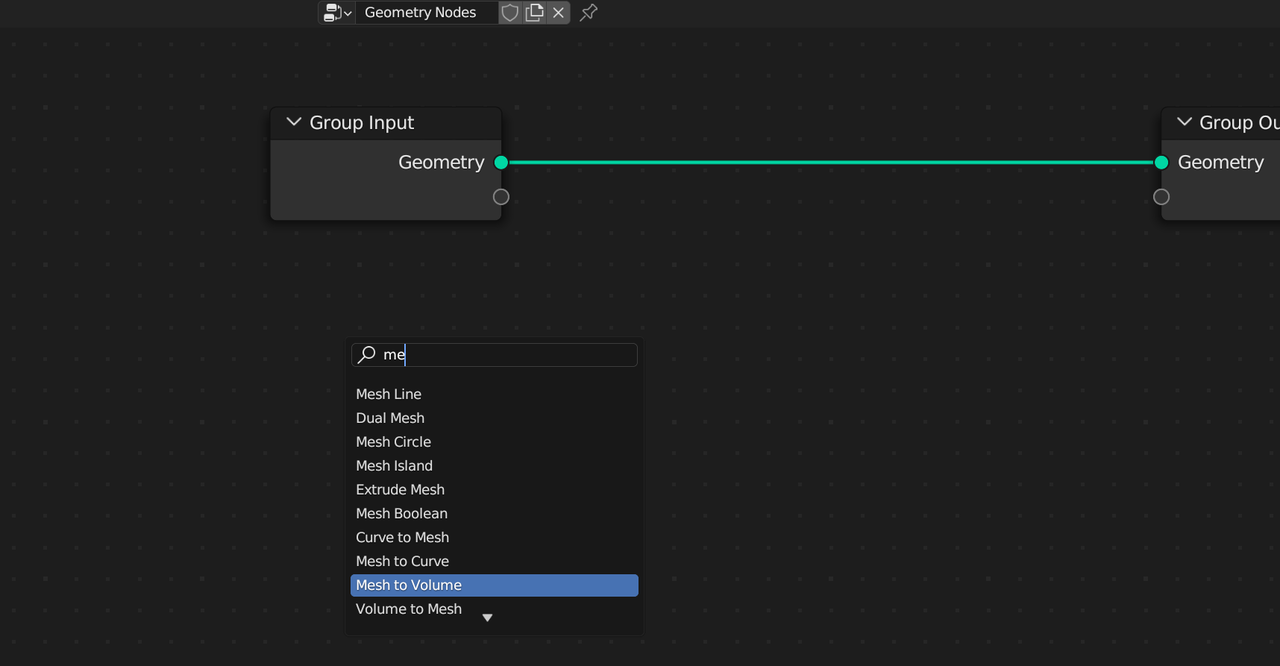
Mesh to Volume and Volume to Mesh are in different menu’s and the Search can really help you (and me) out.
Mesh to Volume is in Mesh > Operations > Mesh to Volume.
Or you could type: SHIFT+A, M, O, V.

