Hi Deb,
You can try this: in Edit Mode, SHIFT+ALT+S > To Sphere and then Move your Mouse to the right (or just press 1).
After that, you’ll have to use Proportional Editing again, to get the ‘bell’ shape back.
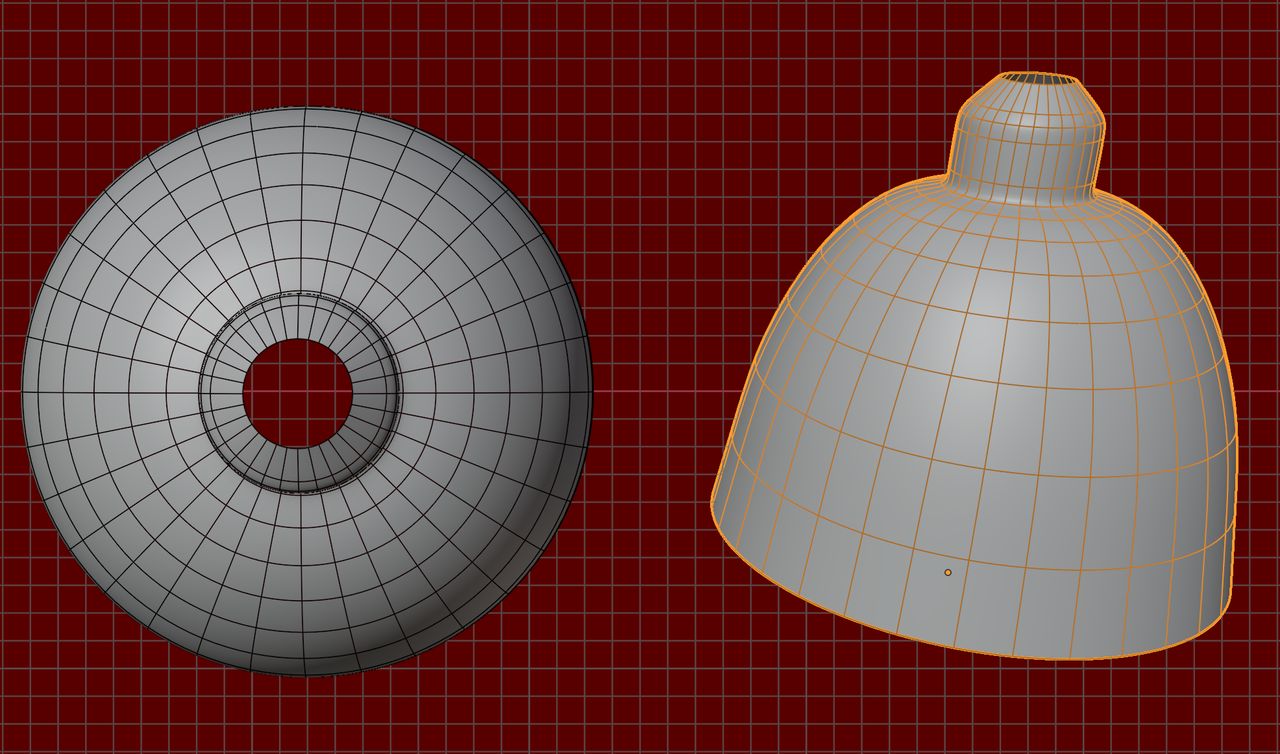
However, it is probably better to not use Grid Fill for this; Grid Fill works best for flat patches. Concentric rings will work better, something like this: