Hi Al Mar @Tachy ,
Those Shading issues were caused by the insets around the buttons and mostly around the d-pad; they were probably not deep enough (blue lines), so the angle between the Faces on both sides of the yellow lines was less than 30° and thus ‘shaded smooth’, causing those artifacts:
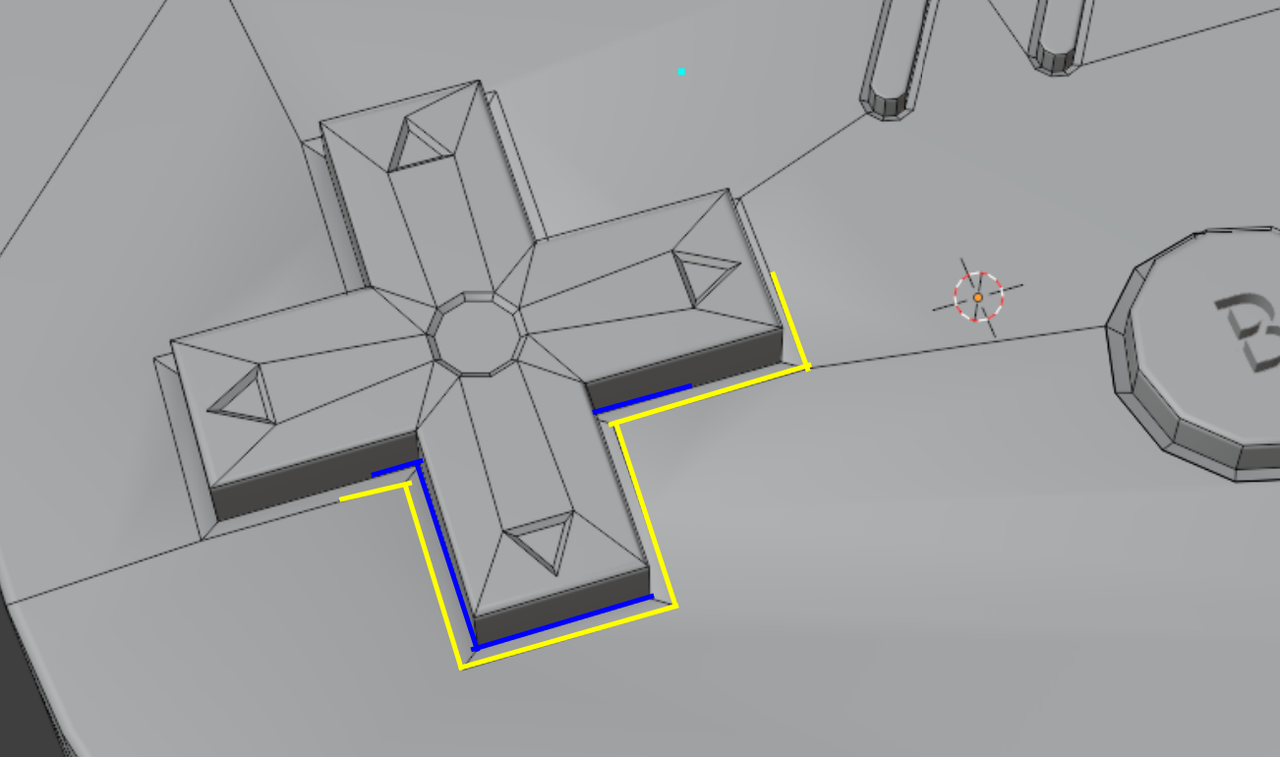
I hope that makes a bit of sense.
Anyway, your solution works well too; sometimes auto-anything doesn’t do what you want and needs to be ‘corrected’ 😉

