That Bevel issue was easy, Select All and M > Merge By Distance:
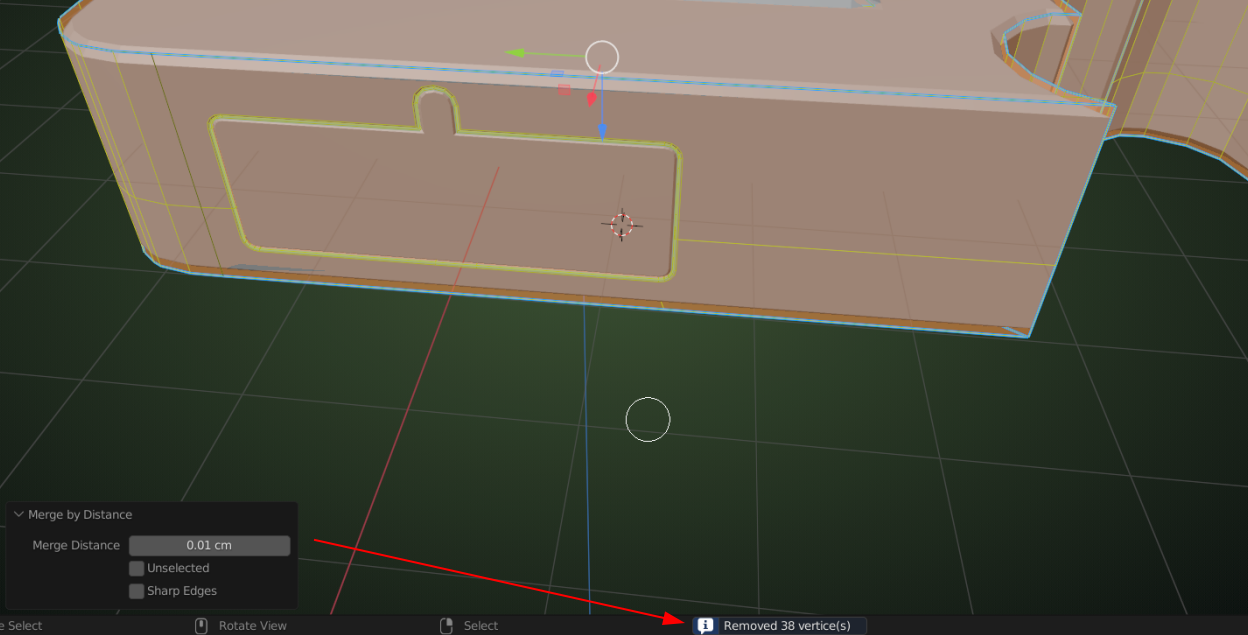
(For the next part, I disabled the Bevel Modifier in the viewport, to avoid too much visual ‘clutter’.)
But then there are your Speakers ; first, there is a wrongly filled Face on one side (of both Speakers):
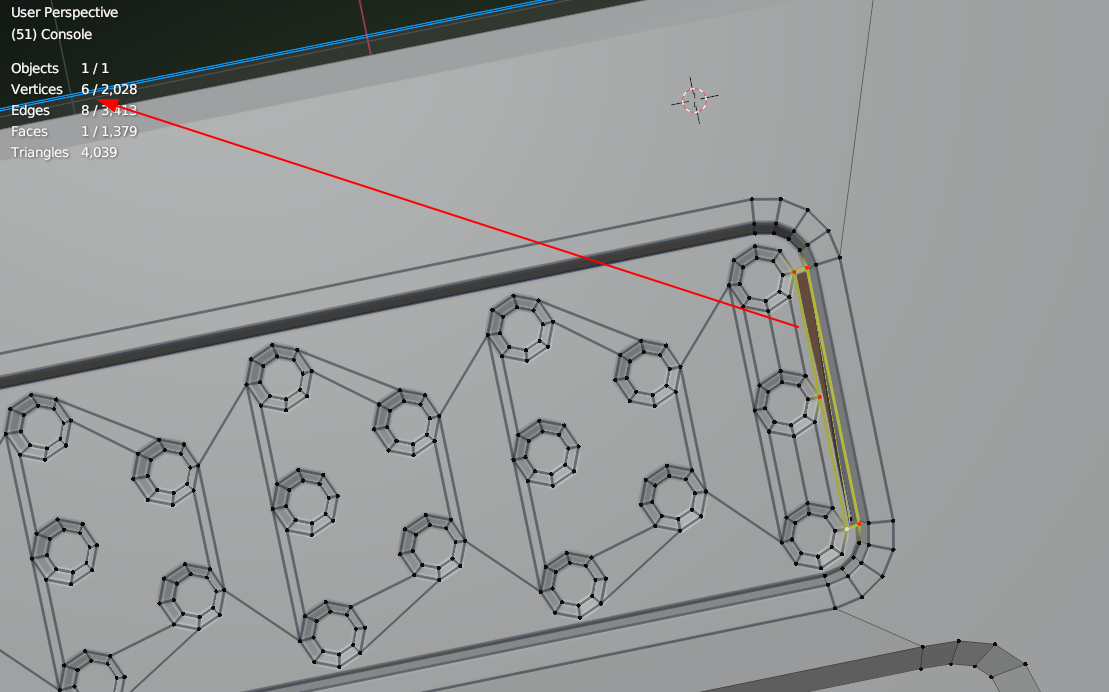
which looks like a gap, but is actually:
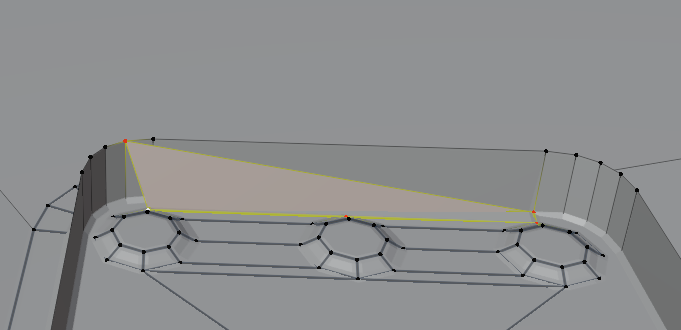
X > Delete Faces. Select that loop again (should be 5 Vertices now) and F to fill that hole.
On the other side the circles are too close to the edge and when you Move them a bit (I exaggerated the Move to show the next problem more clearly (I hope)):
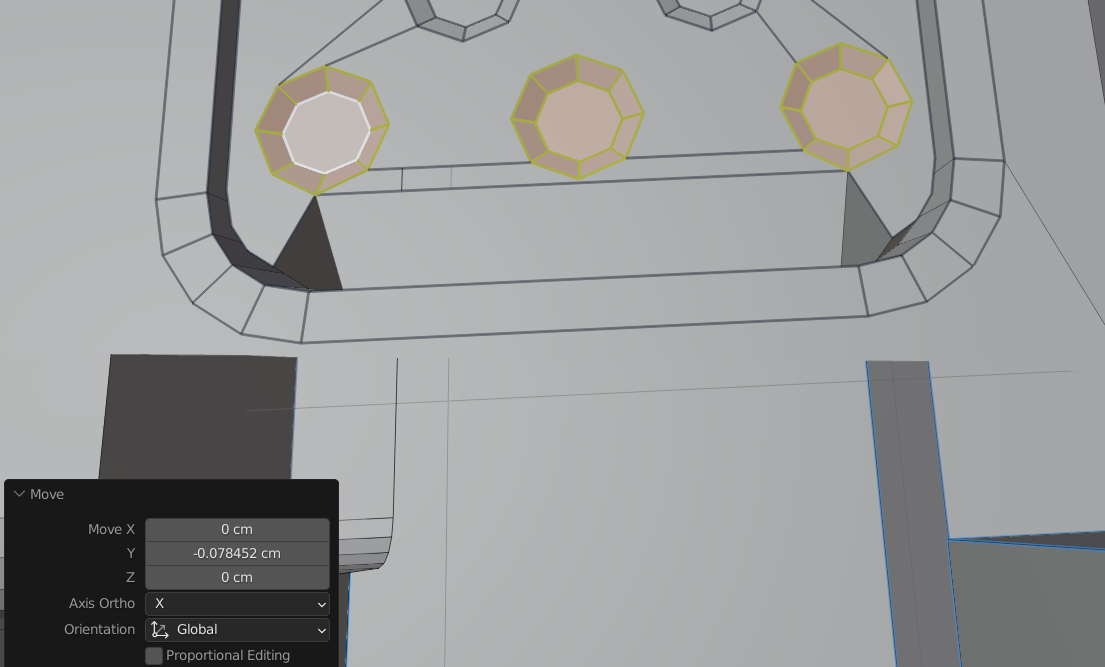
Delete those 3 Faces and re-fill the gap correctly.
Then there are way too many Edges that have the 0.07 Bevel Weight (some are correct, but most just make problems):
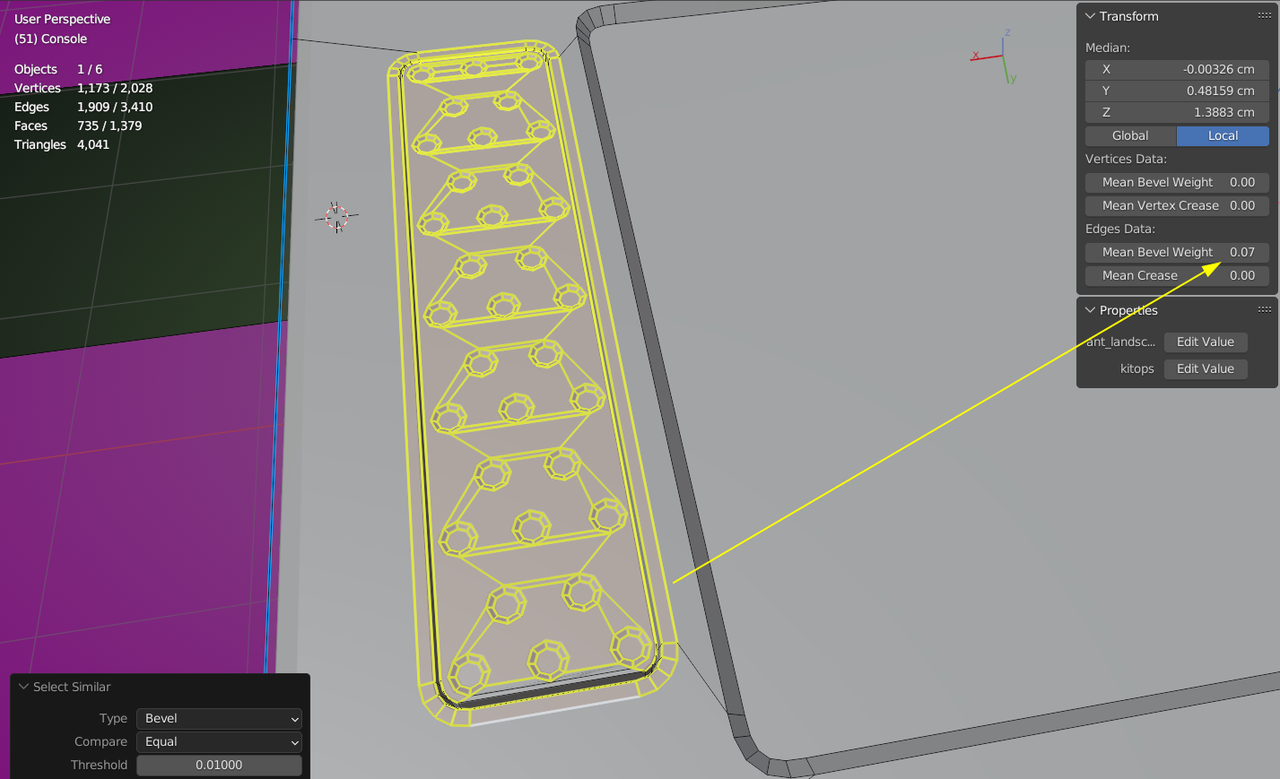
Probably easiest to set them all back to 0 and then carefully Select only those Edges that need the Bevel and re-set those to 0.07.

