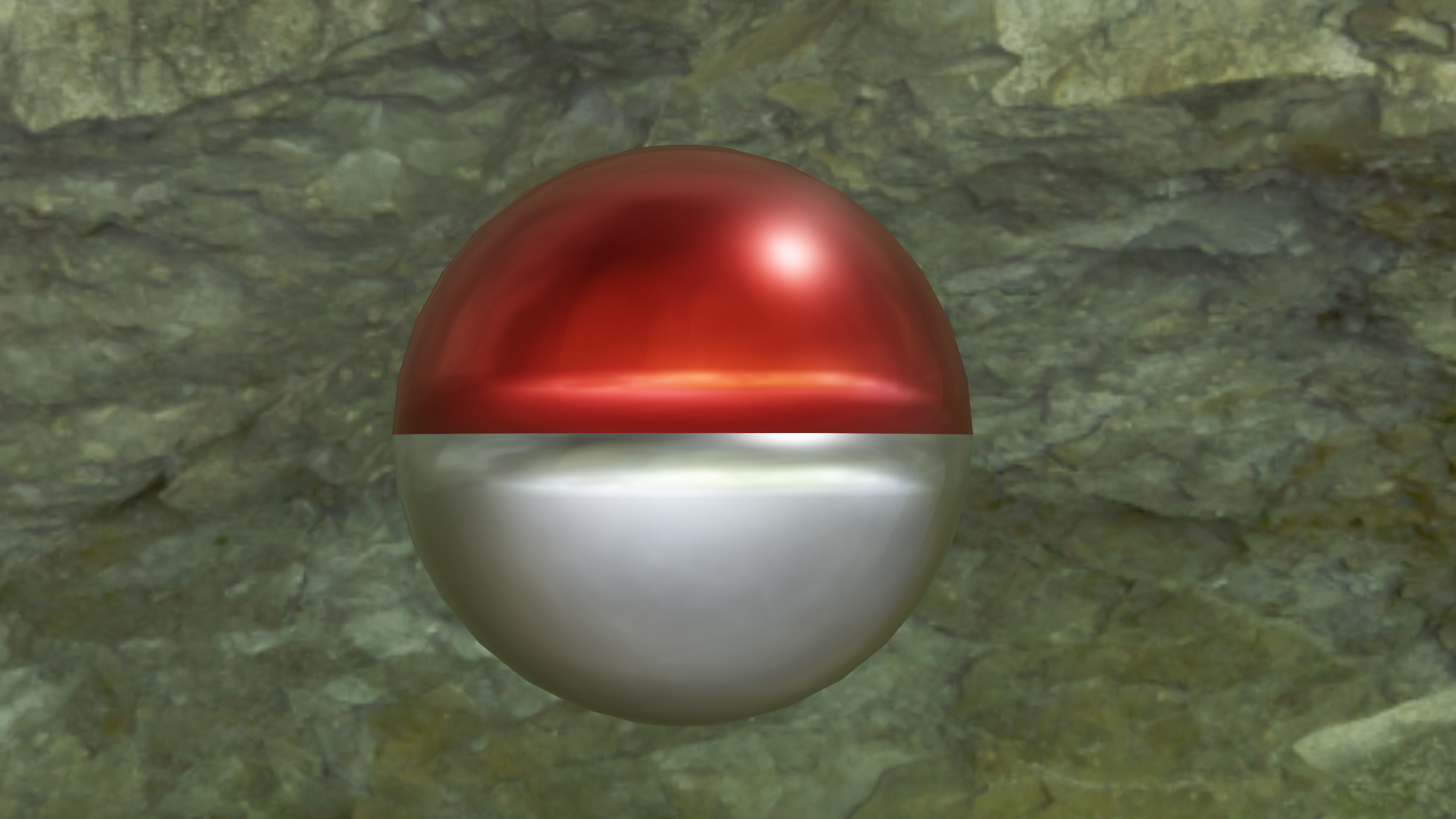
@yukinoh1989 You can paint it with a brush but like @williamatics said it’s likely not allowed, because it involves textures. The other way would be to apply the materials to separate parts but that relies going into Edit Mode which as we’ve been told is a no-no (mostly)…
HOWEVER!
Using the power of Booleans there is a way – albeit crude, but still effective way – to do this. First get your sphere, equip it with the Boolean modifier and spawn a cube. try to get you cube as close as halfway through the cube as possible (using Orthographic mode might be a good idea here) and set the Boolean to Difference, then apply it.
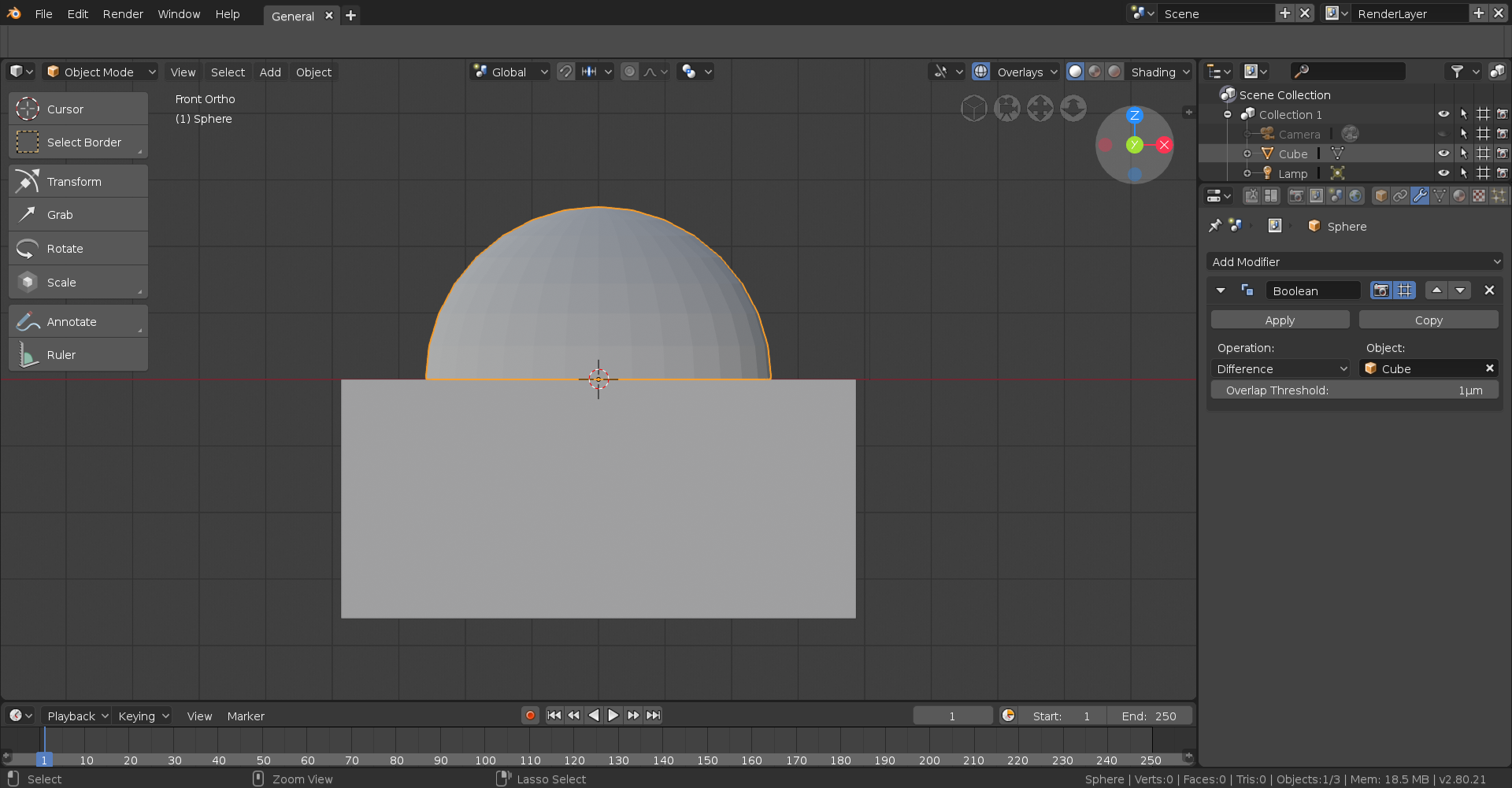
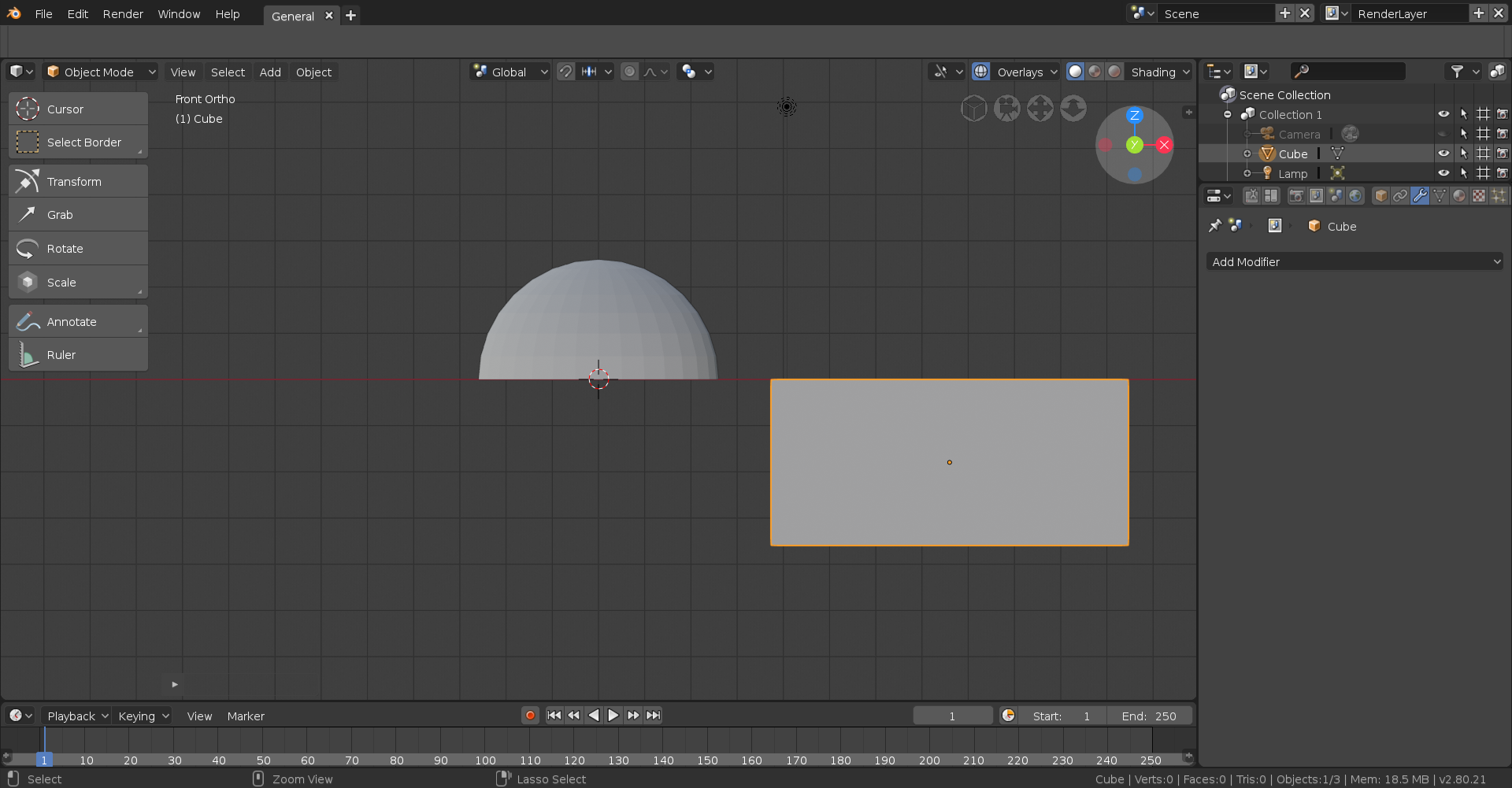
As you can see you now have a semi-circle.
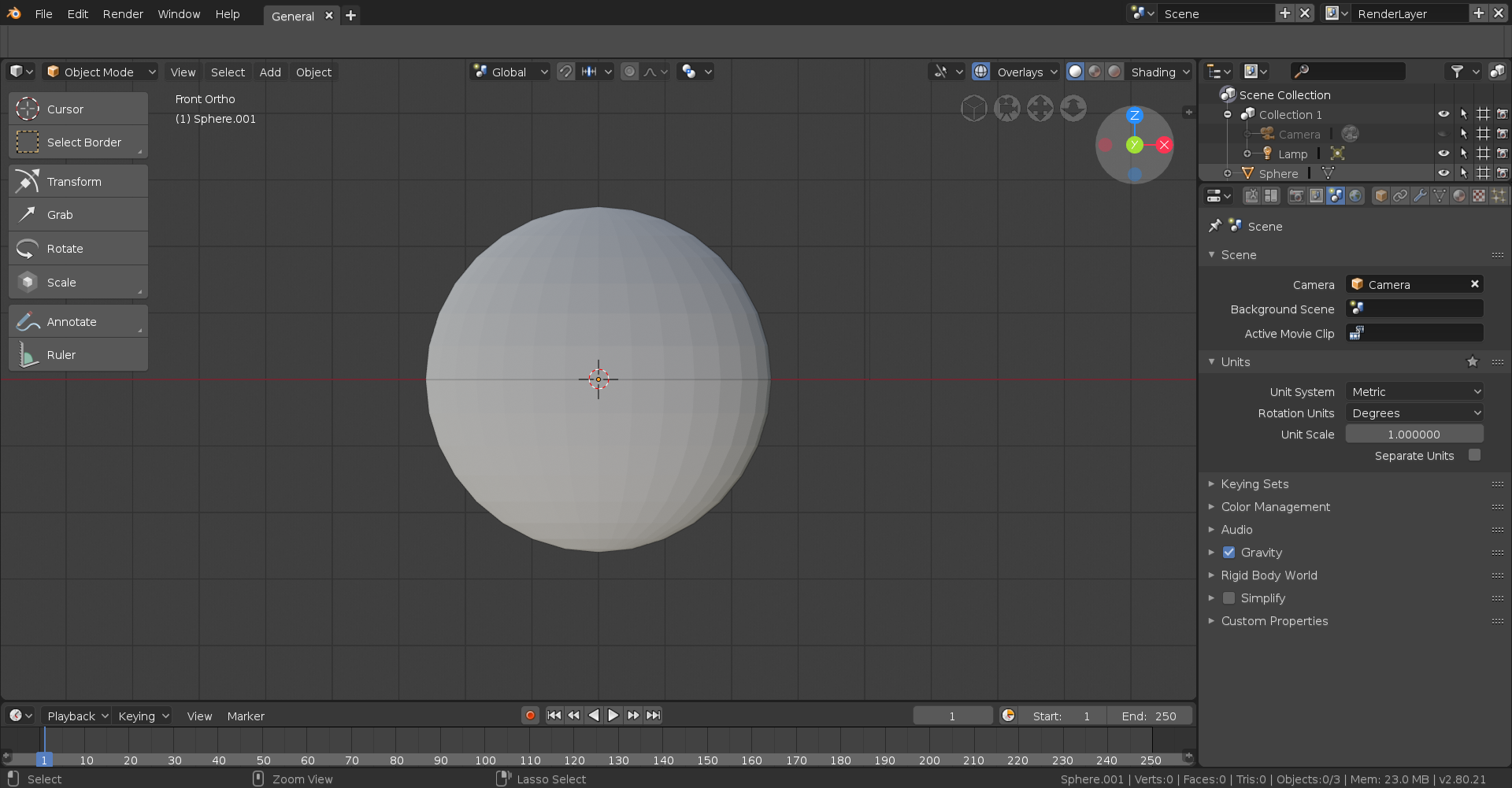
After that, duplicate the semi circle then rotate it 180 degrees (typically on the Y axis).
Finally apply the appropriate material to each semi circle and you’re done!