Reply To: Combining Sculpted Meshes
Forum Archive › Combining Sculpted Meshes › Reply To: Combining Sculpted Meshes

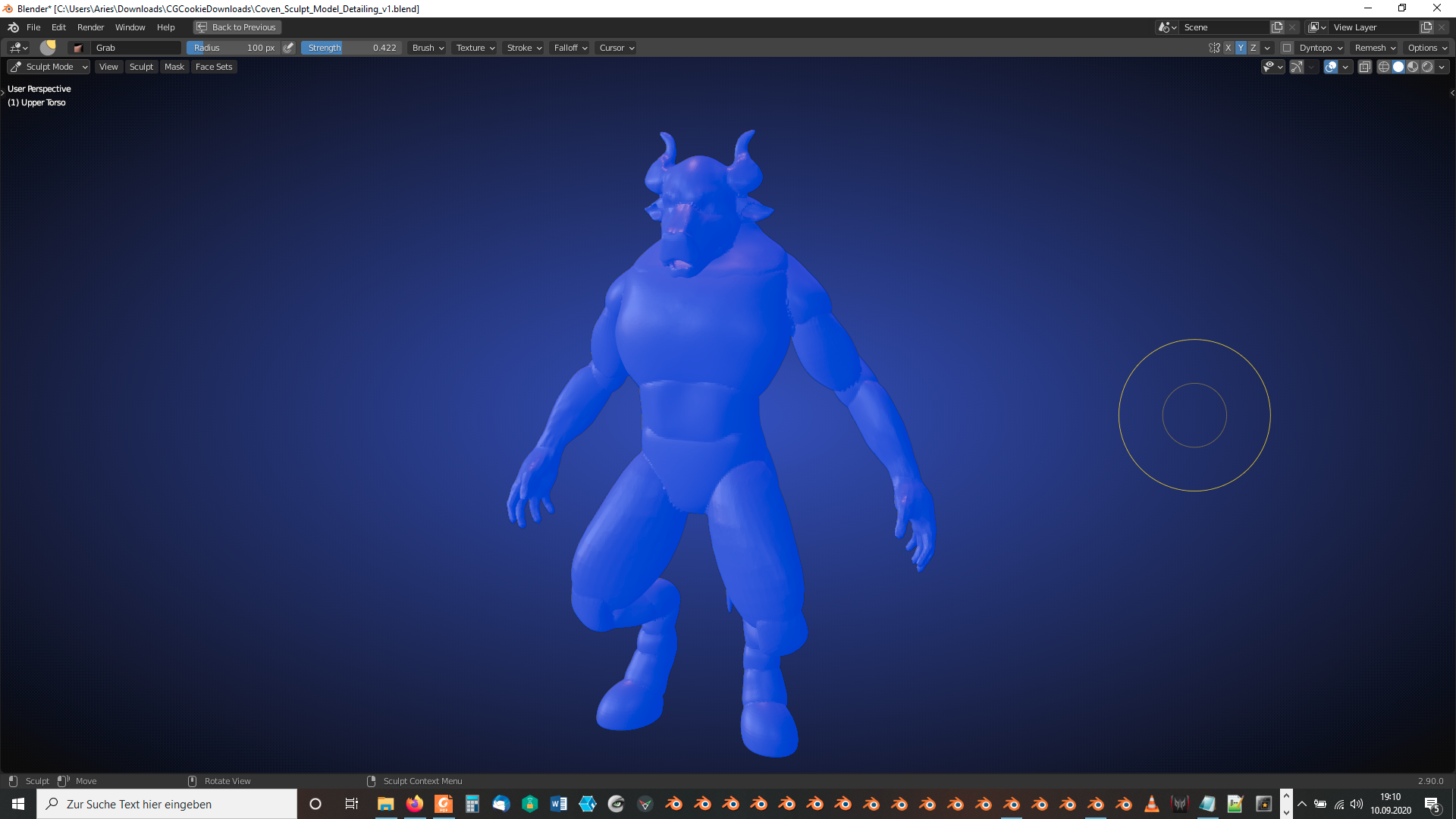
Which objects are randomly disappearing? Do you have a screenshot? I’ve tried it joining everything with the “Upper Torso”:
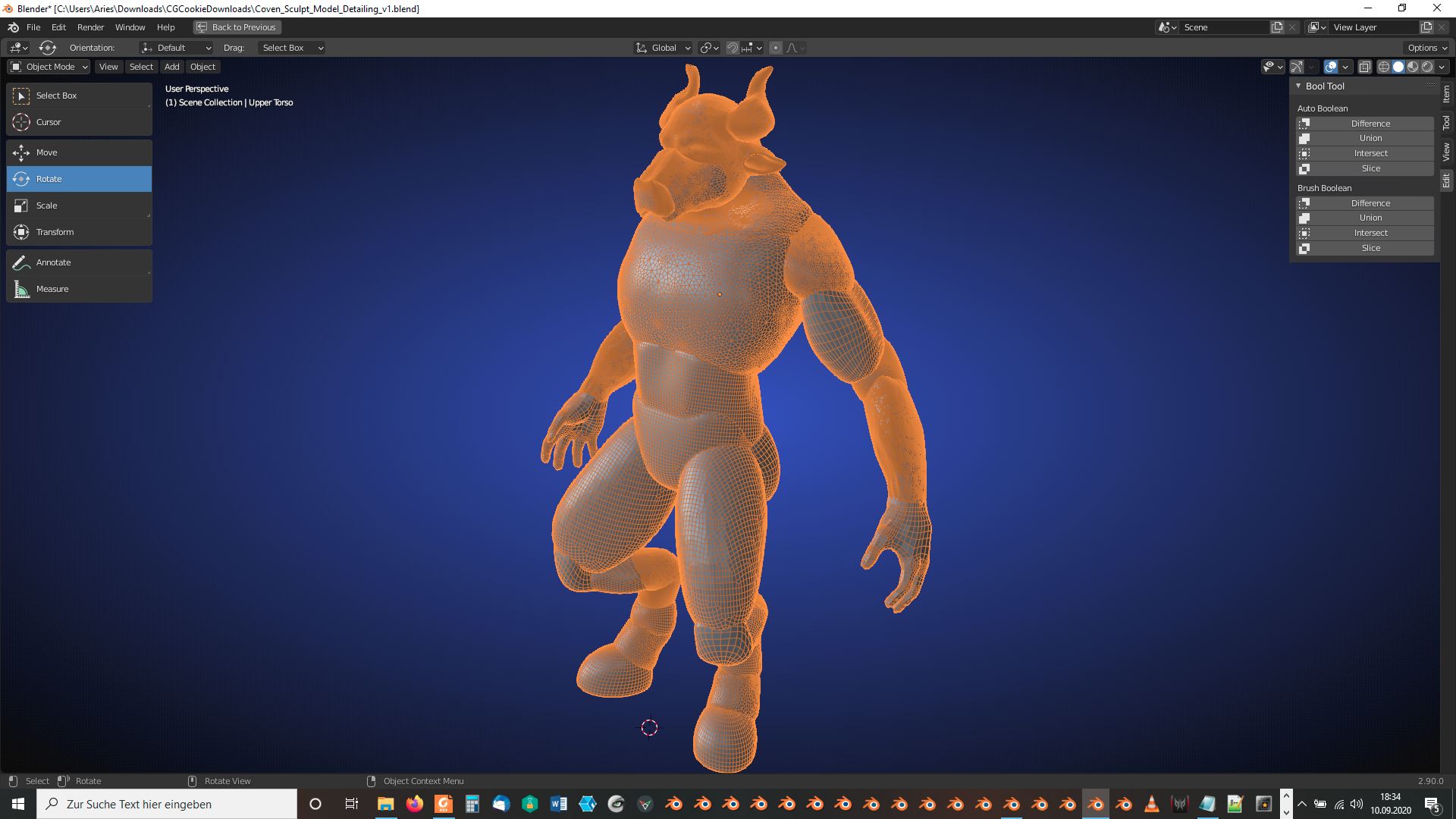
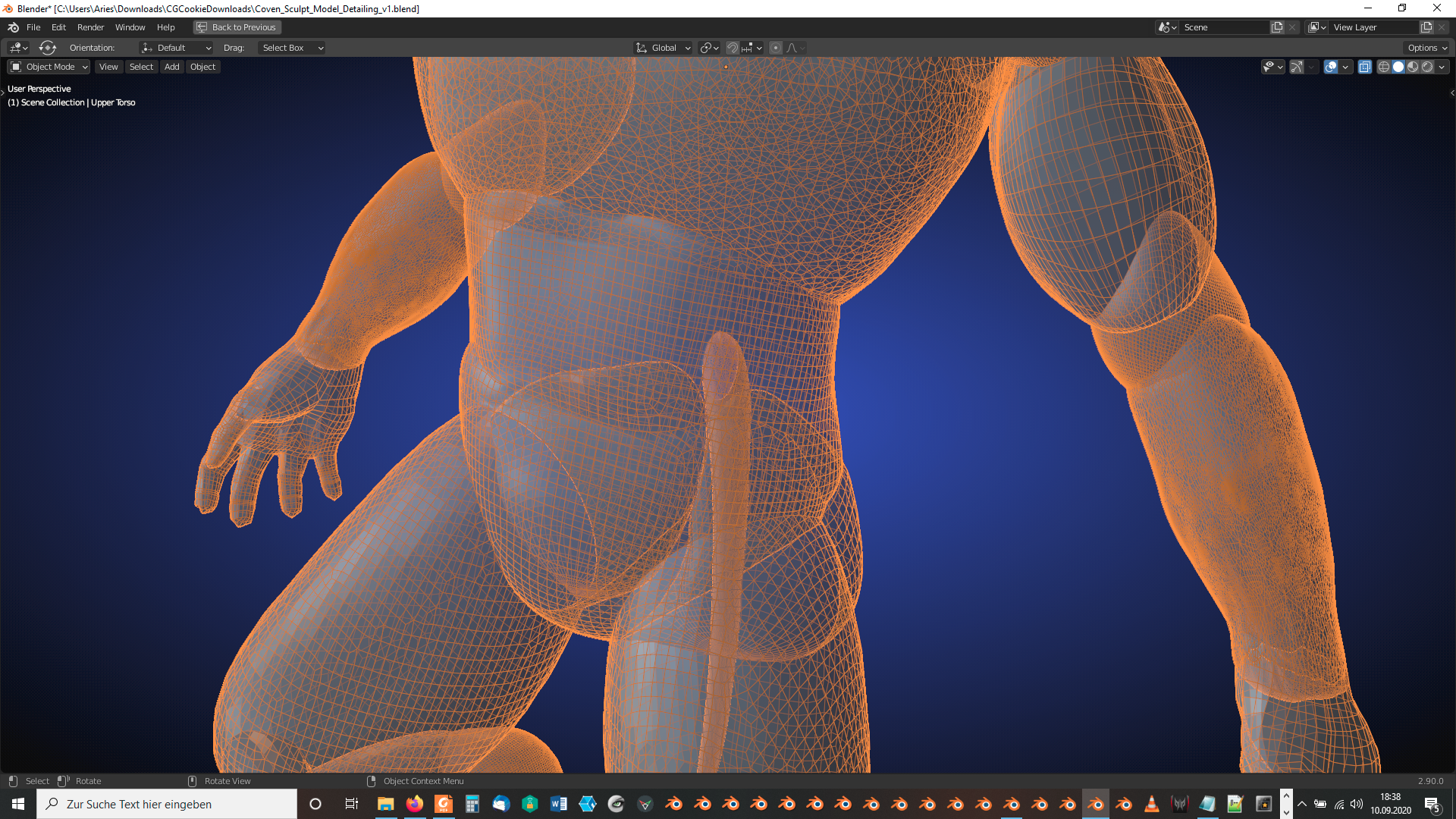
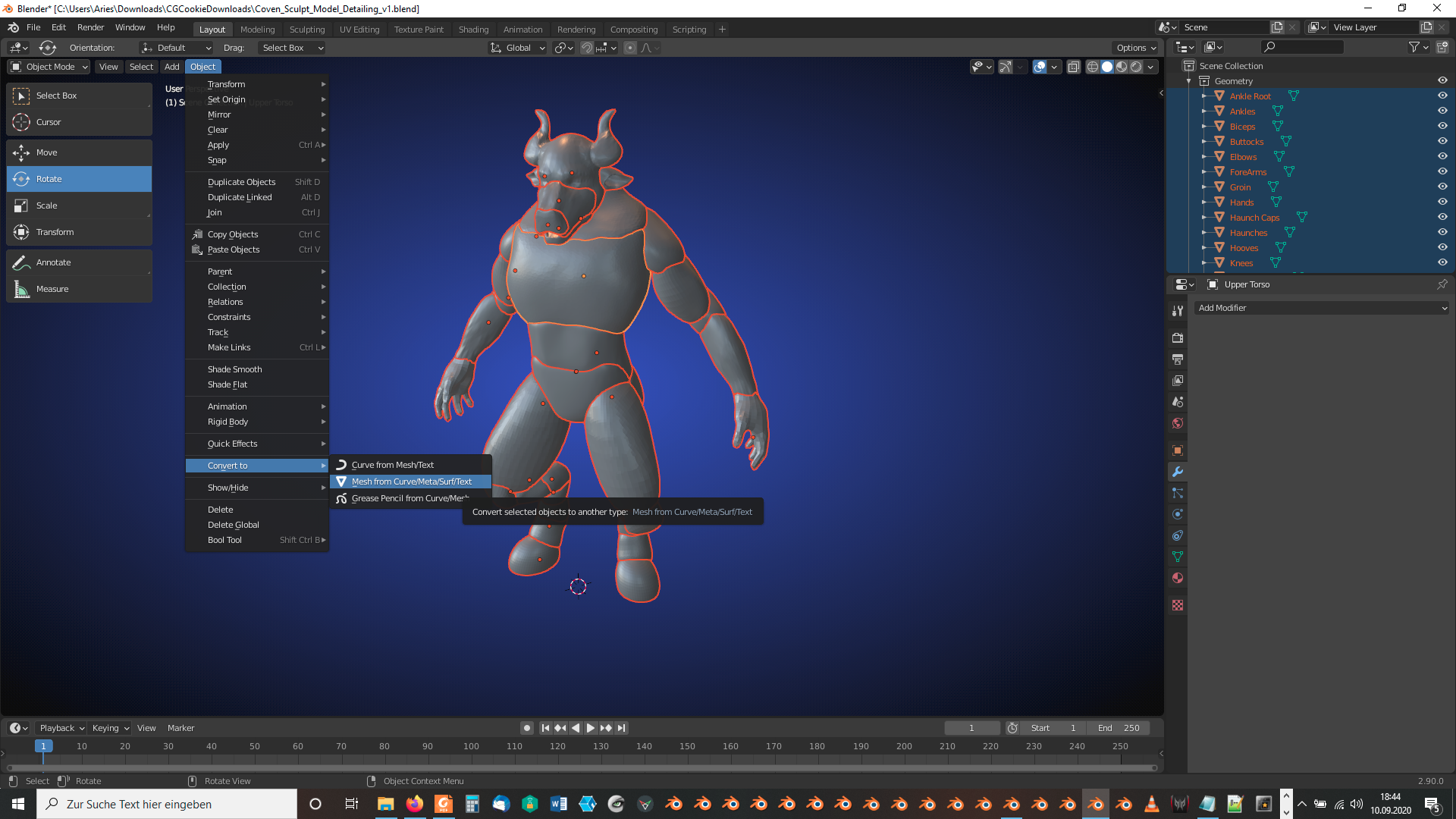
Maybe, it’s the modifiers that are causing trouble. Select all parts and select in “Object Mode” under “Object” => “Convert to” the entry “Mesh from Curve/Meta/Surf/Text” which is an easy way to collapse the modifier stacks on all selected objects:
If “Bool Tool” still doesn’t work for you, you can now join the parts manually with CTRL + J under the name of the part selected last.:
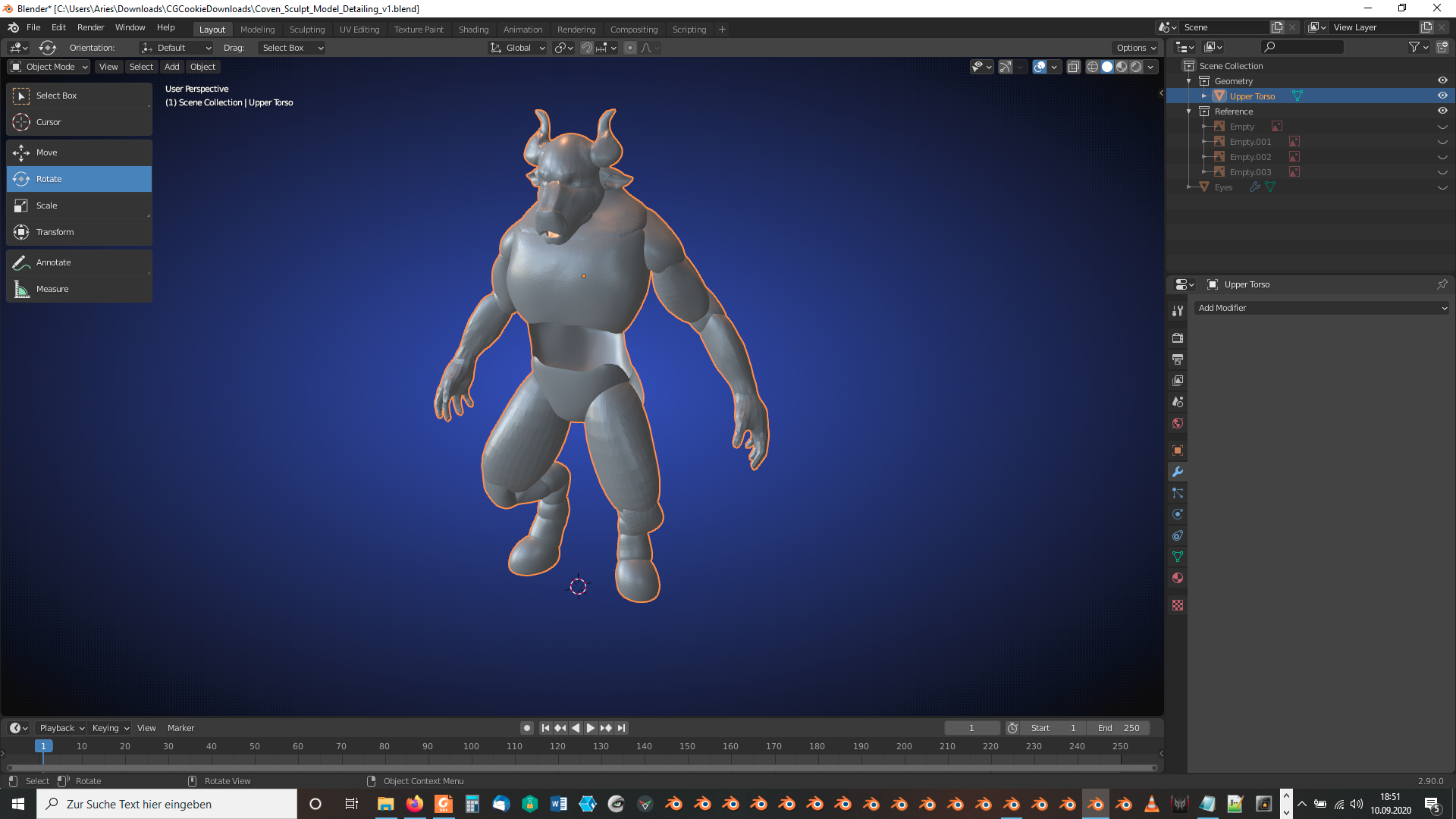
The “Lower Torso” front looks now transparent which indicates an incorrect face normals orientation pointing inside the mesh instead of outside:
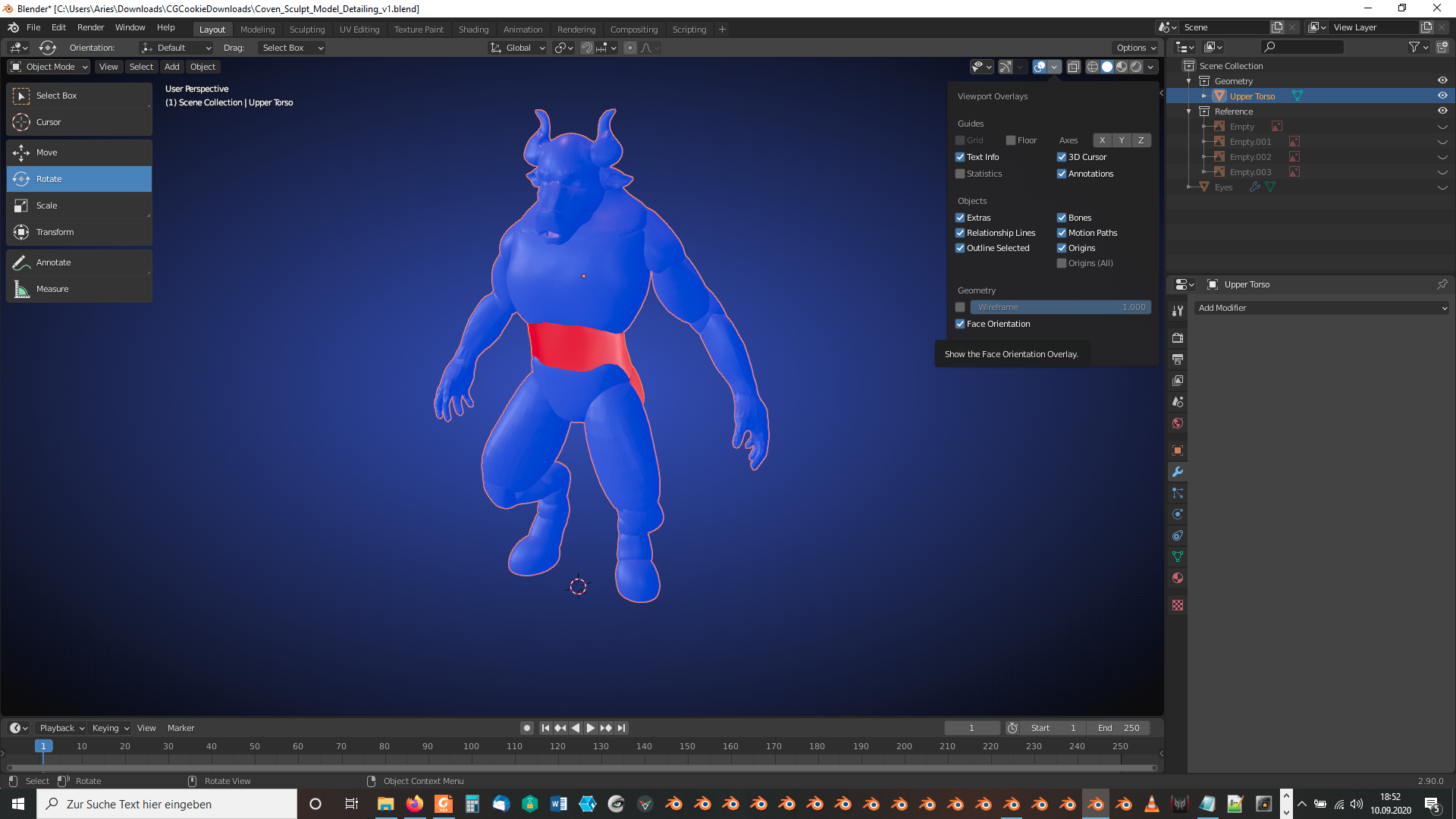
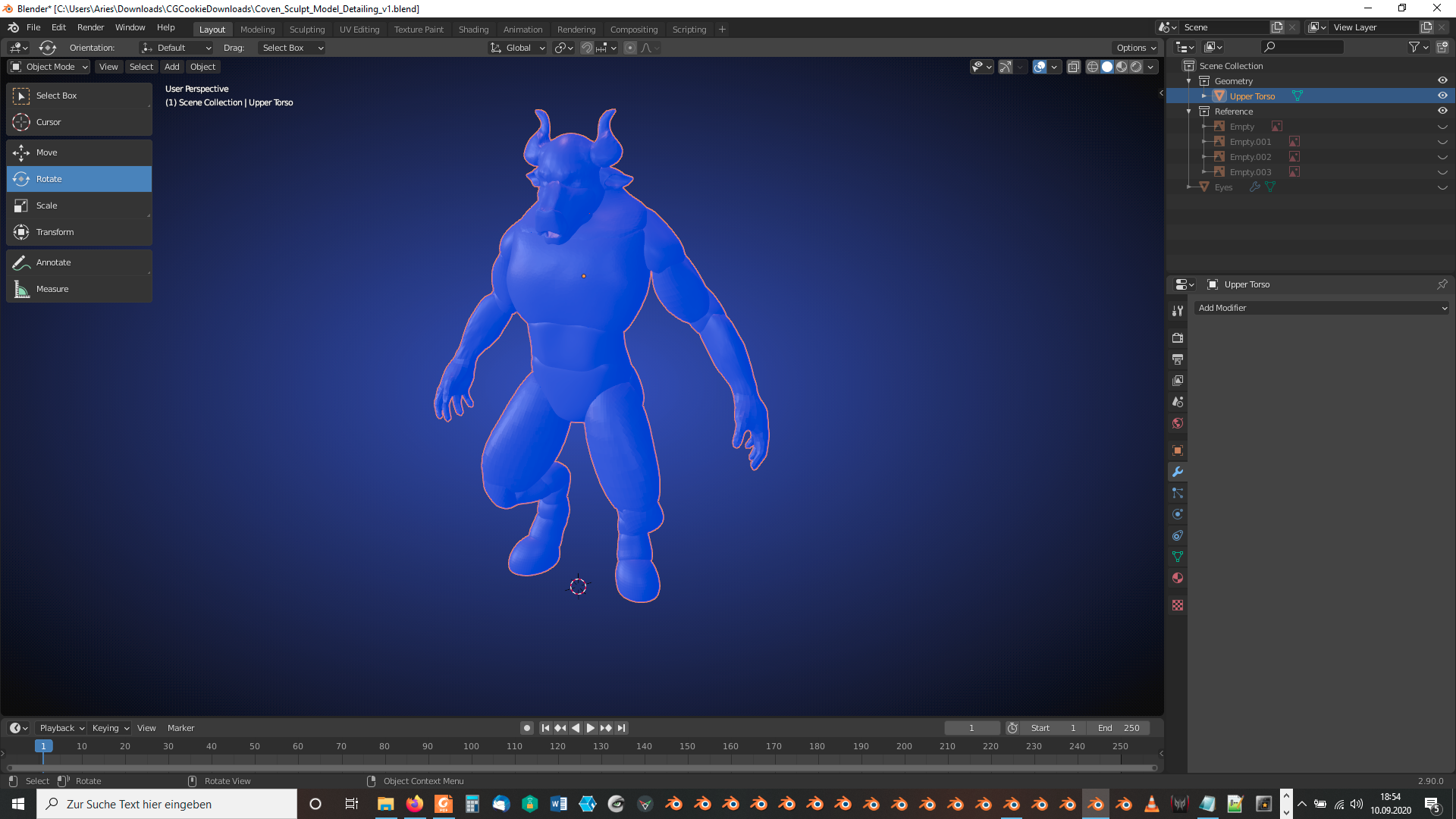
Tab into “Edit Mode”, select everything and recalculate the normals outside with SHIFT + N so that it looks in “Object Mode” with “Face Orientation” overlay like this:
In “Sculpt Mode” (after saving your current version) press the “Remesh” button in the “Remesh” dropdown menu:
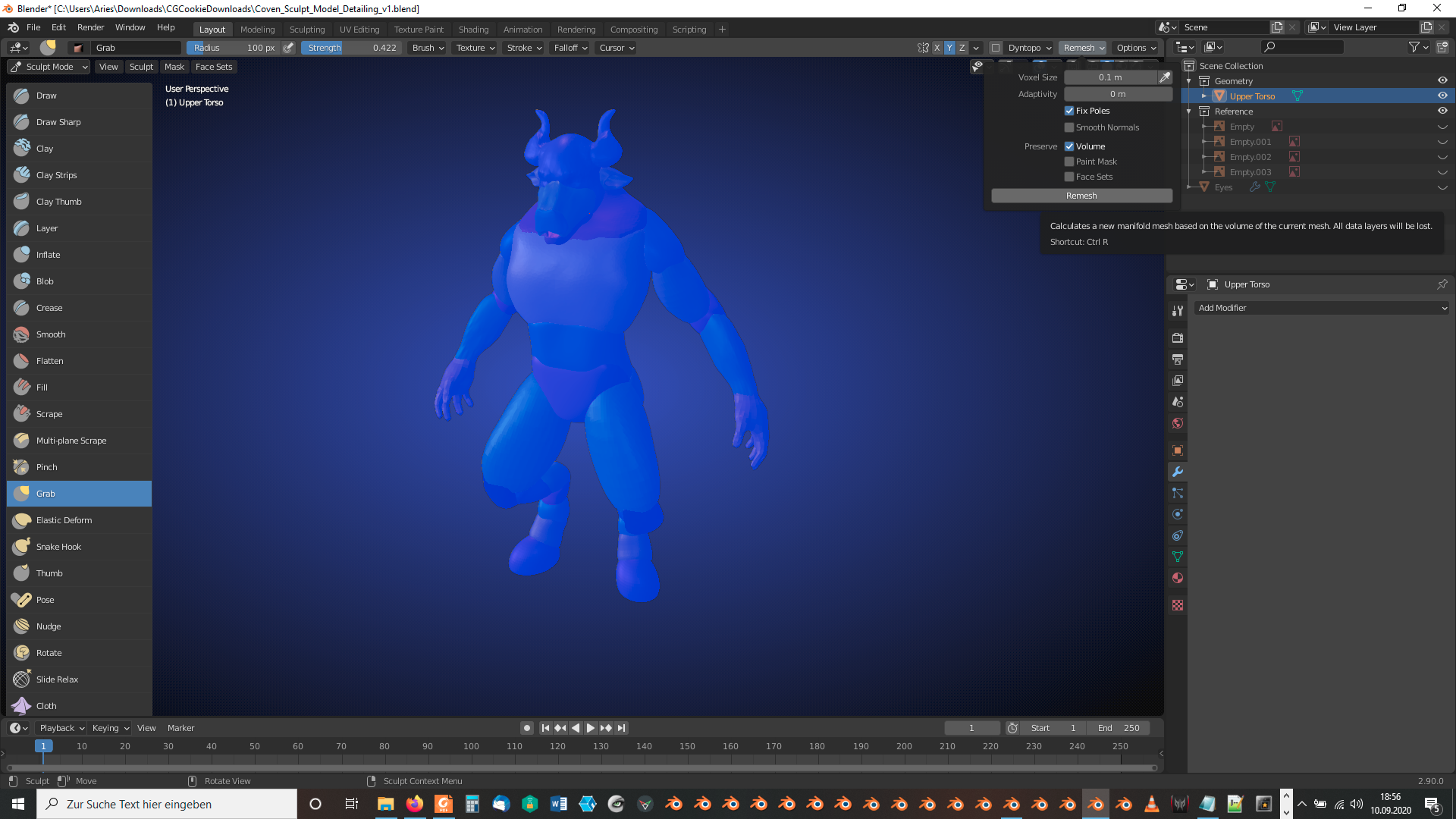
If the newly created mesh is too coarse for you, repeat the same with a smaller “Voxel Size” using your saved version from the previous step or after undoing the remeshing. The mesh with the default settings should now look like this:
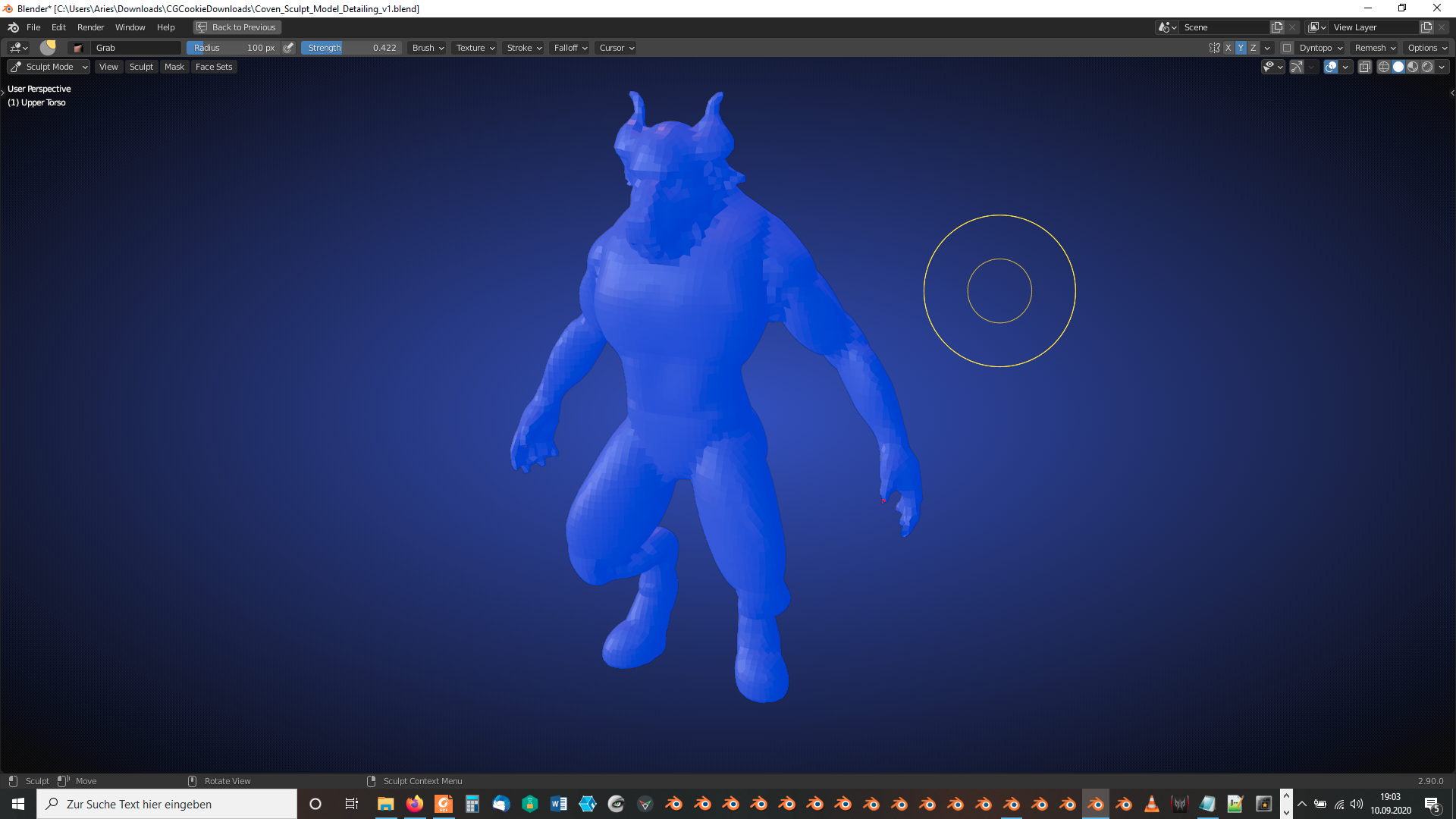
A voxel size of 0.025m should provide enough detail without risking extremely long calculations: