So I also noticed that if you have 1 object inside of another and go to the “inner” object in Edit Mode that if you turn on x-ray mode some of the verts stop displaying………. kind-of. Not sure which setting affects this. I found X-ray slider does but there is something else too.
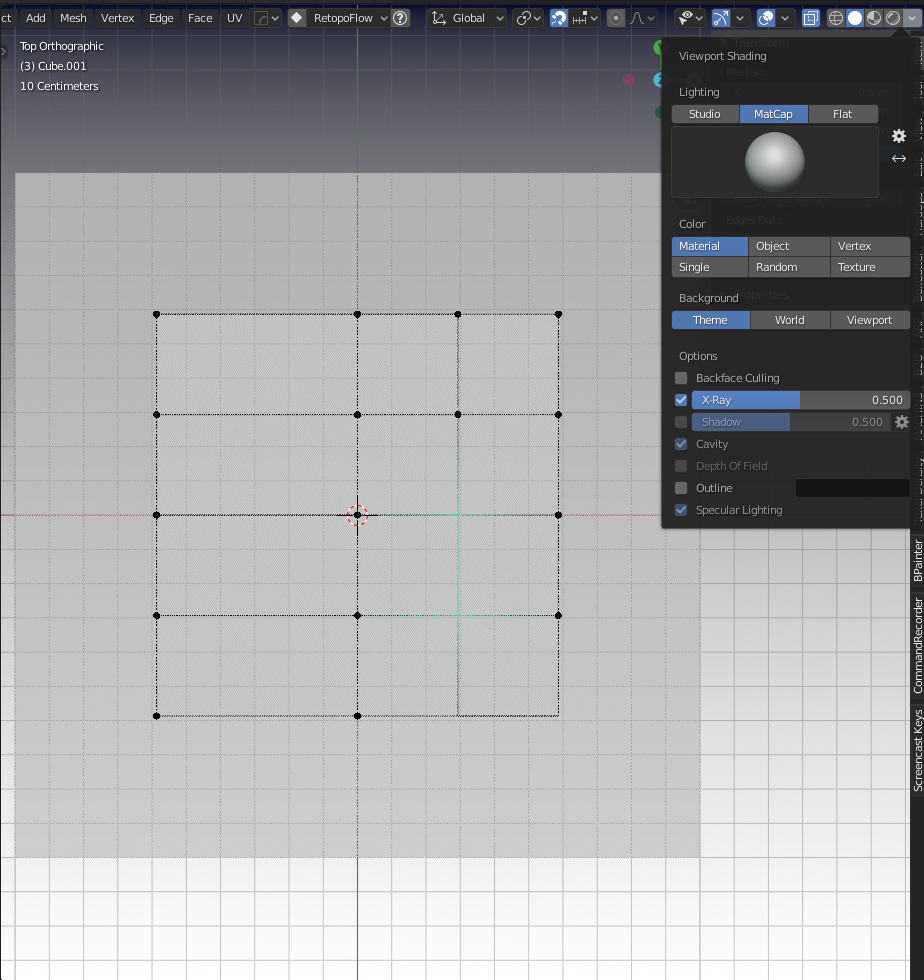
On one of the viewport Workpaces of mine Labeled “Edit Prefs” I have this happening. I toggle over to my standard “Layout” workspace and the behavior is gone completely……. I don’t get it haha.
I have found that if I change the X-ray slider in the Viewport Shading menu that I get those verts back if I go really low. But if I mimic the slider on both workspaces I can tell that something else is affecting it. I don’t see the clipping settings cause this behavior because they are the same on both workspaces.
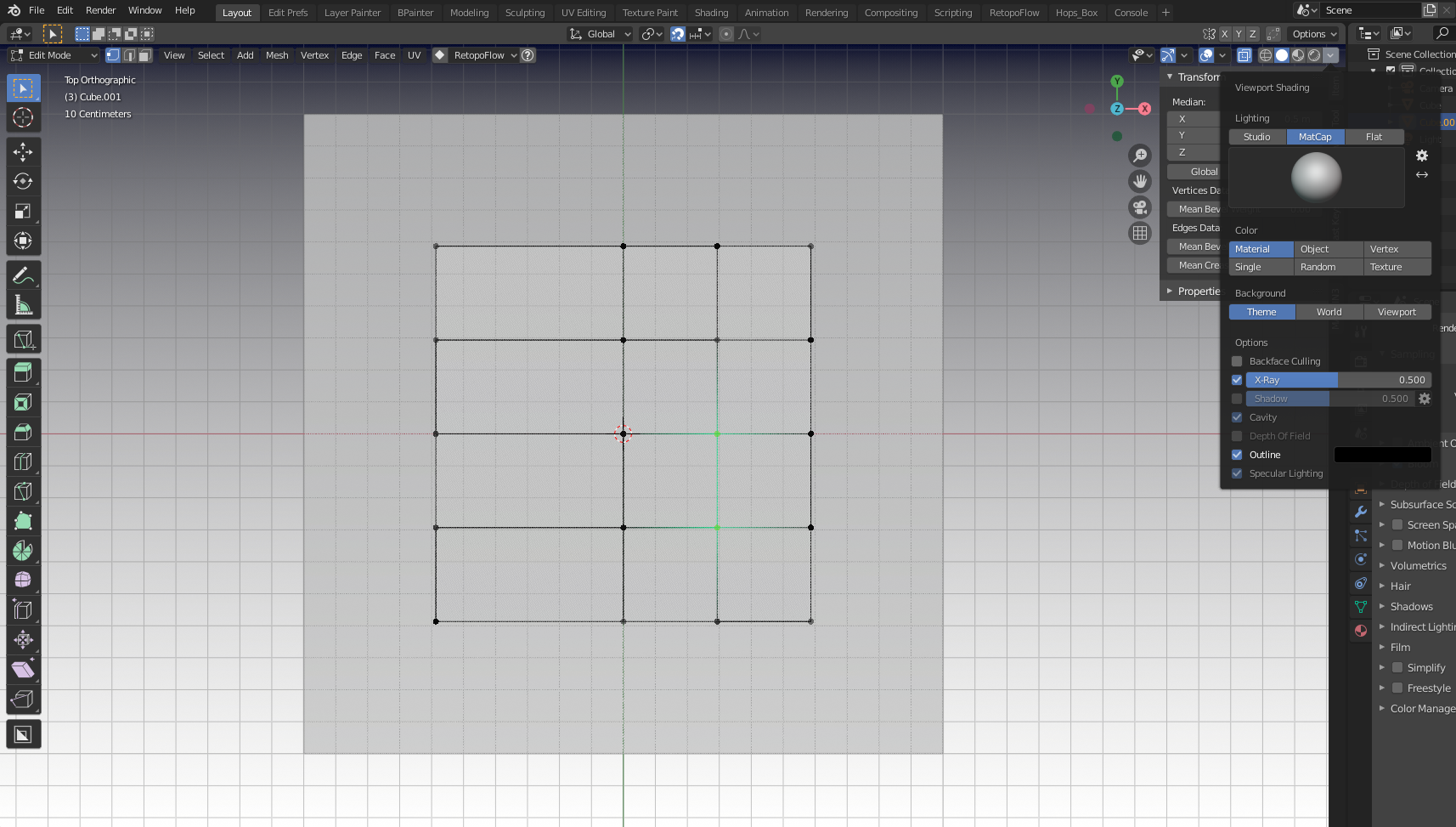
Here’s my default “Layout” and I don’t seem to be experiencing this issue at all and my x-ray setting is normal (sorry about vertex color. I am still playing in the theme setting, but the verts are there below)
As always I just deleted the abonimation workspace and duplicated the working one to side-step the issue.

