Gold Nugget #7: Node Wrangler Trick: Mute Function versus Focus
I give all of the credit to Grant Abbit on this one during his Cavity and AO tutorial: https://youtu.be/9z2kOJiheZs?t=203
This mech I am working on has some AO that I am mixing in to make the rendered view pop a little more.
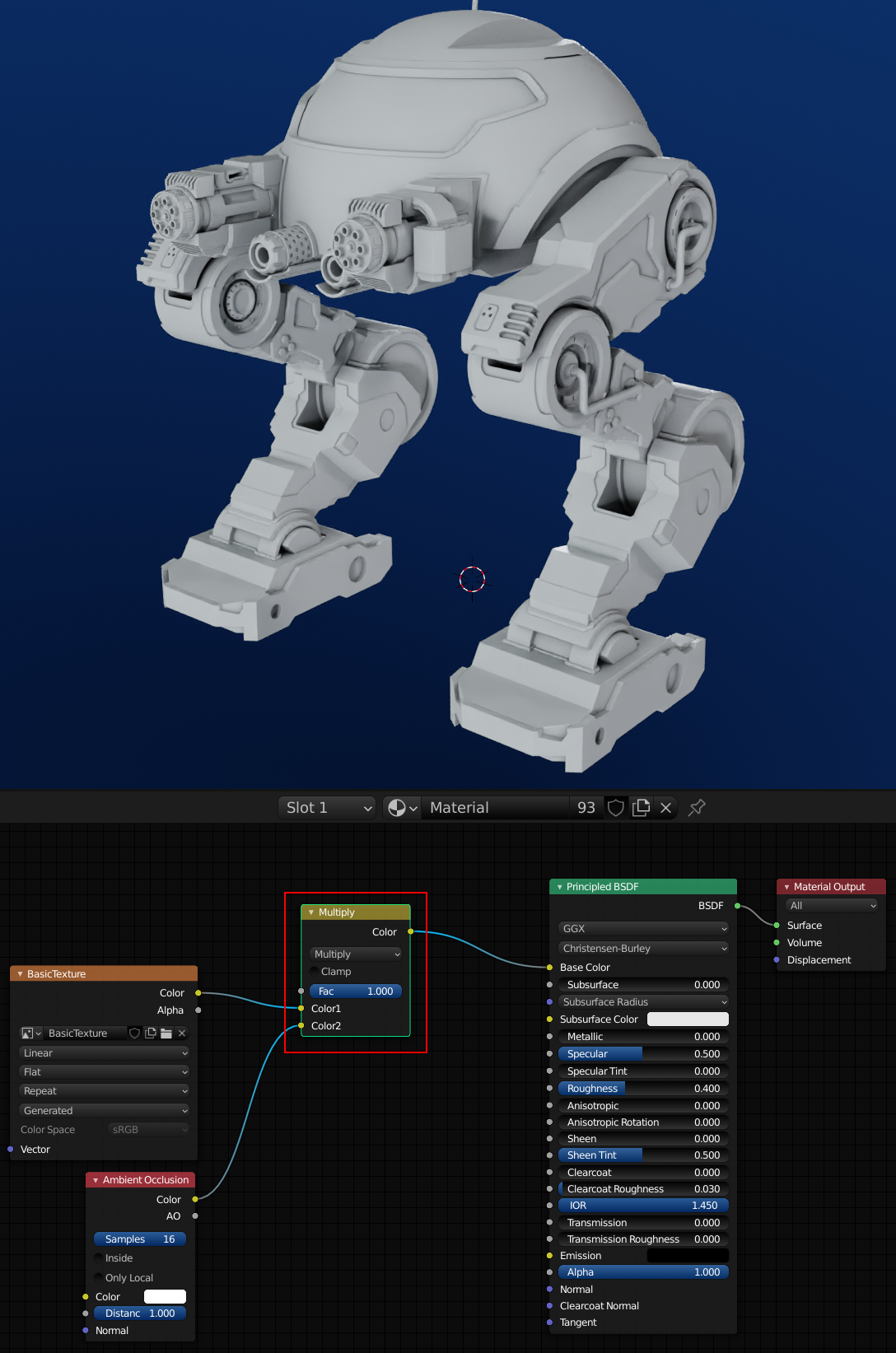 If I wanted to see the comparison of having AO included versus excluded I could select the Multiply node and click the ‘M‘ key on the keyboard to MUTE the node.
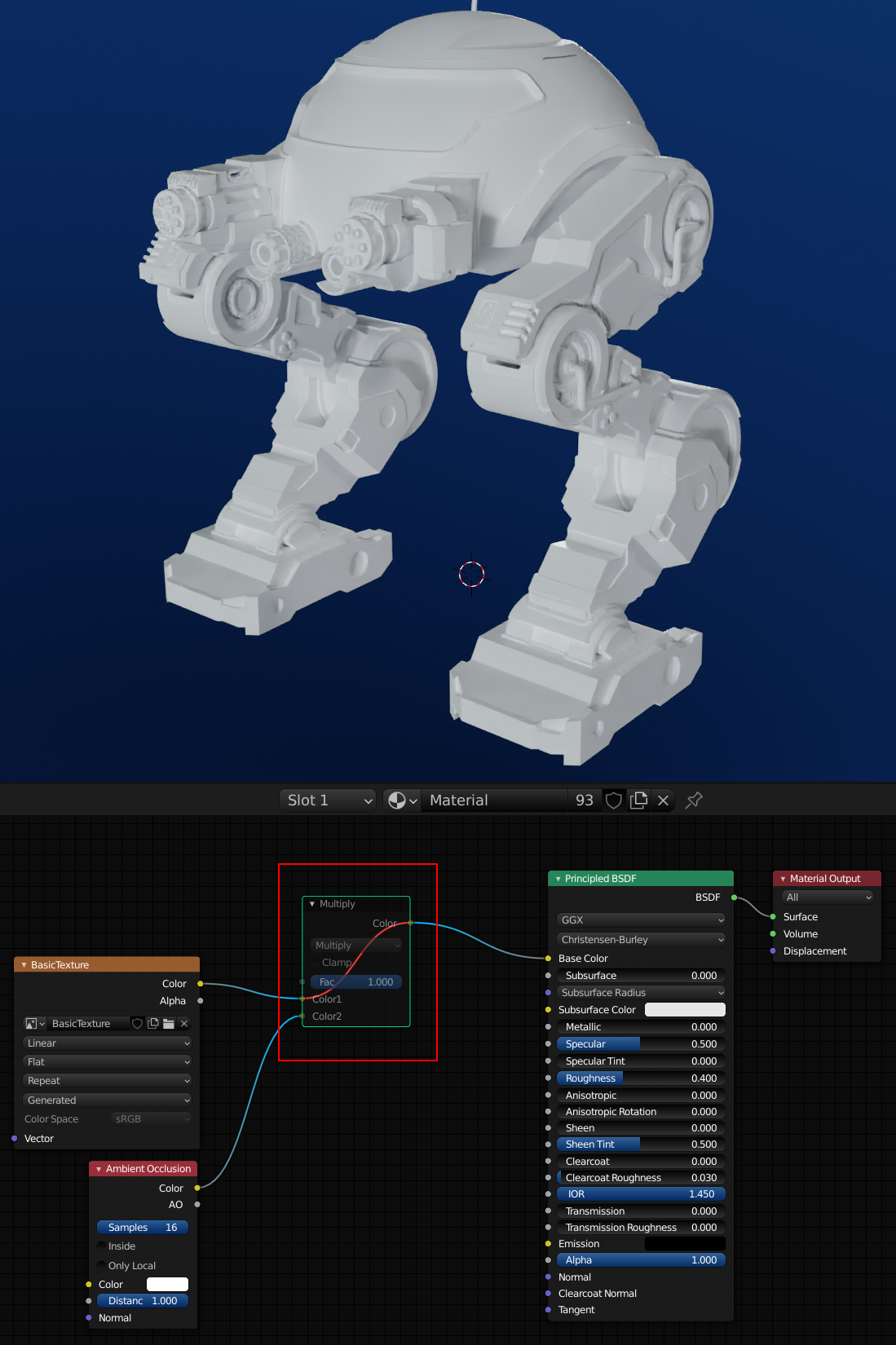 This can be very helpful to see the difference the node made versus not having it. Toggle the mute off with the same ‘M‘ key.
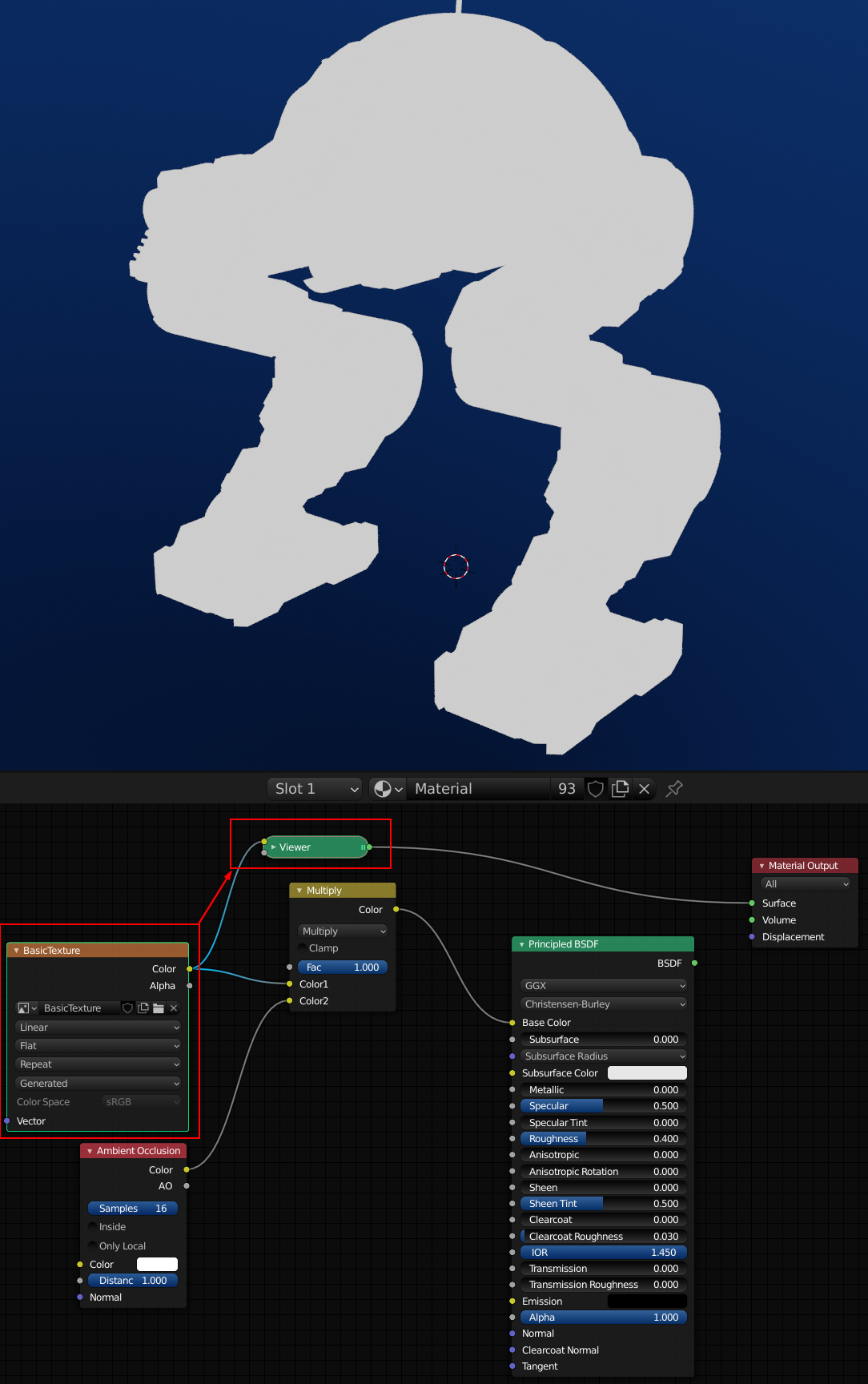
You could also just focus the node to a viewer by using Ctrl + Shift + Mouse Click (mine is Left Mouse Button) while on the selected node you want to focus on. This enables a Viewer Node that only looks at 1 of the selected node’s outputs. You can scroll through multiple outputs on the same node with this key combination. When you are done using the Viewer node just use the key combo on the last node before the Material Output node.