What you can do, is using the fact, that Curves have ‘nice’ UVs.
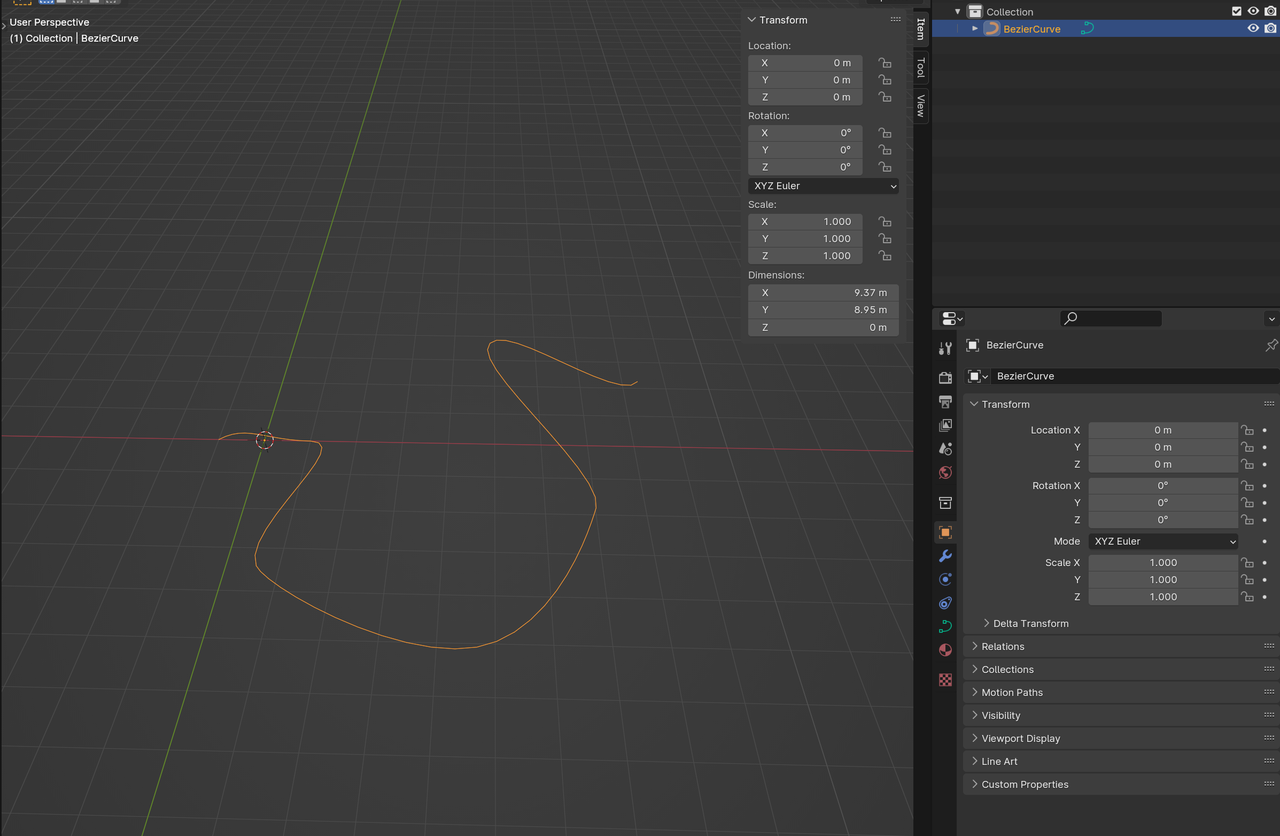
Make a Curve:
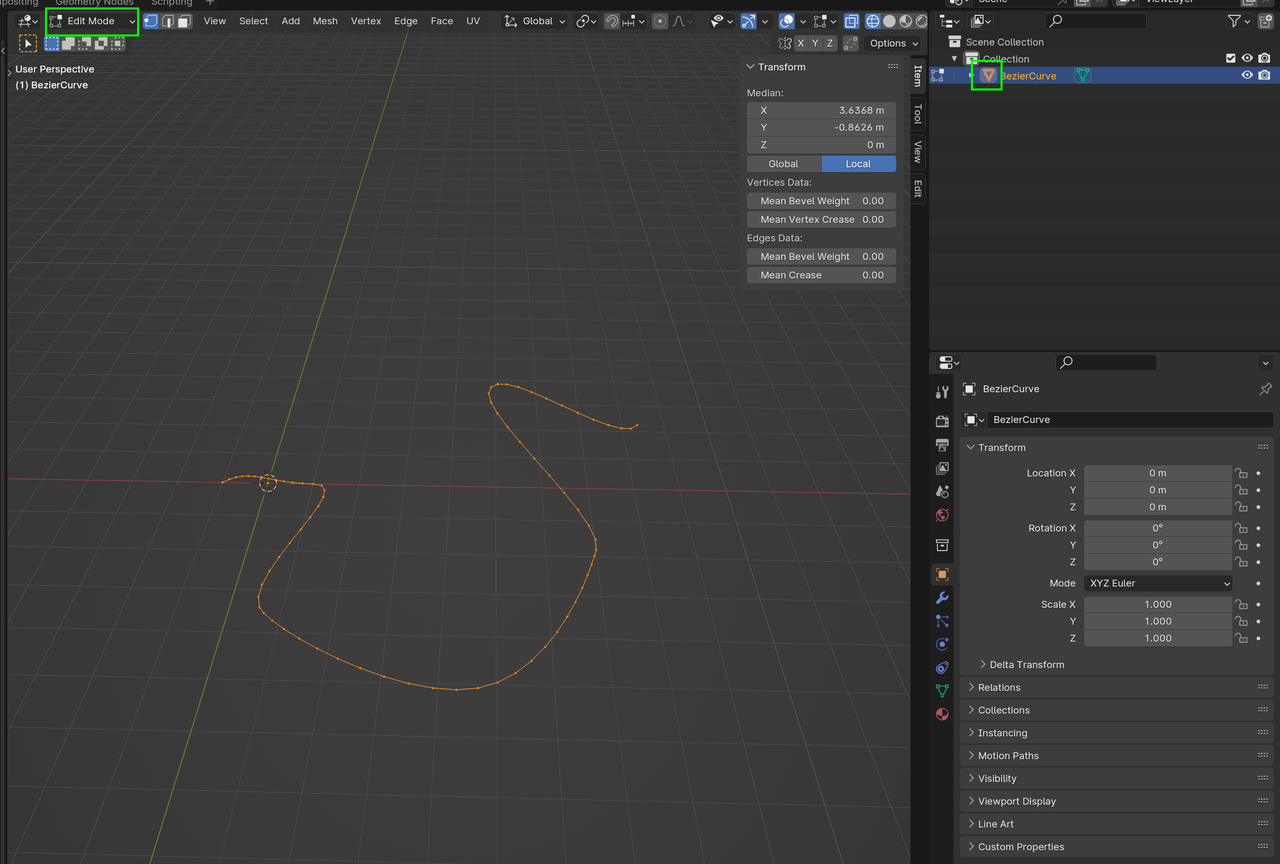
Object > Convert > Mesh and switch to Edit Mode and Select All the Vertices (this is necessary, because they are irregularly distributed and we want to fix that):
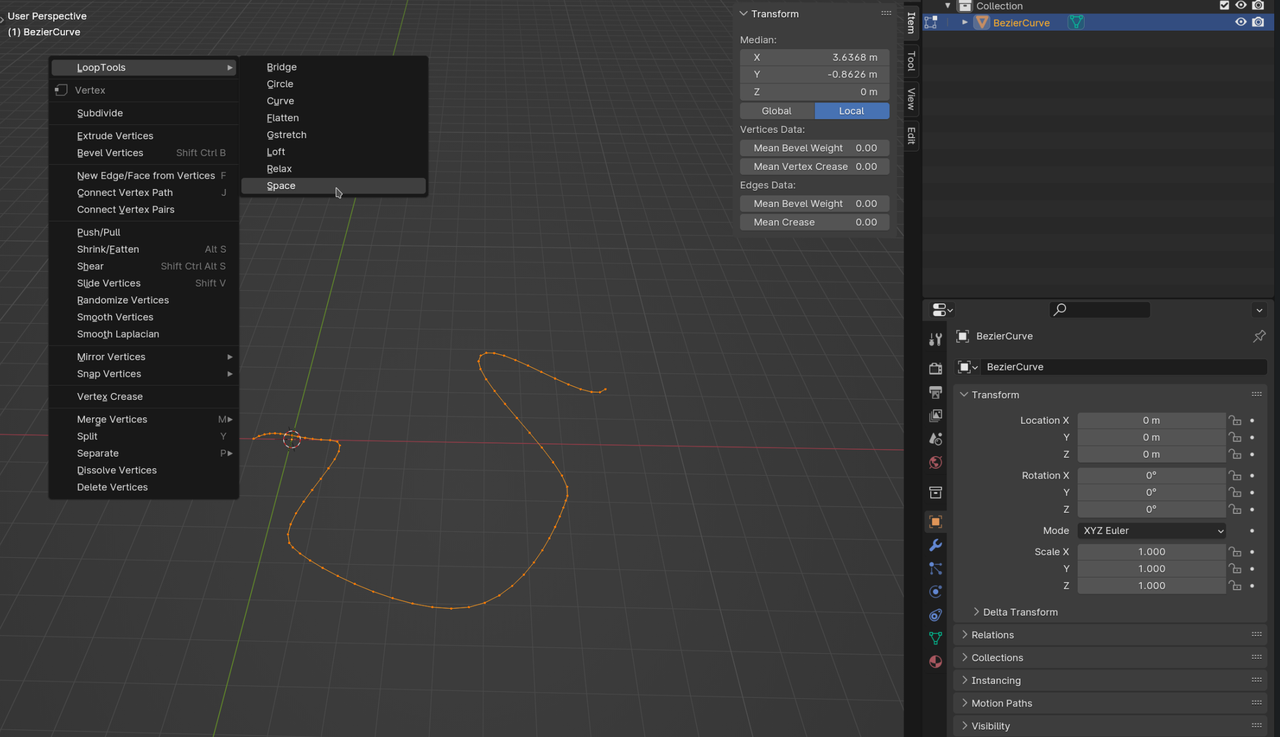
Enable the Loop Tools Addon, that comes with Blender and select Space:
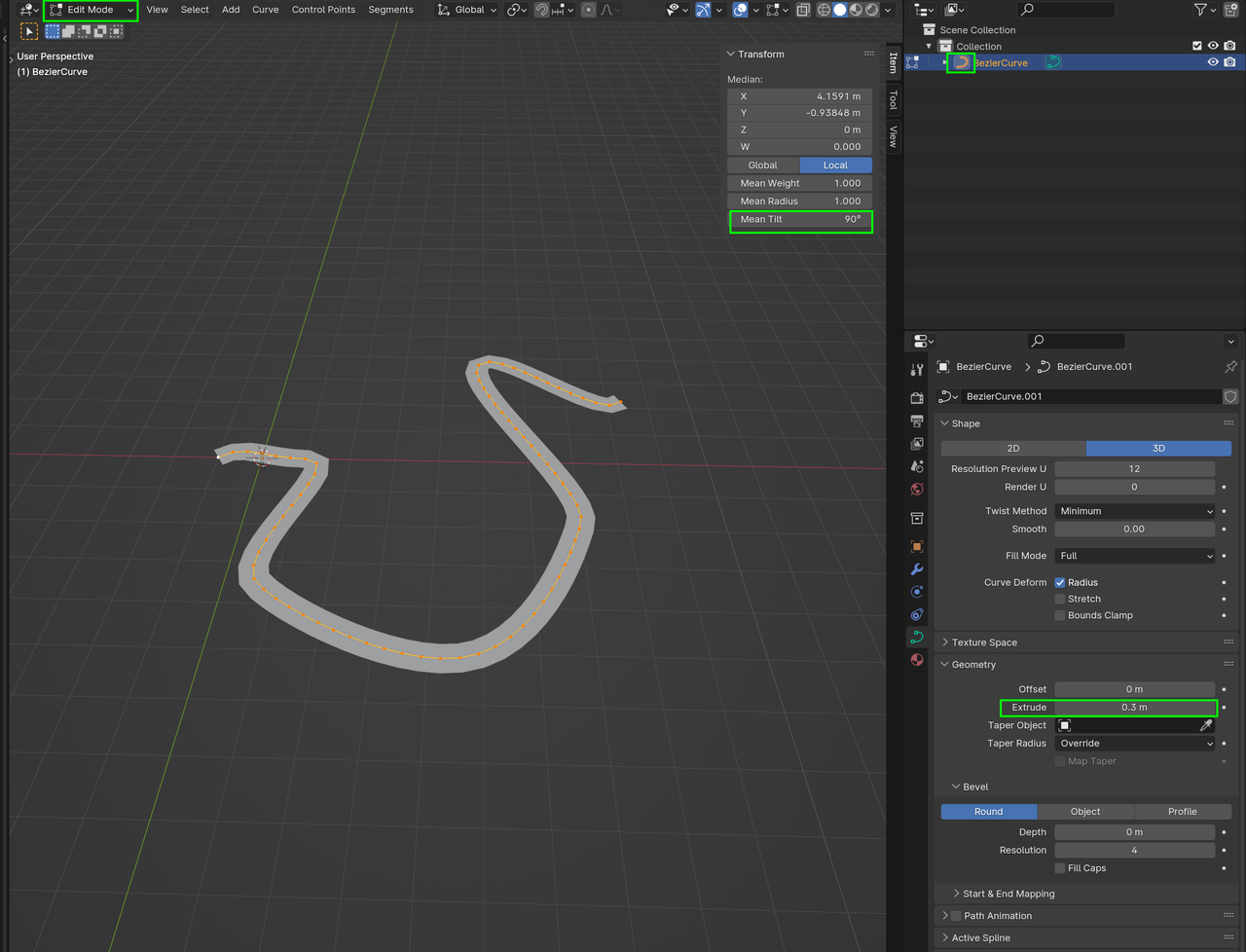
Convert the Mesh back to a Curve and in Edit Mode change the Tilt and then Extrude:
Make a Material, something like this:
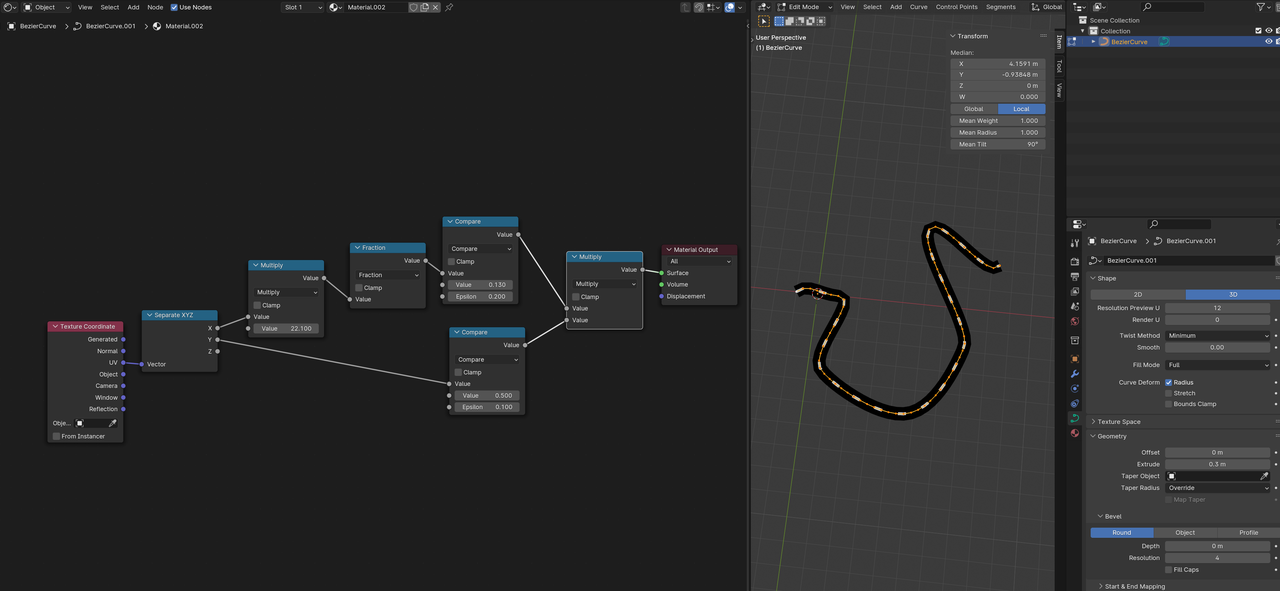
This is not the only way of course, Geometry Nodes could also be used, but it’s a, I think, solid and relatively easy to understand method…
You’ll probably need to Convert it back to a Mesh, in order to be able to Export it to a Game Engine, I suppose.

