
Reply To: BC1-1908 Homework – Philip Rampa
Forum Archive › BC1-1908 Homework – Philip Rampa › Reply To: BC1-1908 Homework – Philip Rampa

WIP-Update for Week 2
I have unwrapped my objects as good as I could but it was very difficult and I am sure there would have been some better solutions. Although bevel makes many things look better, It is so confusing to place seems when there are so many edges. I cut the blade into 4 pieces because I had a problem with it when it was only two elements but after spending a few hours on painting, I think that was a mistake and it would have worked just fine if the blade was in two elements.
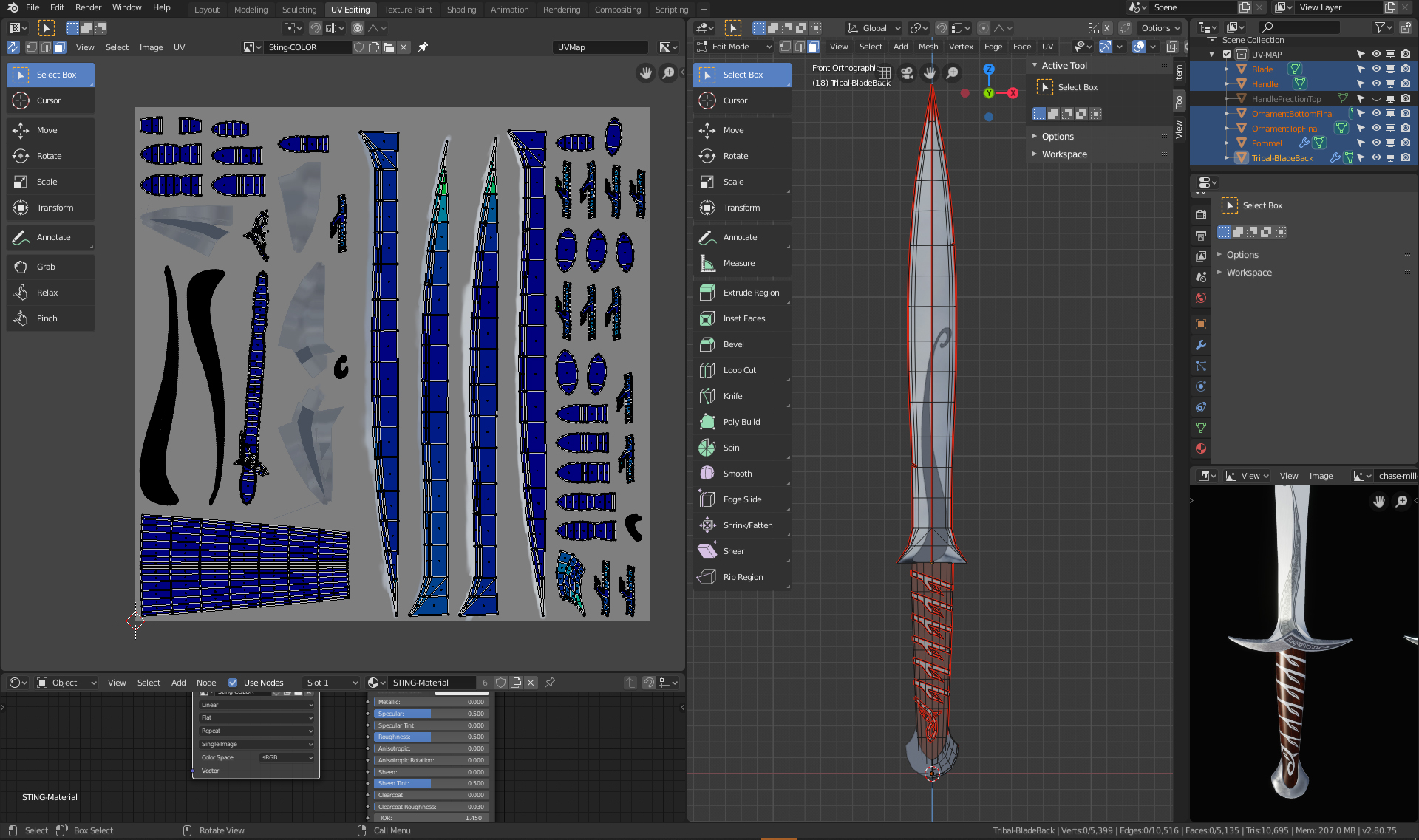
Once I got to the handle protection the problems got worse. I didn’t lay out the UV Map very well and it ended up having some issues with verticies and faces, so that when I painted the metal above the handle, the color turned up on more than one place. 🙁
I changed the seems but when I tried to unwrapp it again, the uv map were not laying on the correct places anymore and I would have lost all my previous painting work. After many tries I decided to unlink the material of my handle from the rest (Object > Relations > Make single user > Material) and created a second Material with a new texture only for my handle. This way I was able to keep the blade and work with a new uv map layout for the handle.
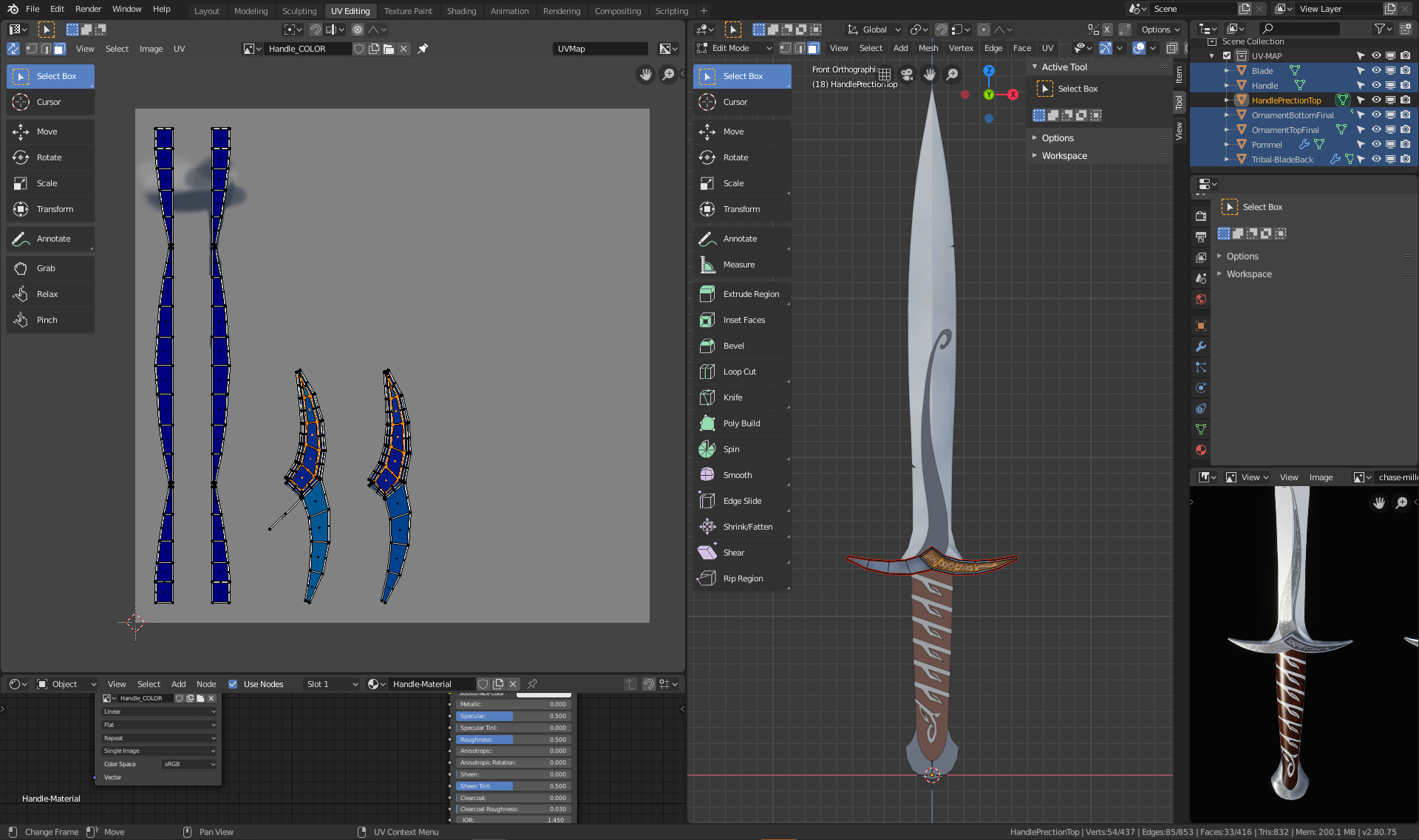
I don’t know if there would have been a way to place the uv maps exactly at the same place again but I was so glad I was able to keep the blade bc painting is taking me forever. 🙂
The UV unwrapping is very difficult and it seems almost impossible to get all blue on rounded elements … but maybe with more practice this also gets easier.