@aaltuvem
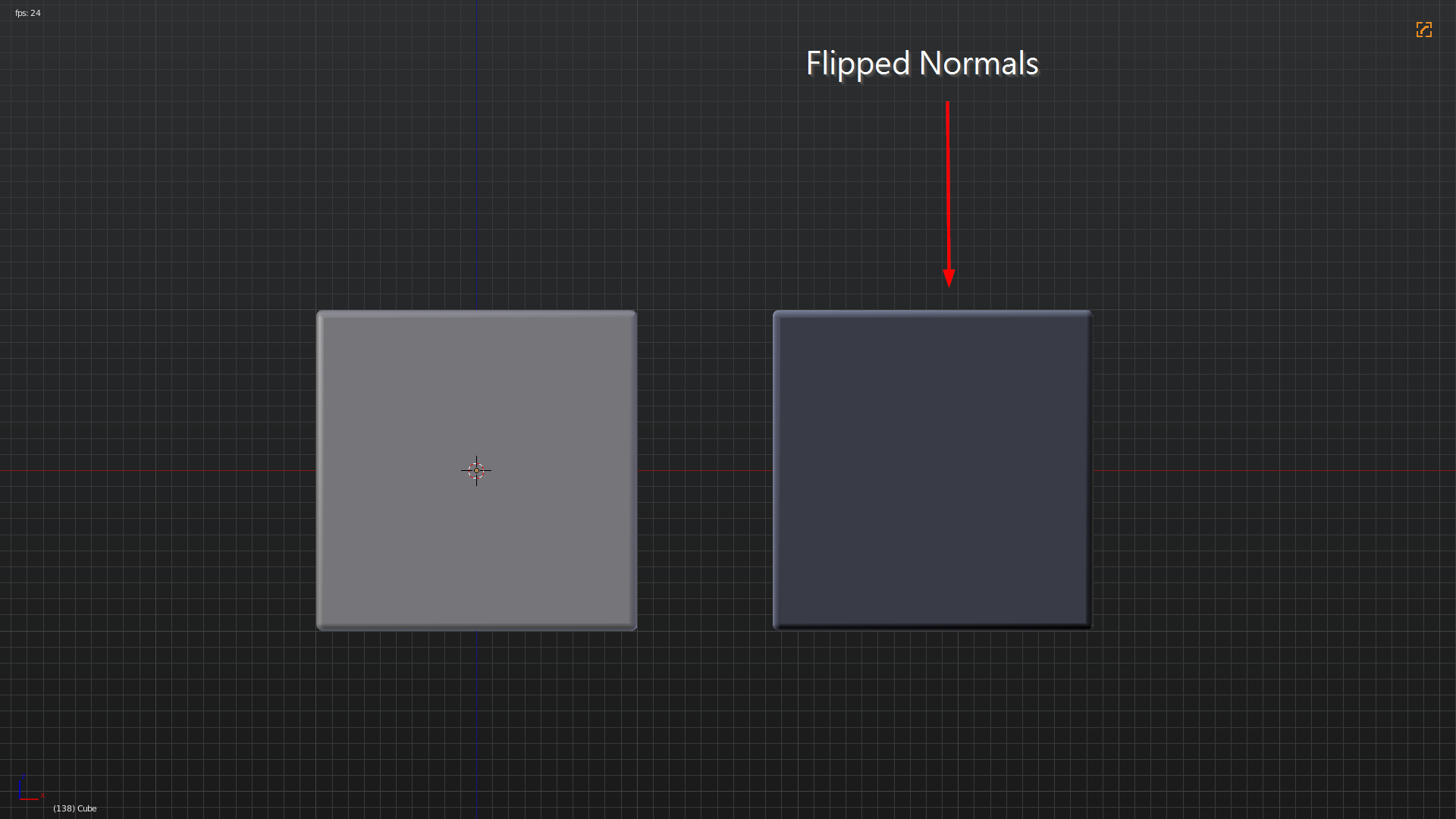
This is the same cube but as you can see the right one is darker. That’s because its normals are flipped..
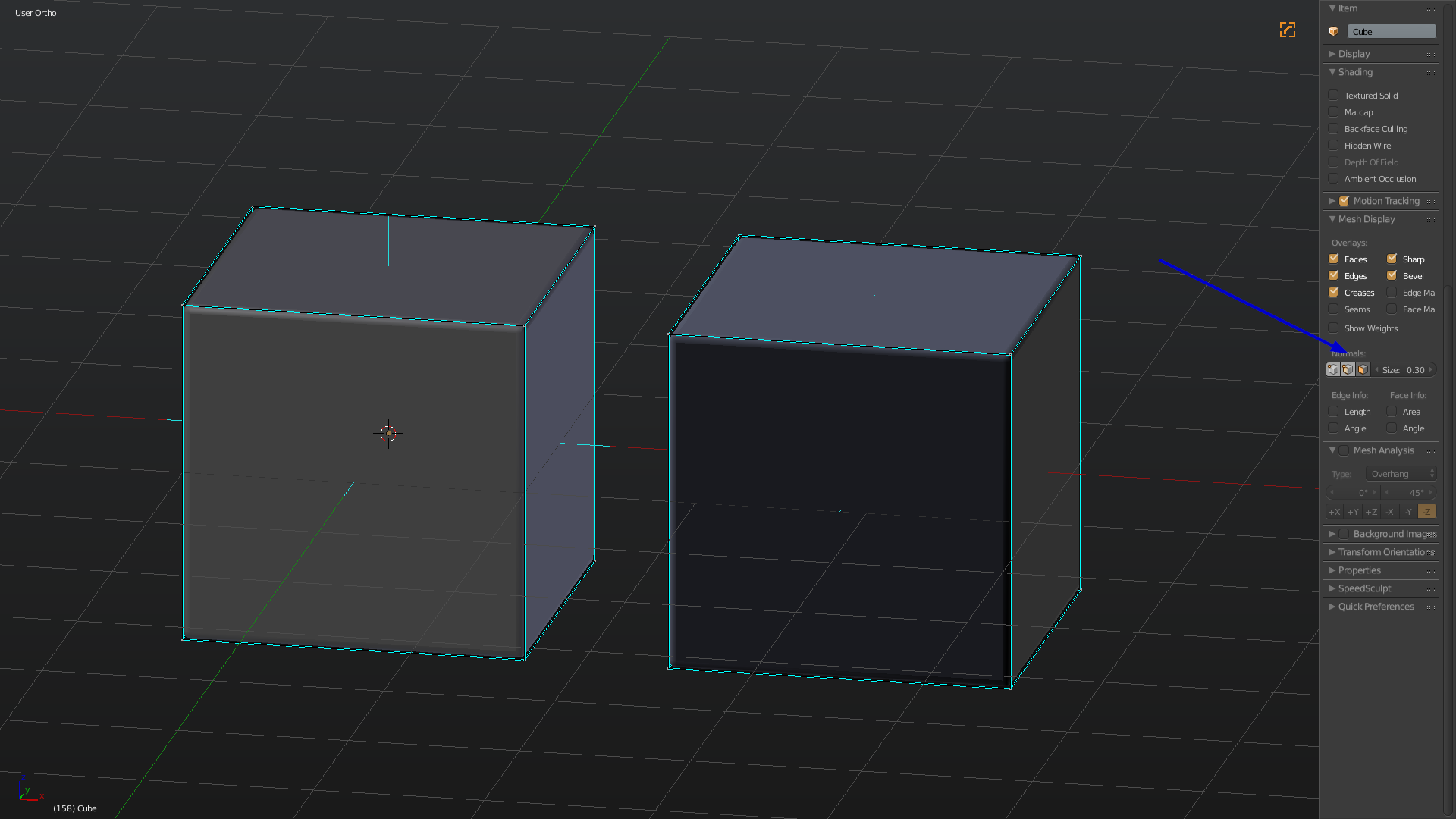
To see in which direction the normals are showing you can press that little face button in edit mode under Mesh Display.
To recalculate the normals select everything and press ctrl+N. You can also find that option in the T-toolbar under Shading/ UVs (in 2.79). Hope this helps. Btw very cool headphones! Good job! 🙂

