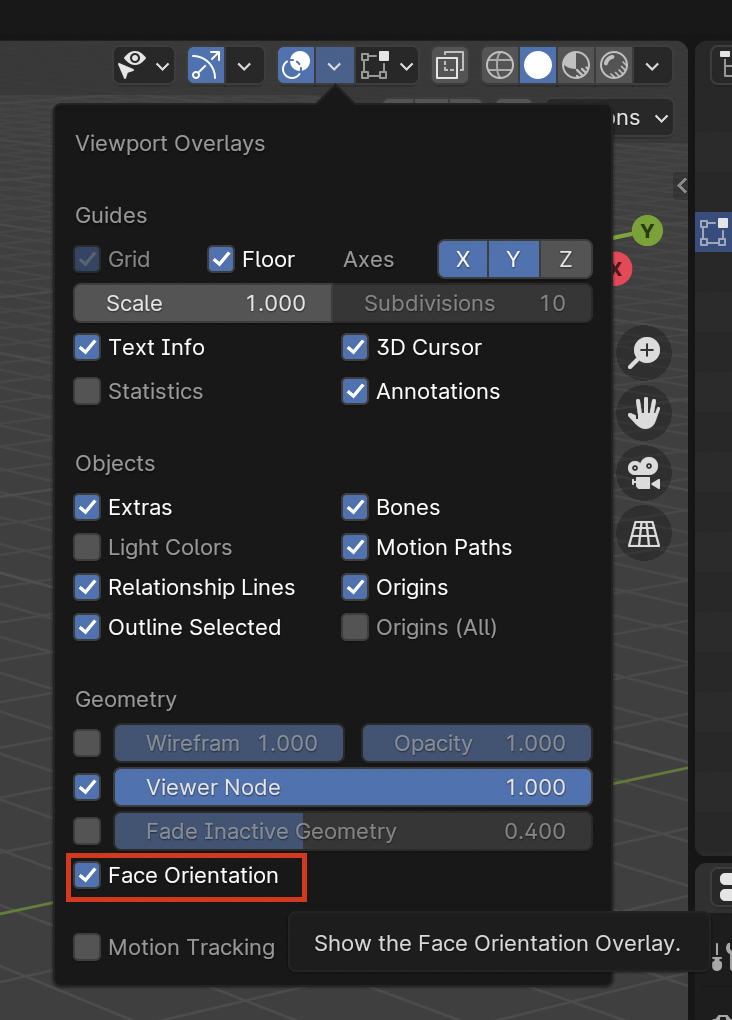
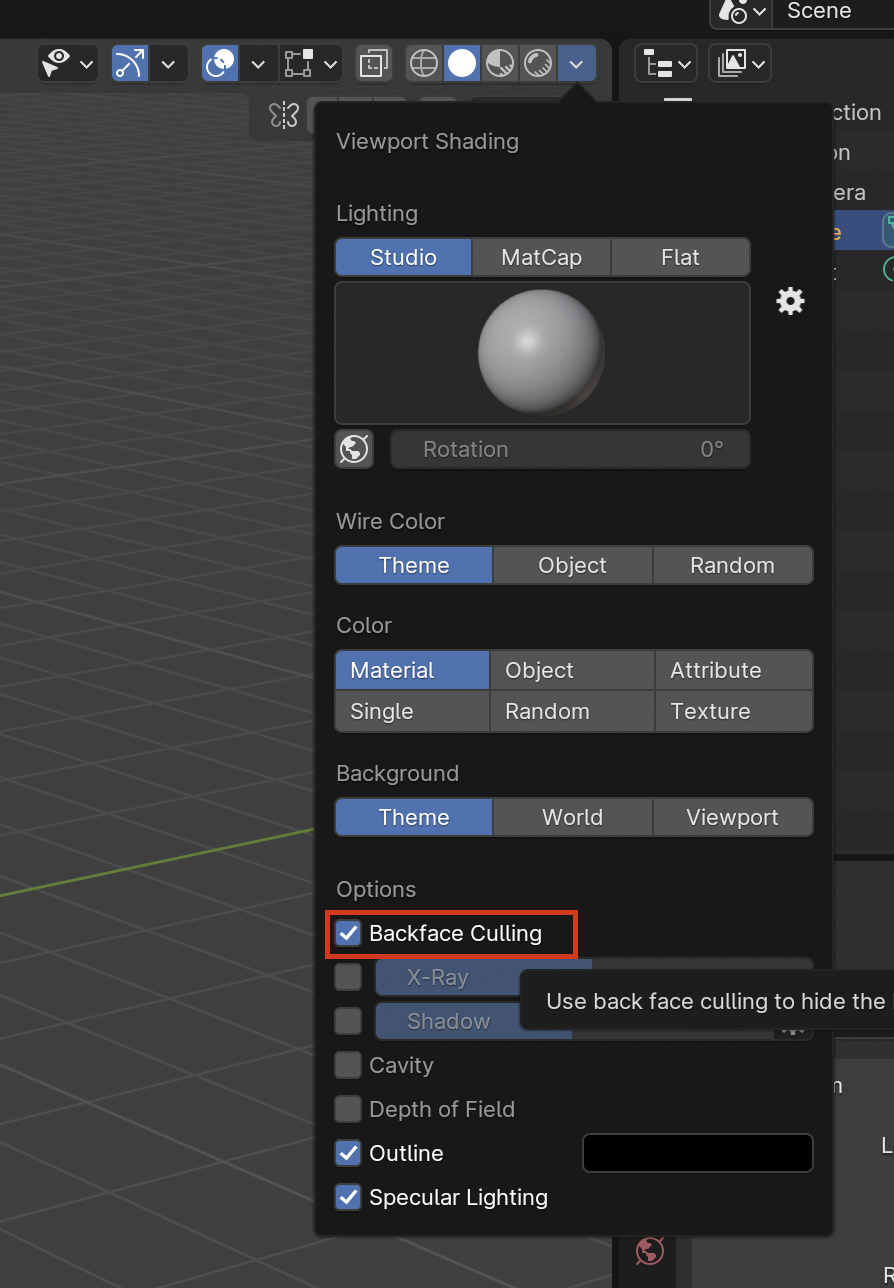
Yeah the file has backface culling enabled so if you have an object that is thin and you can see its back faces, they will show up transparent, unless you disable backface culling. And if your whole object has the normals flipped, then it will be all weird looking.
You can turn on or off face culling here:
And see if your normals are flipped with the face orientation, it should all be blue, no red. If it’s red and backface culling is On, they will show transparent.