1. I think it is more of a refining / quality thing. It is easier to correct a mesh or add something later on if you work on a group of objects and keep it simple.
2.How to make a cylinder out of a cube? Usually, there are many ways to create an object in Blender. I’d go that way:
a) Basic scene -> Select Cube, Tab into Edit Mode / Ctrl-R to add geometry:
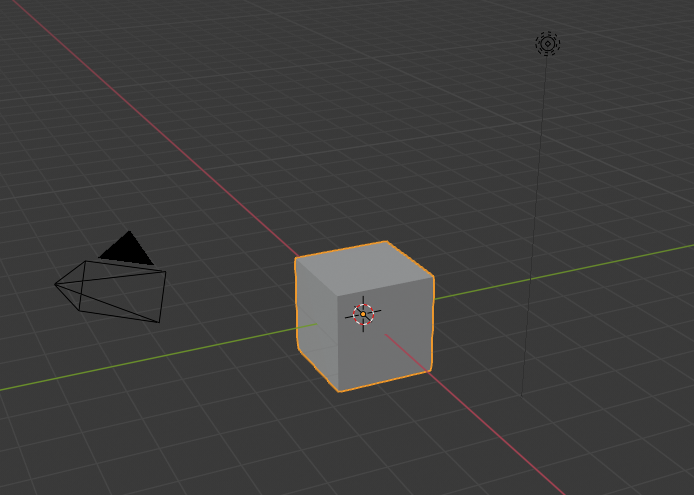
b) Scale edges (do not forget to press Shift-Z to cancel Z-axis scaling, you need that to keep it flat):
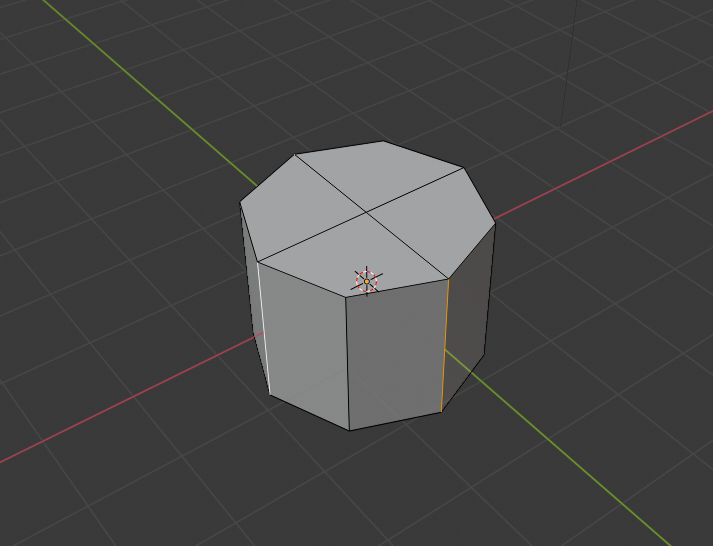
c) Use Sub-Surf to refine the form (Add Modifier/Sub Surf), then add two more edge-loops to support top/bottom rims:
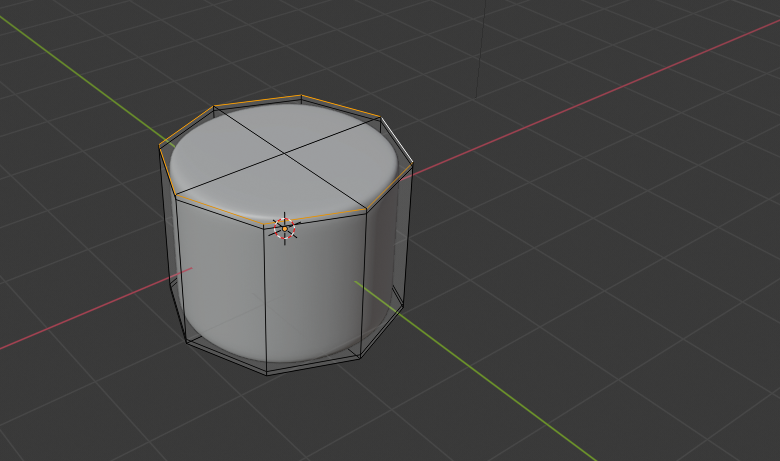
e) Then remove that central vertex (both top and bottom), fill the gap, press “I” to Inset faces. Just like that:
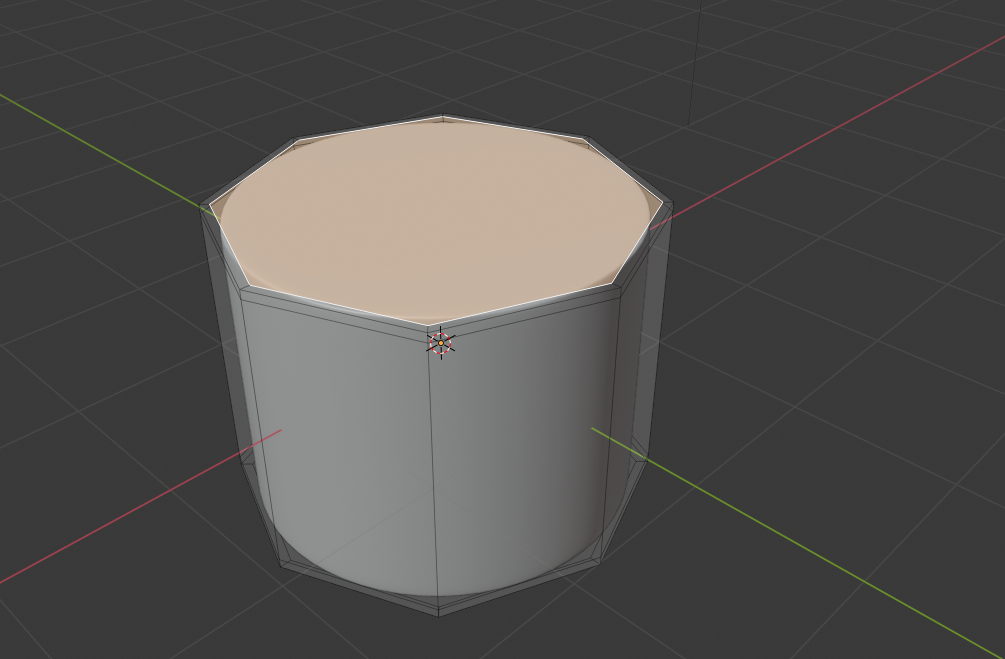
d) You can also remove that n-gone faces and replace them with quads (use Grid-fill option).
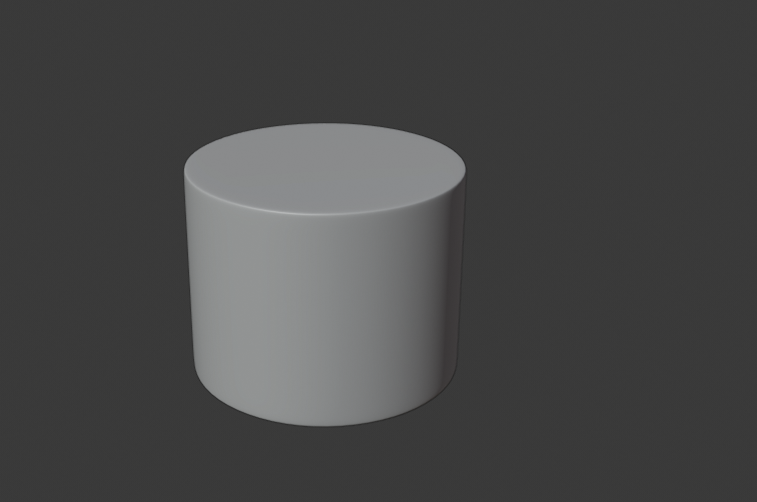
3. There are two ways basically. Add more geometry then Smooth it (Object / Shade Smooth). Use modifiers.
I’d go modifiers to keep the original form as simple as possible.

