@waylow Lol proxified.
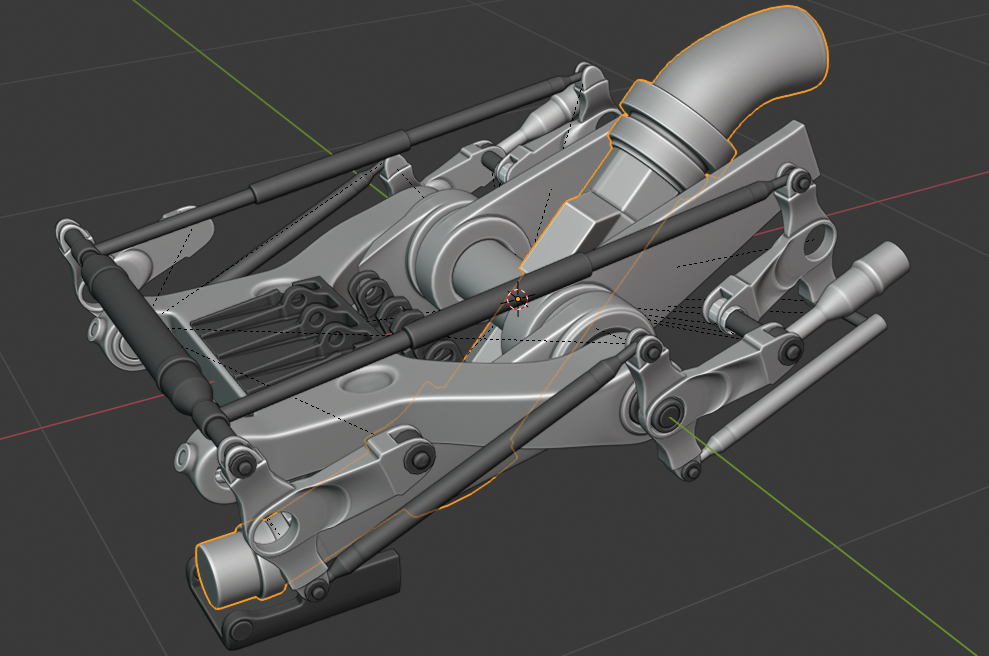
Something is driving me crazy and it’s that orange glow of selection that goes through objects. I can’t find were to turn that off. I know I can toggle off “Outline Selected” but that is not it. I would like the selection not to phase through objects. Also the super thick orange stroke is making me hungry for some reason. Please tell me there’s a way to change this.