So I am trying out eevee to render some effects that will be added to an image in Photoshop.
Below you can see the viewport render that has a black plane behind it , this is what I am looking for but with transparency rather than black.

If I delete the black plane and enable “transparent” in the film settings of the render properties. I get exactly what I want in the viewport render :
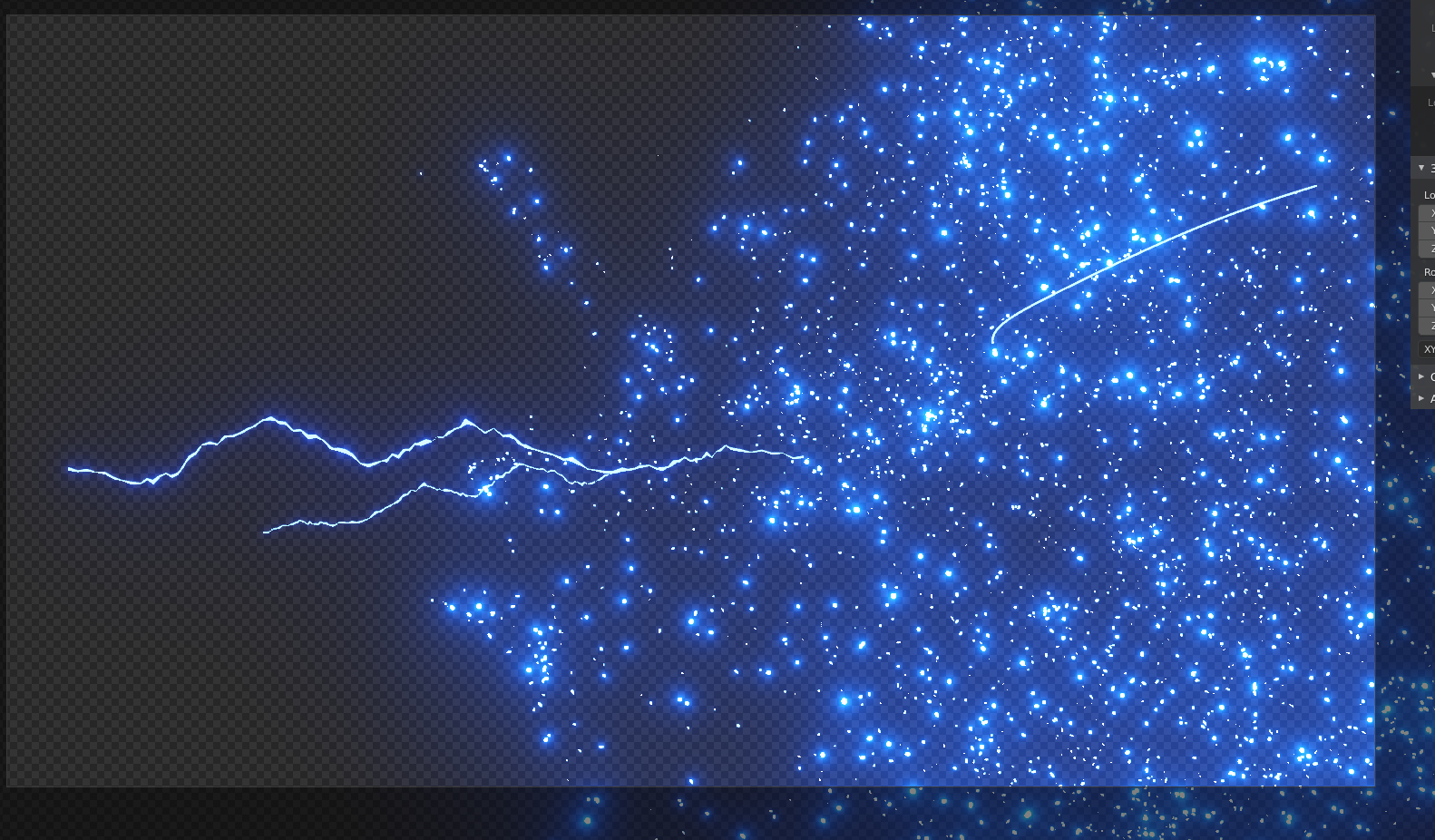
However , when I render out the actual image , I get this :
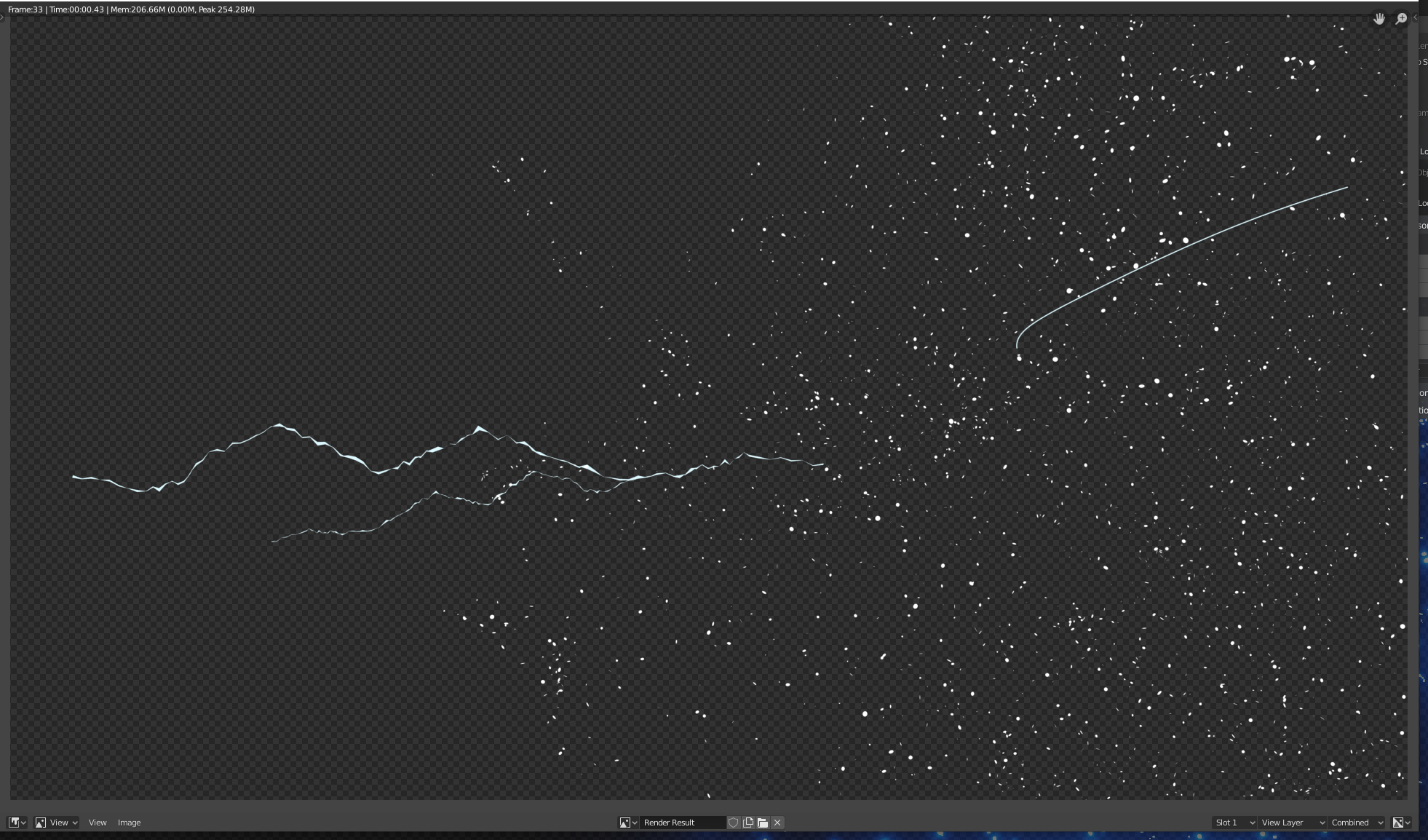
I can only assume this is down to there not being any black in the scene to show the lighting or glare , or perhaps I have something wrong in the render settings?
Can anybody help out please?
Thanks in advance

