Vehicle Texturing/Shading with Blender

Forum Archive Vehicle Texturing/Shading with Blender

Viewing 15 posts - 1 through 15 (of 33 total)
  • Author
    Posts
  • #9848
    Bauke Post
    Participant

      This thread is meant for people who partipated in the June vehicle modeling class by @theluthier. You can post your work and get feedback from each other!

      #37601
      Bauke Post
      Participant

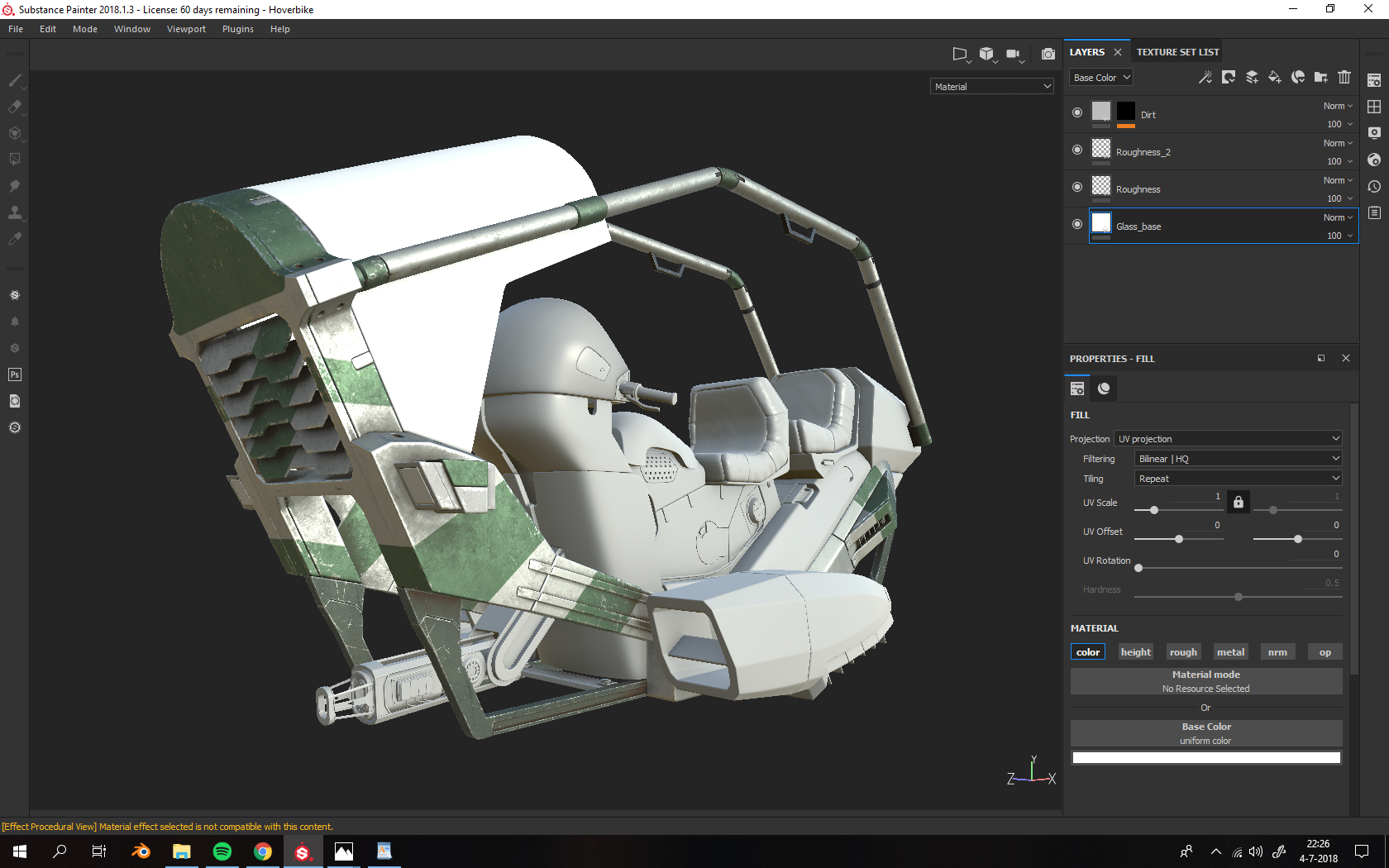
        This is what I’ve been up to lately: 

        Any ideas so far? 

        #37602
        Morten Fjellheim
        Participant

          @baukepost Can we see the wireframe?

          #37603
          Bauke Post
          Participant

            @arev My model won’t upload to sketchfab, but you can view an older version of the file here: https://sketchfab.com/models/ffbfd09b249b4388866f51d61b113b5e

            #37604
            Thibaut Bourbon
            Participant

              @baukepost Great initiative ! I think this thread can potentially be an incredible shading database in the future 🙂 Your hover bike looks great, I like your color choice too ! 

              #37605
              Bauke Post
              Participant

                @tbrbn Thanks, the colours are just stolen from the concept art :p.

                #37606
                Jonathan Lampel
                Participant

                  @baukepost Looks good so far, keep going! 

                  #37607
                  Bauke Post
                  Participant

                    @jlampel Thanks! I hope I’ll be able to finish it, since it crashes a lot :(. Apparently Painter doesn’t like 1,1 million polys and complex shaders.

                    #37608
                    Jonathan Lampel
                    Participant

                      @baukepost Holy cow, that’s a lot! Can you paint with reduced levels of subsurf? With those sharp edges, I don’t think stretching will be much of an issue. 

                      #37609
                      Bauke Post
                      Participant

                        @jlampel You’re probably right, what do you think would be a good polycount to strive for? Something like subsurf level one on all of those sharp machined objects and a little more on the sculpted seats? It would indeed be nice to texture with a little bit less subsurf and later apply it to the high-res model.

                        #37610
                        Jonathan Lampel
                        Participant

                          @baukepost I don’t think I can give a number by eyeballing it, but I wouldn’t go higher than 2 levels of subsurf for any one piece if having the modifier significantly changes the edges, or any higher than 1 level if you’re already beveling the edges before subdividing. 

                          #37611
                          Bauke Post
                          Participant

                            I reduced my polycount to 450k, let’s hope this works!

                            #37612
                            Bauke Post
                            Participant

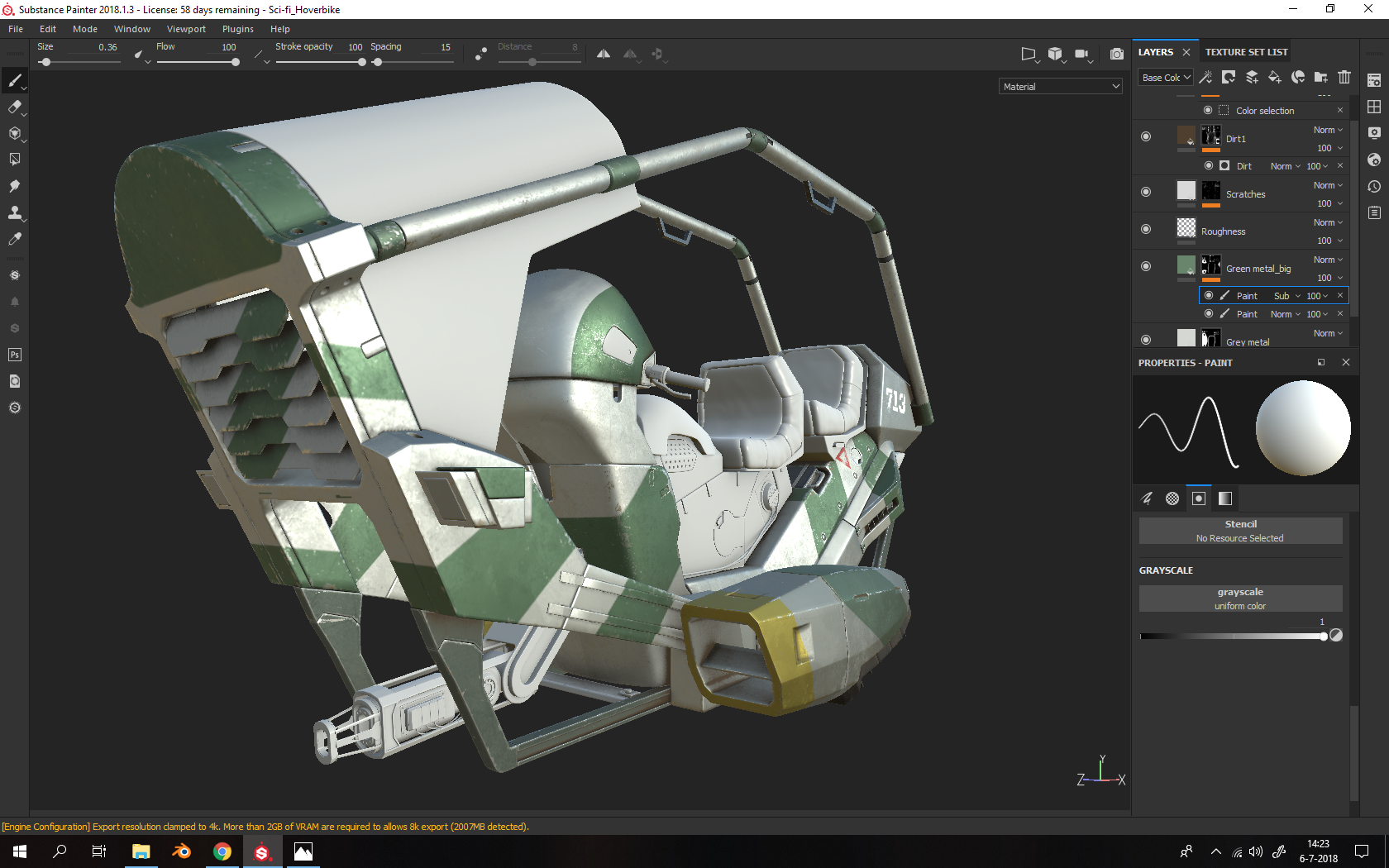
                              WIP day 2-ish:

                              After a lot of optimization and starting over a few times I can finally work properly in Painter. Please don’t hesitate to tell me what you think :).

                              #37613
                              William Miller
                              Participant

                                @baukepost Have you projected the Substance logo on to your model?

                                #37614
                                Bauke Post
                                Participant

                                  @williamatics Nope, should I have?

                                Viewing 15 posts - 1 through 15 (of 33 total)
                                • The topic ‘Vehicle Texturing/Shading with Blender’ is closed to new replies.