
Reply To: Fusion to Blender Workflow and copying materials
Forum Archive › Fusion to Blender Workflow and copying materials › Reply To: Fusion to Blender Workflow and copying materials

HI Hi!
Hope everyone’s having a good Thursday, it’s Friday eve!
Martin, I suppose the geometry in this model isn’t too messy. When I get the files, they are always solidwork files. Hence why I use Fusion 360 to export the file as an OBJ so I may import it to blender. This model’s mesh is pretty good, some solidwork files I get…the mesh is a mess haha
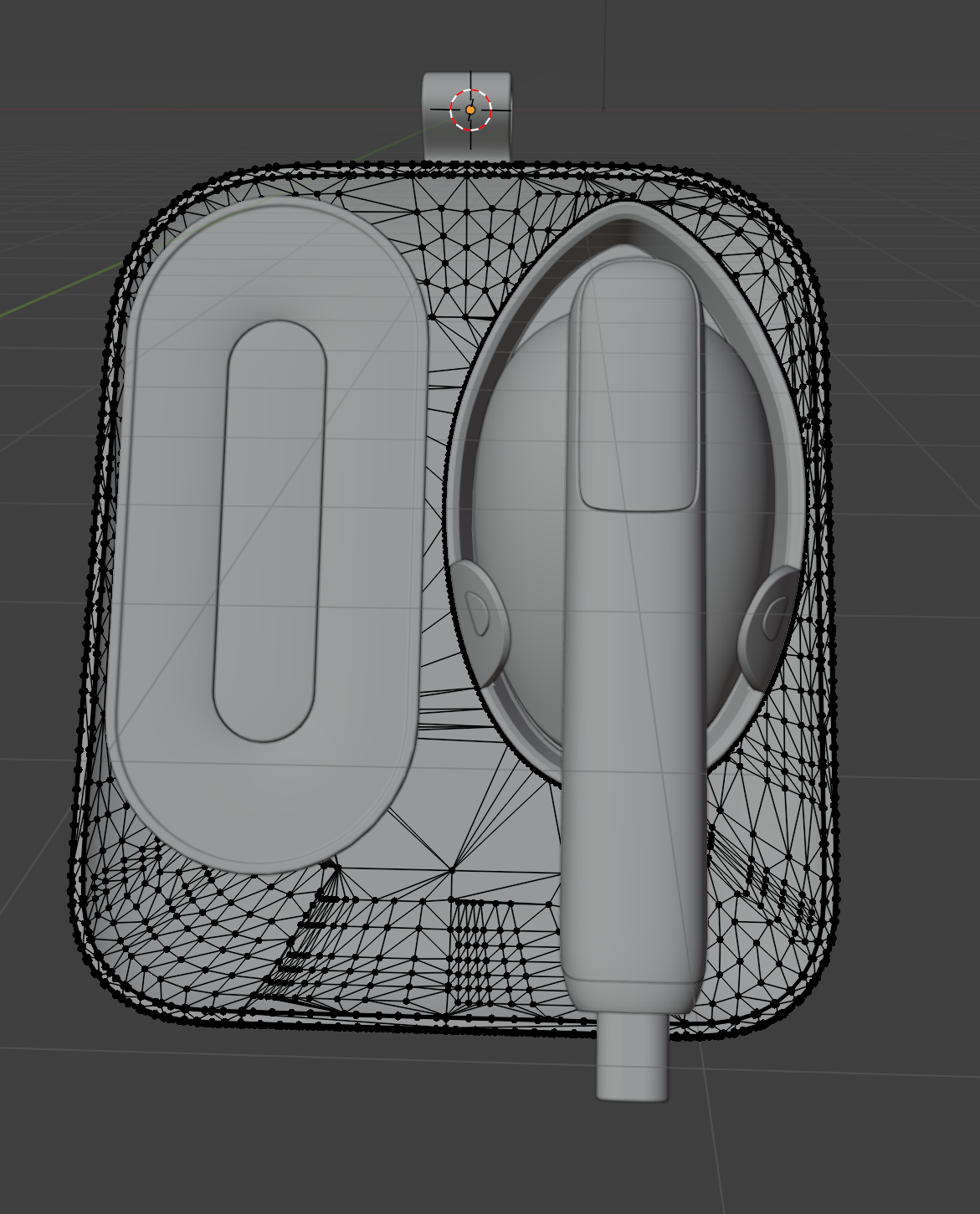
But I only assign materials to the different parts in Fusion so that I can separate by materials in Blender. When I assign materials in fusion, I simply assign everything as plastic and change the color, so that parts I want together as one part will all be the same color. For example, if I do not assign materials in fusion, it will import into blender as all on piece like this.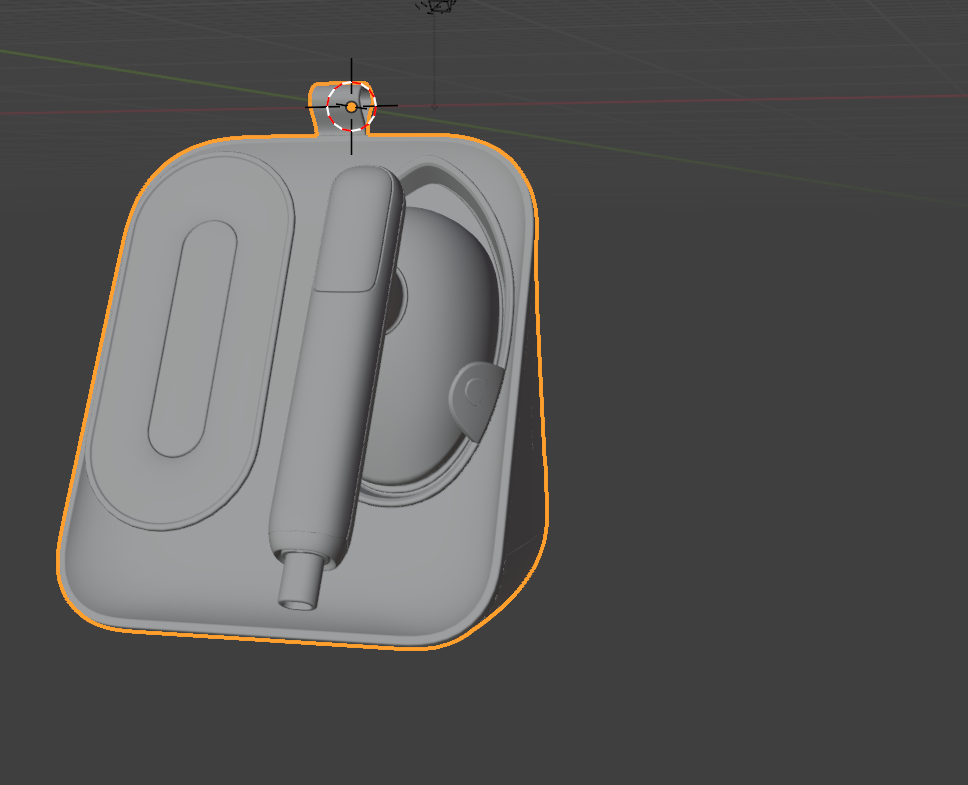
It would be a nightmare to try and select all the mesh and separate all the different parts out by selection on this thing
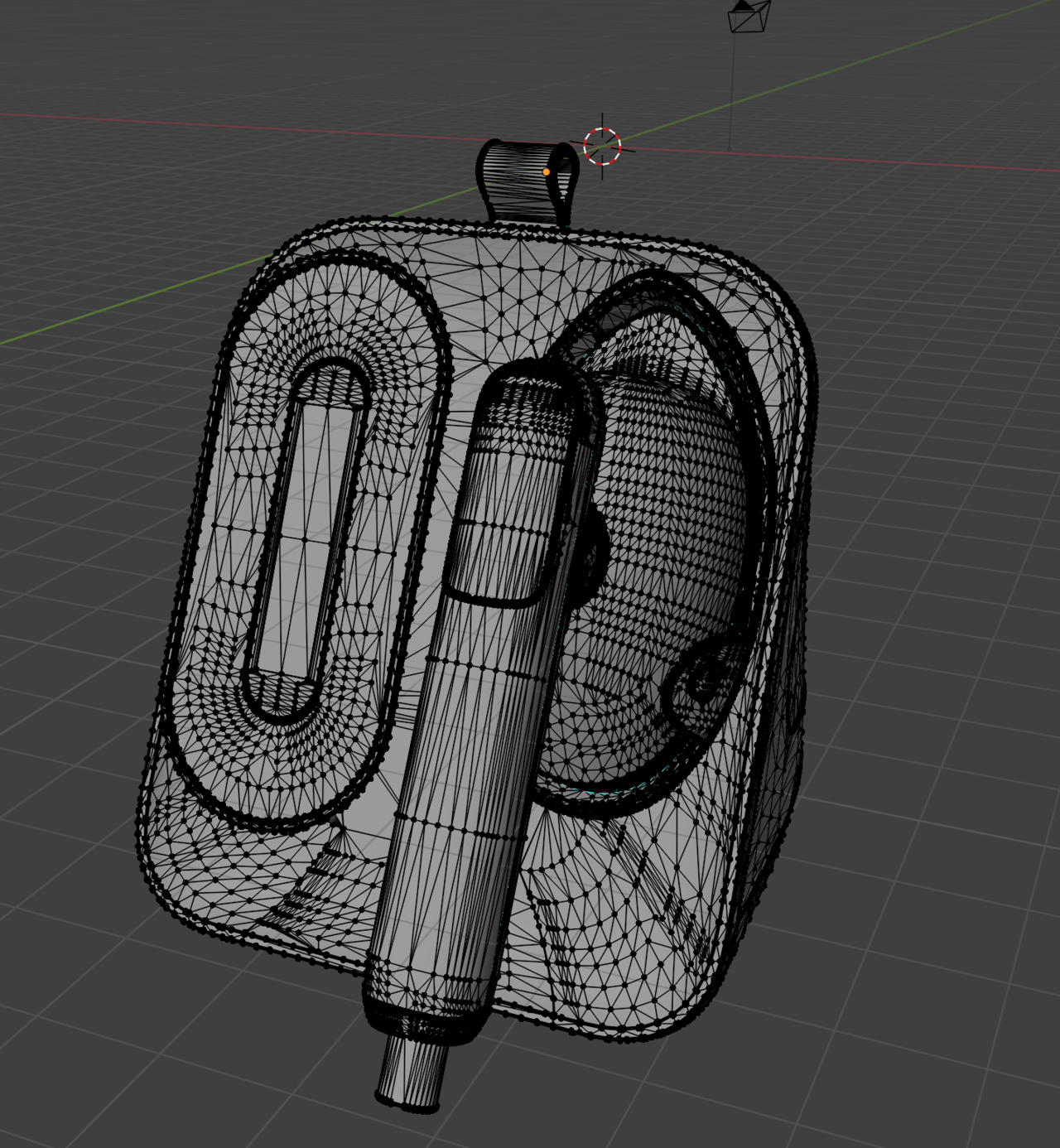
I could separate by loose parts, but sometimes it separates things into too many little pieces. I could join them together in blender but that still takes a little more time then me assigning materials in Fusion and then separating them by material in blender.
Grady, thanks for that note! I actually forgot I can assign materials without them being separate parts….that actually will help me with what Ive been struggling with! I don’t have to update my model to make the part I want 2 different materials. Thank you for that!
I do separate most things because I plan to animate this thing, but your advice still solves my problem.
thehomme, This is a garment iron and steamer hat sits on the counter top. I did not make this model, just rendering it and animating it in blender for a project 🙂