
Seeking beta testers for new add-on (SplineSculpt)
Forum Archive › Seeking beta testers for new add-on (SplineSculpt)
- This topic has 21 replies, 3 voices, and was last updated 8 years, 8 months ago by
status451_cg.
-
AuthorPosts
-
December 15, 2017 at 3:51 pm #9355
Hi
I am hoping that some of you in the CG Cookie community might be interested in helping to beta test a new add-on (my first add-on, actually).
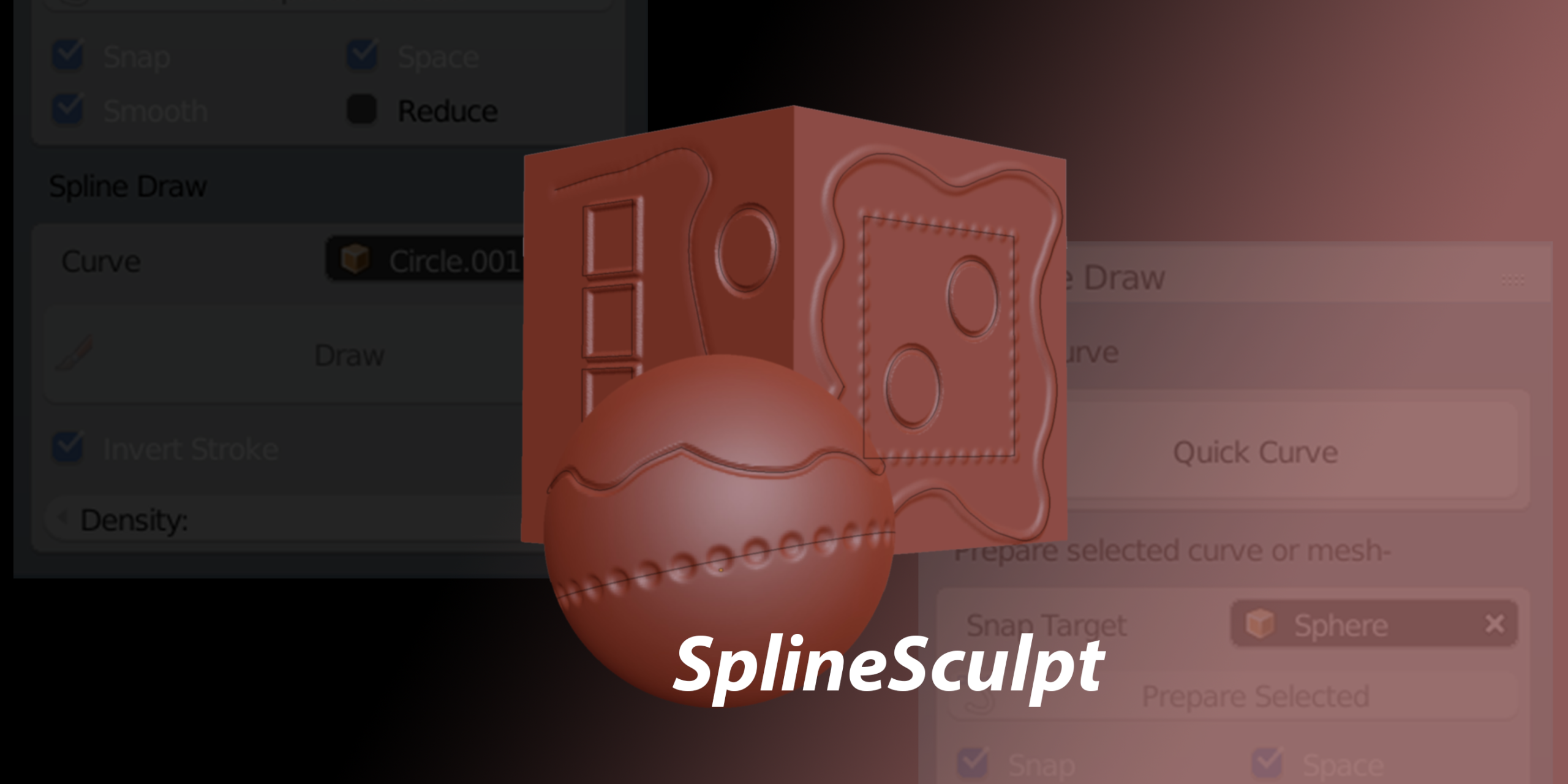
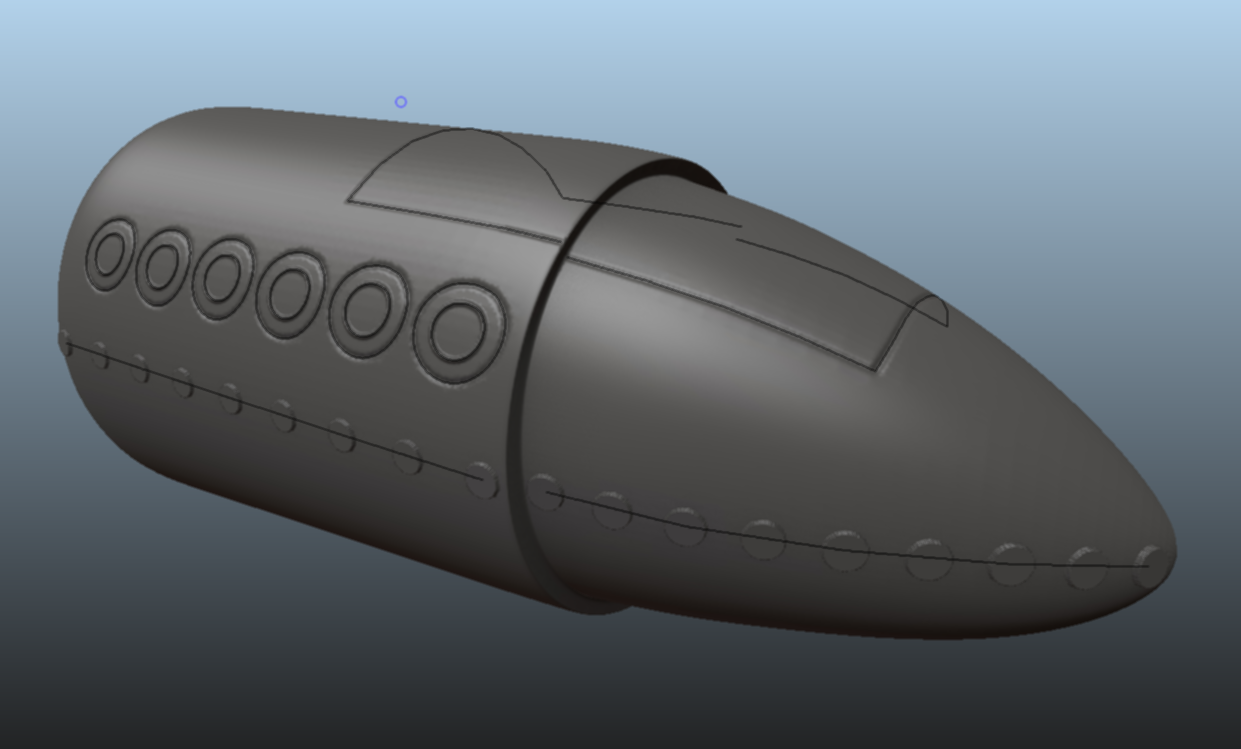
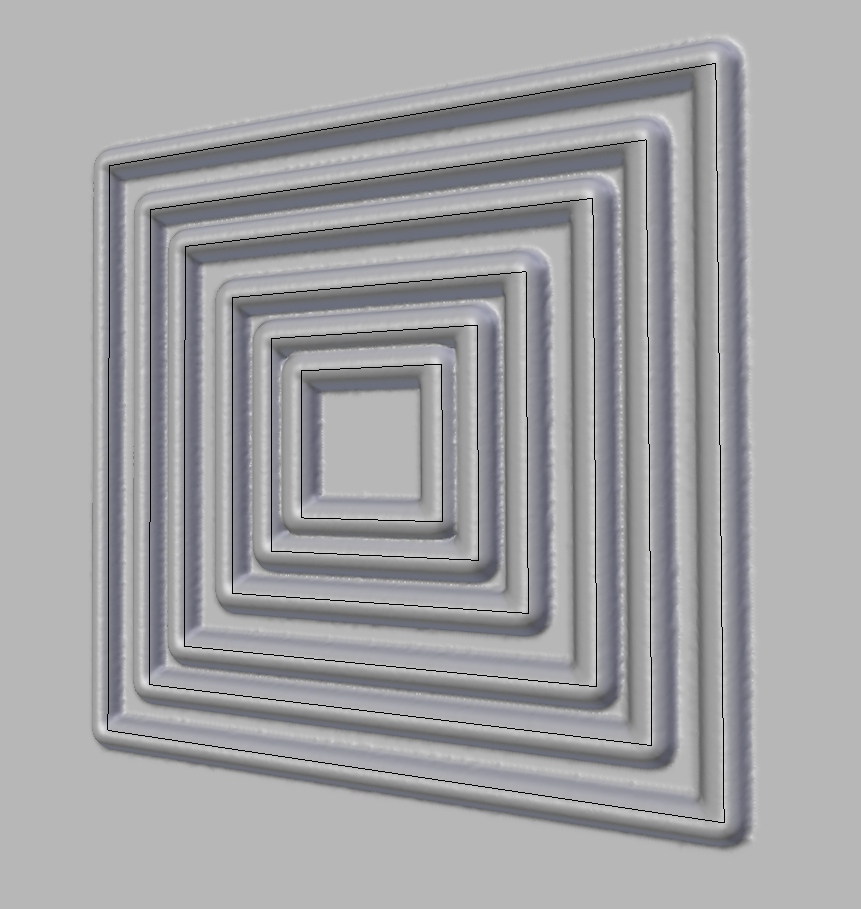
For better or worse, I’m calling the add-on “SplineSculpt“. In a nutshell, it allows you to draw along a 3D curve in sculpt mode. This is functionality I’ve personally been wanting for a long while, so I thought I would get off my a*se and try and do it myself 🙂
When I say beta tester, you will have to appreciate that I am not a professional software developer (I am not even a professional 3D artist). As such, you will need to be patient with me. I have no particular programme of testing for people to follow, but rather I would like people to just play around with the add-on. I am interested in what you like, what you don’t like and (perhaps most importantly) what was and was not useful. Also (obviously) any bugs you encountered (likely to be numerous).
Eventually, this add-on will be on the Blender Market, however, until then, I have put some (very) draft documentation up here. Needless to say, everyone involved in beta testing will get a free copy on proper release.
If you might be interested, please post below. If there is interest, I will get up some method of contact (I kind of assumed CG Cookie had a direct messaging feature, but apparently it … doesn’t…?). I’d be interested in hearing from all levels of Blender user, but ideally you will have some experience with the sculpting tools.
I’m probably looking for… 3/4 people…? (see above re: no idea what I am doing).
Many thanks!
 December 16, 2017 at 11:24 am #32926
@lewis2e Ooo very cool! I’m going to test this on Monday. My desktop stopped booting yesterday so I gotta get that worked out first 😑
December 17, 2017 at 12:03 pm #32927Thanks @theluthier. I would love to get your feedback, as well as feedback from anyone else in the CG Cookie community.
Download is now available here: http://www.toohey.co.uk/SplineSculpt_BETA2.zip
December 17, 2017 at 12:38 pm #32928“Your first option is to use SplineSculpt’s Quick Curve function. Simply hit the button and then left click to create points.”
I clicked on the ‘Quick Curve’ button. A QuickCurve object appears in the outliner but when I left click nothing happens and the QuickCurve disappears in the outliner. Tried to do this in sculpture mode but after left clicking the viewport returns to object mode.
 December 17, 2017 at 1:15 pm #32929
Hi @dolores74
Firstly, thanks for trying out the add-on.
That’s a bit rubbish isn’t it? Bit of a fall at the first hurdle.
So, this is how it’s supposed to work:
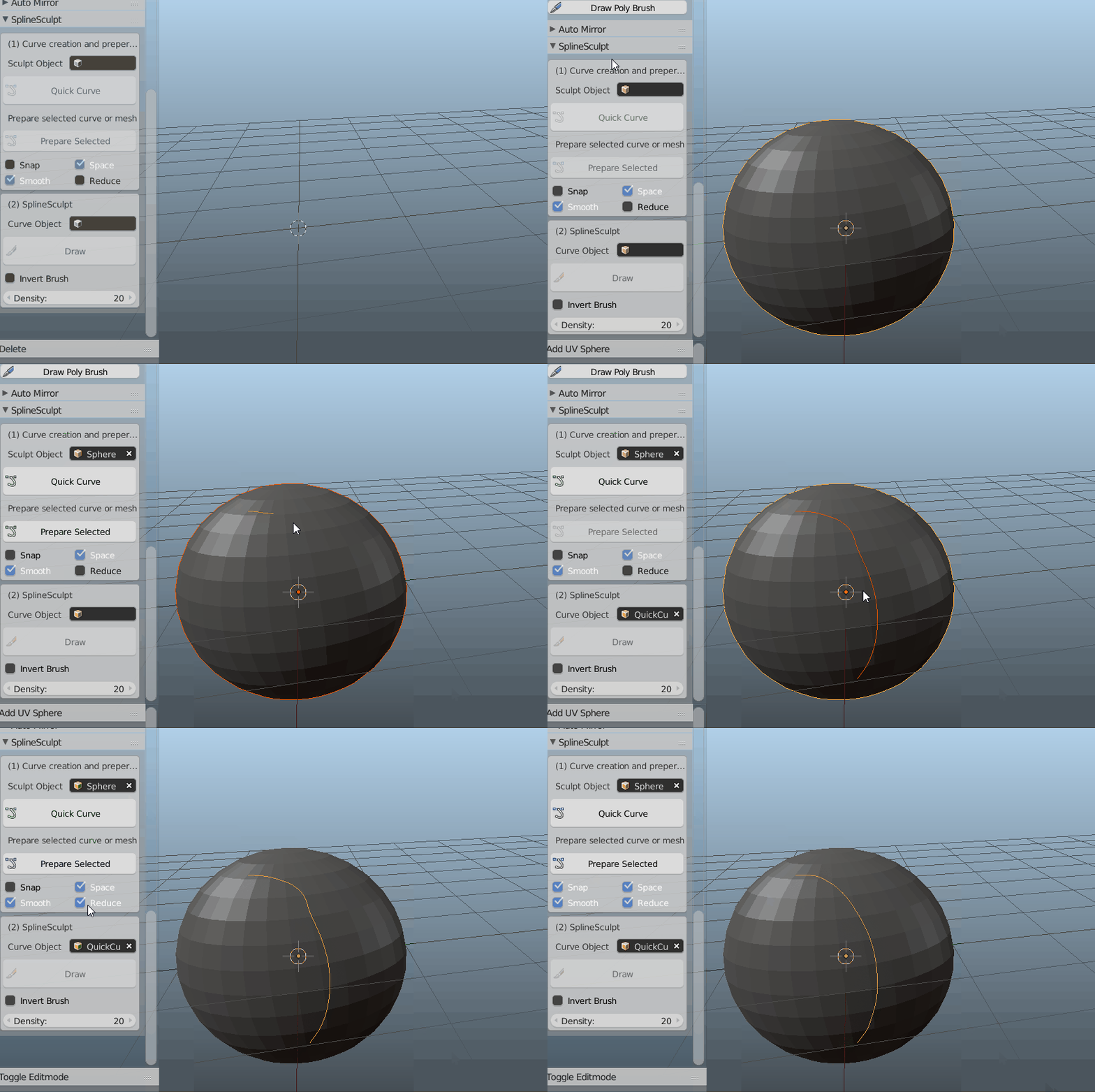
The next step is to work out what is going wrong for you.
I must admit, I am not sure at the moment. Let me have a think about what it might be and come back to you with some suggestions.
December 17, 2017 at 3:53 pm #32930It works this time. What I didn’t do at first, when I installed the add-on, was ‘Save Users Settings’ in ‘User Preferences’. I tried to duplicate it by, removing the add-on by deleting the .py file, but Blender does not remove the add-on just complains with ‘Missing file’. So I don’t know how to remove an add-on and start all over again and I couldn’t duplicate it to see if that must have been the case.
I also moved all other objects to their own layer and back, as you did, but also, I couldn’t duplicate the first problem. So I believe it must have been that I didn’t save the user preferences @ first.
But now I can’t get out of it. I pressed ‘Enter’ but nothings happens. Also tried clicking the RMB and then all disappears and back from square one, no ‘QuickCurve’ left. I also clicked ‘Prepare Selected’ So what is the secret, if I have finished adding points, to continue ?
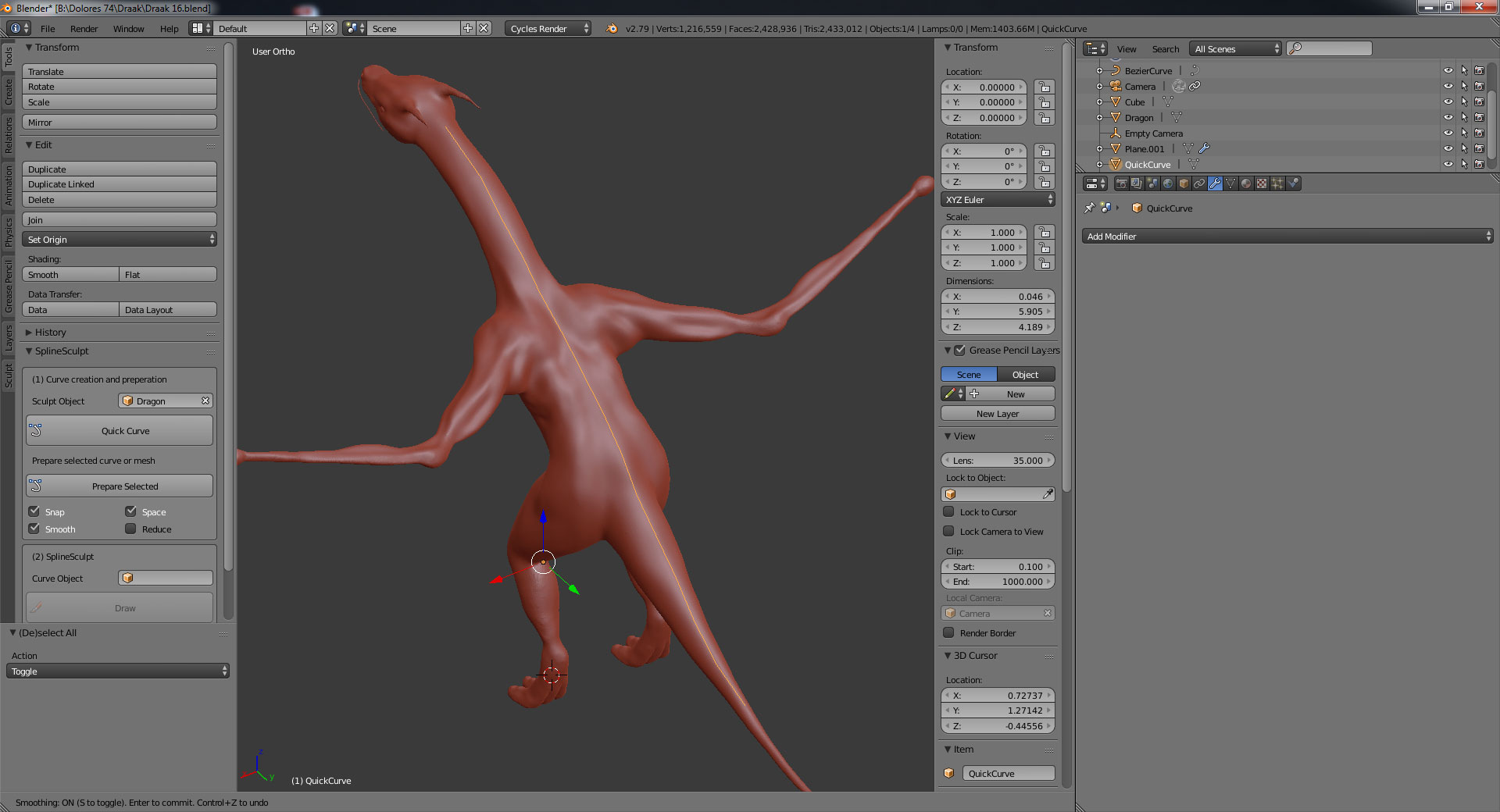
It would be nice to have an add-on I can generate stuff along a curve, and also, scale this stuff smaller closer to the end of the tail, its neck and bigger on its back. But maybe, that’s not the purpose of your add-on 🙂
Here’s my dragon.
December 17, 2017 at 4:09 pm #32931When adding points, everything else, except adding points in the viewport, is death. Clicking around everywhere I encountered this error message, doesn’t mean anything to me.
location: <unknown location>:-1
Traceback (most recent call last):
File “C:\Users\Gebruiker\AppData\Roaming\Blender Foundation\Blender\2.79\scripts\addons\SplineSculpt\__init__.py”, line 217, in modal
quickcurve.qcurve_addpoint(context, event, newcurveobj, bm, counter)
File “C:\Users\Gebruiker\AppData\Roaming\Blender Foundation\Blender\2.79\scripts\addons\SplineSculpt\quickcurve.py”, line 73, in qcurve_addpoint
bm.edges.new((bm.verts[counter], bm.verts[counter-1]))
IndexError: BMElemSeq[index]: index 14 out of rangeDecember 18, 2017 at 3:28 am #32932It would be nice to have an add-on I can generate stuff along a curve, and also, scale this stuff smaller closer to the end of the tail, its neck and bigger on its back. But maybe, that’s not the purpose of your add-on 🙂
So, you can do this (sort of, anyway), I have just failed to mention it in the documentation :-). It’s not ideal though, as the Blender API does not work as it should and I am therefore having to “fudge” this slightly.
You can set the radius of your curve points to decrease (not increase) the size of the stroke. A radius of 1.0 is 100% of your original brush size. A radius of 0.5 is 50% and so on down to 0%. As an example:

I am looking for a better way to deal with this, so it should be improved in future.
Here’s my dragon.
I can get everything to work OK with your dragon, are you still having issues with that? I tried to record a GIF but my laptop isn’t quite quick enough to do that with the high res model.
When adding points, everything else, except adding points in the viewport, is death. Clicking around everywhere I encountered this error message, doesn’t mean anything to me.
Yes, you are correct, this is just buggy at the moment. If you click outside the object it will screw up. I will make this better so that it handles the errors better.
December 18, 2017 at 3:48 am #32933OK, here is an example with the dragon despite my poor laptop struggling (my big computer is at home)
Hopefully this helps.
 December 18, 2017 at 6:27 am #32934
EDIT – I have made some updates to the QuickCurve function to do more error checking and hopefully make this workable. It’s not a permanent fix, but it should stop the error happening for now. Please re-download when you have a chance.
OK. I have implemented a much more sophisticated solution to the QuickCurve issue and updated the download link (BETA2).
This should now work as intended without hiding any objects. I see my error!
When adding points, everything else, except adding points in the viewport, is death. Clicking around everywhere I encountered this error message, doesn’t mean anything to me.
Should also now be fixed in latest download. Thanks.
December 18, 2017 at 1:12 pm #32935Eummm … SplineSculpt_BETA1.zip not found.
I live in Europe, CT +7 h and I also have a full time job to pay my bills.
December 18, 2017 at 1:45 pm #32936Yeah I updated the link in my original post above (see above the reply to Kent). I will update the website too – I forgot.
In short, it’s http://www.toohey.co.uk/SplineSculpt_BETA2.zip now. I took BETA1 down to avoid confusion.
I’m also in Europe, GMT and also with a job. But they can’t stop me using Blender over lunch 🙂
December 18, 2017 at 3:30 pm #32937Still done with version 1 and a curve I made myself.
Blender does not keep the texture in the center. It also does not do that when I sculpt. 🙁
I have version 2, I will try it tomorow.
What is your language btw ?
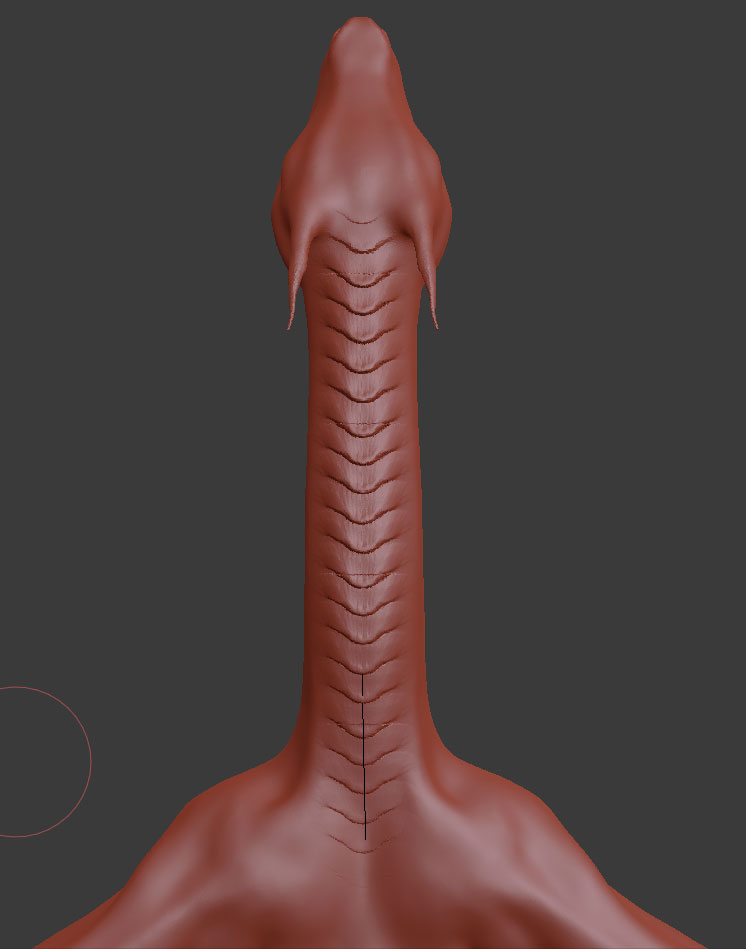
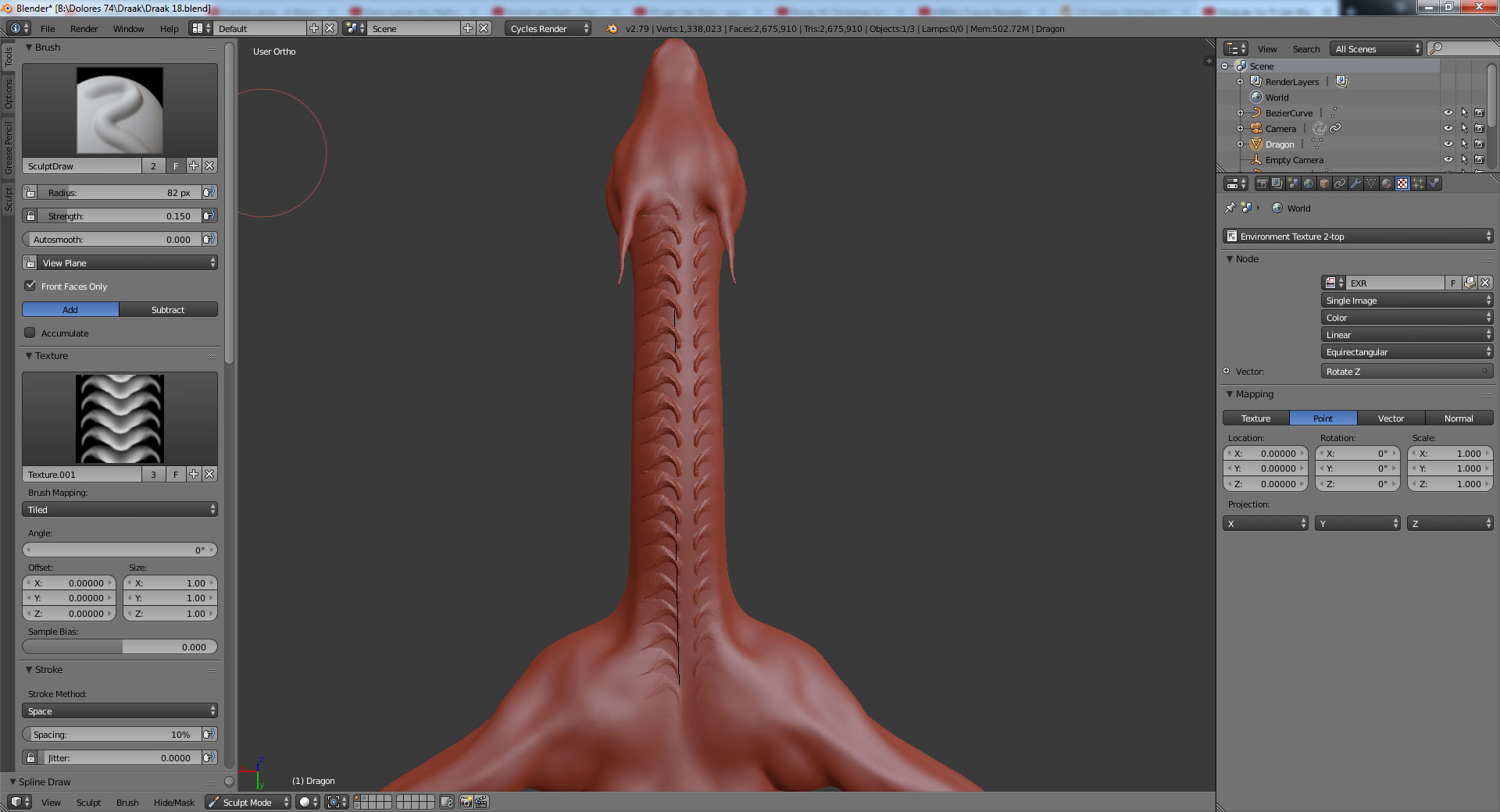 December 18, 2017 at 3:51 pm #32938
I found out that it all depends on the size of the brush and the position of the object in the viewport. It would be nice if Blender would be so kind to cooperate.
 December 18, 2017 at 4:35 pm #32939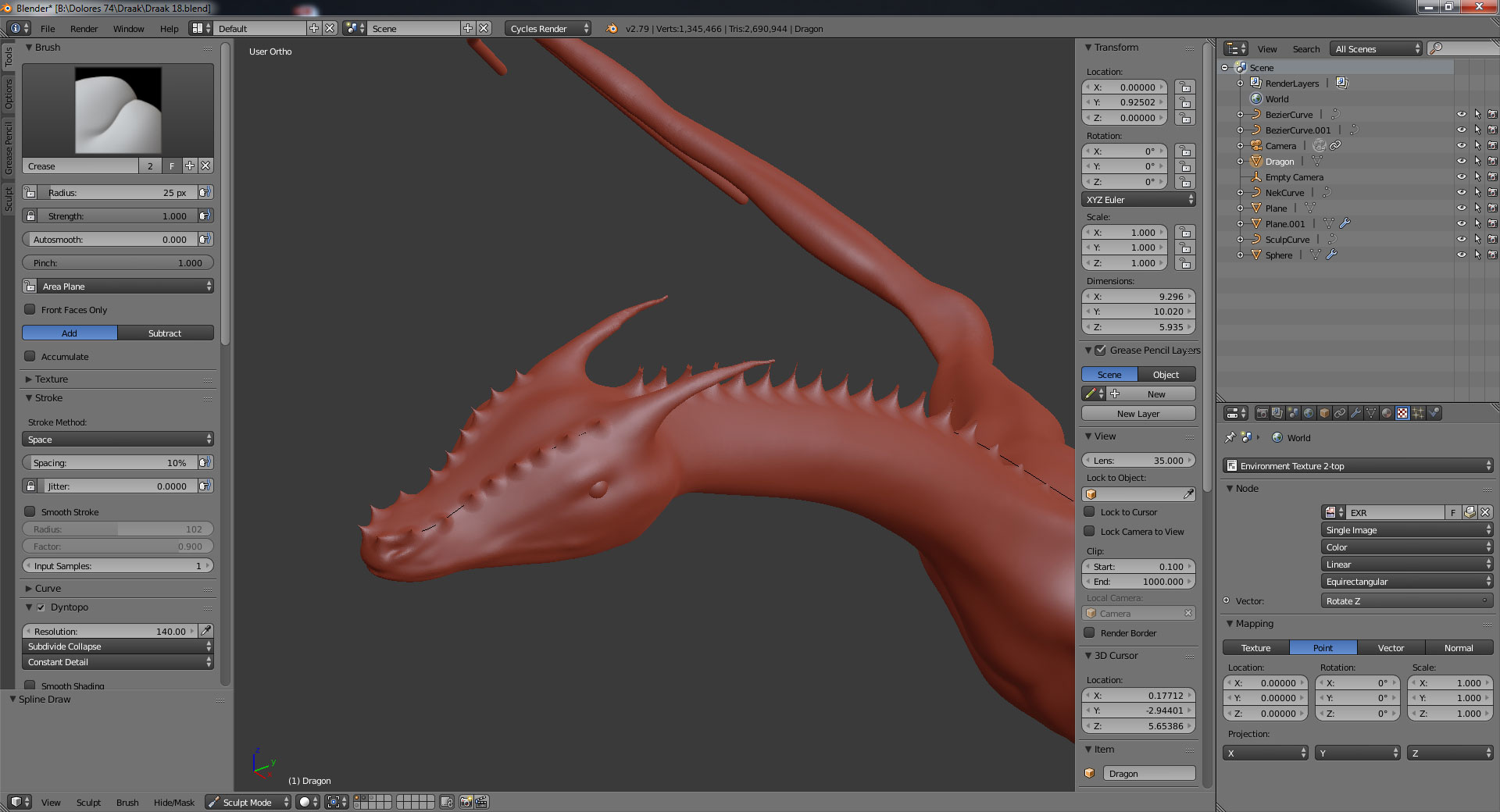
-
AuthorPosts


- The topic ‘Seeking beta testers for new add-on (SplineSculpt)’ is closed to new replies.