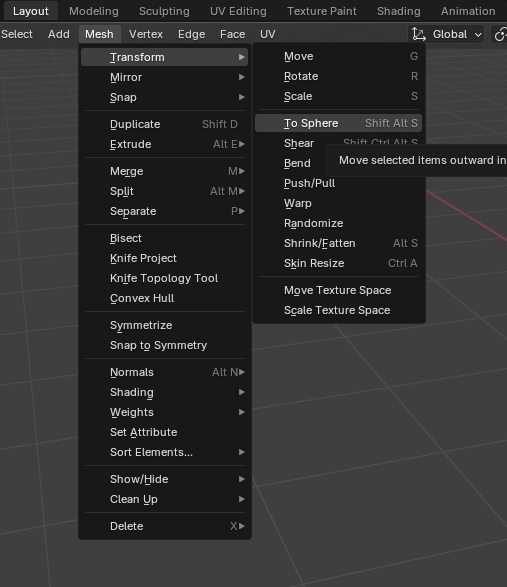
And after you have added the SubD to the cube and apply the SubD, you can go into edit mode and use the command Shift + Alt + S for the “To Sphere” command. You can hit 1 on the keyboard or move your move to get that value to 1
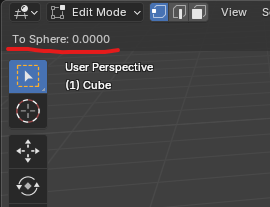
If you zoom in as you move the mouse on the command and take it to 1, you’ll see the sphere change ever so slightly. There’s also the menu: