HI Harris,
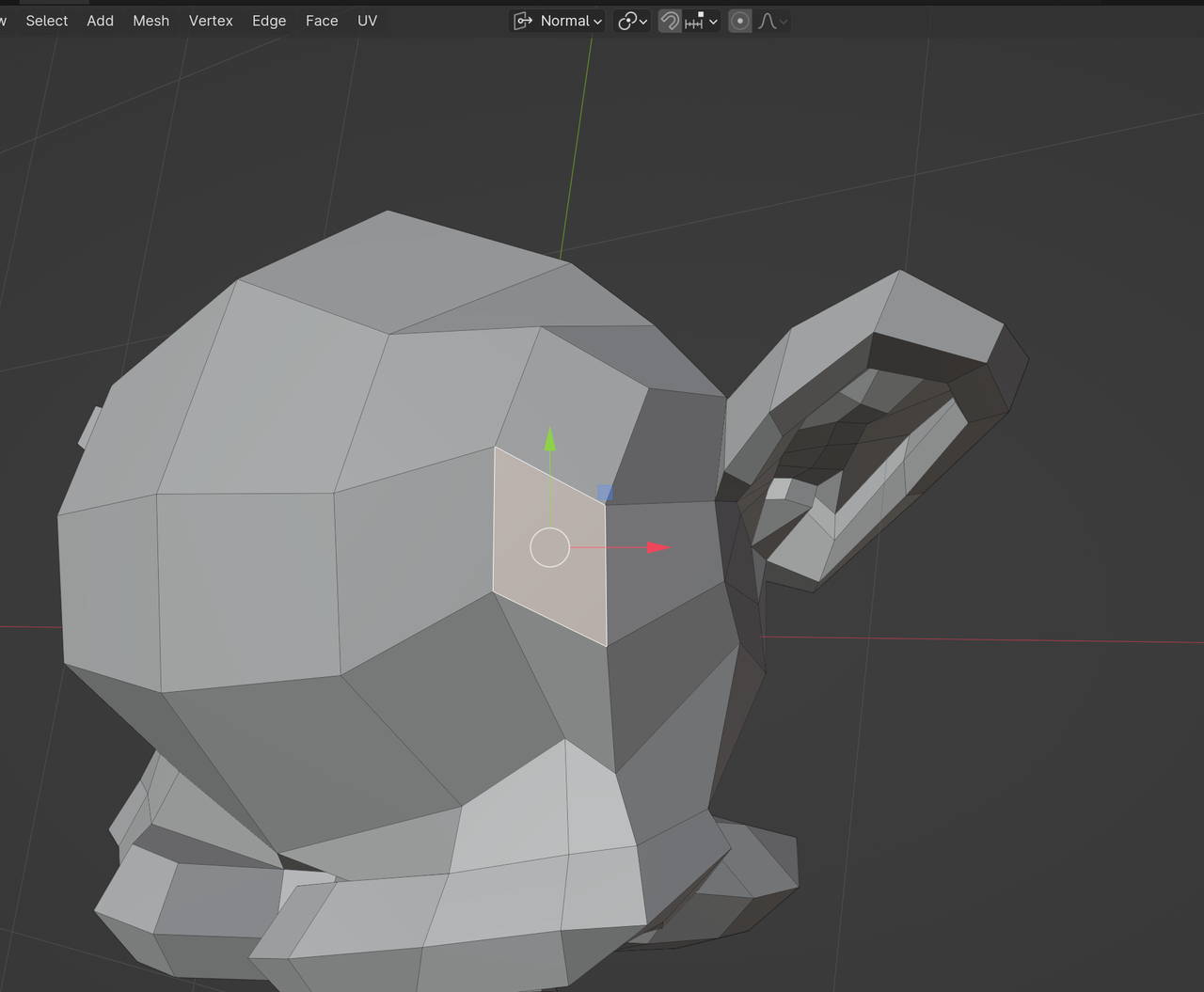
SHIFT+Numpad 7, puts the View, so that the Normal of the Active (the lighter one) Face, points towards you. (So, not the Average Normal of Selected Faces!)
Now, that still leaves a 360° of possible orientations. If you set the Transform Orientation to Normal, and Select only one Face, you can see the (tangential) X- and Y- axes from that Face, SHIFT+Numpad 7, will turn the Active Face, so that the (positive) Y is up and the (positive) X points to the right: