Hi @nougat time ,
As to your first question: I don’t know.
To your second question: models are not always symmetrical. Symmetrical models or retopologies are usually done with a Mirror Modifier on, so you only need to make Seams on one side anyway.
Now, not a on/off button, but if your model has symmetrical Topology (same number of Vertices that are connected via Edges and Faces the same way on both sides), what you can do, is mirror your selection with SHIFT+CTRL+M. Make sure to enable Topology Mirror, even though it is greyed out, in order to make it work, even if Vertices’ positions are not exactly mirrored:
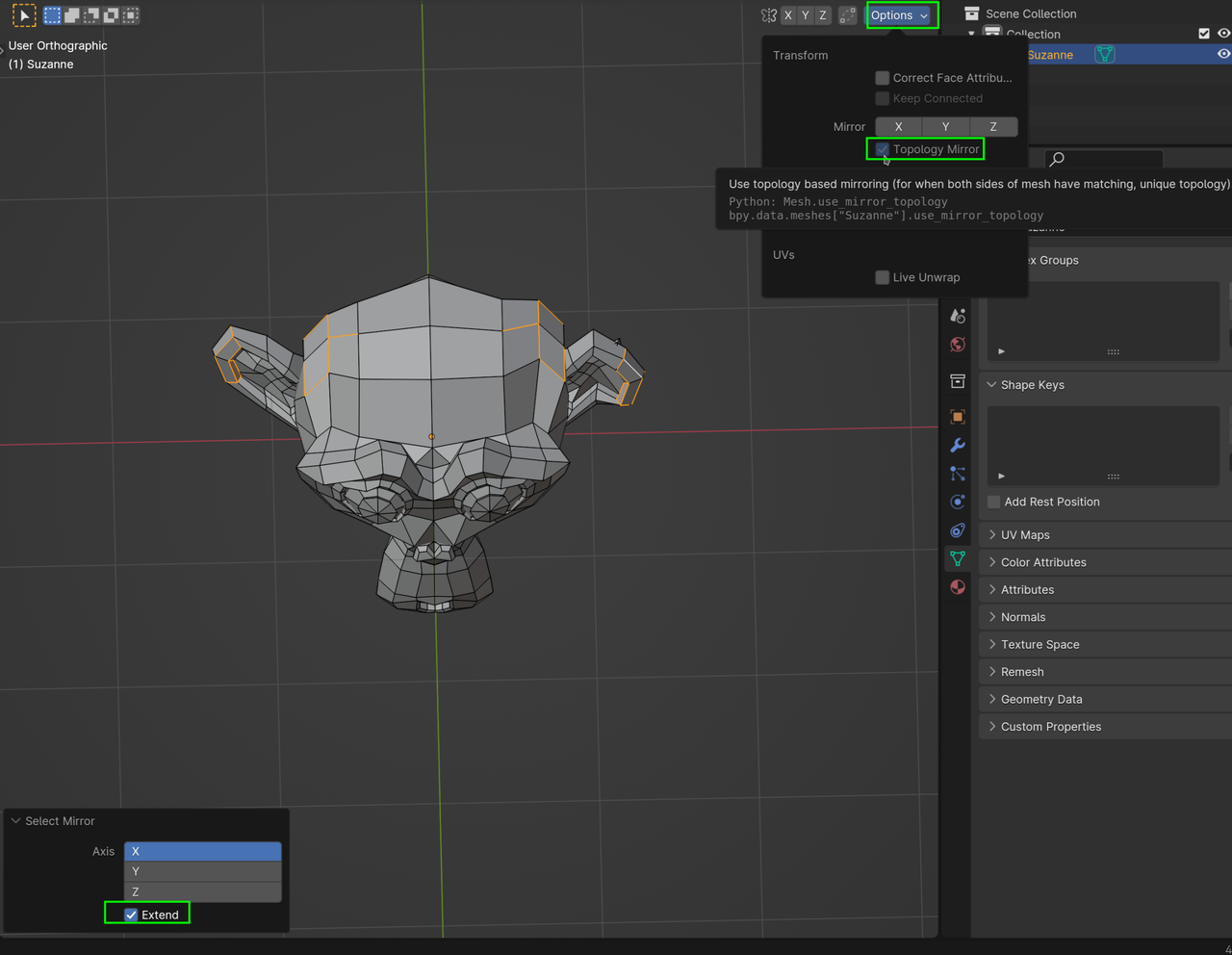
First time, you need to enable the Extend, but blender will remember that for next times, during the same Blender session.
(You will still need to Mark them as Seam, of course.)

