Omar: Thanks a lot for that video and the explanation. It adds a lot of context for why Blender allows some of this stuff and the philosophy behind it!
Martin: That’s exactly right, I had two faces overlapping. I have moved the “”inner”” face a bit up so it’s more clear.
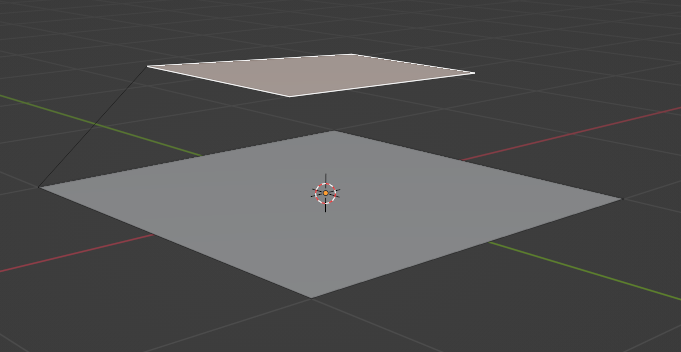
Btw I don’t know how to activate that “Face Normals Overlay”. I know the Face Orientation Overlay, but it only shows 2 colors (for inside and outside). How can I activate that?
And thank you very much for your replies! I think now I have a much more solid intuition about this stuff!

