Hi @robdomenech ,
That might be, because you have ‘double Vertices’, or inconsistent Normals. Let’s fix those: Select everything (with A), then press M > Merge > By Distance, immediately (with everything still selected!) followed by SHIFT+N.
Most likely that’ll fix it, but if not, there might be some inner geometry (Faces, Edges that aren’t supposed to be there…something like this:
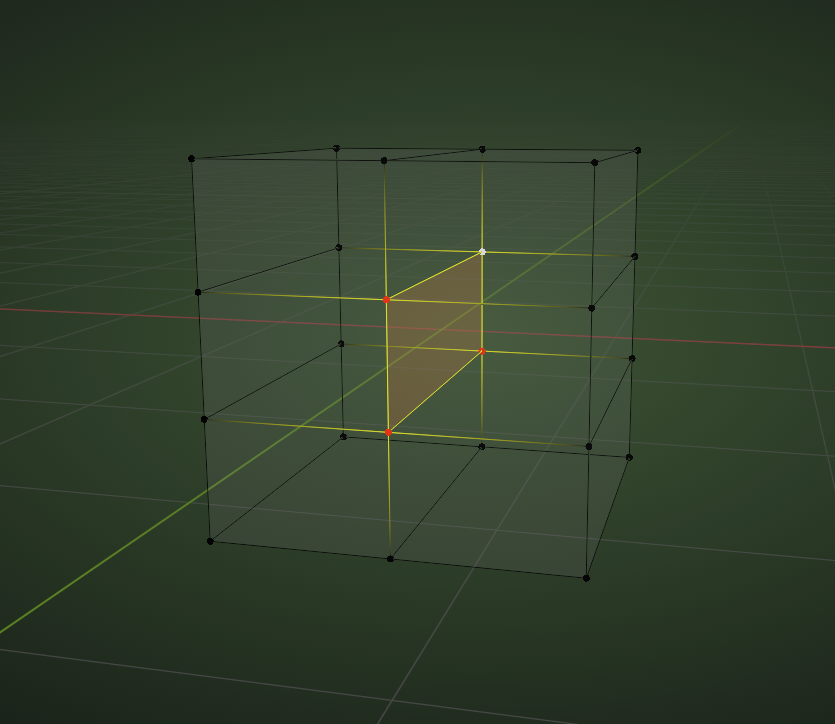 ,
,
but I don’t think that is the case here…

