@spikeyxxx @theluthier @jlampel I’ve found a solution 😀😀😀!!! Simply set the “Musgrave” texture node from 3D to 4D and you get the “pockmarks” (as Kent calls the little holes in the concrete) on your painted columns:

It came to my mind since there’s an info in the error message mentioned above in this thread: “Info: Successfully reset Musgrave Texture”. @spikeyxxx With your posting concerning “too many instructions” I first set it to 2 D which already solved the problem but didn’t create nice “pockmarks” in some areas (maybe rather a problem with the rotation values):

EDIT: “Musgrave” set to “3D” also works with type “Hetero Terrain” or “Hybrid Multifractal”:
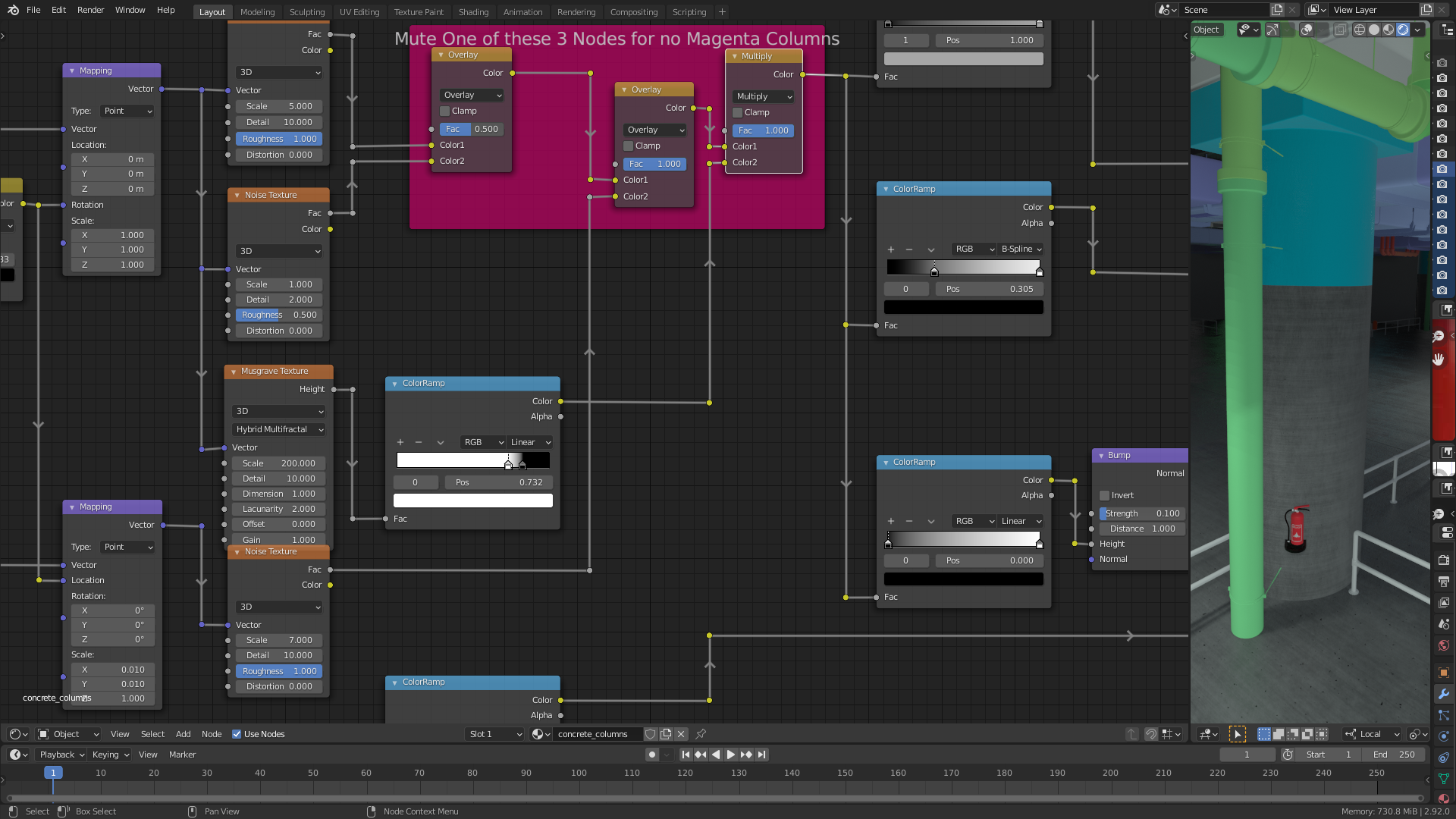
The types “Multifractal”, “Ridged Multifractal” and the default type “fBM” don’t work on my computer.

