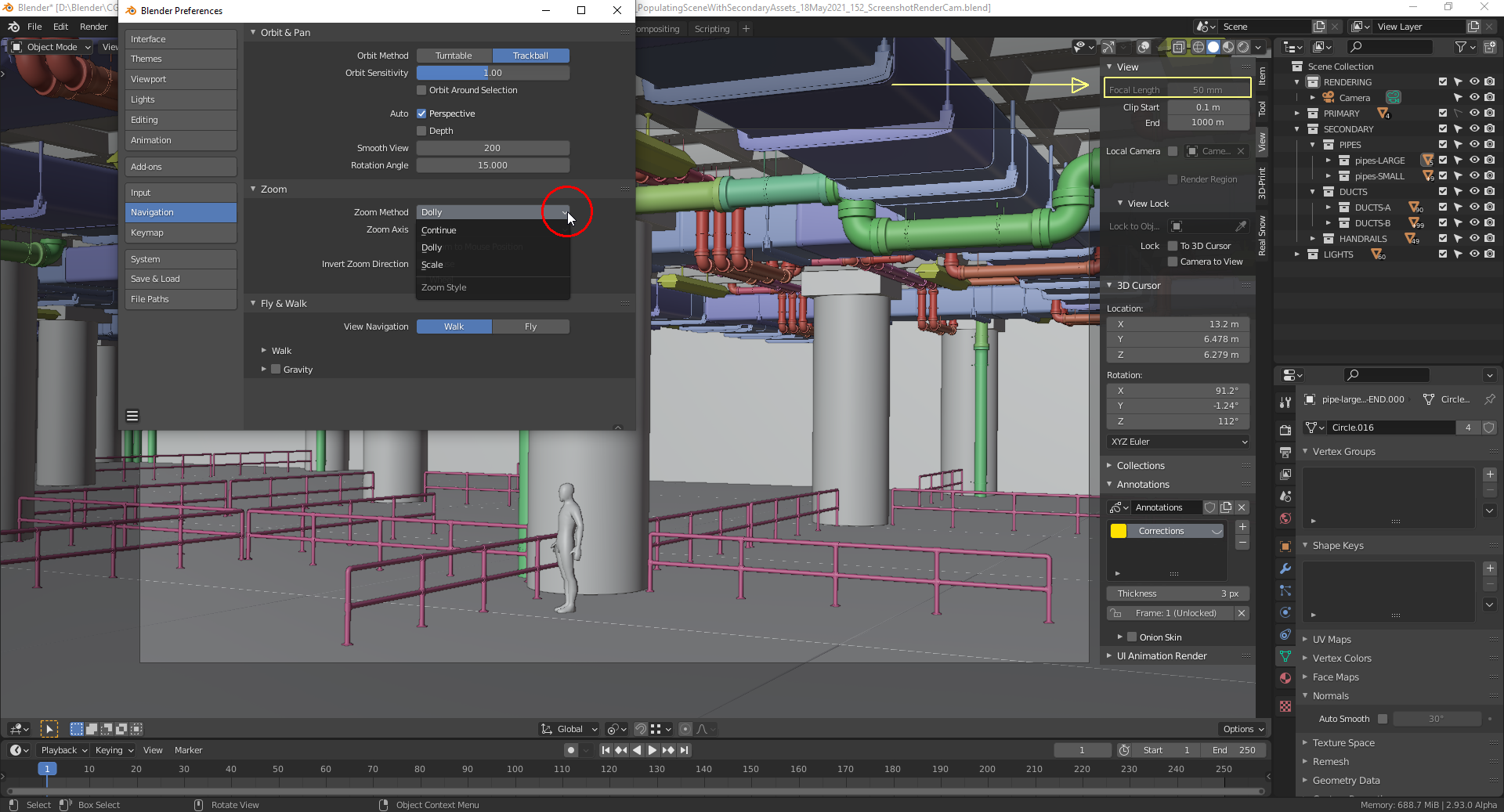
@spikeyxxx Yes, the Viewport shows a more zoomed out view, but how can I achieve that both views look identical? There’s no indicator in Blender for how much I’ve zoomed in or out in the “Viewport”. Currently, I can only think at playing with the “Render Cam’s” sensor size in order to get the same “Field of View” as in the “Viewport Cam”.
And what does “Zoom” in the “Viewport” mean? The “Focal Length” of 50mm doesn’t change when “zooming in/out” with the mouse wheel. Here’re my preferences: