
Reply To: Collab2021-WIP- spikeyxxx
Forum Archive › Collab2021-WIP- spikeyxxx › Reply To: Collab2021-WIP- spikeyxxx

@jlampel @rstich @theluthier this is not a homework submission; I have a lot of trouble finding a solution.
I have re-visited the grass card approach, but could not get it to work on a large scale (50m radius) and even on a small scale, the edges (where the grass meets the road for instance) look horrible and when looked at from above that is also no a success. I tried bending the grass cards to improve the top view, but was still not satisfied.
After all my experimentation with different methods (sorry, but in my frustration I forgot to take screenshots of the failed attempts), I watched a lot of tutorials on game grass to see if they could give me ideas on how to do this, but I found that the only way I can make this work (maybe there is another way, but I haven’t found it yet), is something like this:
 Different angle:
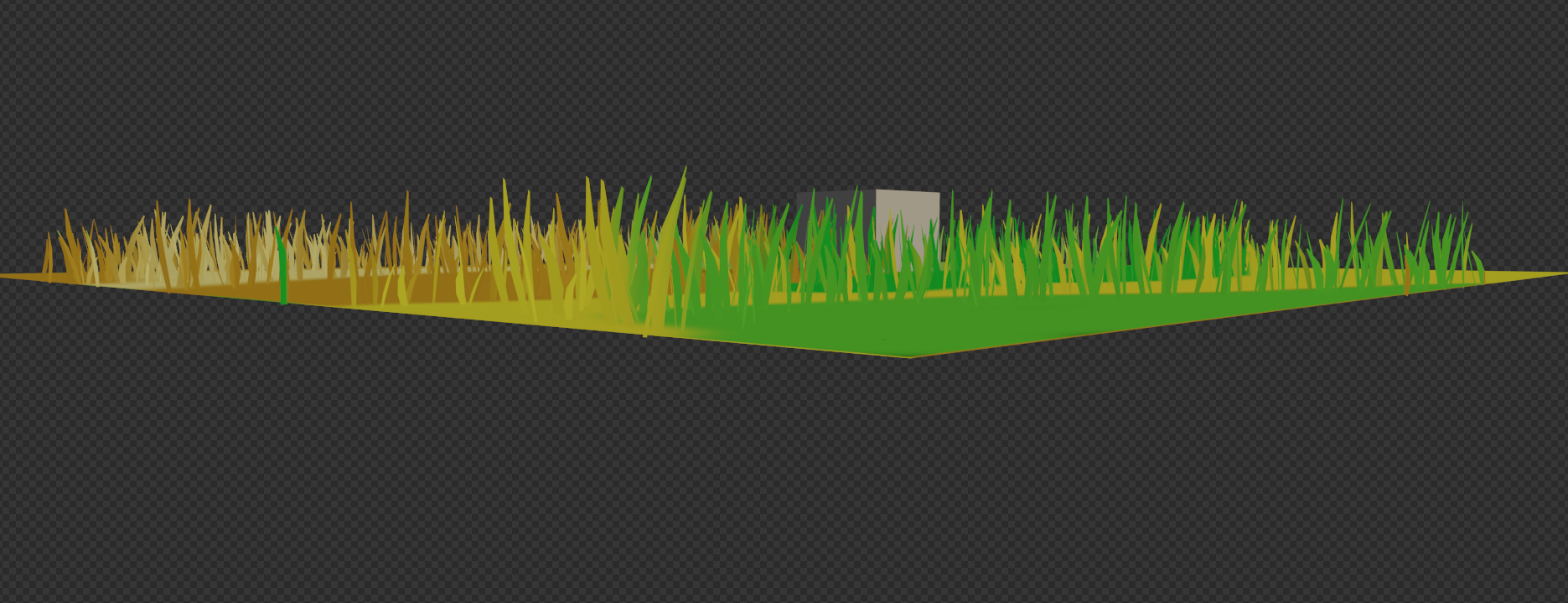 I have been looking at real grass a lot lately and discovered that it has a really high translucency (maybe 90% or more) (thank you Jonathan, before you told me, I didn’t know what the Translucent Shader did, everybody just said; grass needs a bit of Translucency, so we mix in a Translucent Shader…I thought it was something like a noisy Transparent…), but here I can’t set it that high, because it would make the contrast between blades of grass and painted grass too obvious:
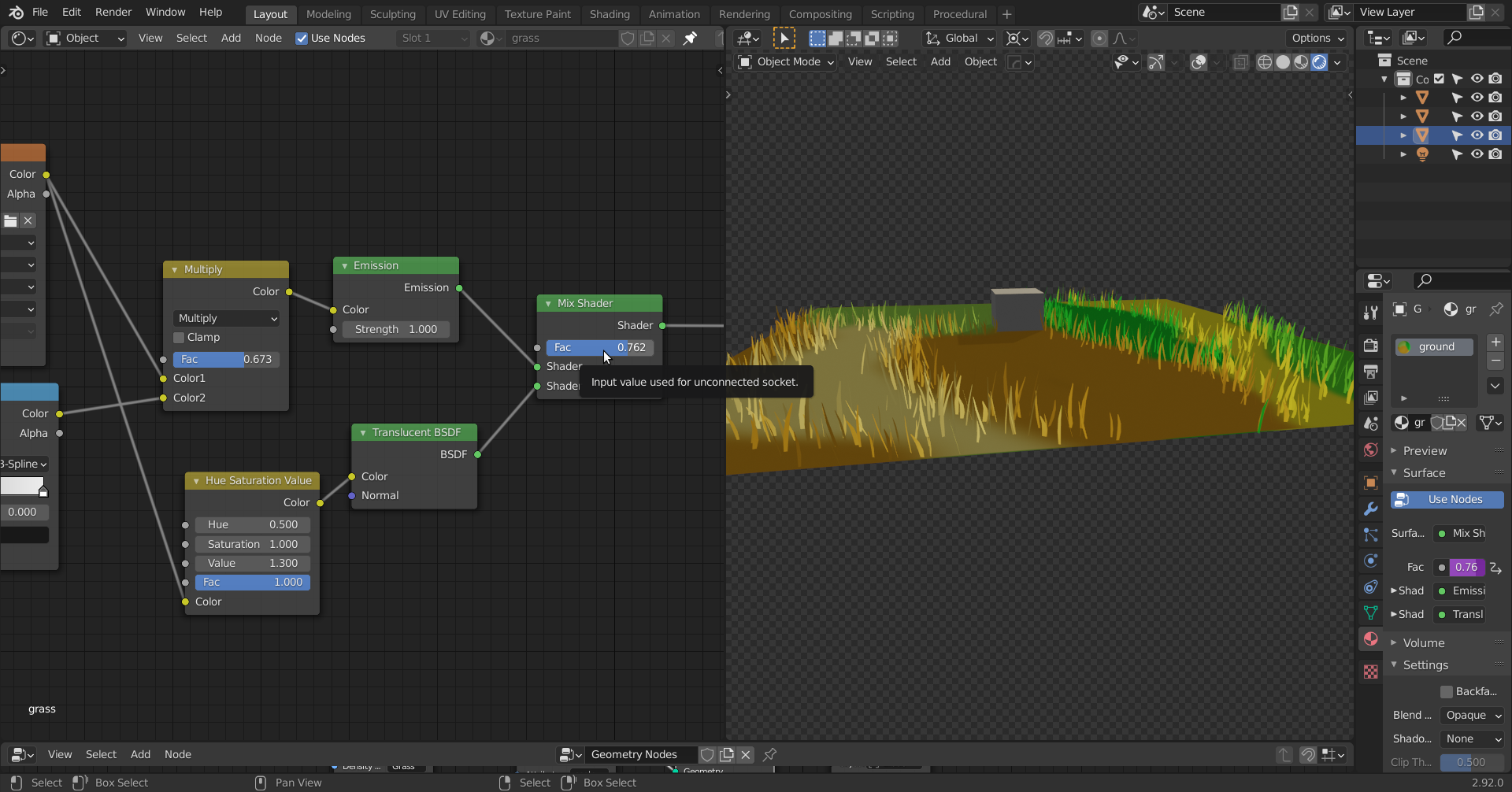 Thereby ruining the effect.
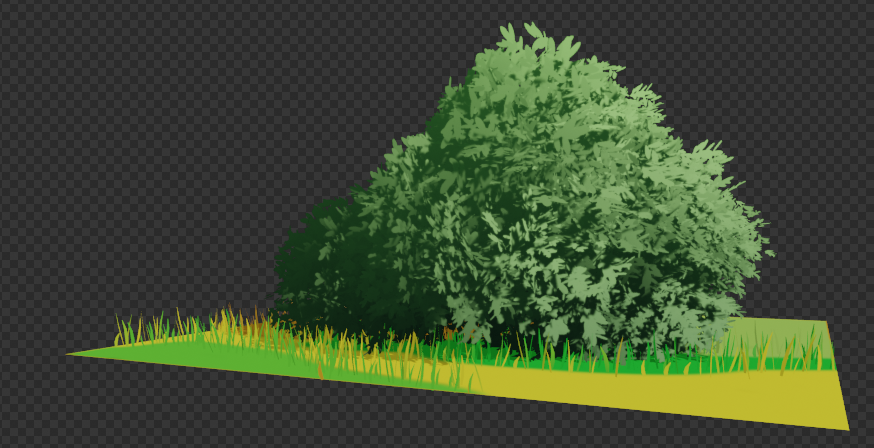
The greatest problem is, that we get an enormous style difference with all the other (especially nature-) assets:
 Also, we shall need a pretty large Texture Map for the ‘Foreground’ grass…4K would yield a Texel ‘size’ of more than one cm.
And for Weight Painting to be anywhere near accurate, we’d need a lot of Vertices, unless we use Blender 2.93 Beta, where we can use an Image Texture for the distribution of the grass….
There you have it 😉
I love a challenge, but this appears harder than I had anticipated!