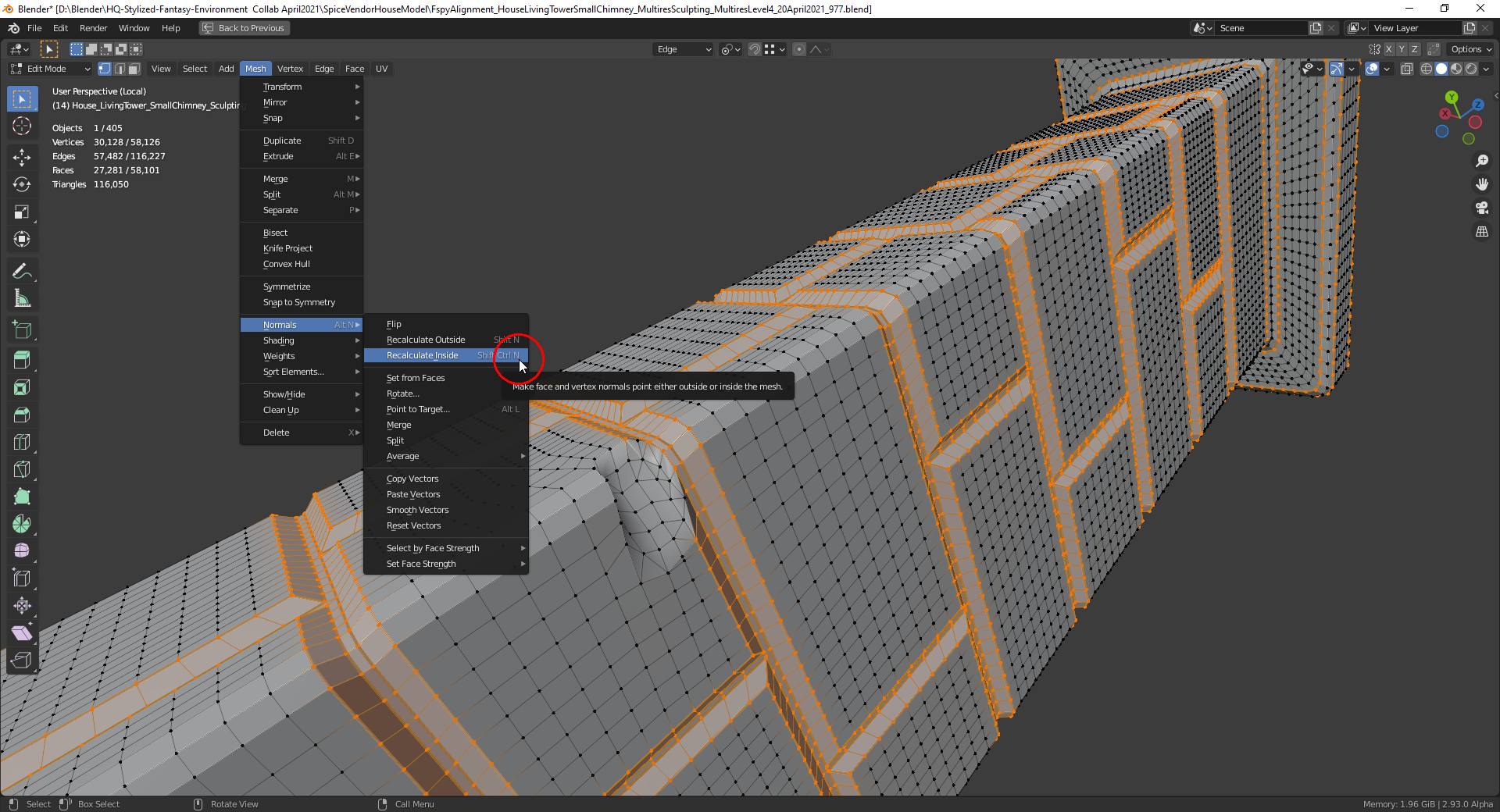
You find it in the “Mesh” menu in “Edit Mode”. Select the mesh part for which you want to recalculate the normals (in this case everything) and click on the menu entry “Recalculate Outside” so that the normals are pointing away from your object:
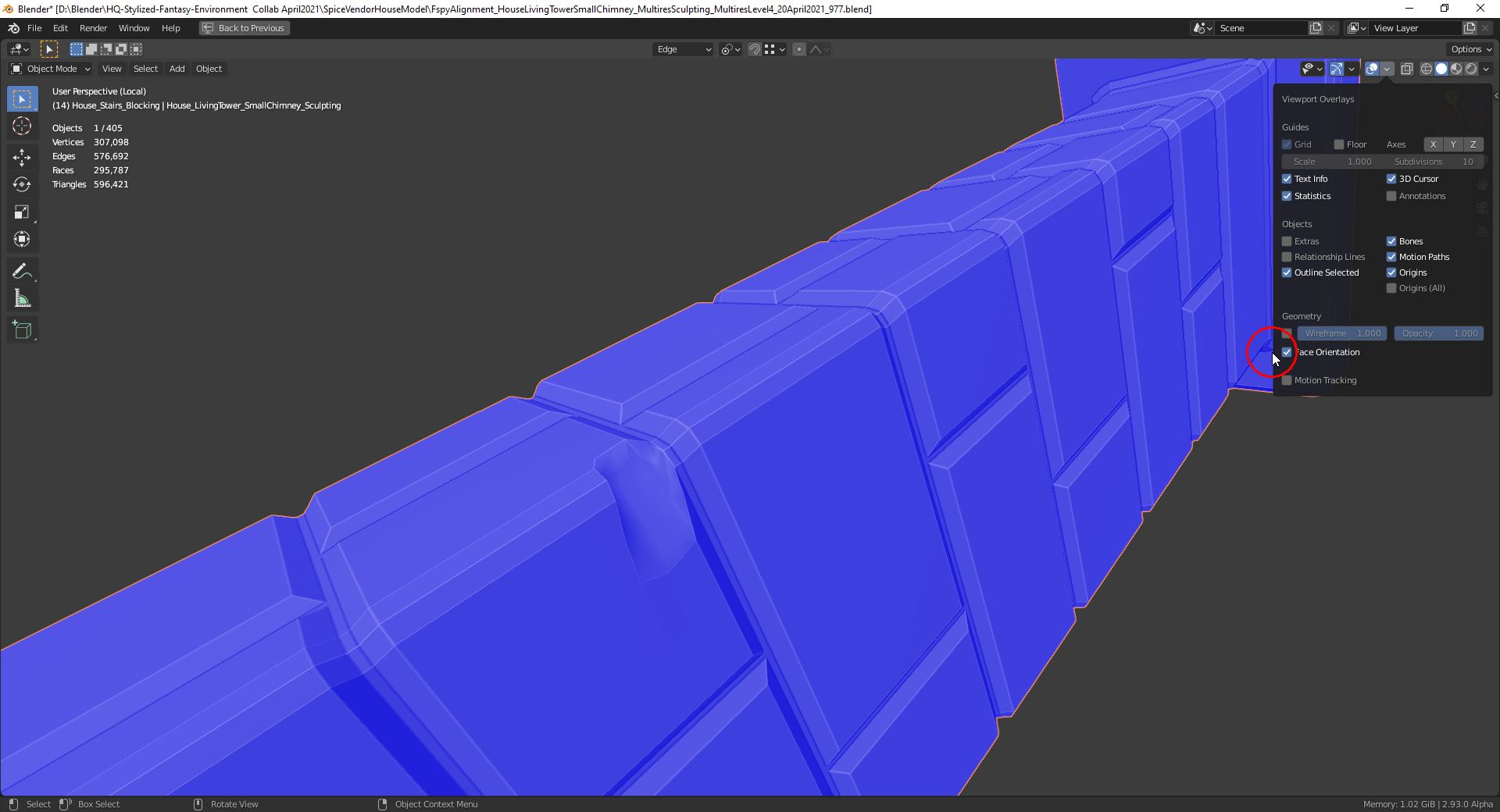
The “Face Orientation” overlay (usable in “Object Mode” too) is also helpful for checking the orientation of the normals (blue = pointing outside, red = pointing inside):