Today I learned about a workaround to a (maybe) bug in Eevee with image planes.
If I use the “import images as planes” addon, the planes pop in front of each other using the object origins, rather than intersecting in the way that would be expected. If I set the Blend Mode to Alpha Clip rather than Alpha Blend this doesn’t happen anymore. So that will save me a headache.
Also, I set up a gradient control in the material. I figure the PNGs can be used for the luma only, and hue-shifted for different bushes like green and blue-ish ones. And then the gradient can also be tweaked to give more variation.
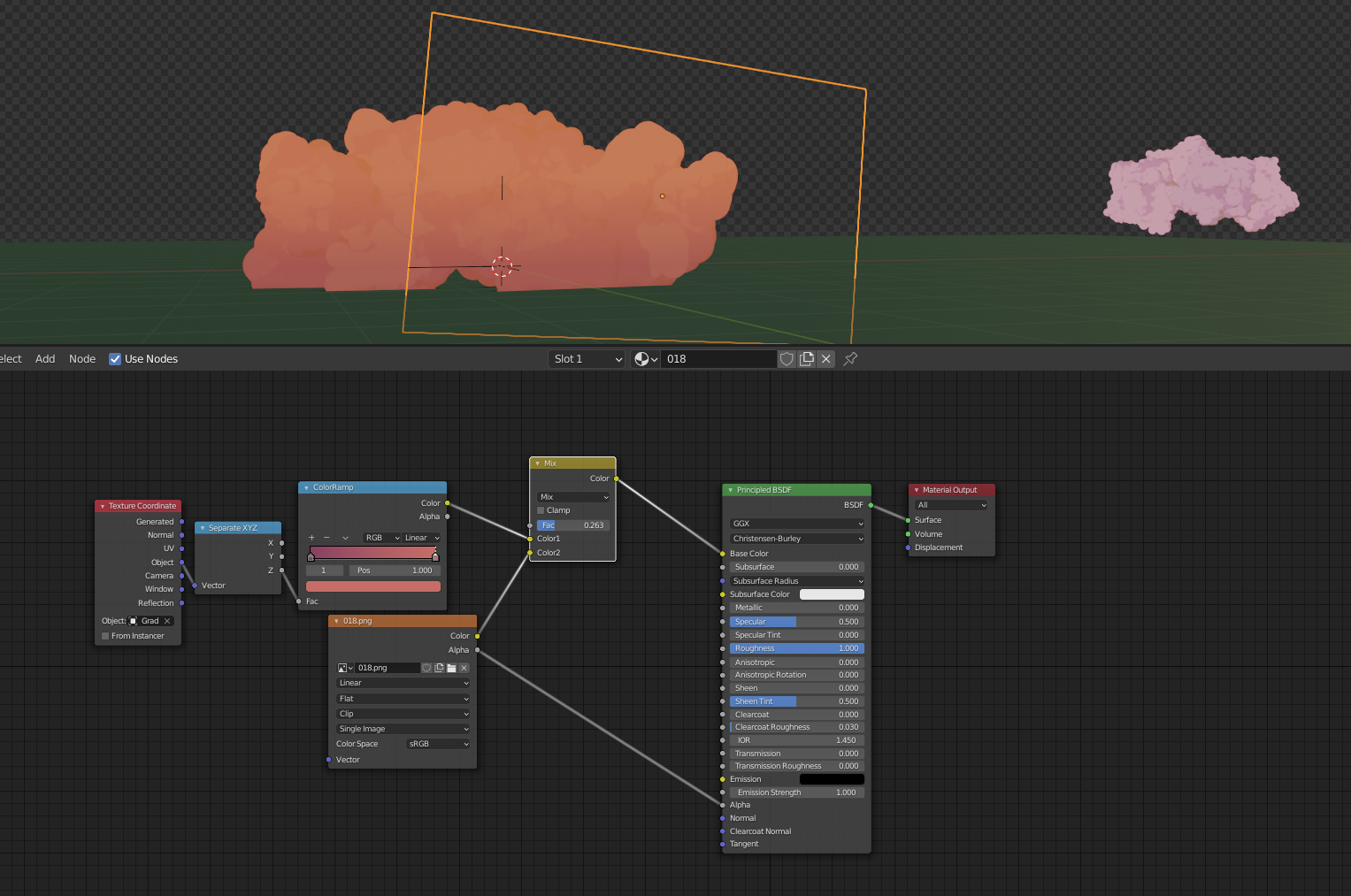
Old, hyper-pink bush shown for reference.
Setting the material to a Roughness of 1 prevents the “glossy photo” look, since the lighting is already included in the PNG.
My next goal is to make a few more bushes that ready to be instanced around using (maybe) a particle system, or geometry nodes.
I feel that a hand-places approached might look better, and not take up too much time, but I’d like to try out geo nodes so I dunno.
Also, I might open up photoshop and give some the “fire-like” tendrils shown in the artwork.
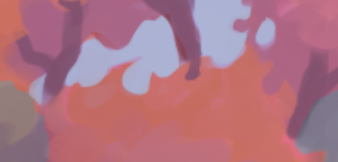
I’m not “in love” with this look, and I’m afraid it might actually look like fire if I’m not careful, but I’ll try it out.

