
Reply To: Collab2021-WIP-Daddios
Forum Archive › Collab2021-WIP-Daddios › Reply To: Collab2021-WIP-Daddios

Hey Neil, nicely done! Full points for week 3 for finishing the texturing and shading.
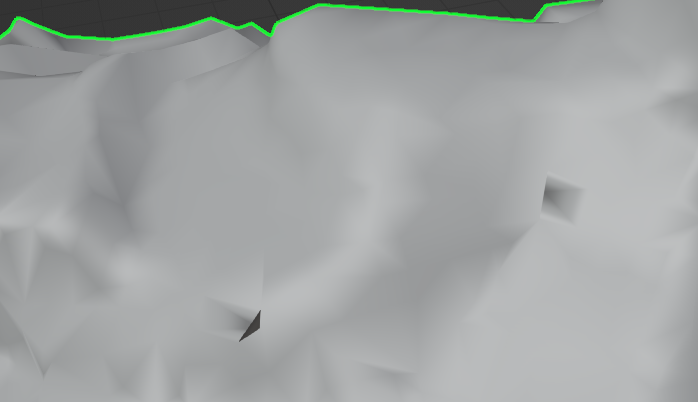
I know you’re already finished with the modeling, but I do want to point out these artifacts that are in several places on the model:
 ‘
‘
I’m not sure how they were created, but the solution is taking the vertex that’s overlapping an edge in that area and either dissolve it or slide it over.
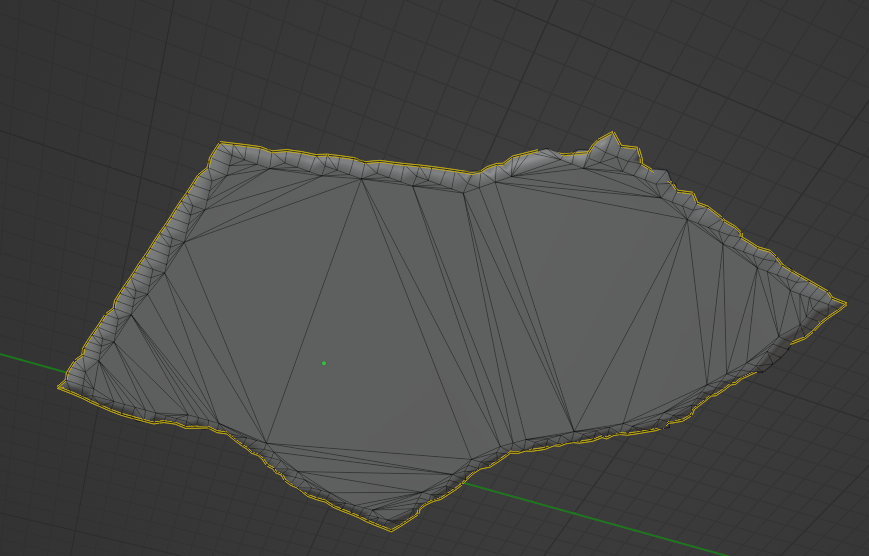
The bottom could also be optimized quite a bit with selecting a face, Shift+G to select similar, Coplanar, and then F to make an n-gon, and then Ctrl+T to immediately triangulate that n-gon. That’ll get rid of all that geometry we won’t see without messing up your UVs.
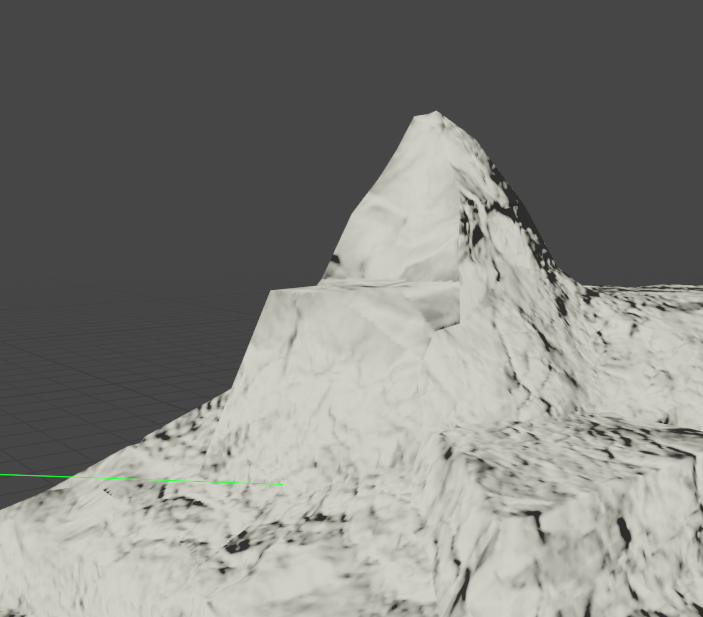
There’s also some texture stretching here on this peak, which doesn’t appear to be due to the UVs so I’m guessing it was something in Substance.
I would agree with your assessment that it’s not quite stylized enough, but I think you’re closer to it than you may think. I don’t mind whether you use substance or not, but you’ll need to try painting things manually rather than smart materials, at least for the color map. The normal map seems fine, so try to use that as a guide to paint your snow and rock materials. It doesn’t need to be complex. Just start with a snow layer and a rock layer as solid colors and get that sharp transition drawn in. No need for grass or anything else.
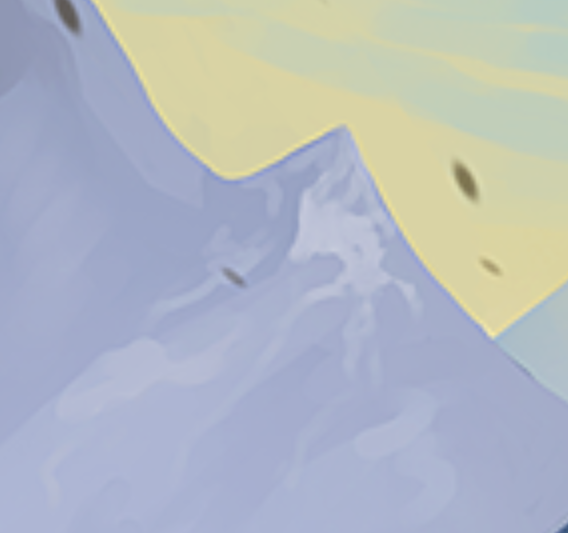
Once you have those two layers, you can leave the snow as white and then move on to detailing the rock. Use a very large and soft brush to get a good overall gradient and then work your way down to the smaller details by adding splotches of slightly different colors, sort of like the below image but with curved edges following your normal map lines rather than squared off brush strokes:
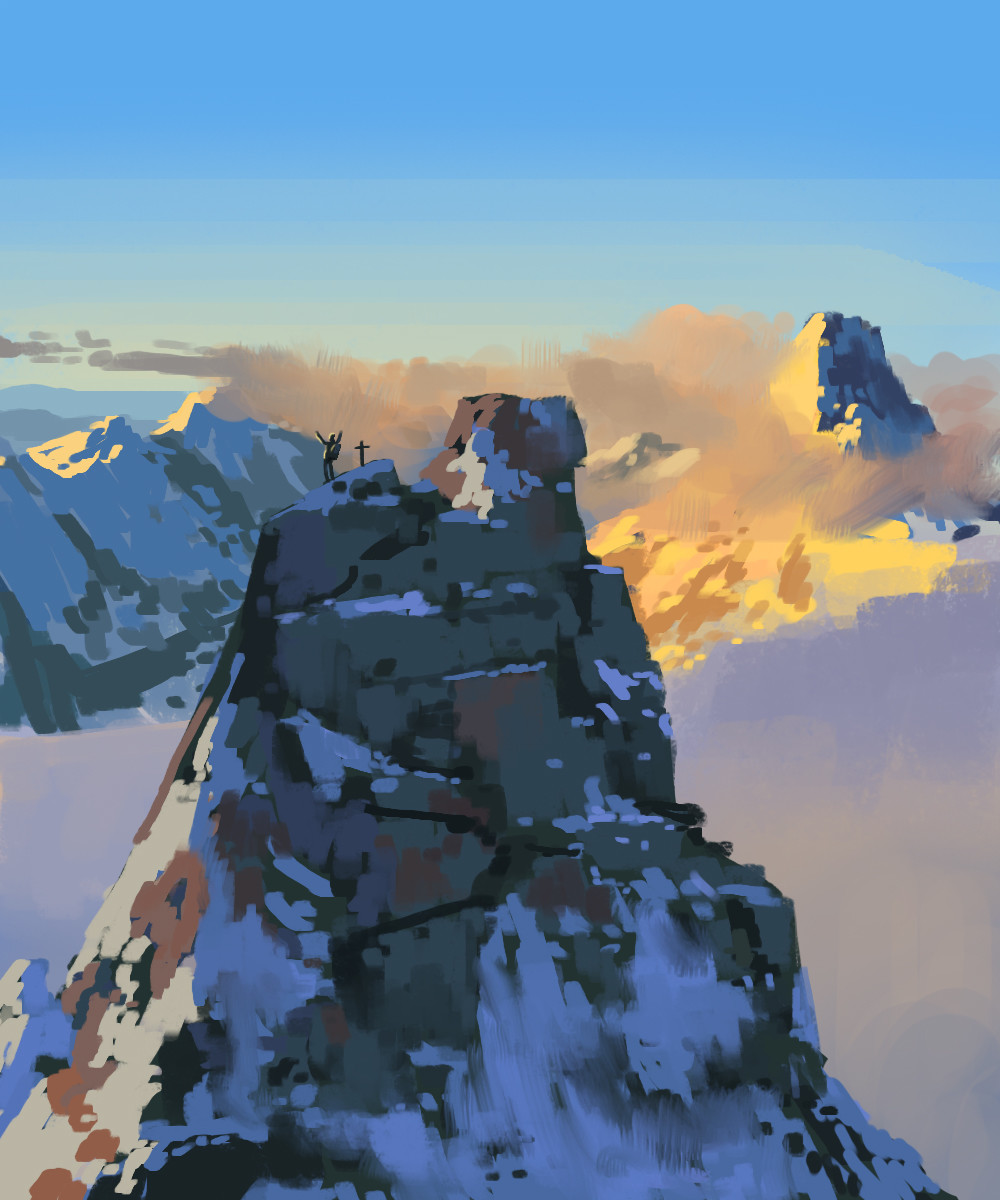
Keep it really loose and don’t worry at all about it being perfect. Look at lots of reference as you work. I know you can do it!