Here’s a way:
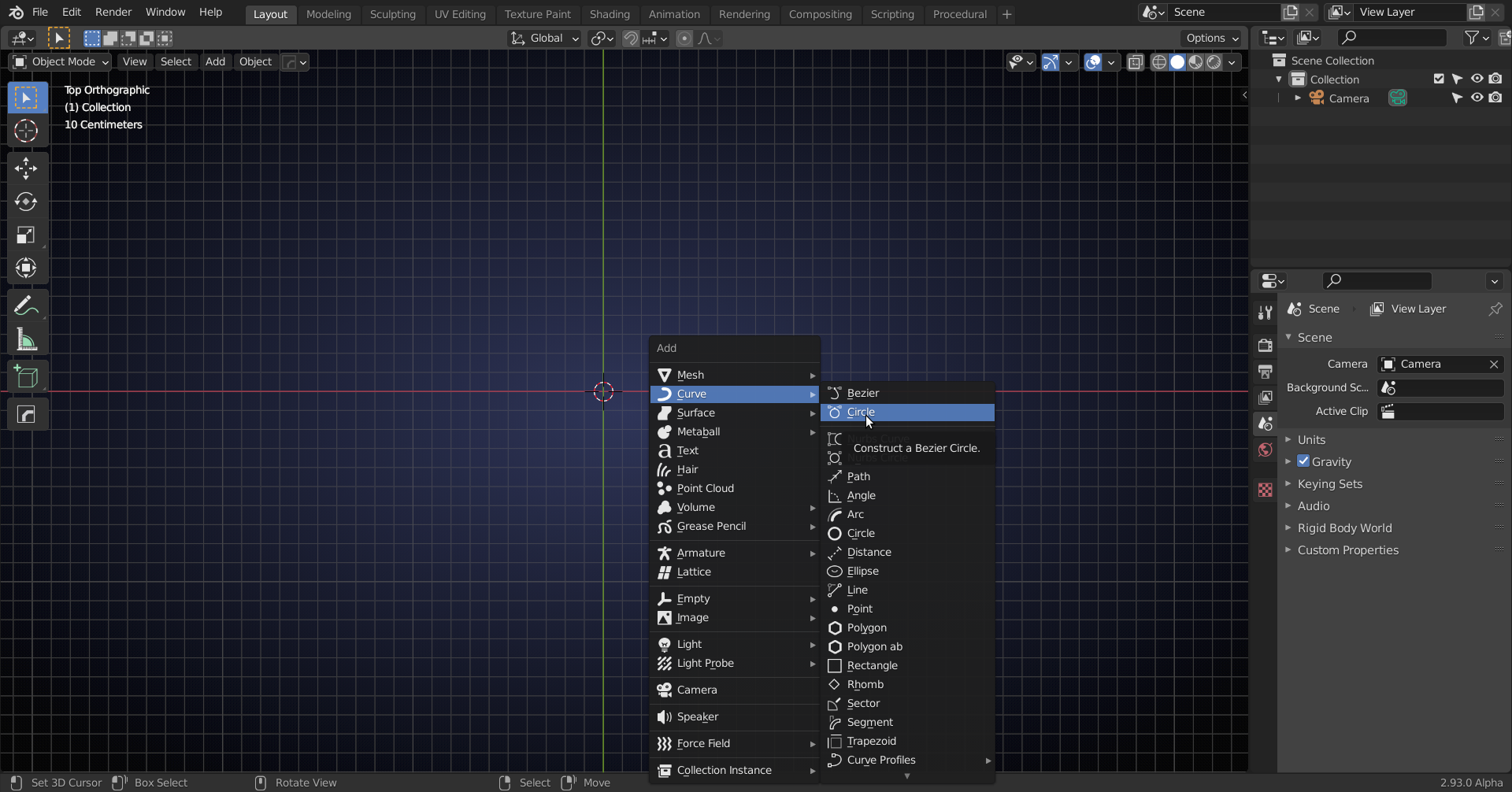
SHIFT+A > Add Curve > Bezier Circle:
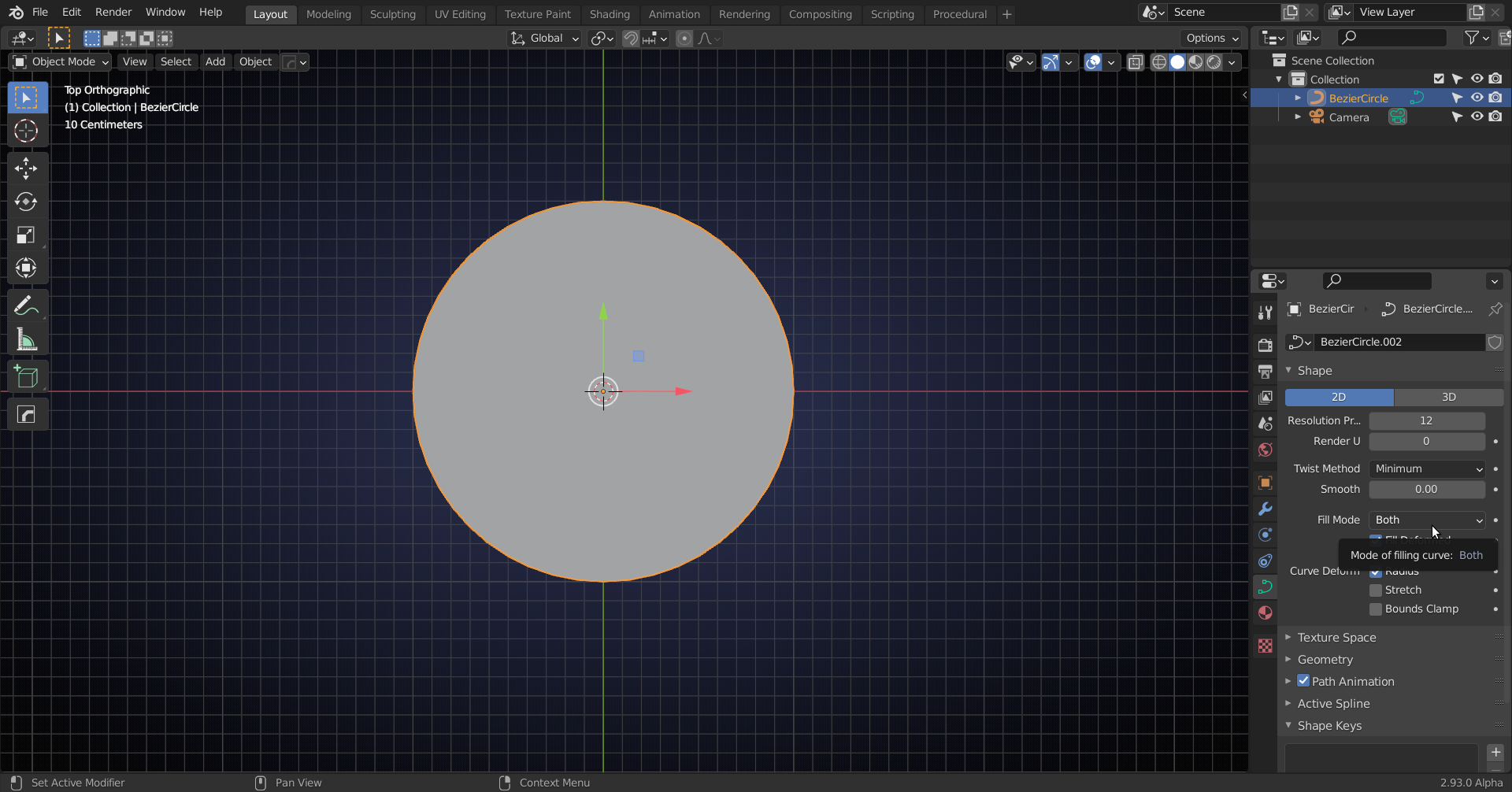
Set to 2D and Fill Both:
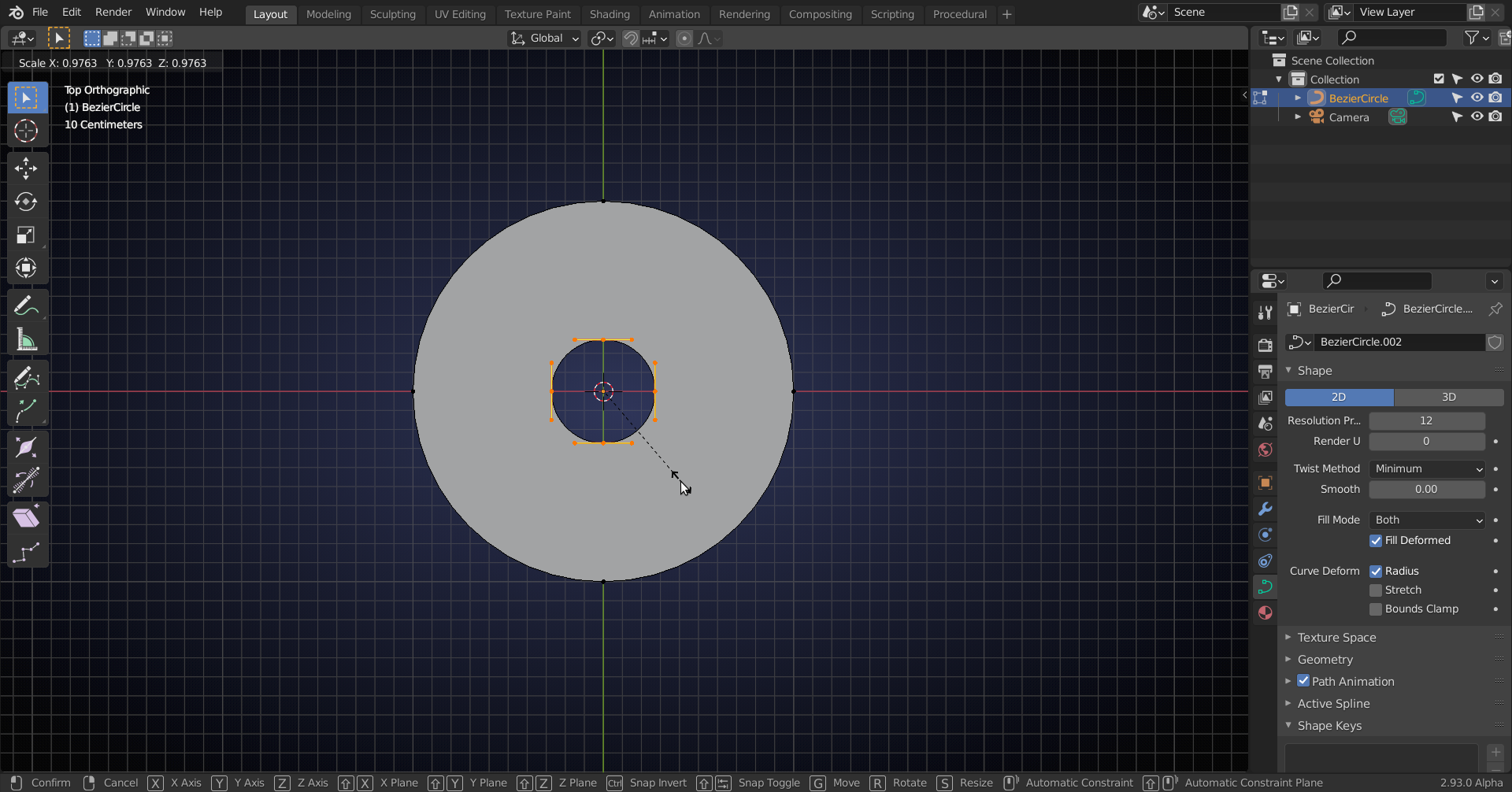
Tab into Edit Mode and with all points selected, press SHIFT+D to duplicate the circle, S to Scale it down:
W (RCS), or right-click next to Curve Object (when using LCS) and Subdivide:
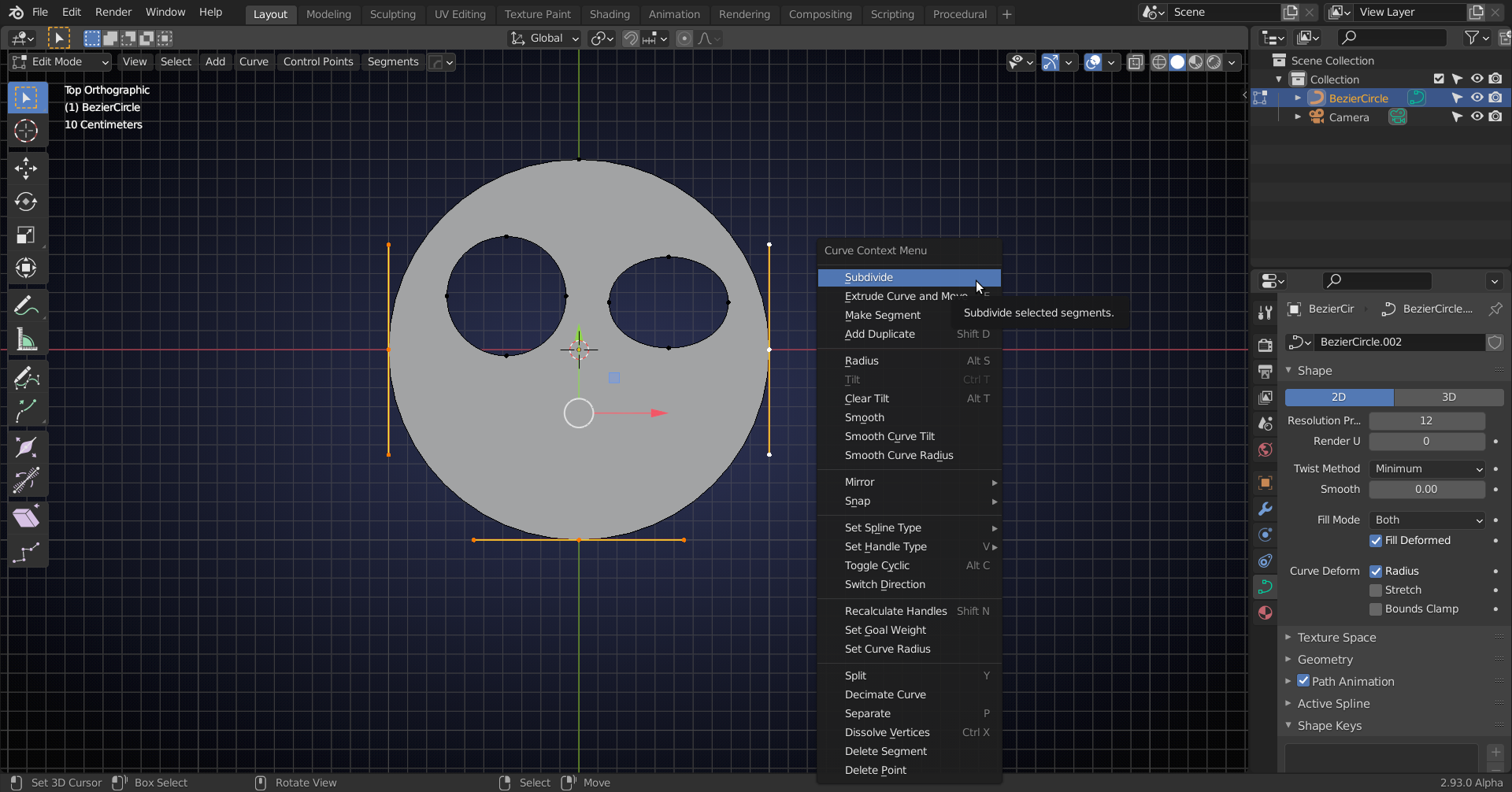
3 times:

V > Switch type of selected points to Vector:
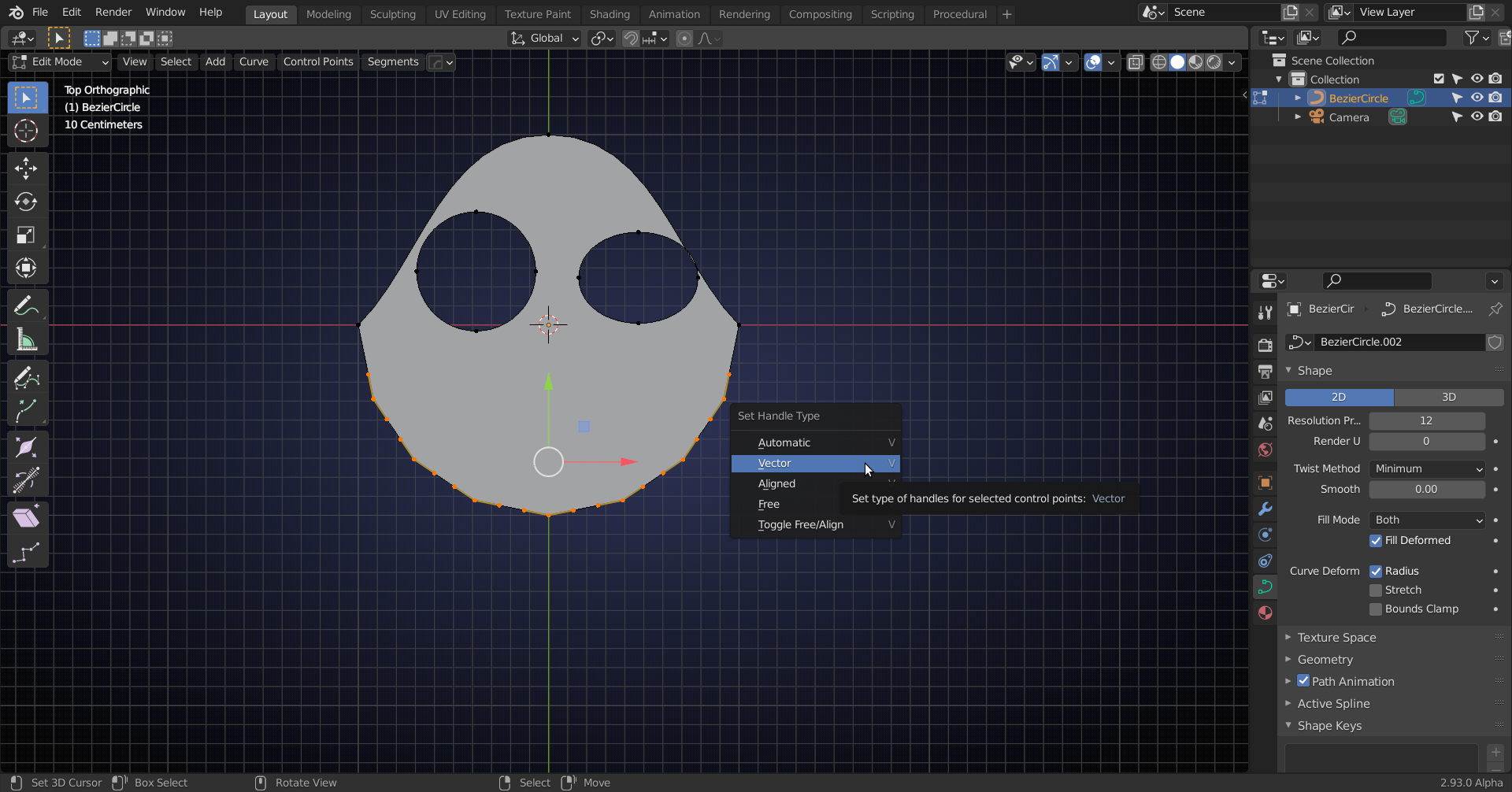
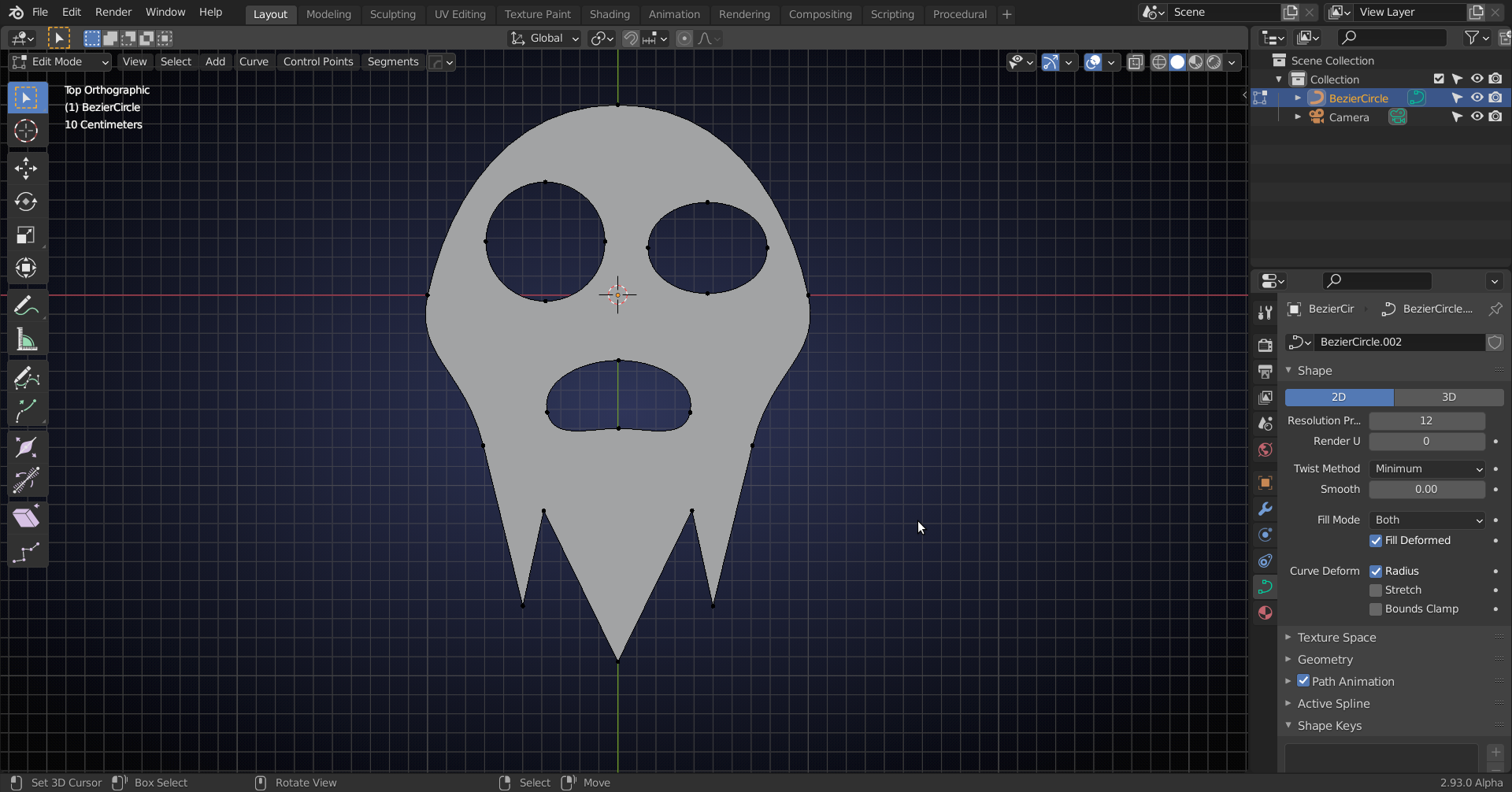
And simply move them in place, make a mouth when you want, by duplicating an eye:
Look up modelling with curves in Blender for more detailed tutorials.

