I just checked your file and you have some flipped normals on the ramp, in edit mode press A to select everything, press ALT + N and select Recalculate Outside, this will ensure your normals are all facing out.
To check your normals turn on face orientation in the overlays drop down menu.
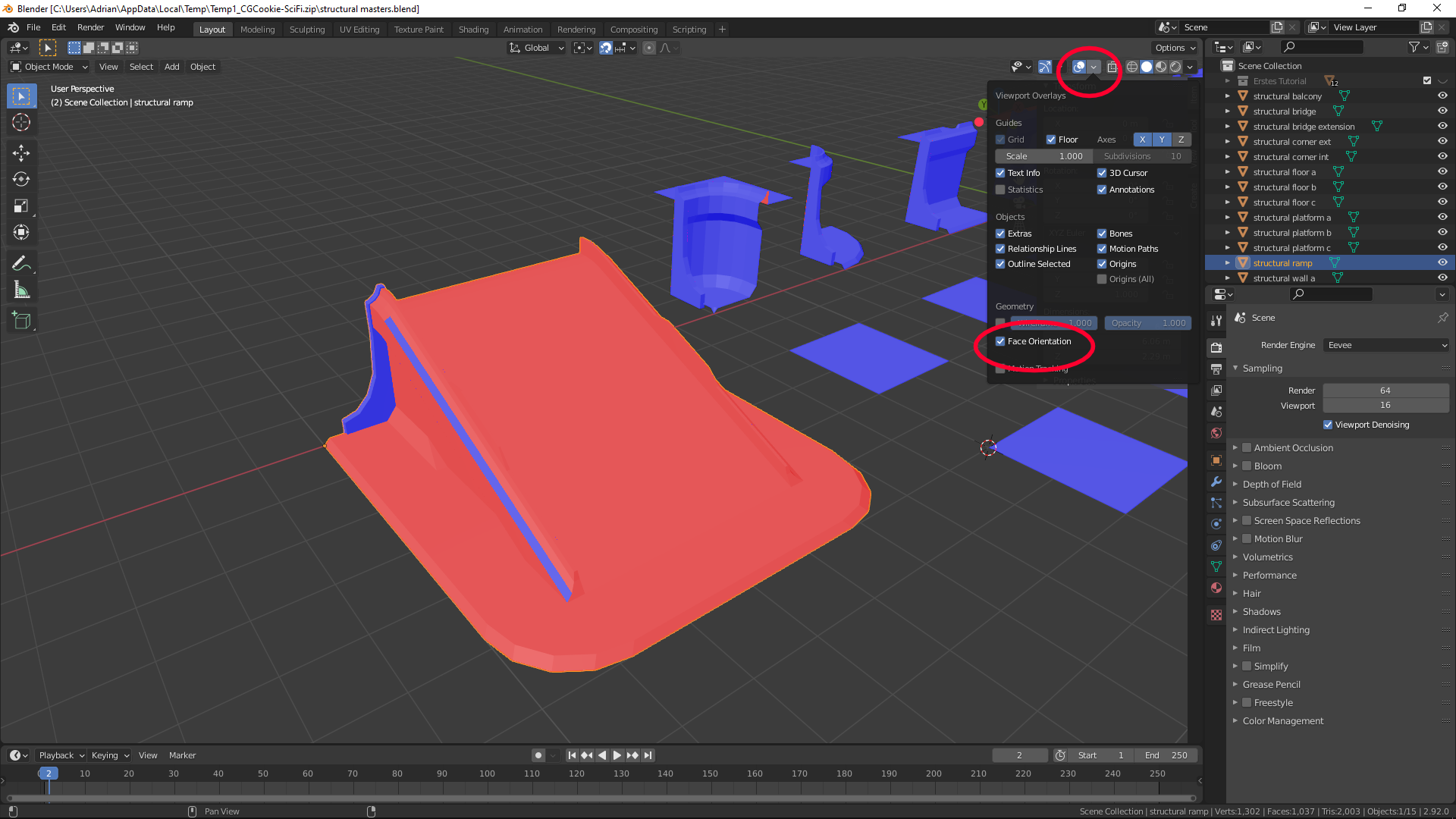
You need to have blue facing out for the normal map to work correctly. You also need to flip one of the wall pieces.

