@ryzen7 I have absolutely no idea how you managed to do that.
Looks like your original segment is missing. One way to create a gap like that would be to have an angle less than 360°. but even then would the gap not be where it is now.
My guess is that you used a Count of 18 in your Array Modifier. Now only 17 are visible….Strange.
Make sure that your segment is straight at the connecting edges, so not something like:
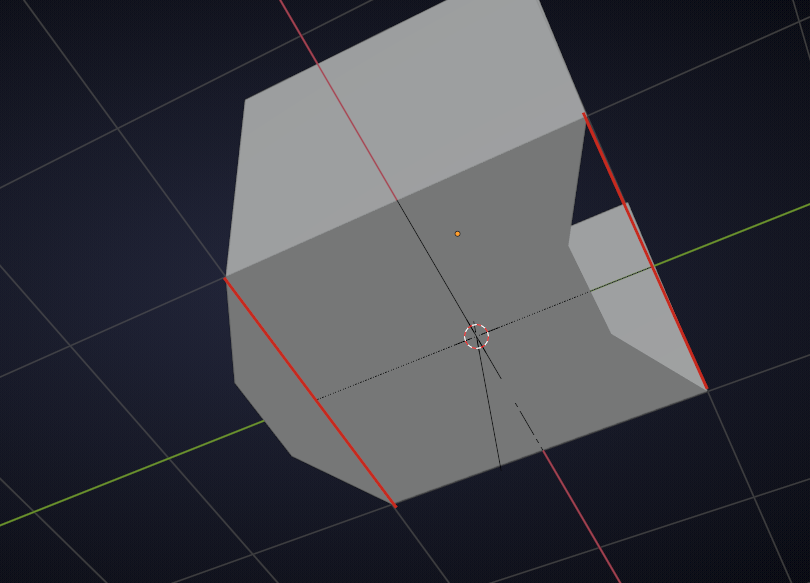
The beauty of the ‘Bend Modifier’ is that you can set the angle and 360° is always a full circle (unless you are in a country where they still use a 400° circle…).
No matter what I try, I cannot accidentally create a gap like that.
The closest I could get to something like your screenshot is by applying the Modifiers and then deleting the original segment and I don’t expect you to have done that.
Or by using a Curve Modifier instead of a Simple Deform.
Long story short: I’m clueless!
(Do you still have that .blend file????)

