
Reply To: Is this hard surface geometry ok?
Forum Archive › Is this hard surface geometry ok? › Reply To: Is this hard surface geometry ok?

What do you mean by rings ? Do you refer those rings to as edge loops ?
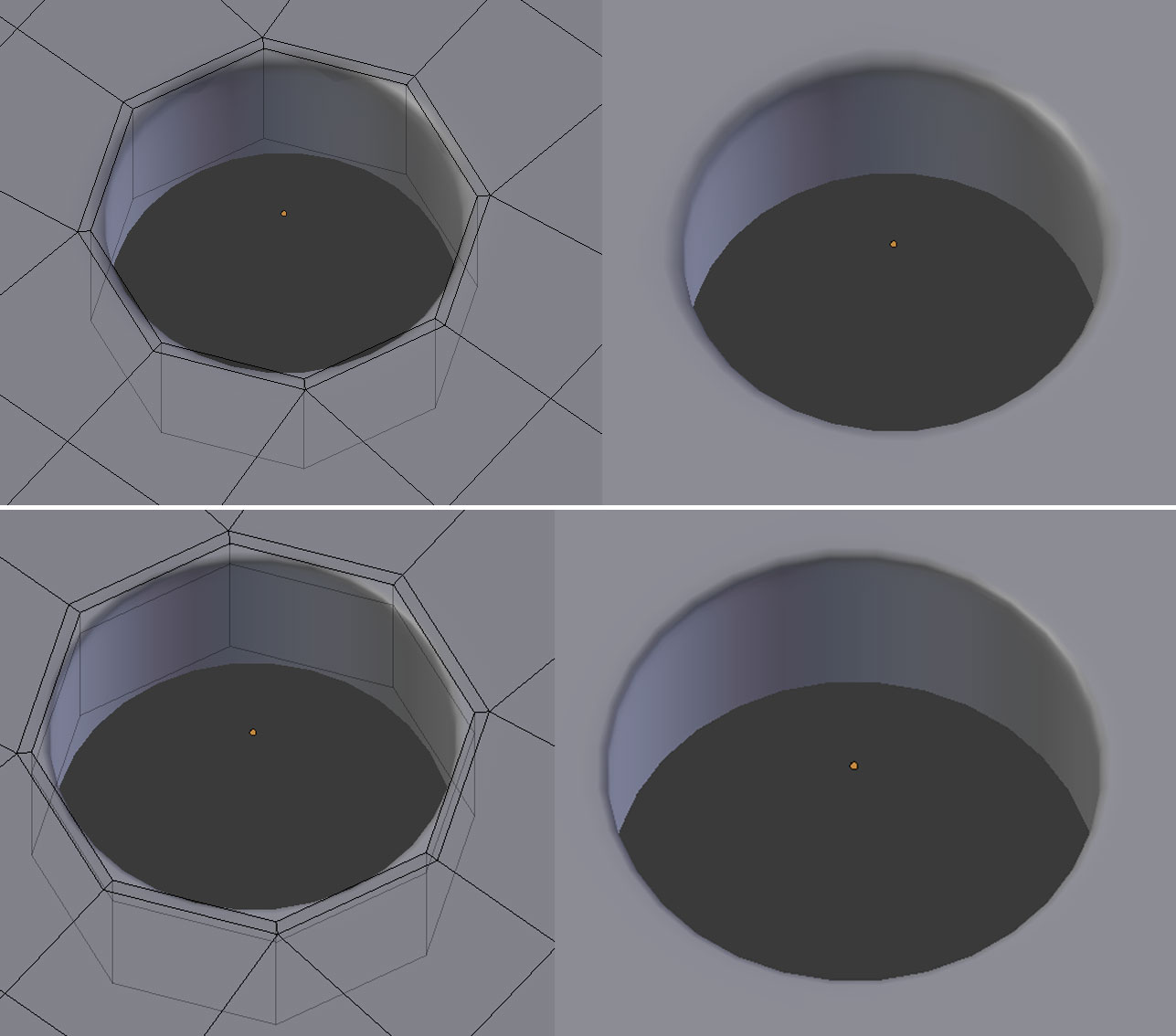
Those extra edge loops are added to obtain a sharp edges when you use a subdivision modifier. (I guess you already know that.) With those rings you can control the bevel by moving them further or closer to the edge of the object, or the srew holes.

You can also use the ‘Mean Crease’ option in the ‘n’ panel. But it doesn’t really work all the time or looks good in all situations when the object is close to the camera. If you use ‘Mean Crease’ on an edge, that edge turns pink.

This is the technique I have used making the wooden framework for the house in this topic of mine. If I didn’t I would’ve ended up with an insane amount of unneeded topology. This scene is quite busy. So I have to be careful with the topology and knibbel away were I can.
The house is in the background so you don’t see much detail and I could get away with it.
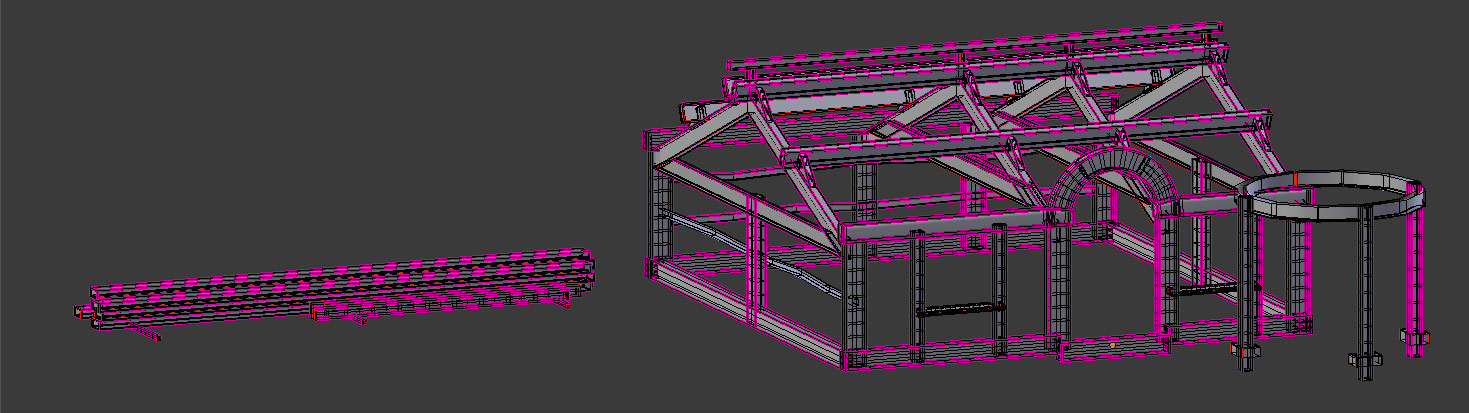
You do need a little bit of bevel or it all looks like a game. Even when the object is not close to the camera, it will be noticed. And therefore you need a subdivision modifier and extra edge loops. With the ‘Mean Crease’ you can give edges also a tiny bevel by not setting it completely to ‘1’.
A third option is by using an ‘Edge Split Modifier’ But this modifier does exactly what the word says. It splits or cut the topology where the edge is so you have two edges on top of each other and have added again extra topology so you’re kinda back to square 1. Also, with an ‘Edge Split Modifier’ you can’t give the edge a tiny bevel.
So the final conclusion is that all depends on the situation. If you have the freedom to use as much topology as needed, I would insert extra edge loops or rings because this way is most controllable and looks best in the final render.
If you are restricted with the topology, like for games, you better use the ‘Mean Crease’ option in the ‘n’ panel.
In your situation you will have to make some deals with yourself. Are those pieces so imported that you need lots of topology or can you get away with rough stuff ? How close are the objects to the camera, or how much detail will you see ? Do you need a ring on both sides of an edge or is one enough ? Are you going to need an extra ring on the inside of the screw hole too ?
Adding one or two extra rings doesn’t really make much difference all the time. In this image the top screw hole has only one extra ring, the bottom also has an extra ring on the inside. It is up to you how you want the final result to look like.
Am I talking the same language as you this time ?