In my opinion in Blender it is not an evidence thing how to position objects on each other. Meaning that precisely, so without focusing closely and manually adjusting the objects.
This example tries to show two scenarios – 1) how to put objects on each other and 2) how to put a cube to the corner to another cube.
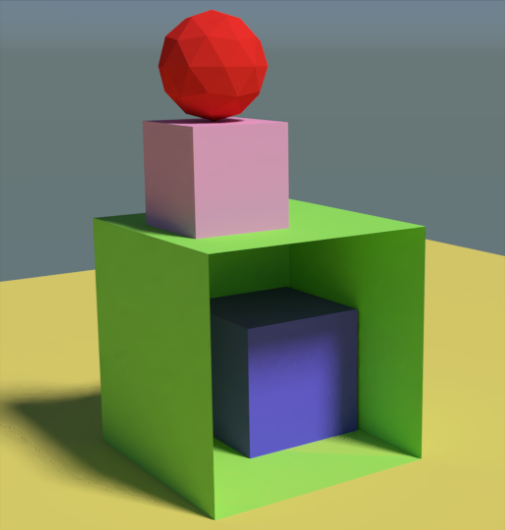
The best method I have seen actually from Kent (as I recall in that robot tutorial), changing the Origin point of the objects and snapping to the another object.
Concretely for the 2) cube corner to cube corner scenario :
- selecting the blue cube and going into Edit mode in Vertex select, then select the vertex which should be snapped to the vertex of the green cube
- pressing Shift – S and select Cursor to Selected
- going to Object mode and pressing Ctrl – Shift – Alt – C and select Origin to 3D Cursor for the blue cube
- pressing Shift – Tab to enable the Snapping, in the beside menu select Vertex as Snap Element and in the beside menu the Closest option
- after that if you move the blue cube, its corner will be snapped to the green one
Please let me know if someone knows some easier method, because typically such shortcuts and order of steps used to frighten the absolute beginners in Blender 🙂

