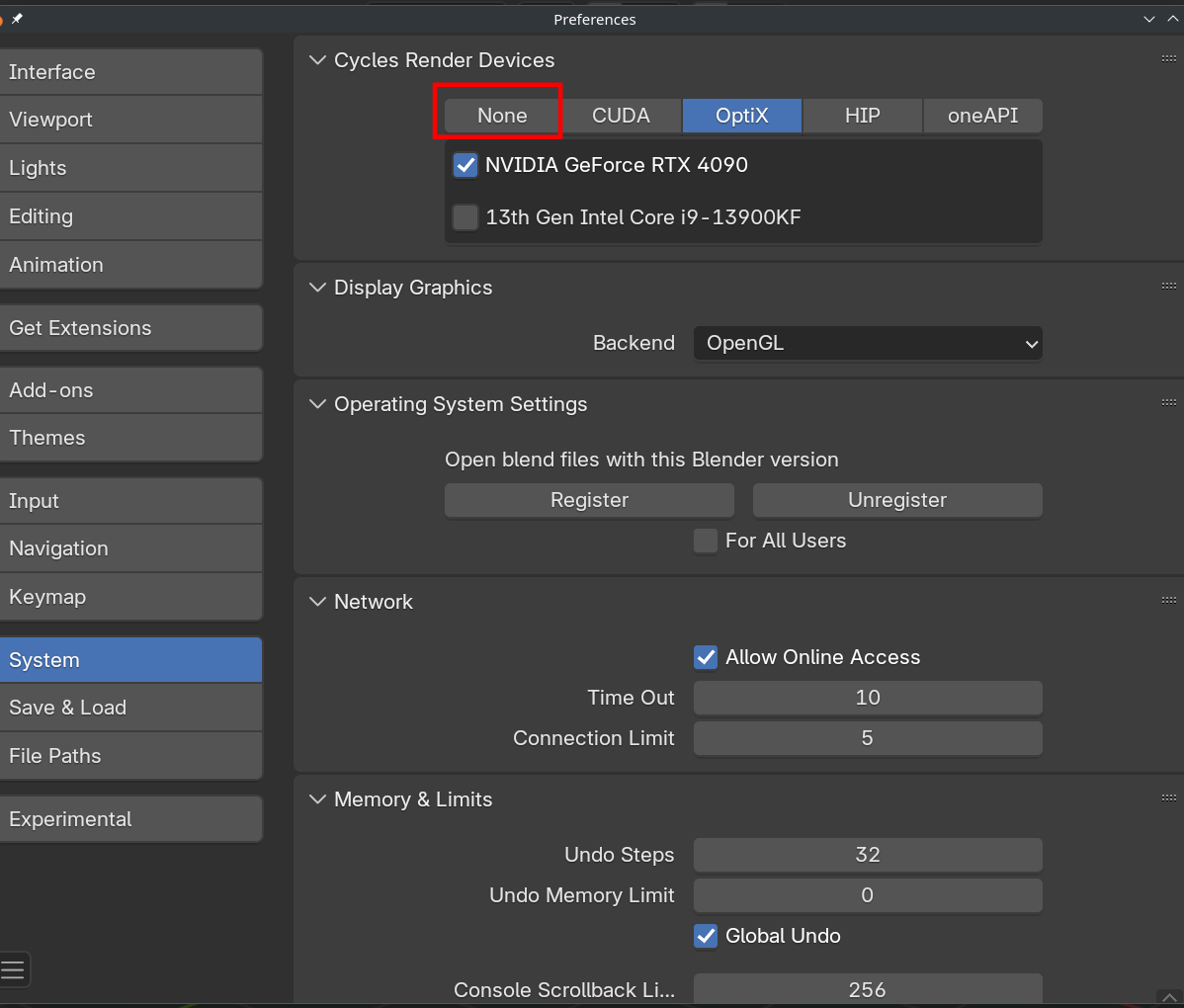
Plane, cube, single point light and cycles – 1.5 fps. RAM 16 GB Intel Core I5 6600 Radeon RX 580 Series
How to fix? I just updated the drivers too. When I switch to GPU as a render device – it gets greyed out Important note – none of the pref system settings are avalible for me
Hello. Can you give much more context and explain a little more? Are you trying to render a big scene? Your computer doesn’t sound very up to date. Maybe that video card is too old and it’s not supported by Blender nowadays?
That video card is fine. I am trying to render a cube and a plane. And it gives me 1.5fps when I rotate a camera. I cant pass the light course because of this
Martin, nothing is avalible for me. None of the options. I deselected none, others dont work. They all say different reasons on why, but they just dont. When I press them – there is a checkbox to, well, turn them on – and it is greyed out
You can Render on your CPU (I did that for years), upgrade your computer (best option if you want to do Computer Graphics) , or use an older Blender Version..
Yeah sadly computer graphics is demanding when it comes to hardware. It’s like if you want to race cars, you’re going to need a fast car, there’s no way around that. As Martin says, rendering on the CPU is ok, that’s how we all start until we get to the point of getting a better computer.
Author
Posts
Viewing 14 posts - 1 through 14 (of 14 total)
The topic ‘Cycles barely work’ is closed to new replies.