Add sharp corners on the outside of a panel

Forum Archive Add sharp corners on the outside of a panel

Viewing 10 posts - 1 through 10 (of 10 total)
  • Author
    Posts
  • #20307
    Gerard van den Brul
    Participant

      Today I wanted to give a front panel a bit more outside detail, grabbed a coffee and thought it would be a walk in the park. Unfortunately I am having a hard time adding top and bottom corners on a panel which is slightly curved and unforgiving. 

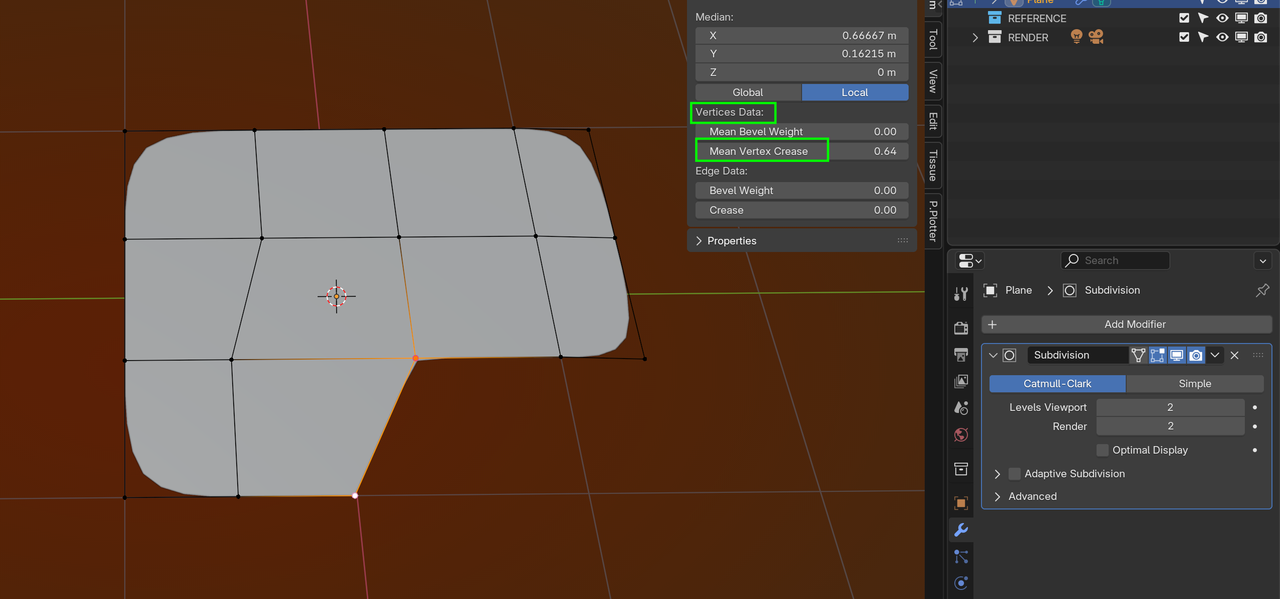
      I highlighted the vertices / corners I want to make sharp.

      For now the piece is planer, with a bevel, solidify and SubD modifier.

      Things I tried so far:

      Add a bevel after applying solidify. (Creates pinching)
      Added the vertices by hand and ran edge loops. (Creates shading issues) and uneven edges
      Created triangles holding 3 vertices at the edge.
      Bevel modifier.
      Edge creasing.

      What would be the correct flow to model this panel?
      Second question, (asked before, I know) is there a way to even out added edges/vertices on a curved surface? I tried loop tools “relax” and “even” but that does not let the vertices follow the same path / curvature. Or tools / techniques that make this process simpler. (Looptools and smooth vertices was a tip from Jonathan during one of his topology course chapters)

      Model.png

      DAF.png

      Front shield.png

      #95443
      Martin Bergwerf
      Participant

        HI Gerard,

        The simplest way, would be to use Vertex Creasing:

        Crease.png

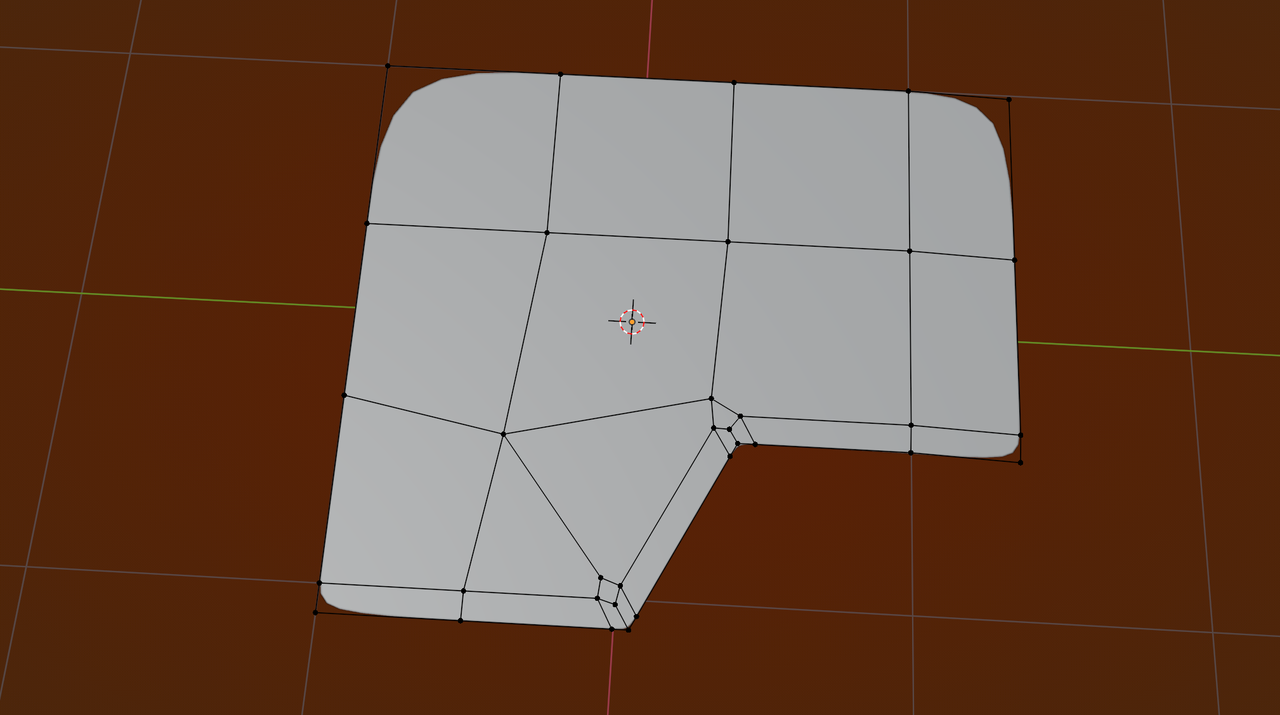
        But you can also use ‘holding Edges’, maybe something like this:

        Crease_01.png

        Be aware of the 5-Pole this creates; make sure it’s on a flat part of the Mesh, or see if you can remove the Vertex (picture-) left of it.

        #95444
        Martin Bergwerf
        Participant

          Oh, about that other question; I usually use Loop Tools > Space for that.

          #95445
          Omar Domenech
          Participant

            There’s also cheating involved. Because of the very nature of SubD modeling, pinching is bound to happen no matter watch. Sometimes you just leave it be, because even in the real world there is pinching in such shapes, but other times you use a data transfer modifier. You can see JL getting around uncomfortabvle geomtery in this video starting at 26:20

            https://cgcookie.com/lessons/modeling-the-pot

            #95446
            Gerard van den Brul
            Participant

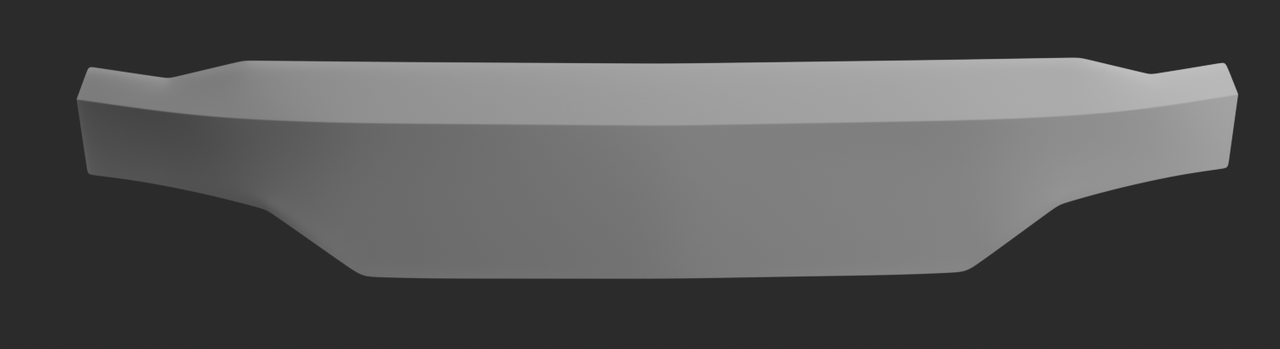
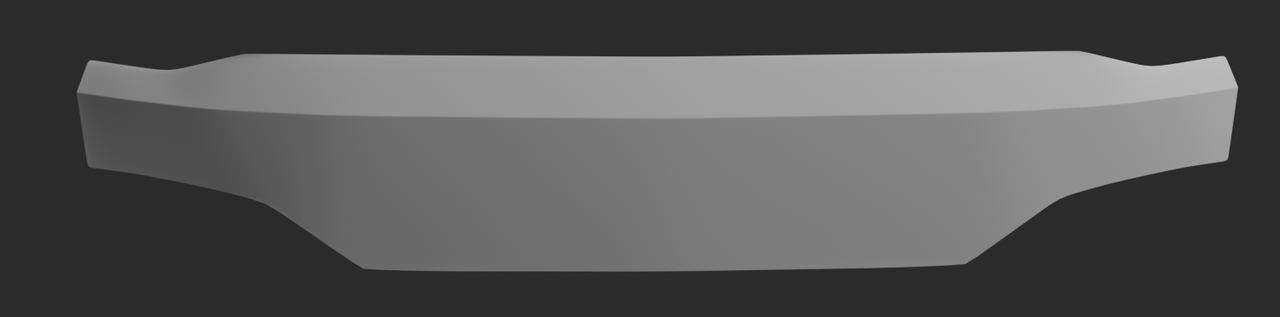
              Hi Martin, I did not mention it but I also tried vertex creasing. It felt like a hackey way to accomplish the corners. I fiddled again with the holding edge approach and get the result but with minor pinching / deformation. As you mentioned, the vertex crease in this case is the quickest and simplest one. I think it renders the best result. 

              Omar, I will follow the pothead course, it’s in my library. I guess I have to cheat a bit more instead of going for perfection.

              Holding Edge approach

              th Holding Edges.png

              Vertex crease approach

              Vertex crease.png

              Omar, Martin, thanks for sharing your wisdom with me.

              #95447
              Martin Bergwerf
              Participant

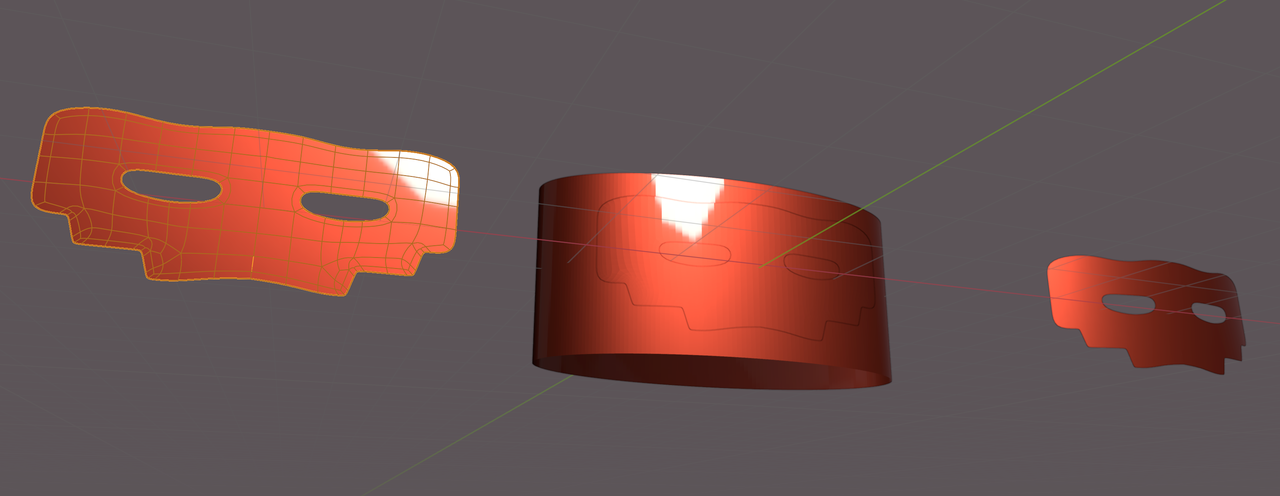
                You can always, this can help with complicated shapes, model the Mesh flat, then Shrinkwrap it to a curved ‘helper’ Surface (with a high Subdiv Level):

                Shrinkwrap.png

                This usuall helps with the pinching. If necessary, you can, in addition, also use a Data Transfer Modifier as Jonathan Lampel uses in the Pothead Course, as mentioned by Omar.

                #95448
                Gerard van den Brul
                Participant

                  Hi Martin,

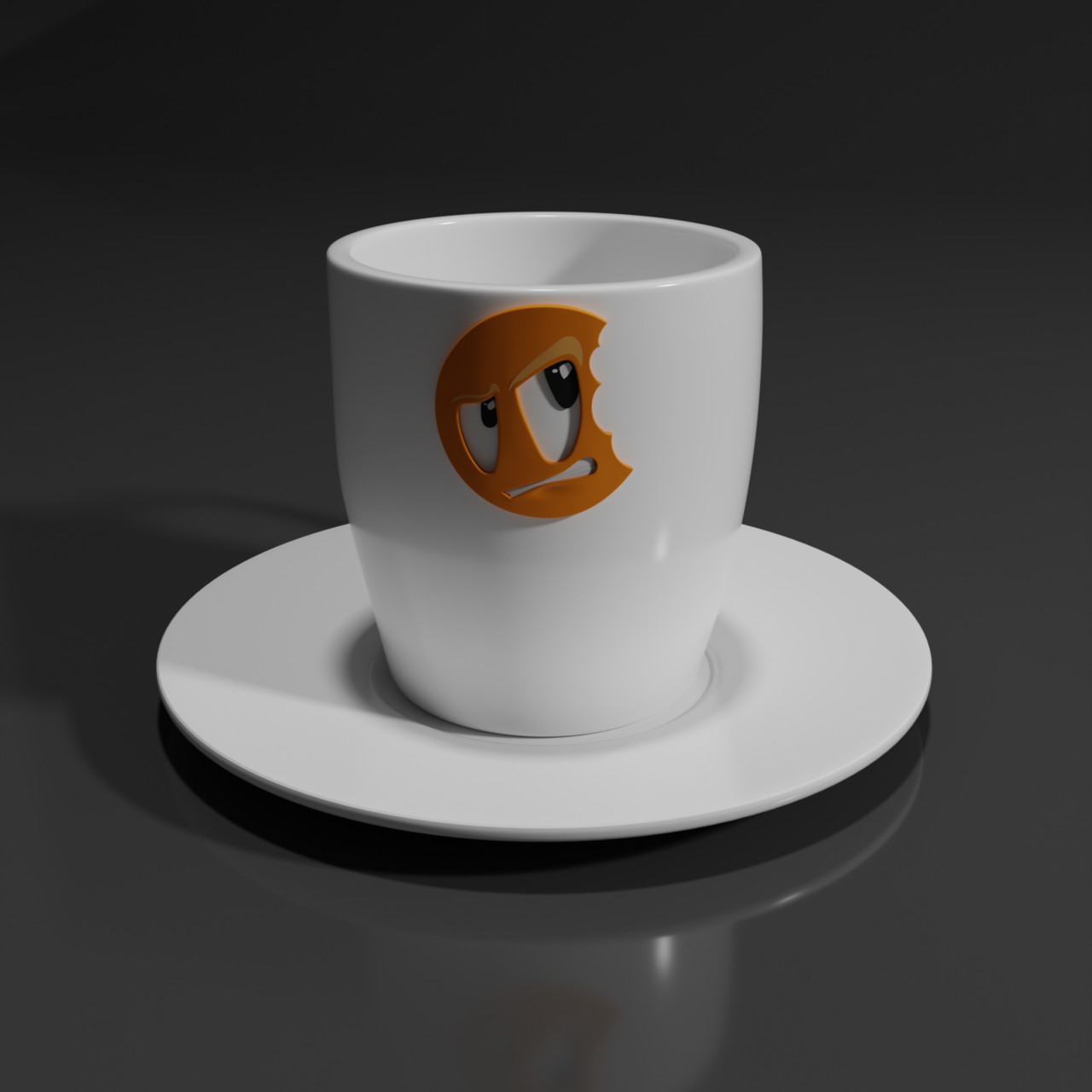
                  Thank you for the suggestion. It also crossed my mind as an option because i once applied the CGCookie logo onto a coffee cup during one of the courses.

                  For now I will leave this panel for what it is and revisit the panel in a later detailing stage.
                  Good to know there are a ton of options the achieve the result.

                  Thanks!

                  Coffee Cup.png

                  #95449
                  Martin Bergwerf
                  Participant

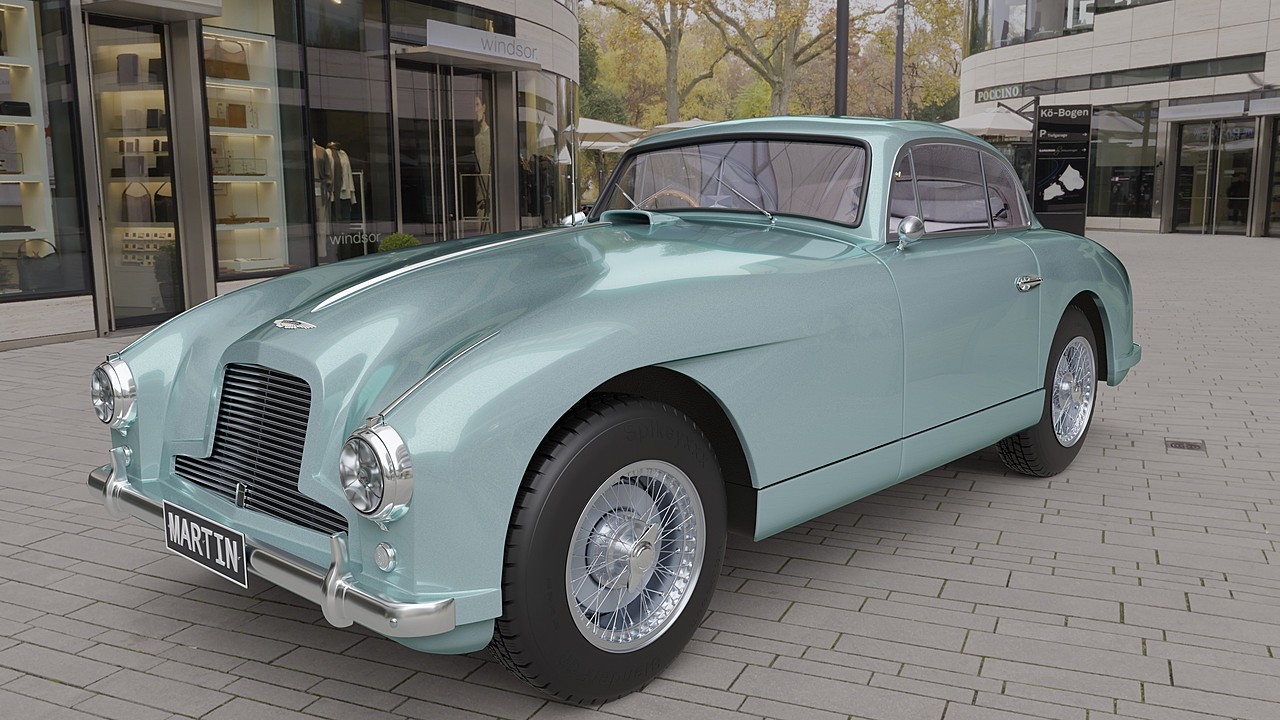
                    Did I already mention that cars are really hard to model in CG, Gerard? But also very rewarding.

                    Here’s me, showing off (this hood took me ‘forever’):

                    23-14571-1tiqloj.jpg

                    #95450
                    Gerard van den Brul
                    Participant

                      Yes, you already mentioned it. What you are showing off would by the result I am aiming for. (Eventually)

                      Looking very nice!

                      #95451
                      Omar Domenech
                      Participant

                        Maybe this is Martin’s real car. I wanna say it’s an Aston Martin, so it’s in the name and all. 

                      Viewing 10 posts - 1 through 10 (of 10 total)
                      • The topic ‘Add sharp corners on the outside of a panel’ is closed to new replies.