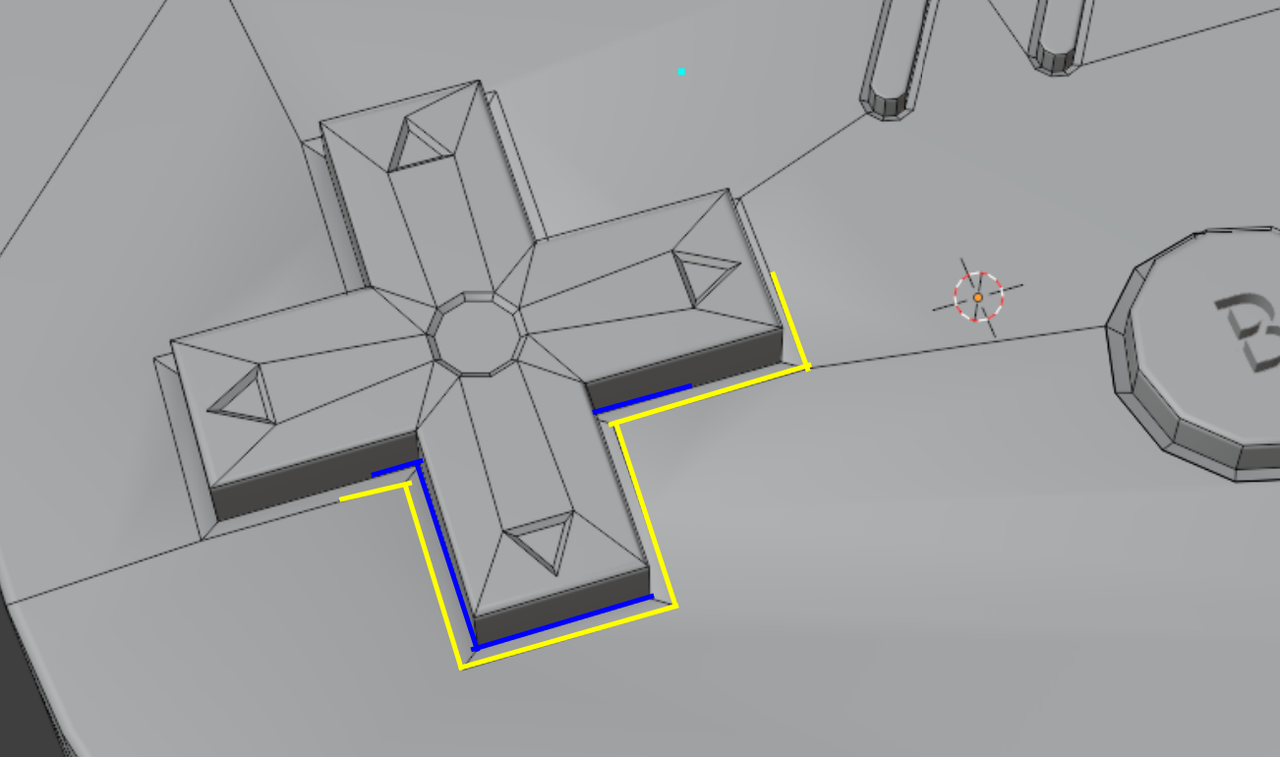
I don’t know if these lines were present before I started using auto smooth, but when I turn auto smooth off, they still seem to appear, so that must not be it. It’s driving me crazy!
Do I need to delete the top faces and try again?
I selected a few faces by themselves then scale > z > 0 to try and bring them all level, but didn’t seem to help.
Including a few views for perspective.
I’m so ready to move on to other tutorials, but not having these meshes right is irksome!
EDIT: I was able to fix it. I selected the individual faces on top and right click > shade flat. and this mess went away. Now why it was smoothing when I have autosmooth for the entire object set to 30*? I am not sure.


EDIT: Fixed after selecting faces in edit mode then shade flat

.