
Blender Pumpkin Carving Challenge
Forum Archive › Blender Pumpkin Carving Challenge
- This topic has 32 replies, 15 voices, and was last updated 1 year, 9 months ago by
Kent Trammell.
-
AuthorPosts
-
September 25, 2024 at 12:20 pm #18833
Challenge Submissions!
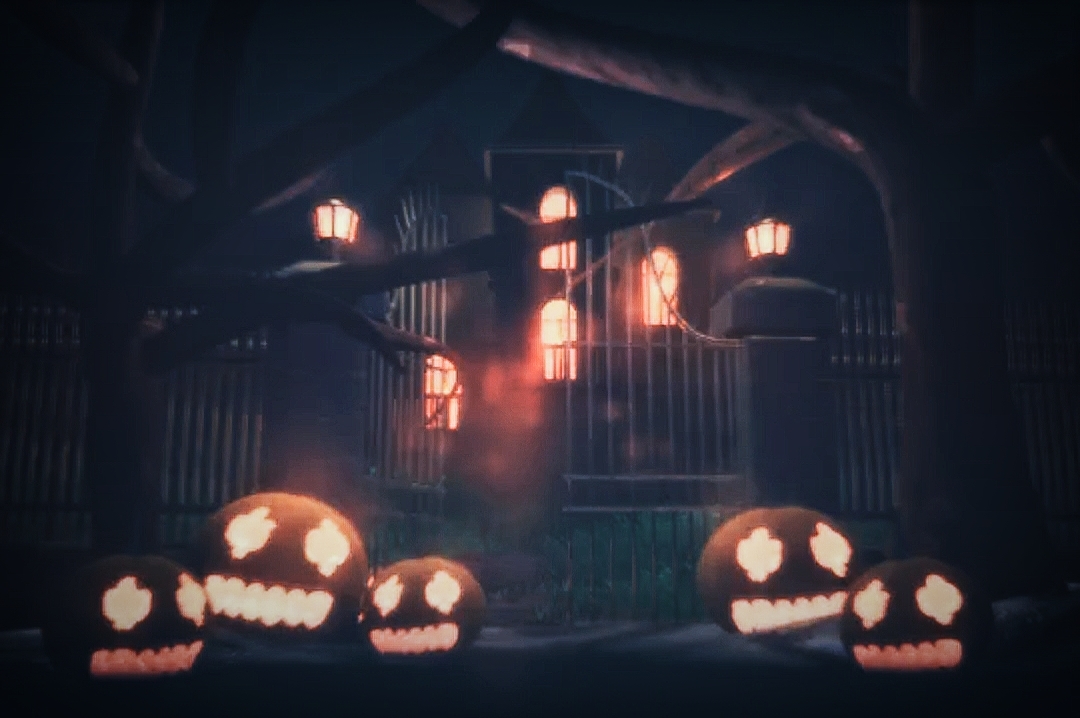
Congrats to everyone who submitted to this year’s Halloween challenge! We couldn’t contain our excitement and had to celebrate by editing a showcase featuring all submissions. Enjoy and spook you next year 🎃
The Challenge: Carve a 3D Hallowe’en Jack-O’-Lantern
Inspired by the new CG Cookie CORE | Fundamentals Series.
The CORE of your pumpkin is where you need to start to create your Jack-O’-Lantern for this challenge. Carve out the CORE and place to one side to make pumpkin pie later.
- Step 1 – Choose your method of creation for the foundations of your Jack-O’-Lantern, Mesh Modeling or Sculpting, or a combination of the two if your brave enough, and carve the ultimate Jack-O’-Lantern.
- Step 2 – Create a scene, yeah not that type of scene, we don’t want to scare anyone just yet.
- A simple scene will be sufficient, anything you like, the kitchen table, the doorstep or a graveyard, it’s up to you and your imagination (and time). A simple plane surface and backdrop is totally adequate.
- Step 3 – Add a dash of Materials and shading, a pinch of texturing. This is a crucial step in adding some flavour to your Jack-O’-Lantern, take your time and mix it thoroughly.
- Step 4 – Baste your Jack-O’-Lantern with light, just as crucial for a glorious presentational piece of pumpkin.
(Optional)
- Step 5 – Craving for more? Rig and Animate your Jack-O’-Lantern and bring it to life with character.
- Step 6 – Wanna spice it up? Add a flickering candle flame inside, careful though, it may explode.
- Step 7 – It’s not glaringly obvious, but for the ultimate finale, take your Jack-O’-Lantern in to compositing to add depth and motion.
Dates
- Challenge:
From 30th September 2024 – 31st October 2024, 23:59 US CST
- Vote:
from 1st November – 7th November 2024
Criteria
- Model a Jack-O’-Lantern
- Add materials and textures
- Light your result
- Be Creative
- Make it Fun
- The optional steps are not required to submit to the challenge.
Though we encourage you to have a go, if not in during the challenge, continue on after and share your results with the community.
Recommended Viewing
Do you want to stream these Blender courses on CG Cookie, but not a CGC Citizen?
Sign Up for a Monthly or Yearly plan to strengthen your CORE.
Rules
- Use Blender
- All 3d objects are your own – No 3rd party models, No AI
- Submit your final Results to the CG Cookie Gallery (Use category: Contest and Challenges).
- Open to all members in our awesome community.
Not on Discord yet? Join us via the left side menu on cgcookie.com.
Summary
- What – Create a Halloween Jack-O’-Lantern (Model, Materials and Shading, Texturing and Lighting as a minimum)
- When – September 30th 2024 – October 31st 2024, 23:59 US CST
- Why – To be the best you can be from the knowledge you have today, while striving to be even better tomorrow than you was yesterday. But most importantly, to scare everyone have some fun.
- How – Create a project in the CG Cookie Gallery. Use the CONTEST AND CHALLENGES category when creating your project.
Not on CG Cookie? sign up for free
Votes
Voting takes place between 1st – 7th November
The Community Vote will take place on Discord- Winners of the CG Cookie Crew vote = 2nd and 3rd place
- Winners of the Community vote = 1st place
Prizes
- A subscription to cgcookie.com – 1st: One Year – 2nd: Three Months – 3rd: One Month
- Bragging rights on Discord with a Challenge Winners role
- Featured on CG Cookie Gallery
Plus – (for CG Cookie Citizens)
- 500xp
And the best prize of all!
- FUN FUN FUN
Winners will be announced on CG Cookie and Discord on Monday 11th November 2024
September 25, 2024 at 1:31 pm #89793Alrighty! I have an idea. Let’s see if I can make make it come to life. Fun stuff!
September 25, 2024 at 3:38 pm #89794Holy pumpkin I’m in
September 26, 2024 at 9:00 am #89795Mario would now say “here we go”. I am excited
September 27, 2024 at 11:06 am #89796I have a lot of optimism and little skill, so wish me luck!
September 27, 2024 at 4:26 pm #89797I have IDEAS 🎃
September 30, 2024 at 12:49 pm #89798@nathitappan @deodatus @wod @NathanSmith @comn I’m excited to see what you all come up with! The halloween challenge is always a blast 🎃
September 30, 2024 at 9:25 pm #89799Hi Adrian! This looks fun. I’ll participate this year challenge. I just got started preparing my piece already in thumbnails only. I’ll share them soon.
October 1, 2024 at 3:19 am #89800Awesome!
You can share your progress in this thread if you wish,
We love to see what you all come up with along the way and maybe spark some enthusiasm for others to take part.Good luck, have some fun!
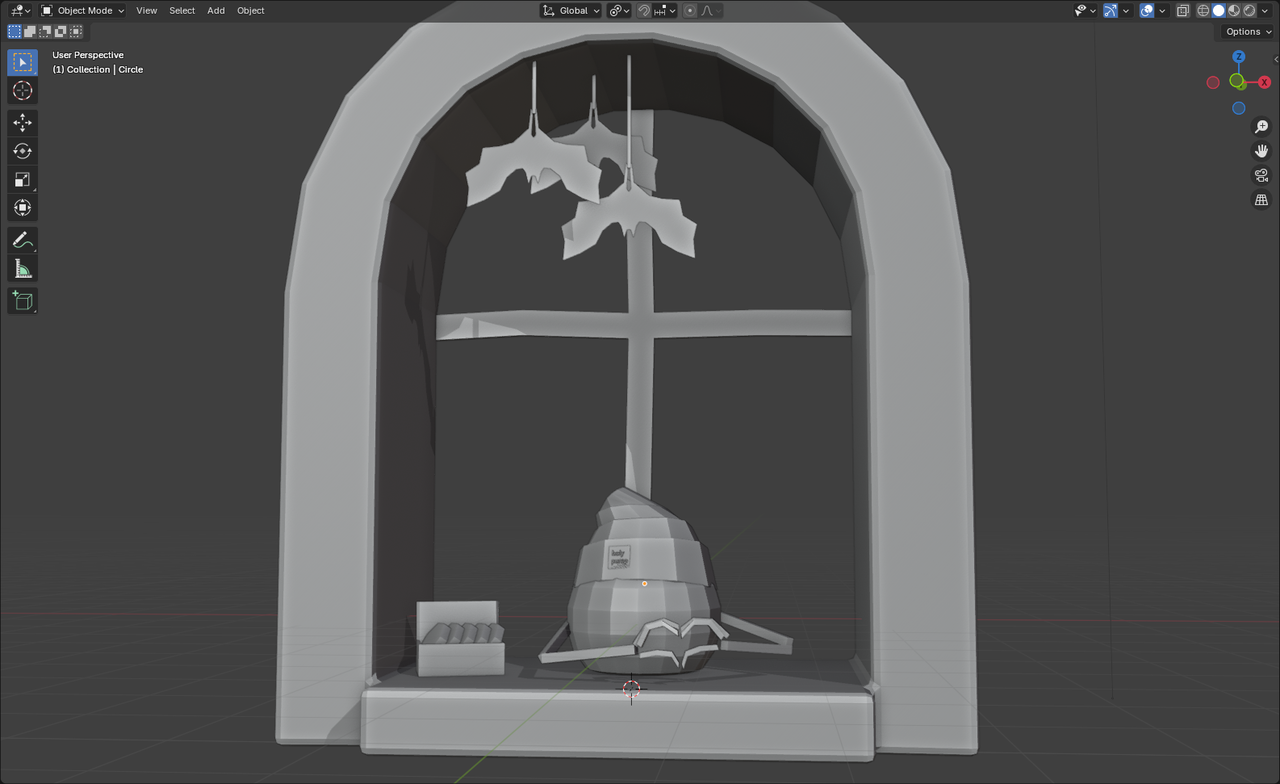
October 3, 2024 at 8:32 am #89801getting some idea
 October 3, 2024 at 11:39 am #89802
Is it possible to submit a short animation in the competition? I created a project, but it seems to only accept image files.
October 4, 2024 at 8:47 am #89803Hey @carramone,
Yes you can submit a video, if you go back to your project you can edit it and scroll to the bottom where it says ‘Add Media to Project’, you can select ‘Add Video’ and paste in the video url.
You do need to upload to YouTube or Vimeo first.Make sure your project is set to published on the top right and hit Update Project at the bottom of the page.
October 6, 2024 at 10:52 am #89804Just finished mine!
October 6, 2024 at 1:46 pm #89805October 10, 2024 at 3:33 pm #89806Very fun project where I got to use so much of what I’ve learnt in the CORE series.
I’m currently rendering an animation, but I’ve published my contribution with a still image in the meanwhile.
-
AuthorPosts


- The topic ‘Blender Pumpkin Carving Challenge’ is closed to new replies.