Drawing preview of a box shape is white (in version 4.2.0)

Forum Archive Drawing preview of a box shape is white (in version 4.2.0)

Viewing 7 posts - 1 through 7 (of 7 total)
  • Author
    Posts
  • #18373
    Katerina Novakova
    Participant

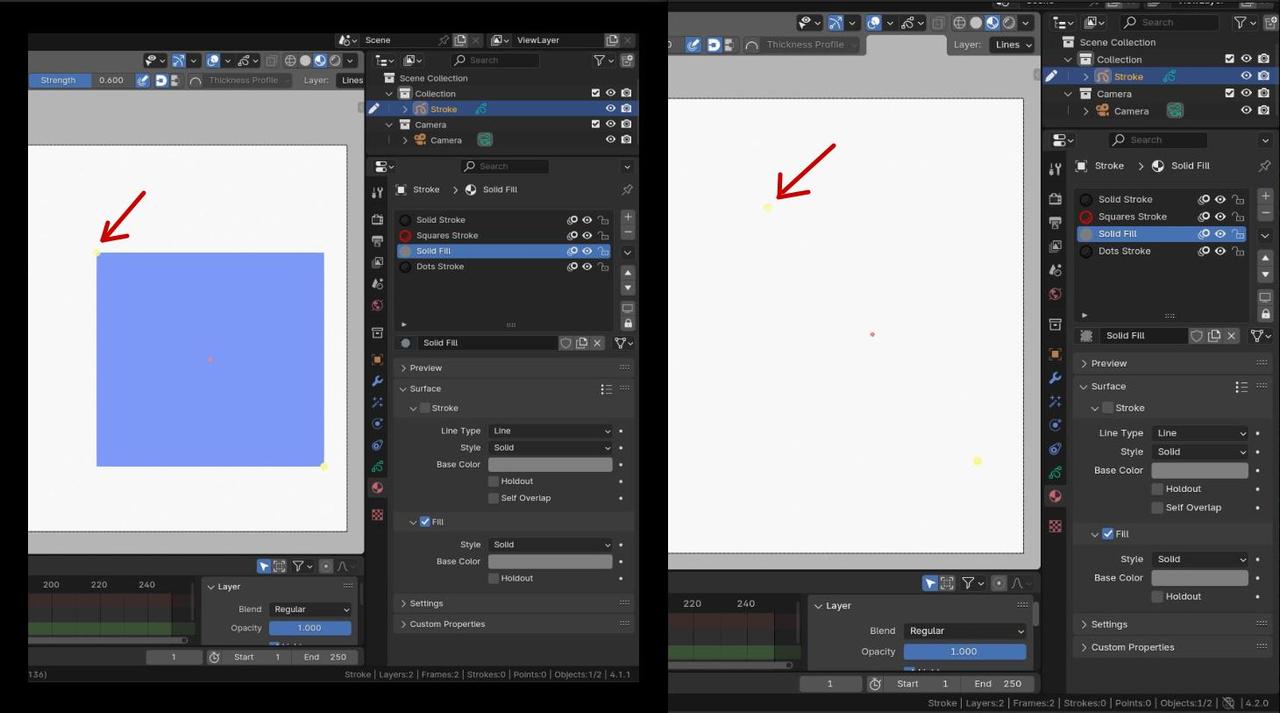
      I’m in a Draw mode, with Solid Fill material selected and the Box tool active.

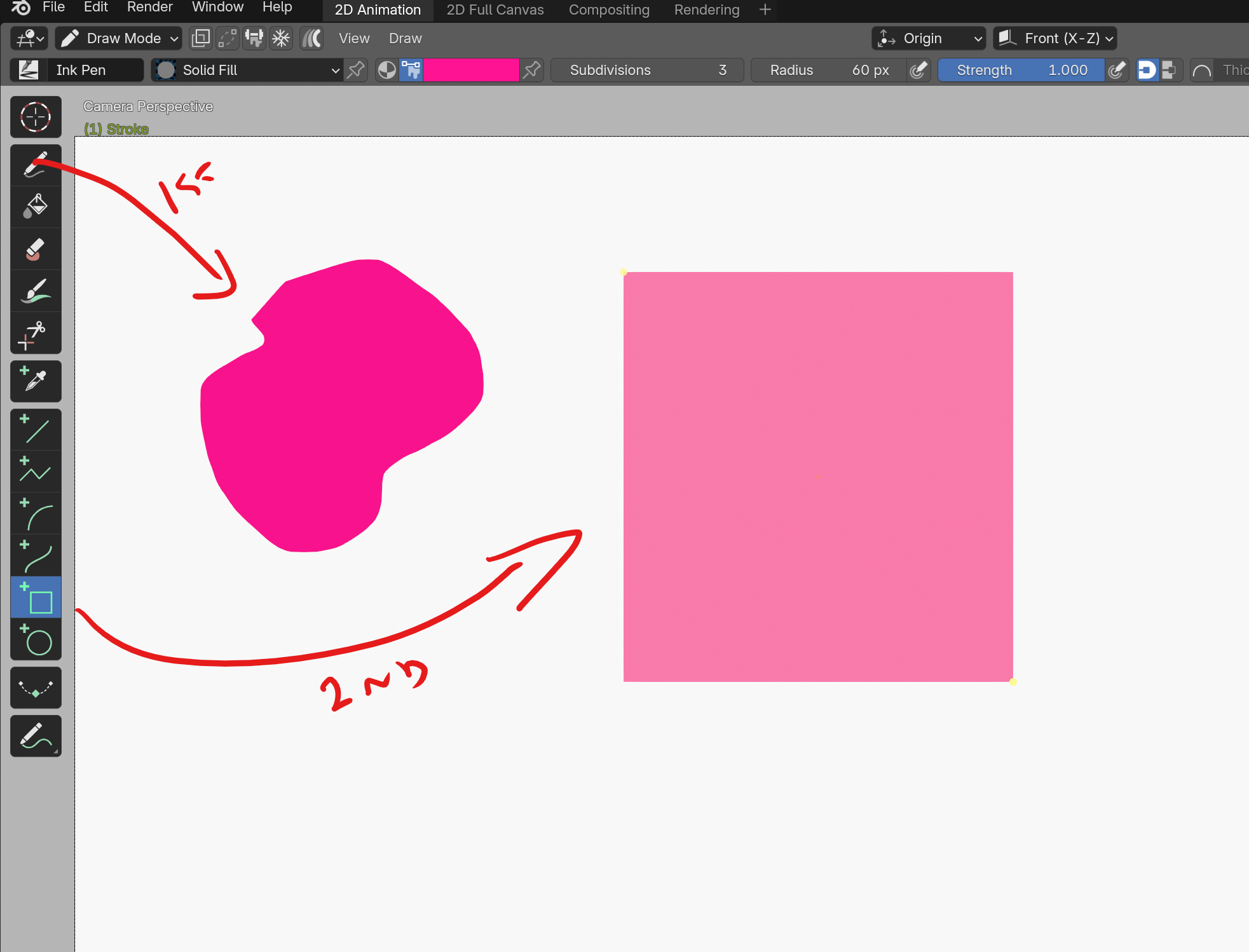
      In version 4.1.1 when I start drawing the rectangle, I can see a preview of what I’m drawing in a lighter color. I can adjust the yellow points and when I confirm, the shape gets the full color.

      In version 4.2.0 however, I cannot see what I’m drawing. I only get the yellow dots. Once I confirm, the shape appears as expected. I haven’t found this reported as a bug, so is there a new setting in 4.2 that I need to enable? I did my best to compare the versions side by side but I couldn’t find any differences.

      preview is white.jpg

      #87757
      Omar Domenech
      Participant

        it may be a bug yes. Lets see what Paul says, he’ll wake up on his Wednesday and we in our Tuesday will now the answer yesterday before tomorrow.

        #87758
        Martin Bergwerf
        Participant

          Hi Katerina @shiennar ,

          Yeah, it is highly annoying…but it is probably a bug, because in the 4.3 version I have installed, it works as before…and 4.2 is an LTS, so it might be fixed in the first Corrective Release already (4.2.1).

          For now, you can enable the Stroke Checkbox to at least see the outline, when drawing.

          #87759
          Paul Caggegi
          Participant

            Hi Katerina! I will check on the developer forum today. Yes, I have also experienced this. I’ll check to see if it happens across all viewport shading modes, also.

            #87760
            Paul Caggegi
            Participant

              Hi Katerina, I’ve now checked this out, and reported a bug. Any material with a stroke component will preview just the stroke – no fill. I’ve tried this is all viewport shading modes. Same issue. Strangely enough – if you first draw an open shape with the pencil tool, then any shape will preview correctly! So it’s definitely a bug. I’ve sent a report, and I hope we get a fix soon. Thanks for mentioning this!

              #87761
              Katerina Novakova
              Participant

                Hi Paul, thank you for reporting it – and for finding the workaround with the pencil tool, it works for me.

                #87762
                Paul Caggegi
                Participant

                  Update – I tried this out today. It seems to have been fixed in 4.2.1 Lines will still be invisible if using a solid fill material, but box and circle will preview correctly.

                Viewing 7 posts - 1 through 7 (of 7 total)
                • The topic ‘Drawing preview of a box shape is white (in version 4.2.0)’ is closed to new replies.