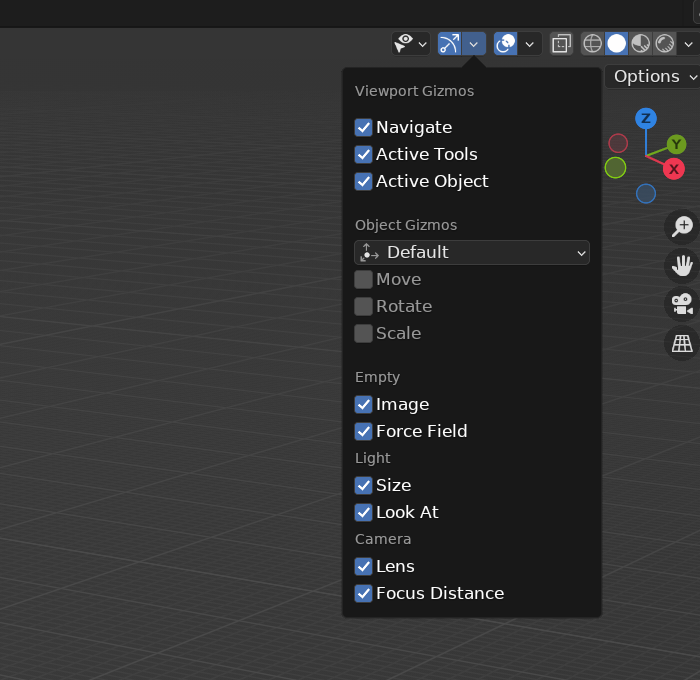
With Blender there are multiple options.
1. You can right click and add them to quick menu or assign a shortcut
2. In preferences under keymap you can change grave accent to Gizmo. This gives you a gizmo pie menu instead of the default view pie menu when you press tilde key. This is the gizmos under gizmo drop-down.
3. In preferences under keymap you can change tool key from immediate to active tool. This will switch to the tool on the toolbar when you press G, R, or S.
4. This is my preferred method. In preferences under keymap check alt click tool prompt. This makes it so to tap the Alt key(don’t hold it down) then you can press G, R, S, or T to switch to the tool on the toolbar. T is all 3 transform. W by itself returns you to select tool
5. If you have default spacebar setup. Then you can use shift+spacebar to bring toolbar options to your mouse cursor in the 3D Viewport.

.