Packing islands on 4x / Stretching colors

Forum Archive Packing islands on 4x / Stretching colors

Viewing 8 posts - 1 through 8 (of 8 total)
  • Author
    Posts
  • #17373
    Nathi Tappan
    Participant

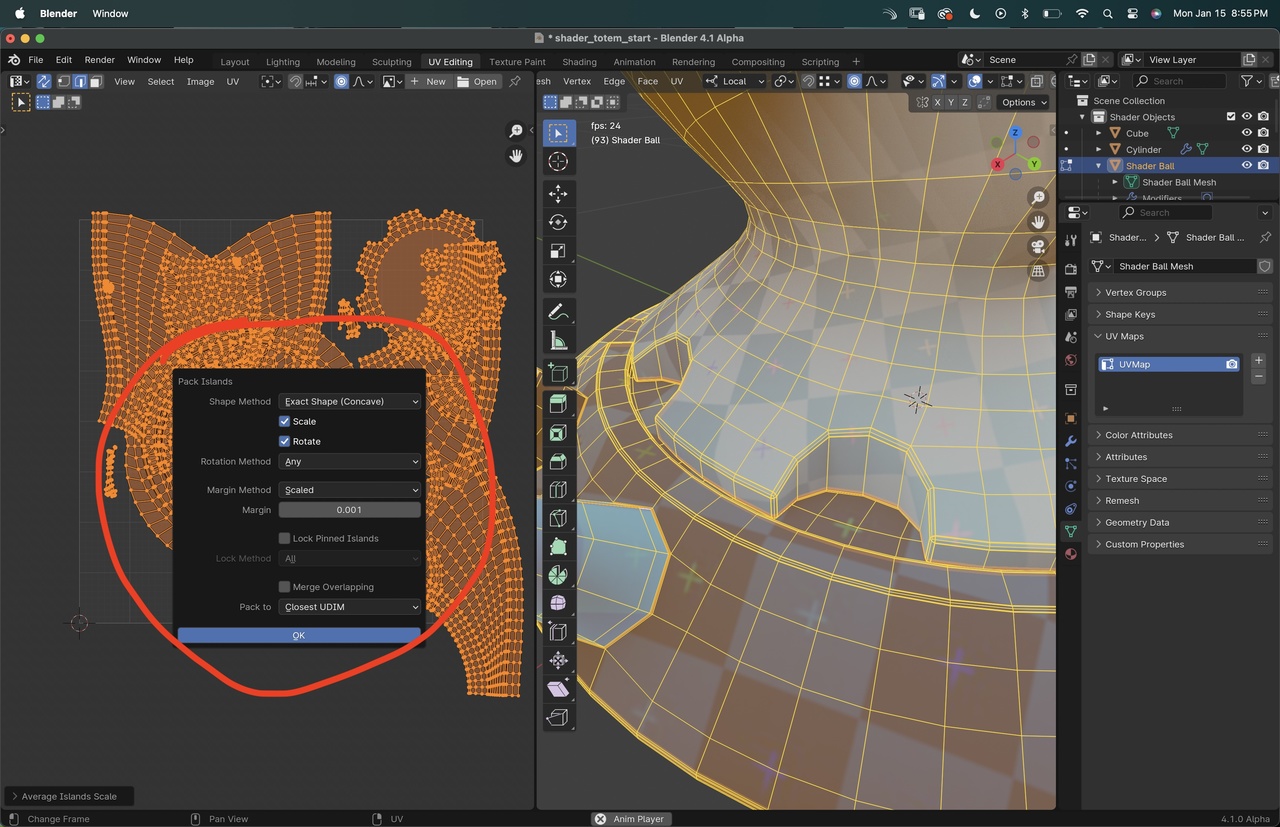
      I apologize if this gets explained later in the series, I’ve only watched through Melvin’s unwrapping. I know there are add-ons that are recommended and such, but it seems we have a lot more options now (I’m using Blender 4.1) when we hit “Pack Islands” from the UV Menu.

      15 at 8.55.48 PM.jpg

      Do these actually make a good difference now, or should we still stick to using the add-on?

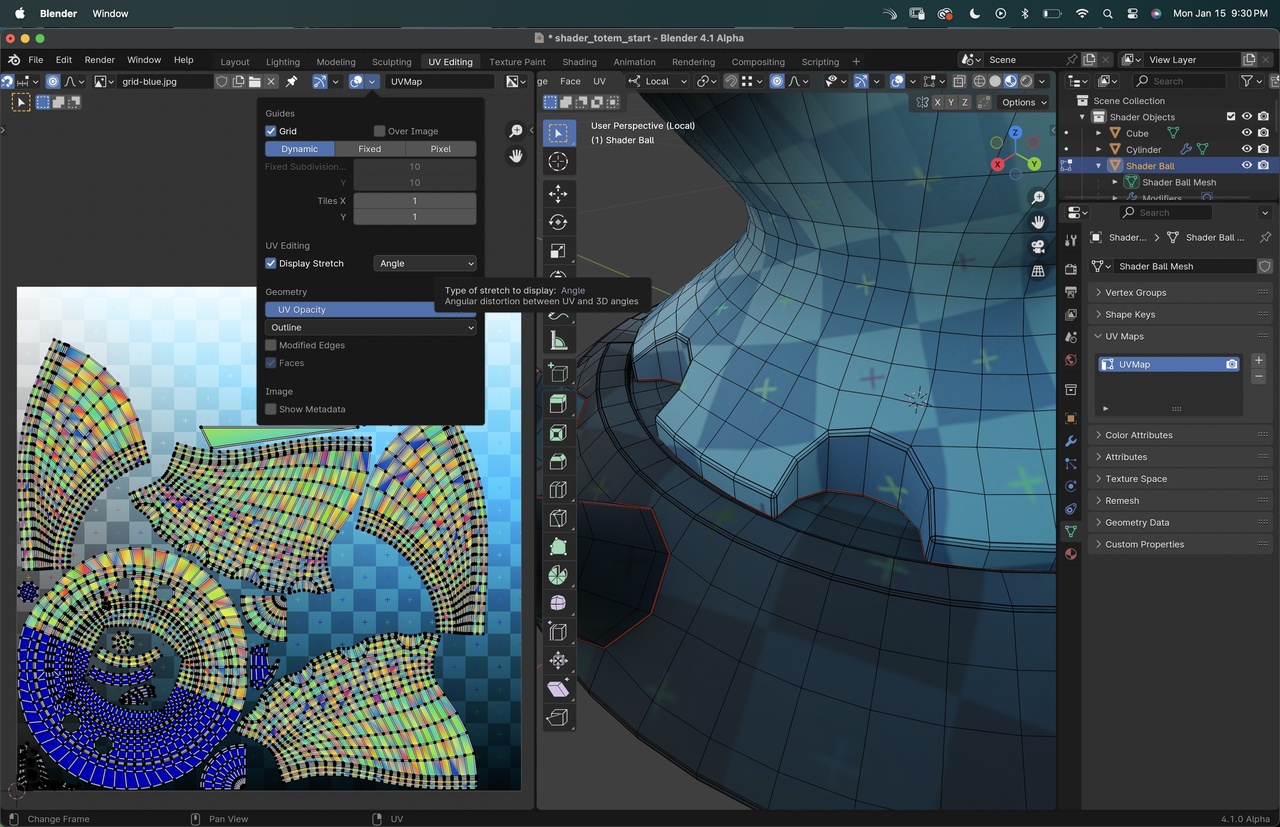
      Second question: the colors for the angle stretching overlays are not as intuitive as it shows on the video. Is there a setting I am missing?

      15 at 9.30.46 PM.jpg

      Thanks!

      #83567
      Adrian Bellworthy
      Participant

        Hey @nathitappan,
        Good questions,

        There are lots of good add-ons to assist with UV unwrapping. Blender’s UV unwrapping abilities (add-on free) has improved a lot over the last few versions.
        Therefore it is not necessary to use any add-on, especially when learning. Understanding the fundamentals and being competent in add-on free Blender is essential in my opinion, or you’re at the mercy of third party developers of add-ons and their reliability to update the add-ons with every new version of Blender.

        The stretching display type of angle is not really much use on a model such as this. You will mostly likely always want to use area instead.
        If you notice at ~3:49 in the lesson, Jonathan switches the display stretch to area. I’m not sure why area isn’t the default.

        #83568
        Omar Domenech
        Participant

          Don’t worry, most of the time in Blender, when they introduce a bunch of menus, 99% of the time you still end up using them very basic, you just hit ok in the default set and you’re good to go. In time you learn that with 20% of the tools you do 90% of the work and then you don’t worry about the overwhelming number of settings.

          #83569
          Nathi Tappan
          Participant

            Got it! Thank you guys, as always!

            #83570
            Nathi Tappan
            Participant

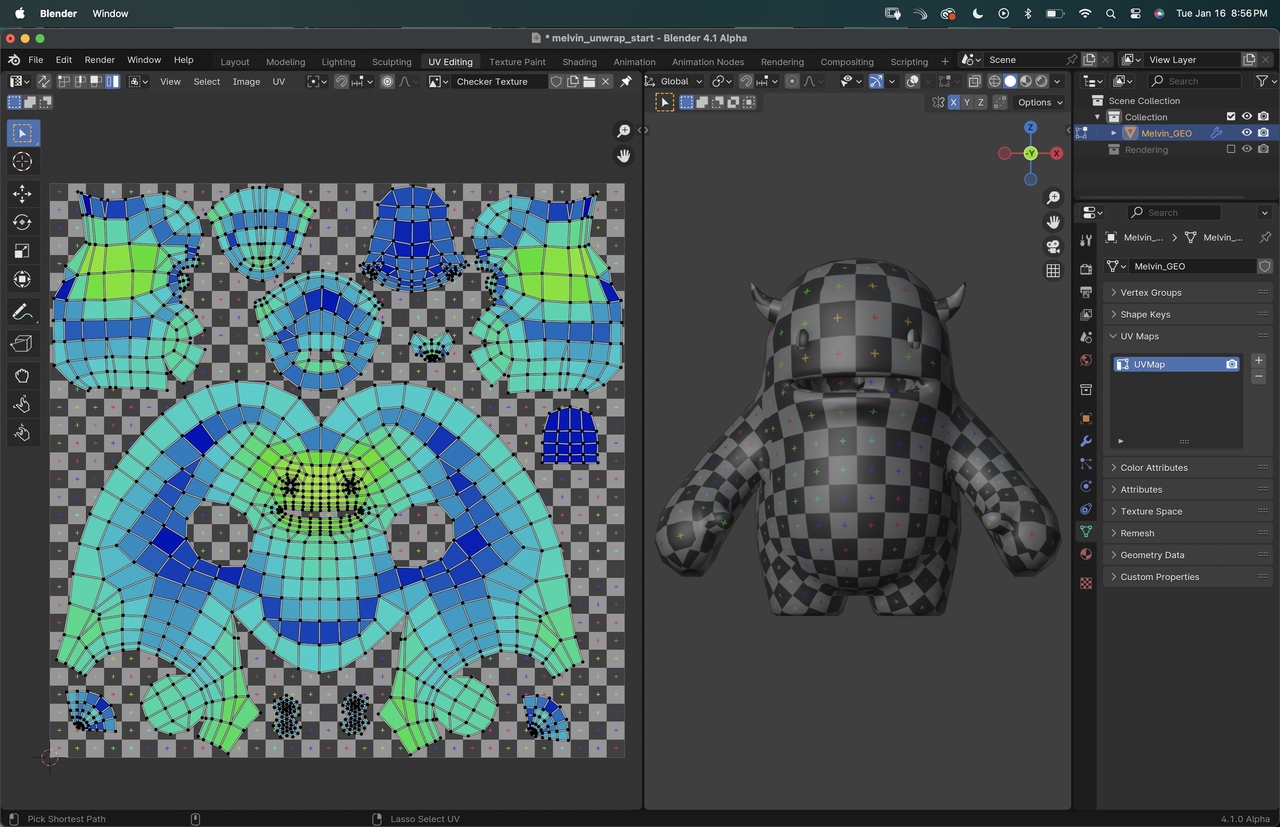
              Alright, one more question popped up on these overlays… when using the area stretching on both the shader ball and Melvin’s unwrapping I never fully got the same amount of blue areas as in the video. To make sure it wasn’t because I wasn’t following click by click I tried in a couple instances to follow Jonathan exactly and still…

              Do I see it correctly that there are more shades of stretching now? I feel like more greens and yellows? Am I ok to aim for mostly green and blue?

              16 at 8.56.39 PM.jpg

              #83571
              Martin Bergwerf
              Participant

                Hi Nathalia,

                I checked the unwrapped Melin in 3.3 and 4.1 and there is absolutely no difference in the Stretching Colors between those two versions.

                I think your unwrap doesn’t look too bad as it is.Maybe try to get the face a bit more towards blue.

                You should also look at the model in the 3D Viewport and how the Texture looks there. That is the most important thing.

                #83572
                Omar Domenech
                Participant

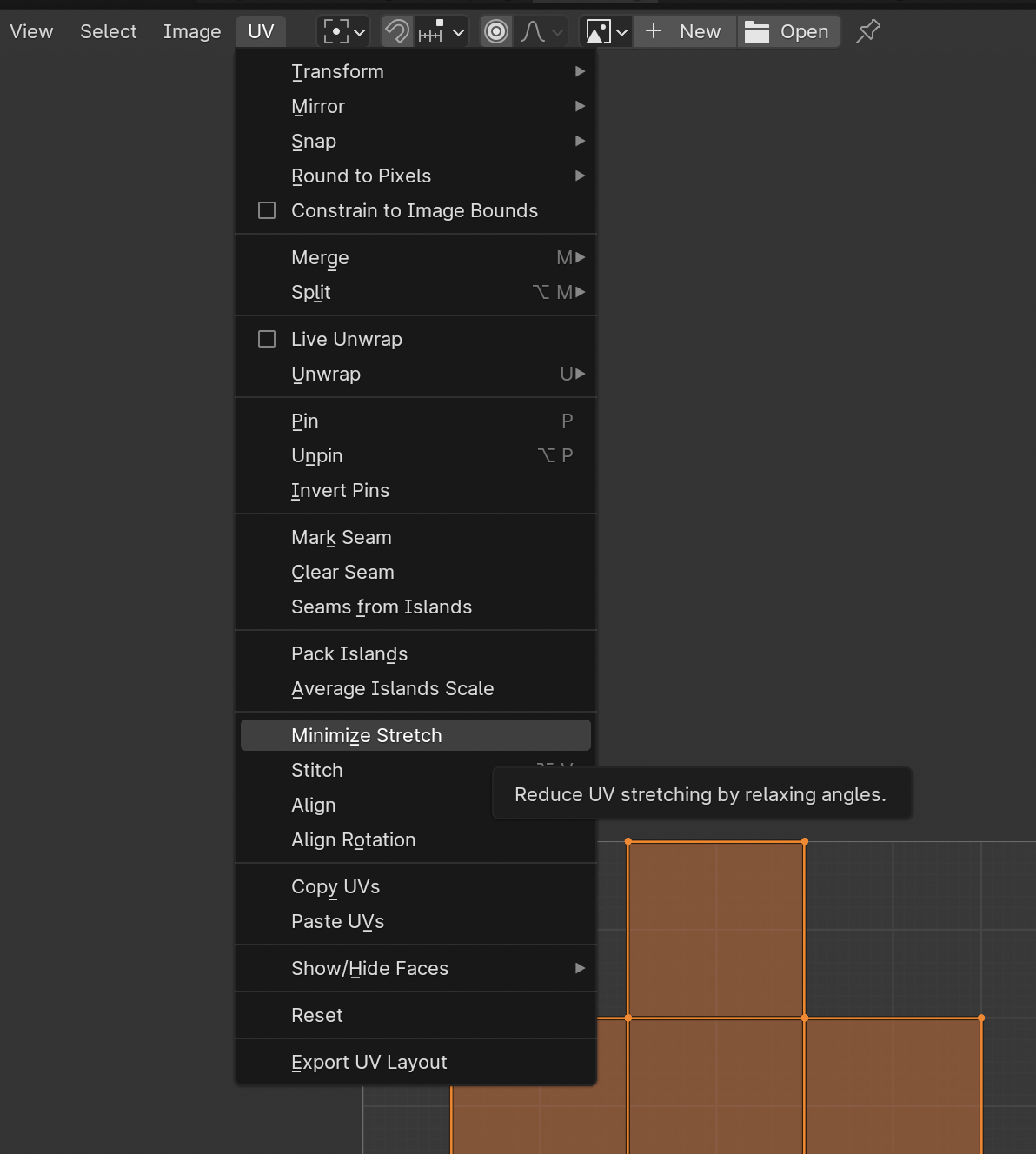
                  There is an option to minimize stretch, see if that helps:

                  Stretched UV.png

                  #83573
                  Nathi Tappan
                  Participant

                    It does help a bit, thank you Omar! But I think mainly is that I need to develop more “touch” to the pinching and inflating tools with this… 

                    Great idea to do the testing Martin! That leaves no doubt. Thank you!

                  Viewing 8 posts - 1 through 8 (of 8 total)
                  • The topic ‘Packing islands on 4x / Stretching colors’ is closed to new replies.