
20:37 – thread discussing average island scale issues, packing, pinning, margins and UV Packer
Forum Archive › 20:37 – thread discussing average island scale issues, packing, pinning, margins and UV Packer
- This topic has 17 replies, 3 voices, and was last updated 2 years, 9 months ago by
Charles.
-
AuthorPosts
-
December 8, 2023 at 7:35 pm #17182
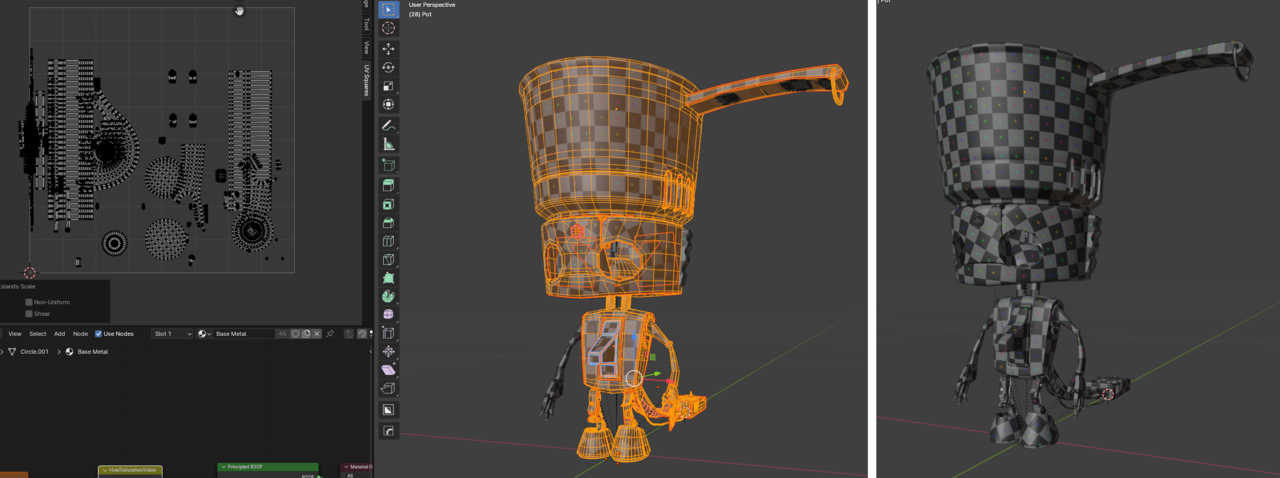
Any clue as to why my result looks so off from JL’s?
Top: Before av island scale.
Bottom: After av island scale.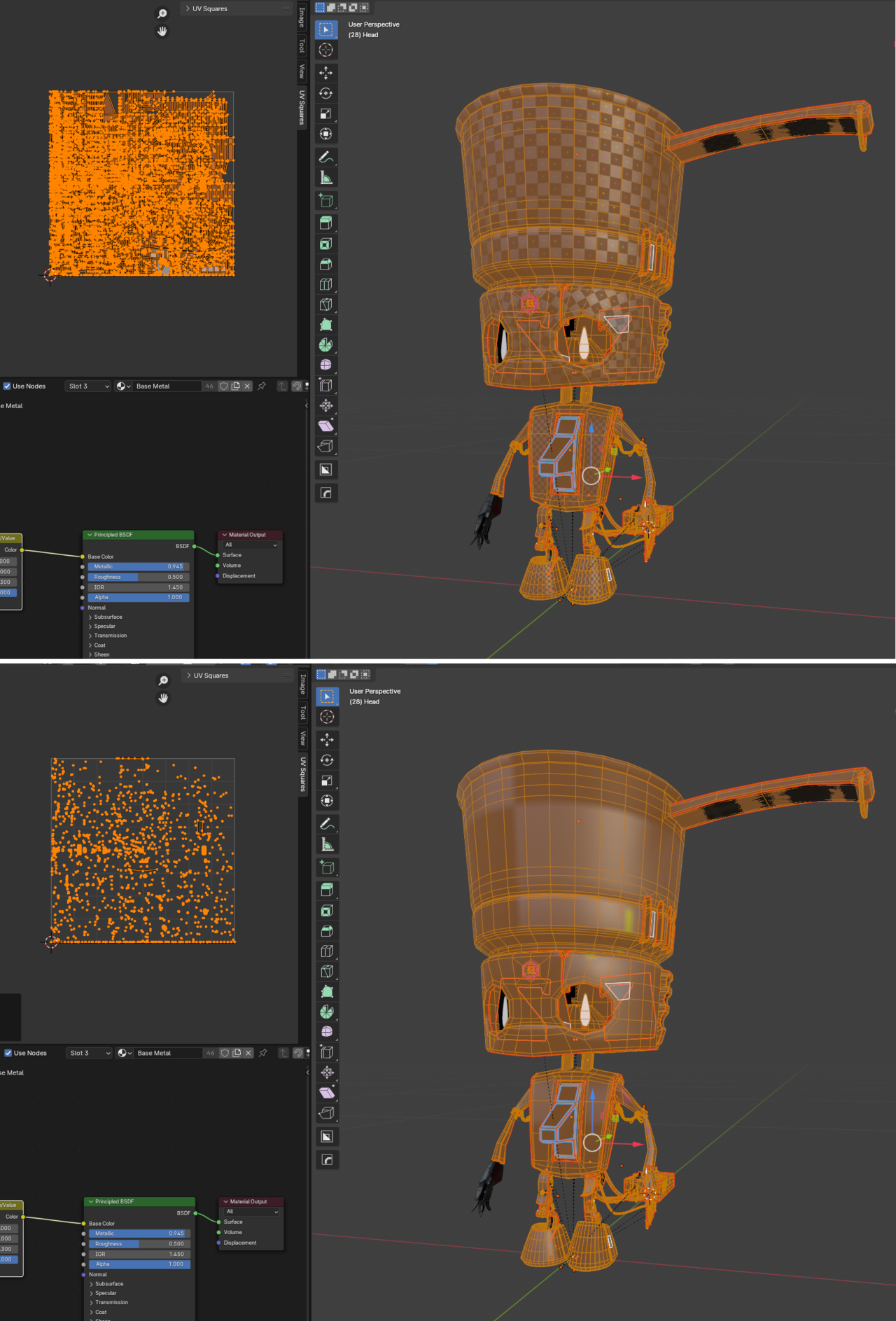 December 8, 2023 at 7:41 pm #82646
Zooming in there are some suspicious areas highlighted. Might this be causing the issue?
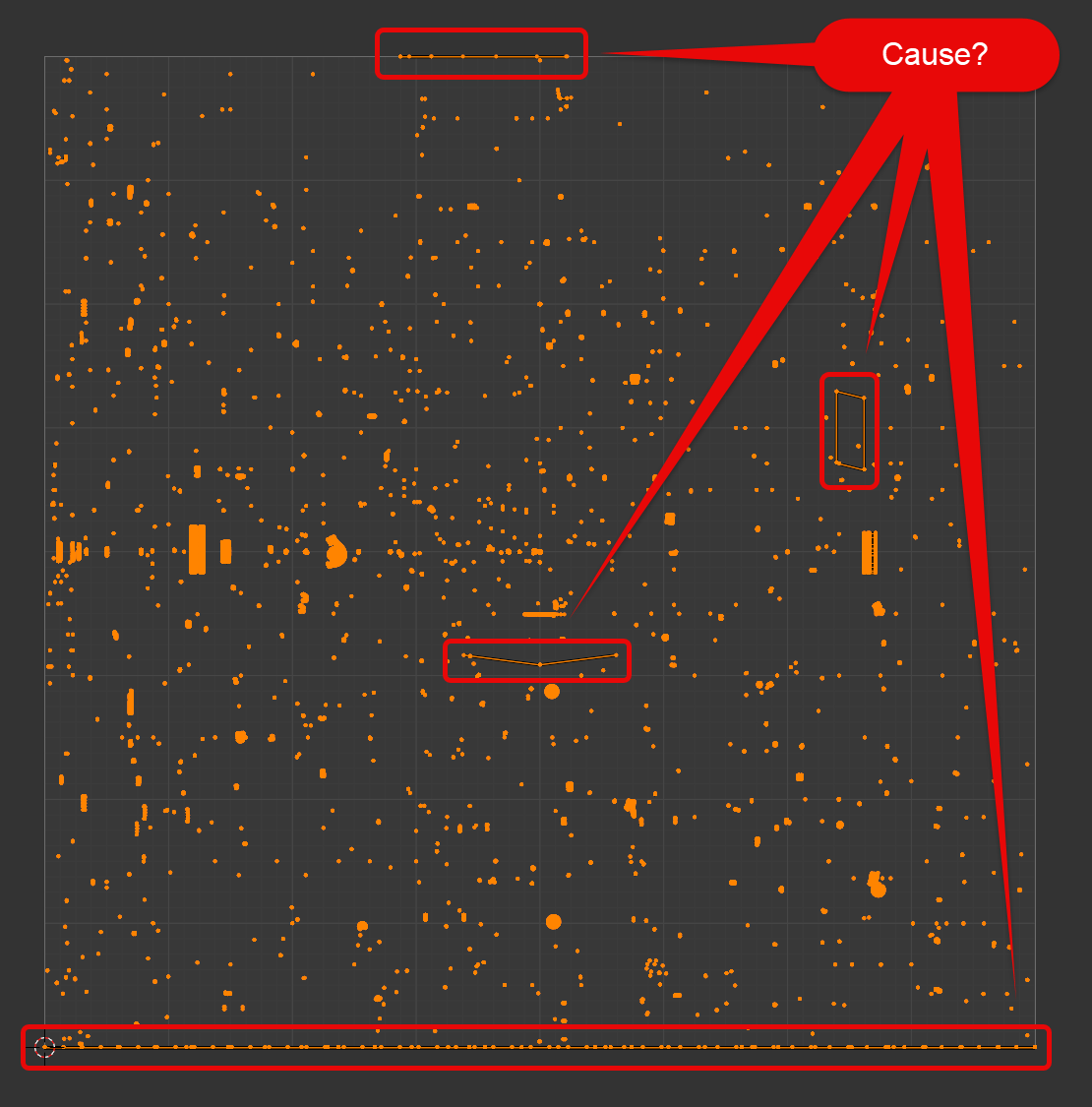 December 9, 2023 at 1:21 am #82647
HI @thehomme ,
Could that be caused by the Addon you’re using (UV Squares)?
December 9, 2023 at 5:04 am #82648No. That’s worked fine. With live unwrap off I moved those errant vertices off the map then turned it back on to select and hide everything ‘ok’. This enabled me to see what objects those vertices were connected to. The really long ones were the cylinder end caps from my cables I’d not unwrapped.
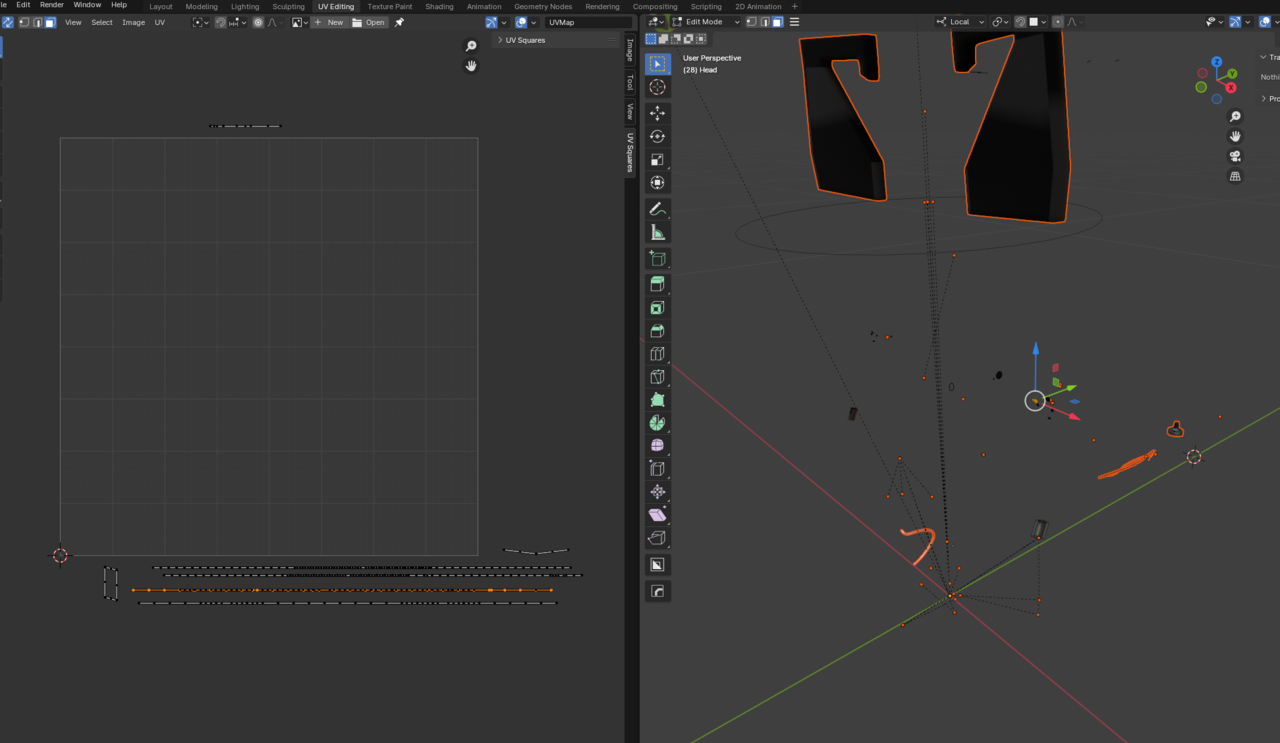
Nothing seemed too important so I deleted them and then selected all and did an fresh average island scale. That gave me this but highlighted more issues… looks to be caused by the knee wire, the bundle of exposed controller wires and the inner thumb.
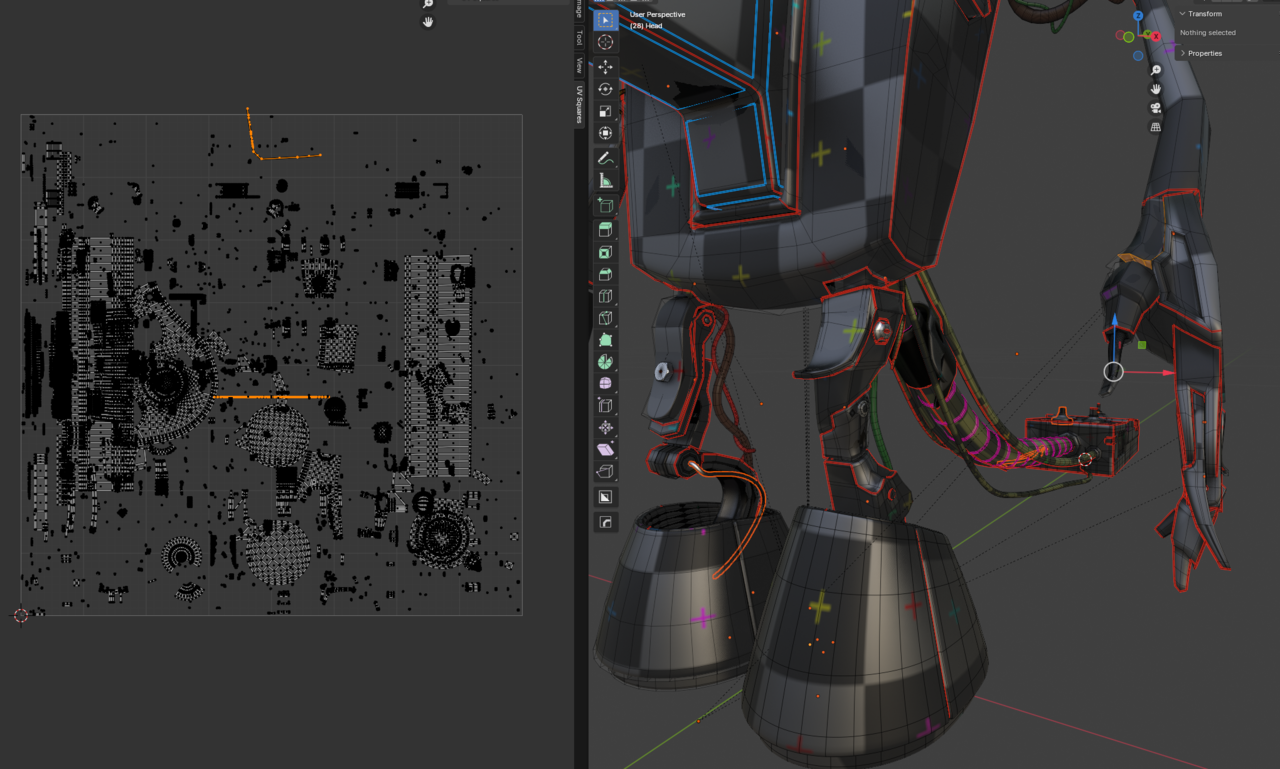
I saved clean version of this model before I started this so I can mess around to try and diagnose the problem(s). Any clues from this info as to steps I should take? I’m sure all my curves are converted to meshes but I’ll double check. I didn’t explicitly unwrap some of the cables and wires as I thought I would just use separate plastic materials for them.
December 9, 2023 at 5:45 am #82649If you didn’t Unwrap some of the Cables, you shouldn’t try to include them in the UV Map. (Curves without end caps should be fine, they already have a UV Map…unless you Unwrapped them agayxxx
in, without making Seams)December 9, 2023 at 5:48 am #82650Also make sure that all the Scales are Applied.
December 9, 2023 at 6:51 am #82651OK I’ve messed around, found a few not quite scaled objects (the bolt and nut from the add-on you suggested!), deleted vertices that seemed odd in the UV map from the model without it seeming to cause an issue. I’ve no idea what’s going on but have ended up with this which seems about right. Although the overall scale seems wrong as it doesn’t scale to fill the boundaries of the map. I guess I’d have to unwrap again and then average again to get that?
 December 9, 2023 at 7:22 am #82652
You should now be able to simply Pack Islands after the Average Island Scale gave you the above result. No need to Unwrap again.
December 9, 2023 at 7:59 am #82653Also try taking things one at a time when there’s issues like this one. Instead of having all the islands selected in a huge island mess, try first working with just the head, if all goes well then one arm, then the other, then the body, etc. That way it’s easier to discern where the problem is. Perhaps that’s what you ended up doing that gave you a working result.
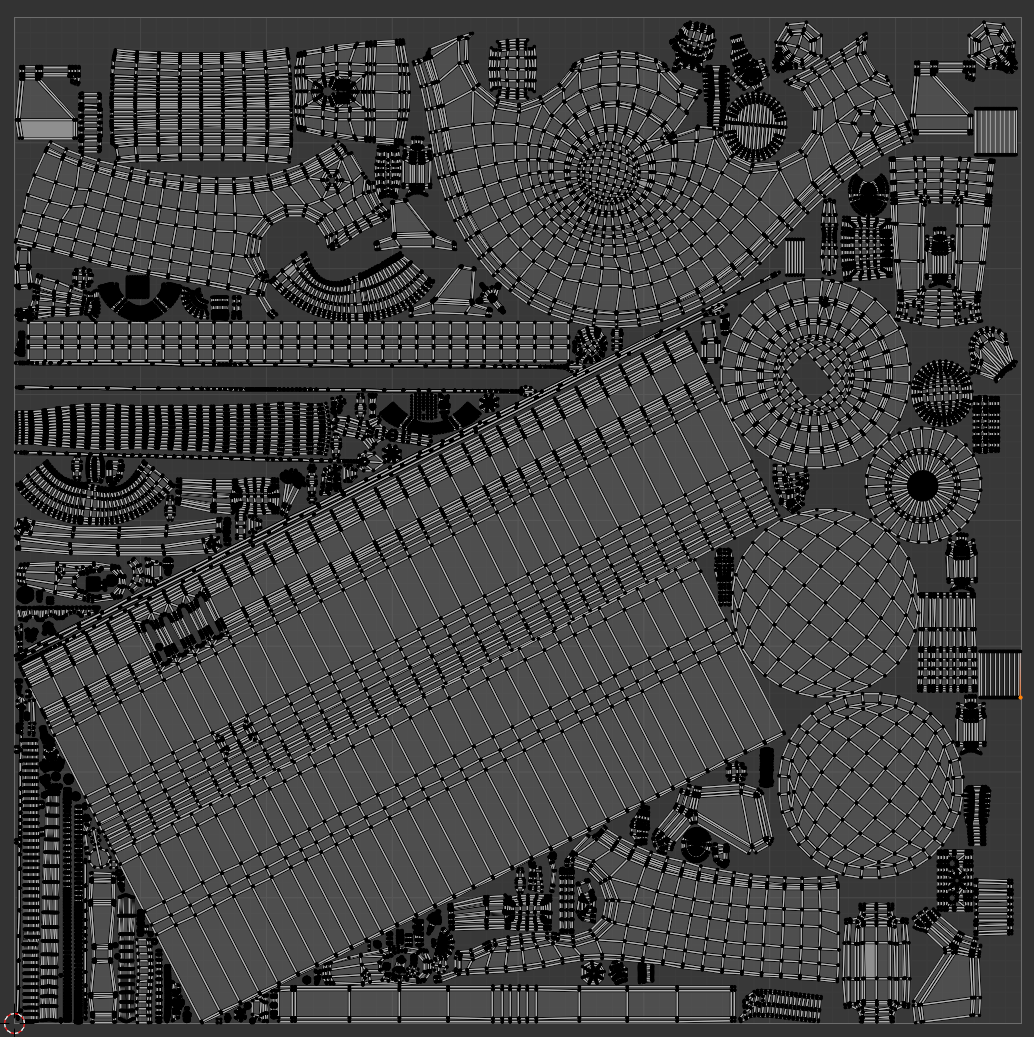
December 9, 2023 at 11:50 am #82654Yes basically a process of elimination and fixing and deleting stuff that seemed to be causing problems. And I’d forgotten about the Pack Islands step!
Now looking ok I think. I would be nice to be able to scale down the bottom of the feet islands to give more room for the body and switch. If I simply scale them down and then do another pack islands would that work or would they get scaled back up? How best to selectively scale down some elements so others can scale back up and knowing it’s not messing things up?
 December 9, 2023 at 1:28 pm #82655
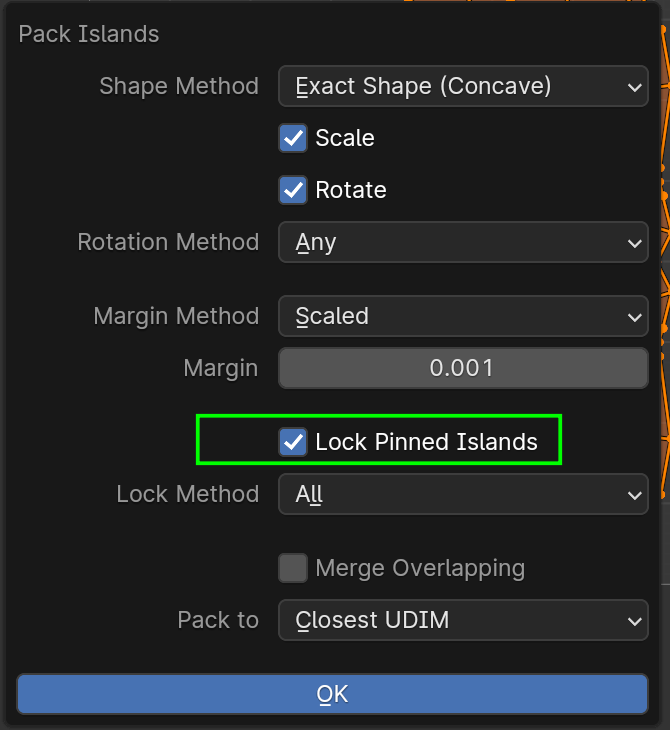
Well, you can Scale up or down some Islands and then ‘Pin’ them (shortcut P).
Then, when you Pack Islands, you can Lock the Pinned Islands (there are some Options as well):
:
I don’t have any experience with that, but I encourage you to play around..You should be able to get what you want, I think.
December 9, 2023 at 3:44 pm #82656Thanks. I’ll do that. Something I think I need to adjust is the increase the margin for a 4k texture.
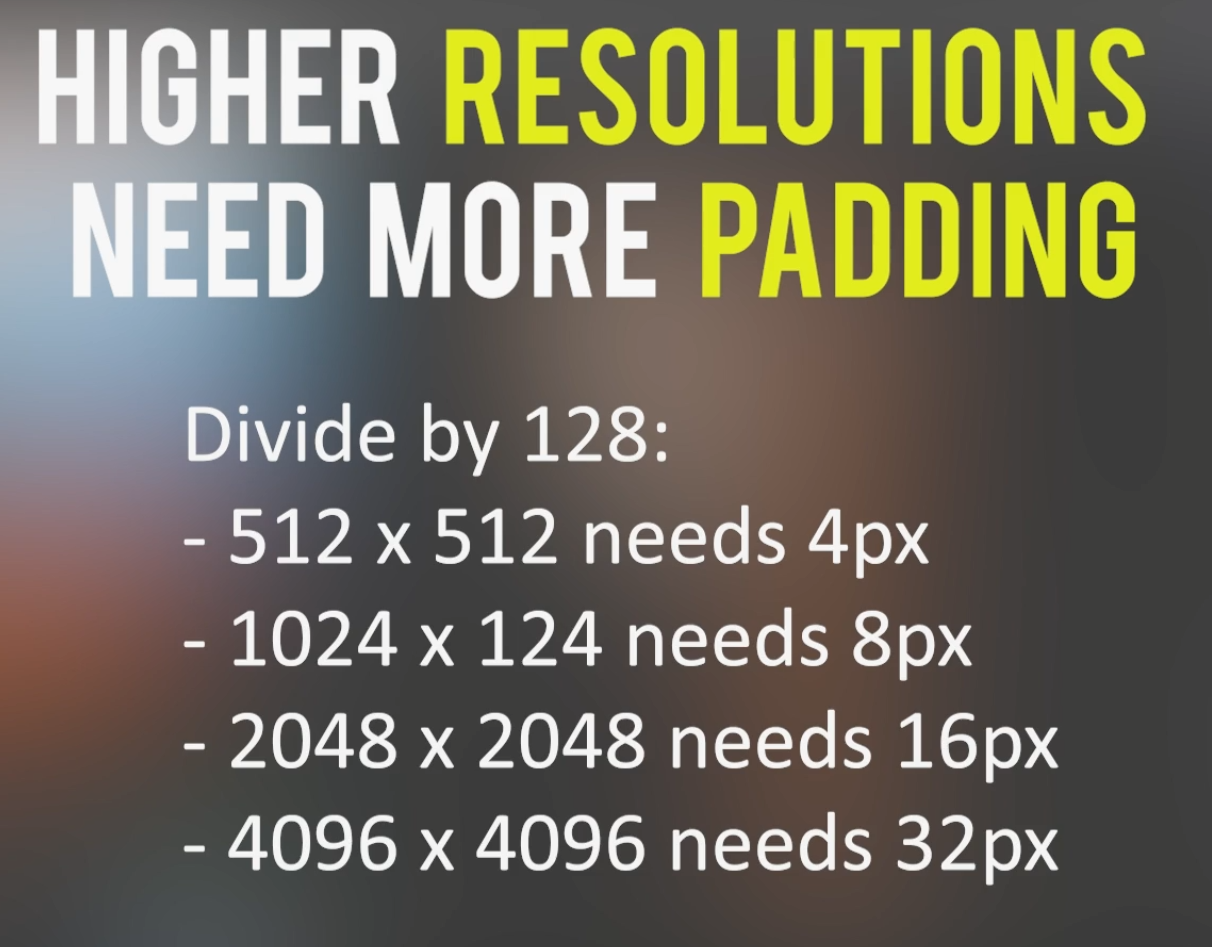
December 9, 2023 at 4:47 pm #82657OK – that worked. I couldn’t work out the margin scale though. JL gives a padding in pixels, but the Blender Pack margin value is not measured in pixels – what is it measured in? I’ve guessed (wildly!) and moved to .005 from previous .001. I dunno if I’ve been too generous. Maybe .001 was fine?
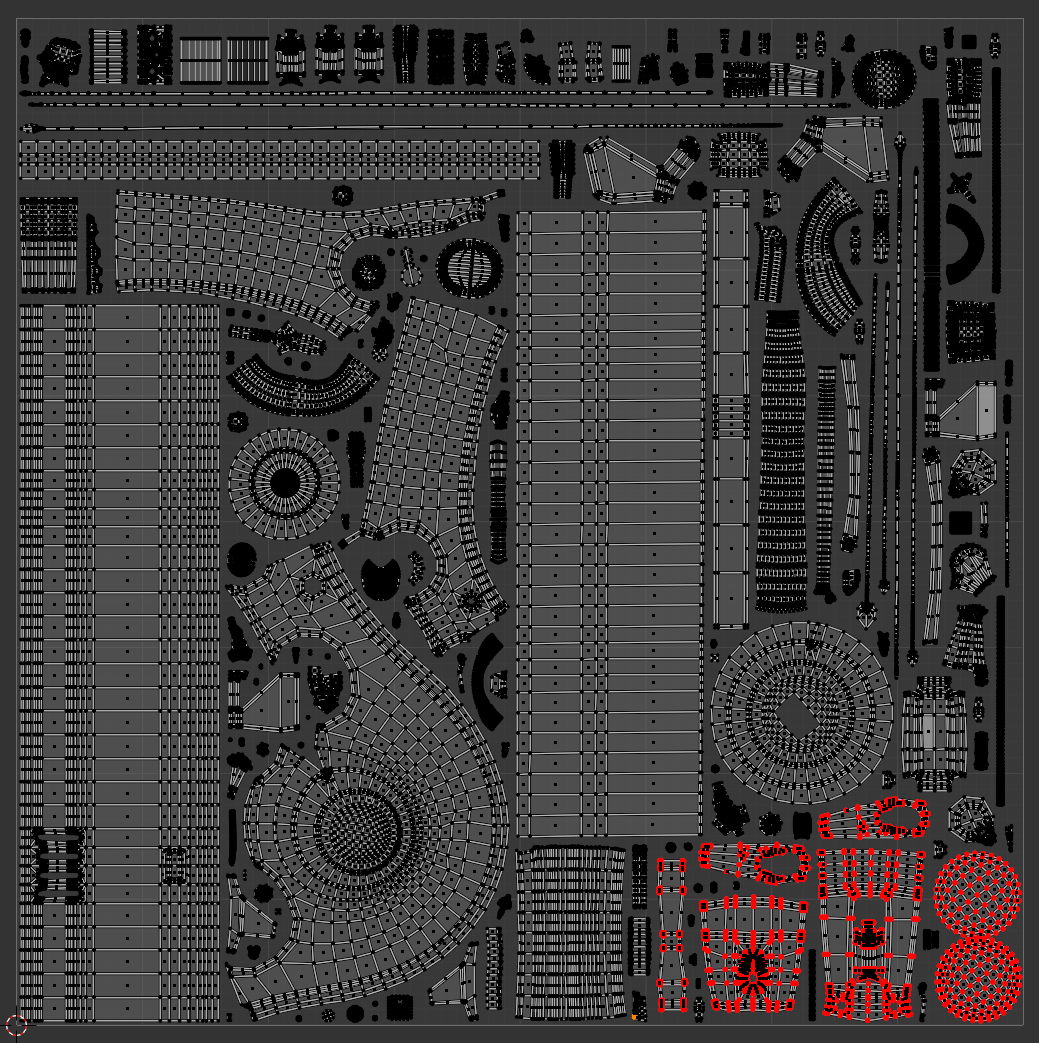
For anyone reading, this is from the Texturing foundations course
 December 9, 2023 at 9:45 pm #82658
It used to be measured in pixels, I wonder when they changed that. I guess you could zoom in and try it by trial and error. Go with 00.1 and count by how many pixels it separates them. Kinda of a caveman approach but if it works no shame in brute forcing it.
December 10, 2023 at 2:20 am #82659If you set the Margin to for instance .008 (1/128), it will always be the ‘same’, (1024 x 1024 would give 8 Pixels around each Island (what I think is meant by padding) and thus 16 Pixels between two adjacent islands, at least when using the Add method) no matter what resolution the Image is.
That is probably (one of) the reason(s) they changed it from Pixels.
-
AuthorPosts


- The topic ‘20:37 – thread discussing average island scale issues, packing, pinning, margins and UV Packer’ is closed to new replies.