Course Library
Learning Paths
Free Courses
Learn Blender 3D in the way that’s right for you.
Inner Circle
Where members share progress and help each other learn.
›
The Commons
A free Blender community open to artists of all skill levels.
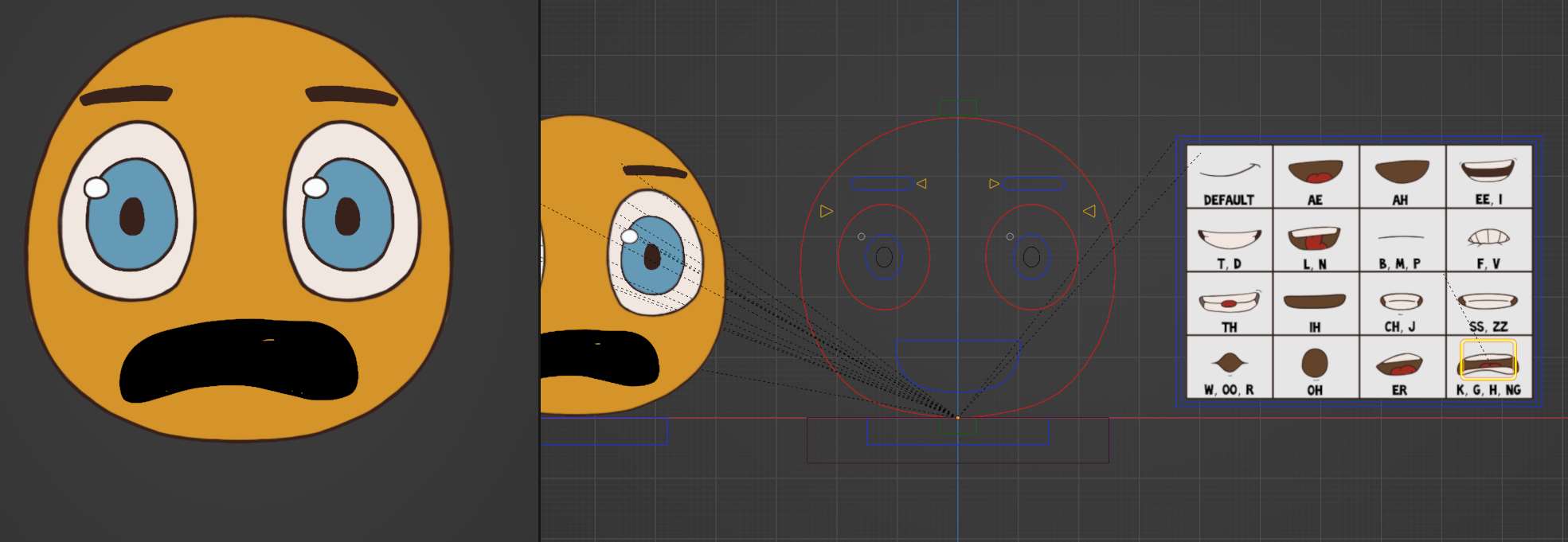
Forum Archive › Black K mouth? How do I fix this?
Hey @johnrili ,
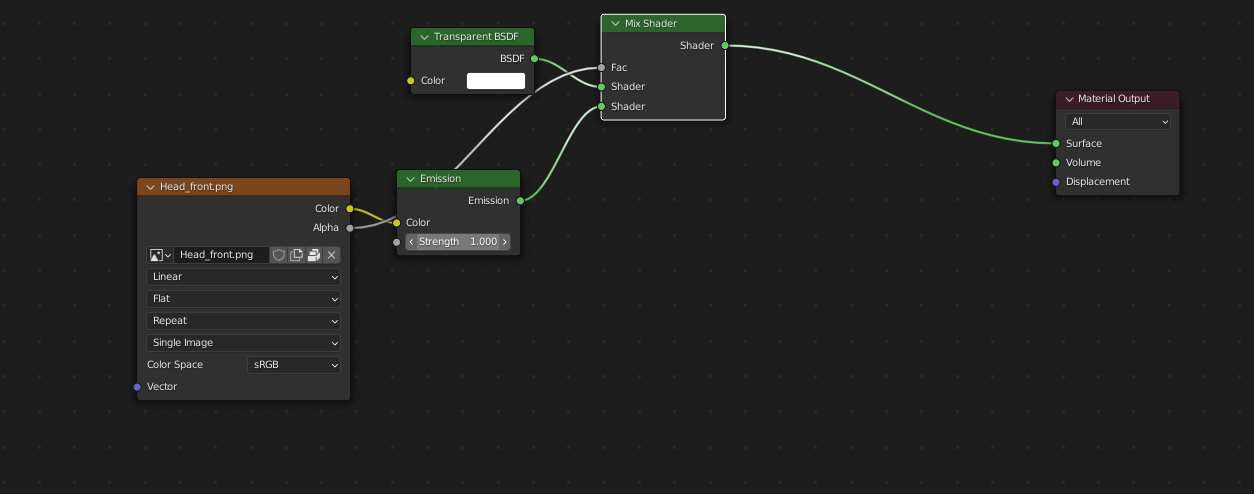
Check the emission strength is set to 1 on the material, it looks like it is on 0.
It is set to 1.
That’s the head_front material.
In the outliner, in the 2d_baker_GEO collection, select Mouth_D4_K_G_H_NG.png, and check the material for this.
Thank you!! The emission shader wasn’t plugged in. Which is weird.
Glad you guys got it all sorted.Sorry it took me so long to catch up on all my tasks.