Inacurate normals.

Forum Archive Inacurate normals.

Viewing 6 posts - 1 through 6 (of 6 total)
  • Author
    Posts
  • #12857
    Morten Fjellheim
    Participant

      At 11.14. when choosing a face, then choosing align wiev to top my wiev ends up on the other side wieving it from the bottom. A few moments later i figure out that the normals are inacurate. I recalculate all of them and align to wiev now puts me on top as it should. So i obviousley figured it out and fix it no my own. But it has made me curious, why was the normals wrong anyway? 

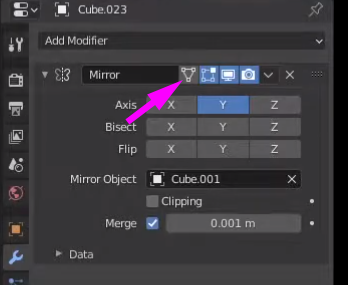
      Something else that is going on, some meshes that have shared object data and modifiers do not show mirrored object in edit mode, even though “display modifier in edit mode” is checked.  To specify, if i select several of them, only the active object will display the modifier in edit mode.  Check the added video.

      https://www.youtube.com/watch?v=Egpu4umT3f0

      It is the 4th time i am doing the course and i have been very thorough following the tutorials to the point!

      #60732
      Kent Trammell
      Participant

        why was the normals wrong anyway? 

        It’s hard to say, at least from my limited technical knowledge of normal calculation. I can say from experience that sometimes Blender’s consistent normal tool will simply pick the wrong direction maybe 20% of the time. I’ve seen it happen where adding one face makes the tool flip normals the wrong way when it was setting them correctly before the face was added. In the end I chalk it up to a minor annoyance and move on..

        @spikeyxxx do you have any insight on normal direction calculation?

        Some meshes that have shared object data and modifiers do not show mirrored object in edit mode, even though “display modifier in edit mode” is checked

        What happens if you enable this toggle?

        #60733
        spikeyxxx
        Participant

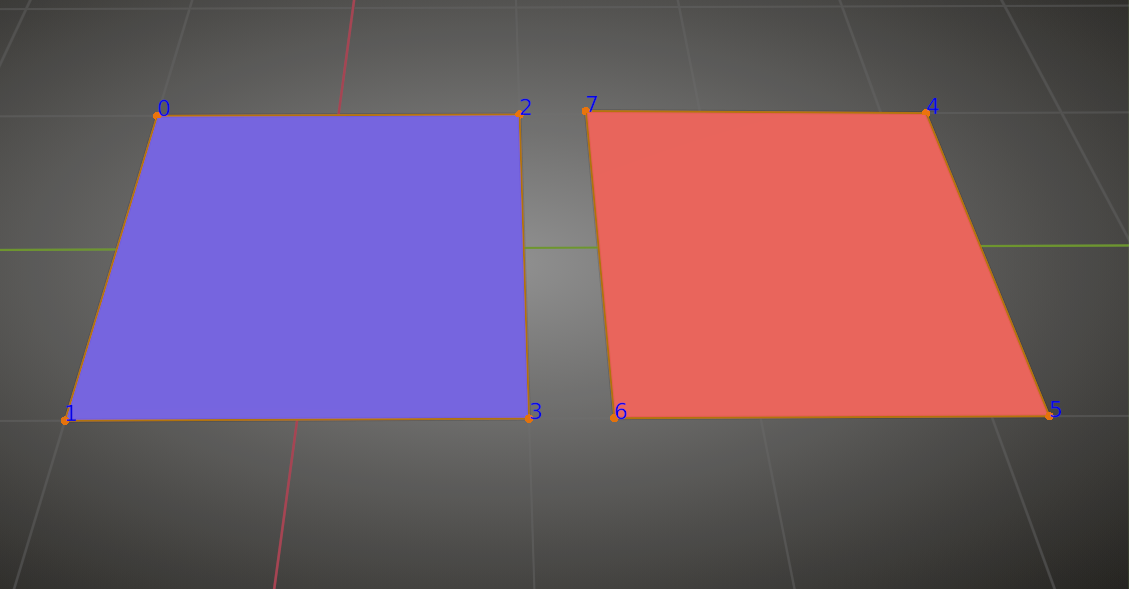
          @theluthier and @arev as far as I know, this has to do with the order the Vertices were created:

          Don’t know the exact rules for that though…Maybe @jlampel knows this?

          #60734
          Jonathan Lampel
          Participant

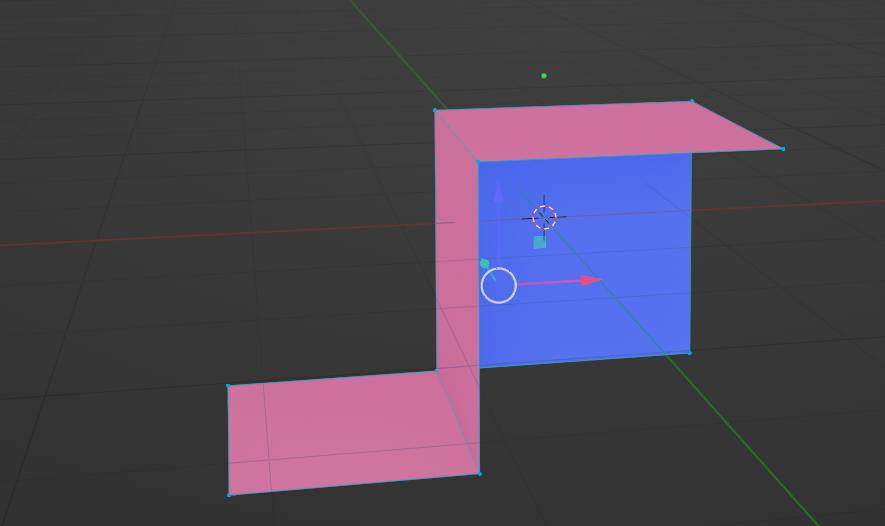
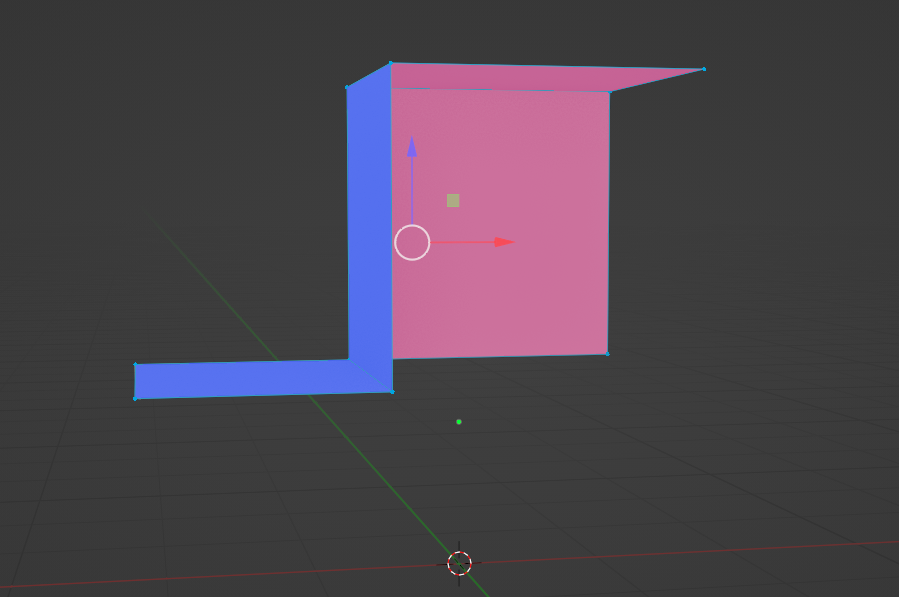
            Nope, sorry 😅 It’s some magical combo that also takes into account where the object center point is. For example, this geometry could be either depending on if I move it slightly up or down, left or right:

            #60735
            spikeyxxx
            Participant

              They  must consider facesides  that are pointing ‘towards’ the Origin (“inside” the ‘object) as backfacing…

              Not an obvious formula 😉

              #60736
              Morten Fjellheim
              Participant

                Well….i can only say with a 99.9 surety that i was following the video to the point:)

              Viewing 6 posts - 1 through 6 (of 6 total)
              • The topic ‘Inacurate normals.’ is closed to new replies.