Hopefully this posting helps on any other soul looking to do something similar.
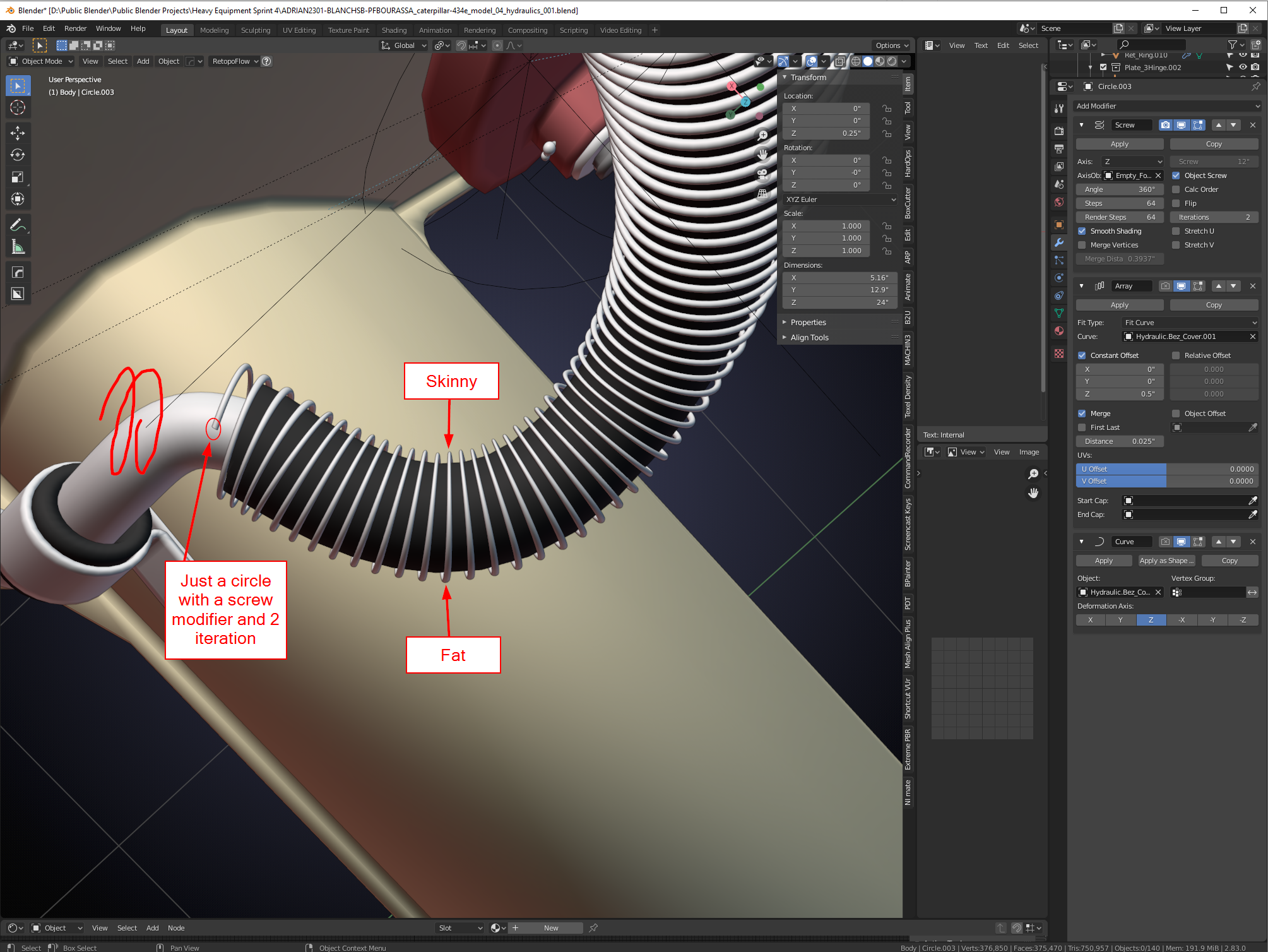
So, I was on a seemingly small journey: A spring (or repeating/merged object) that arrays and follows a curve without deforming terribly:
I just used a screw modifier then arrayed it and fit it to a curve, but it deforms on sharp curve edges as shown above.
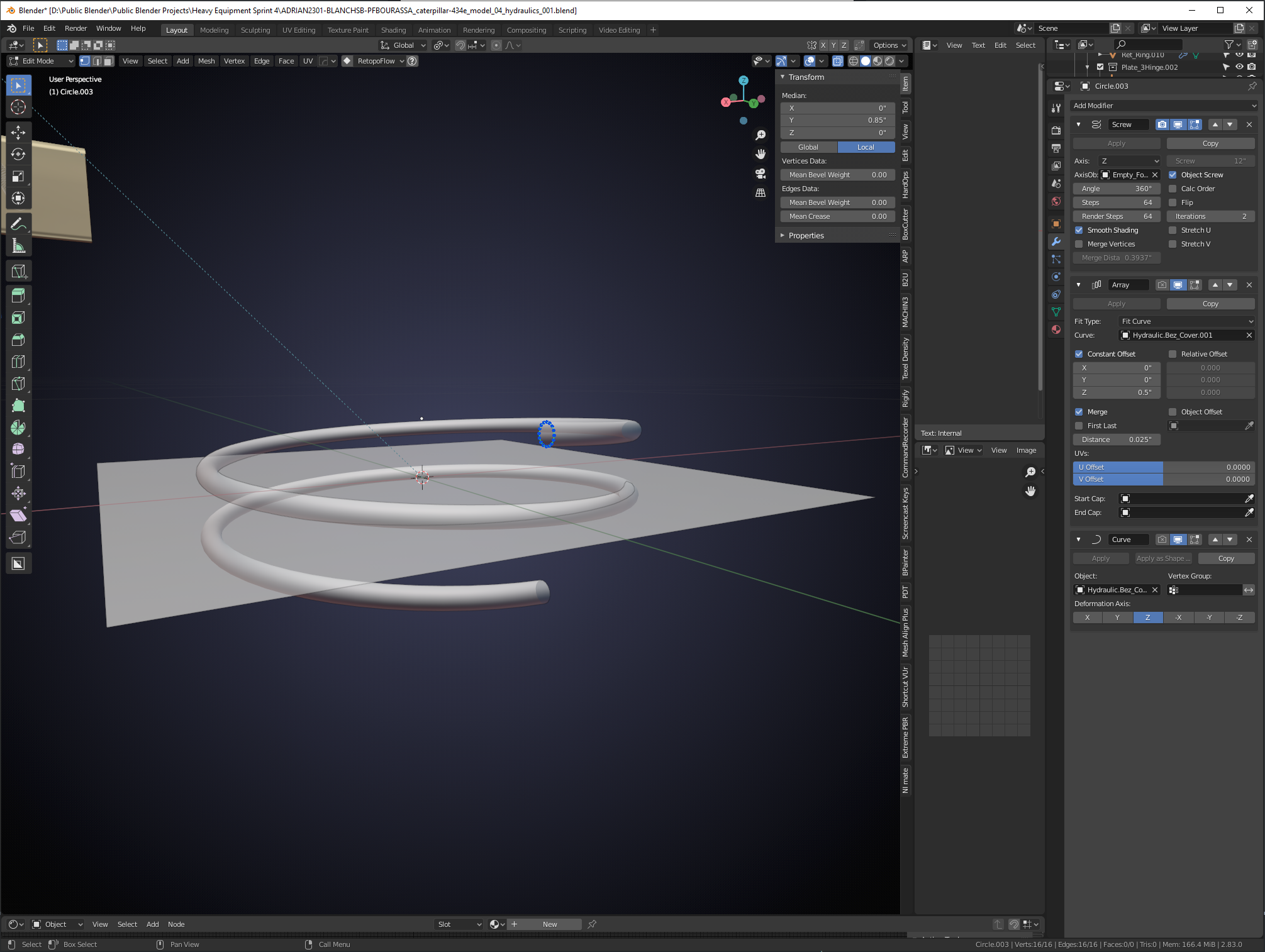
This is what the object looked like in edit mode.
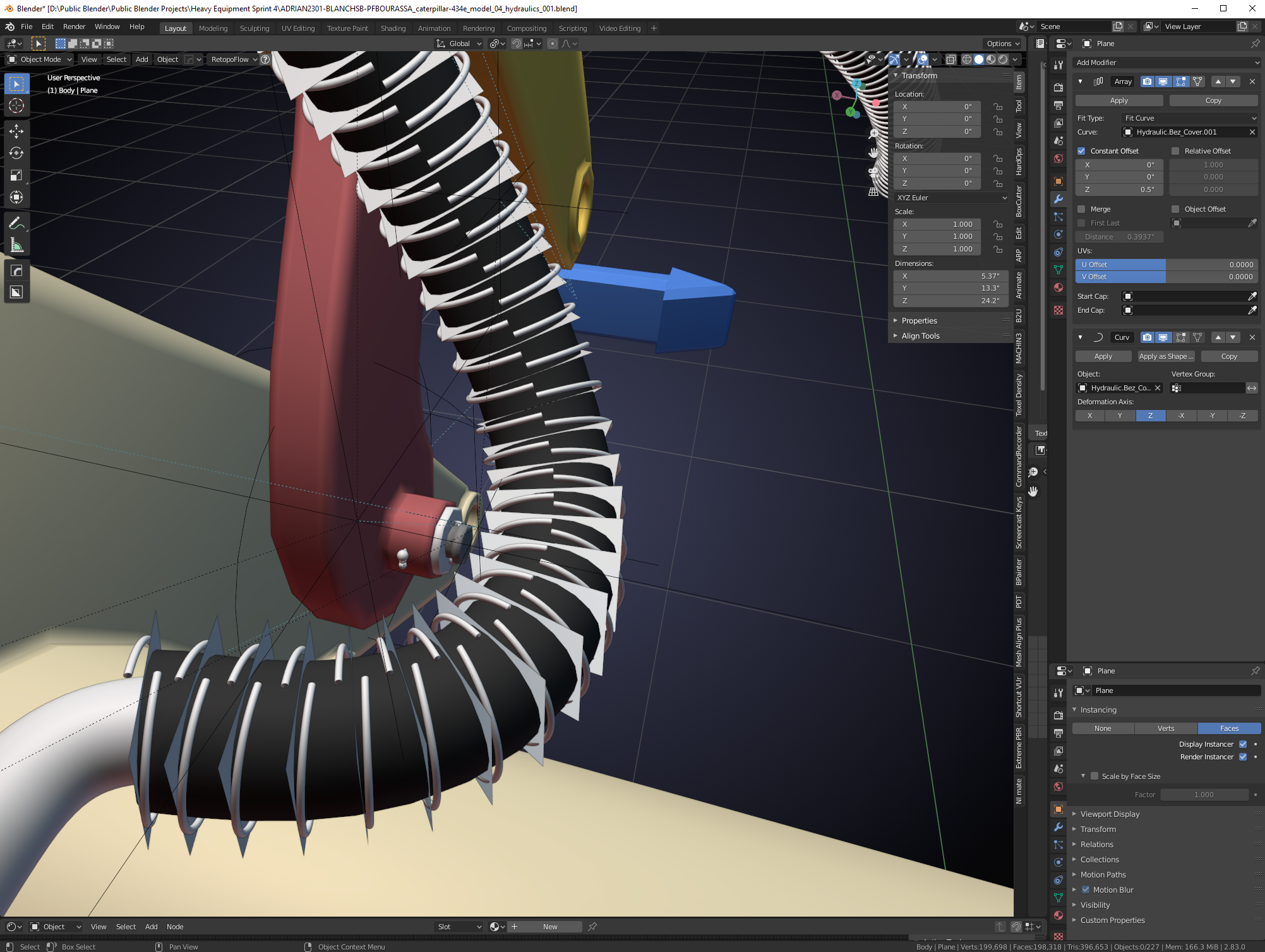
I tried reducing the screw iteration to 1 on the circle and then I parented it to a plane, and then made the plane to take the array and curve deformations and used instancing like is shown in this Youtube video:
But, even using this method I could not seem to figure out how to make the screw piece mate up to itself. I was sure the solution was fairly simple. But this didn’t look like it…..
Until I came across this forum posting which got me 99% of the way there:
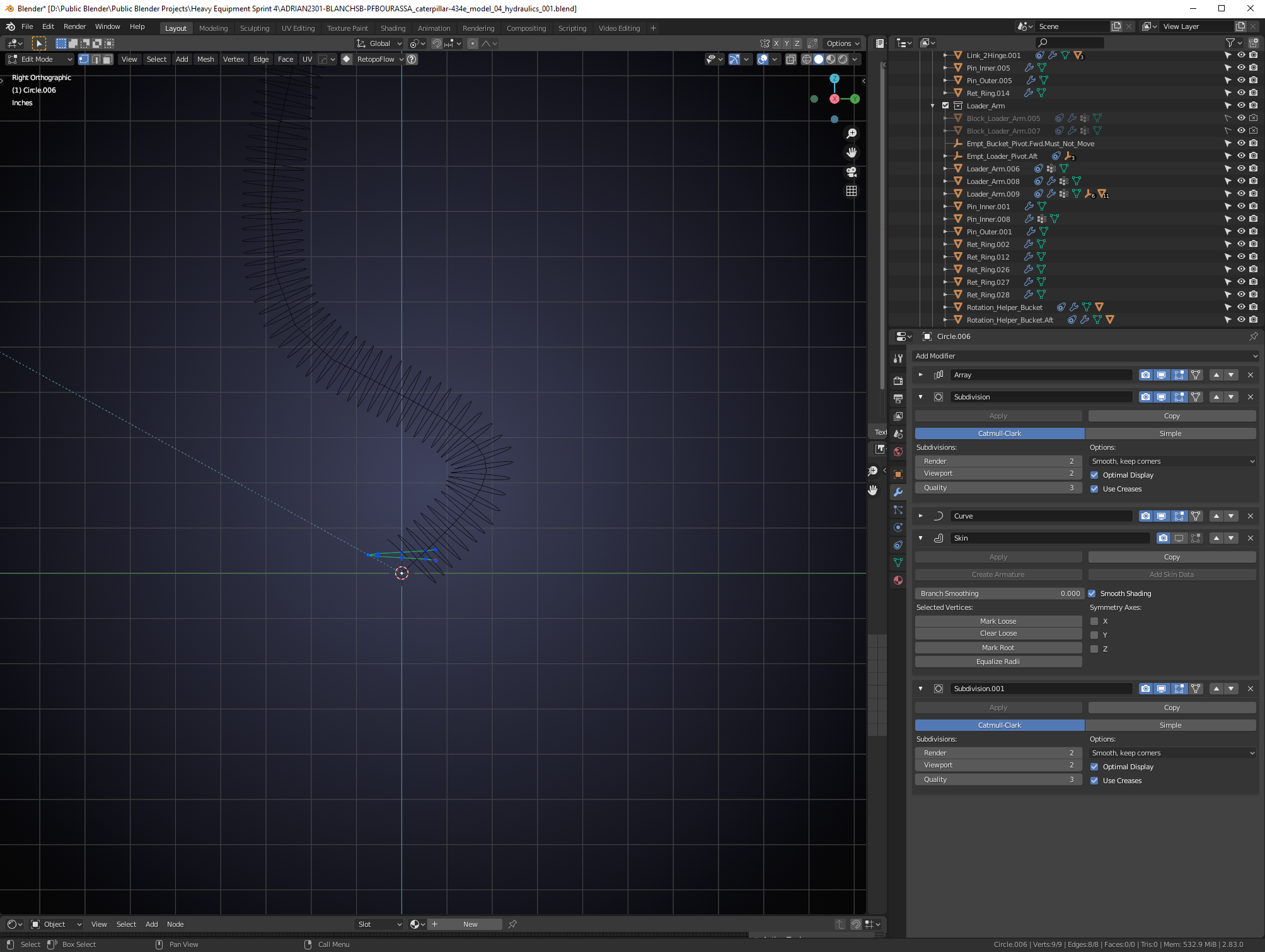
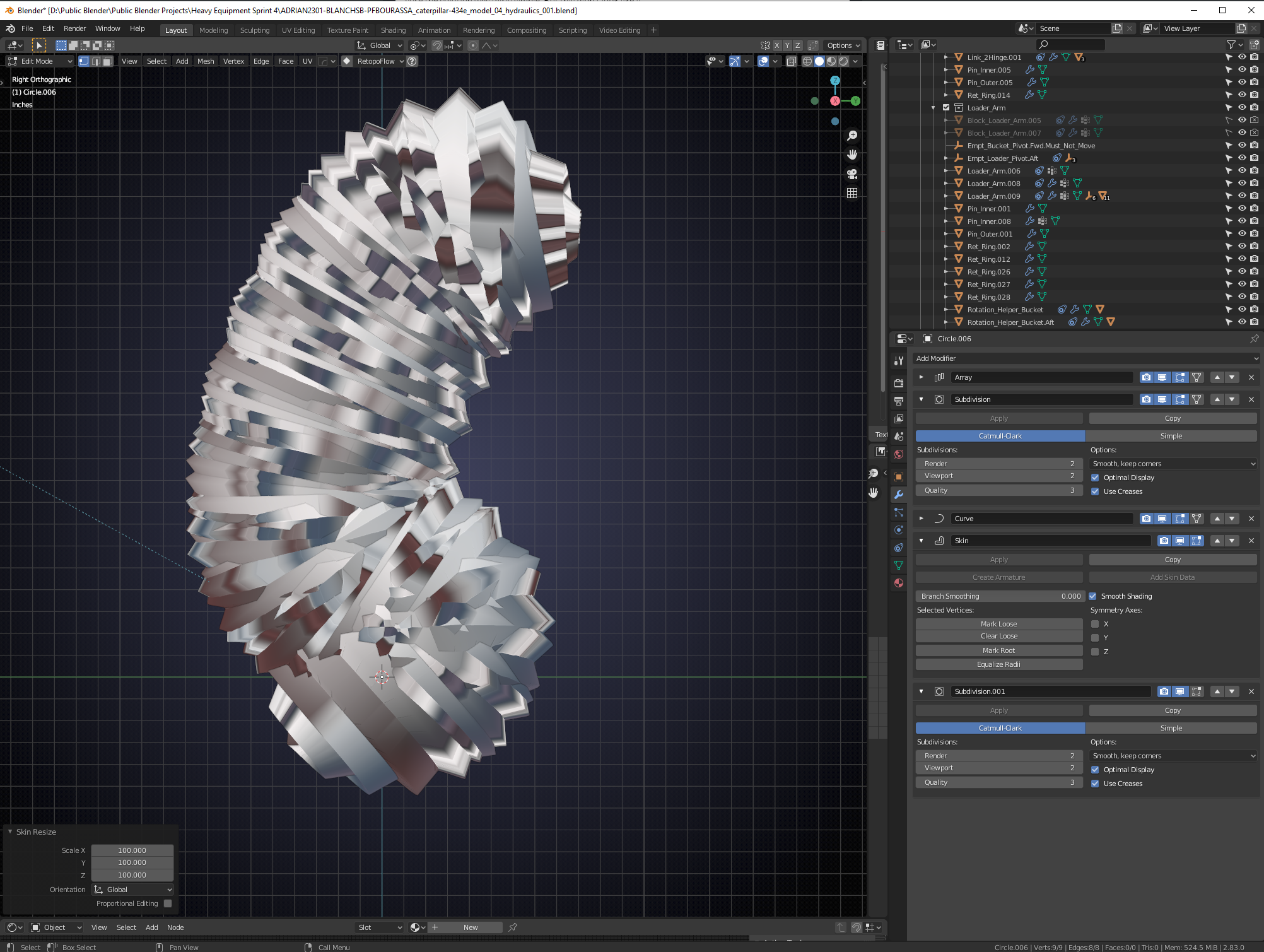
Everything was working great until I added the skin modifier on a very small spring and it looked like this:
I kept scratching my head until I realized I had seen this problem before. The SCALE was way too large.
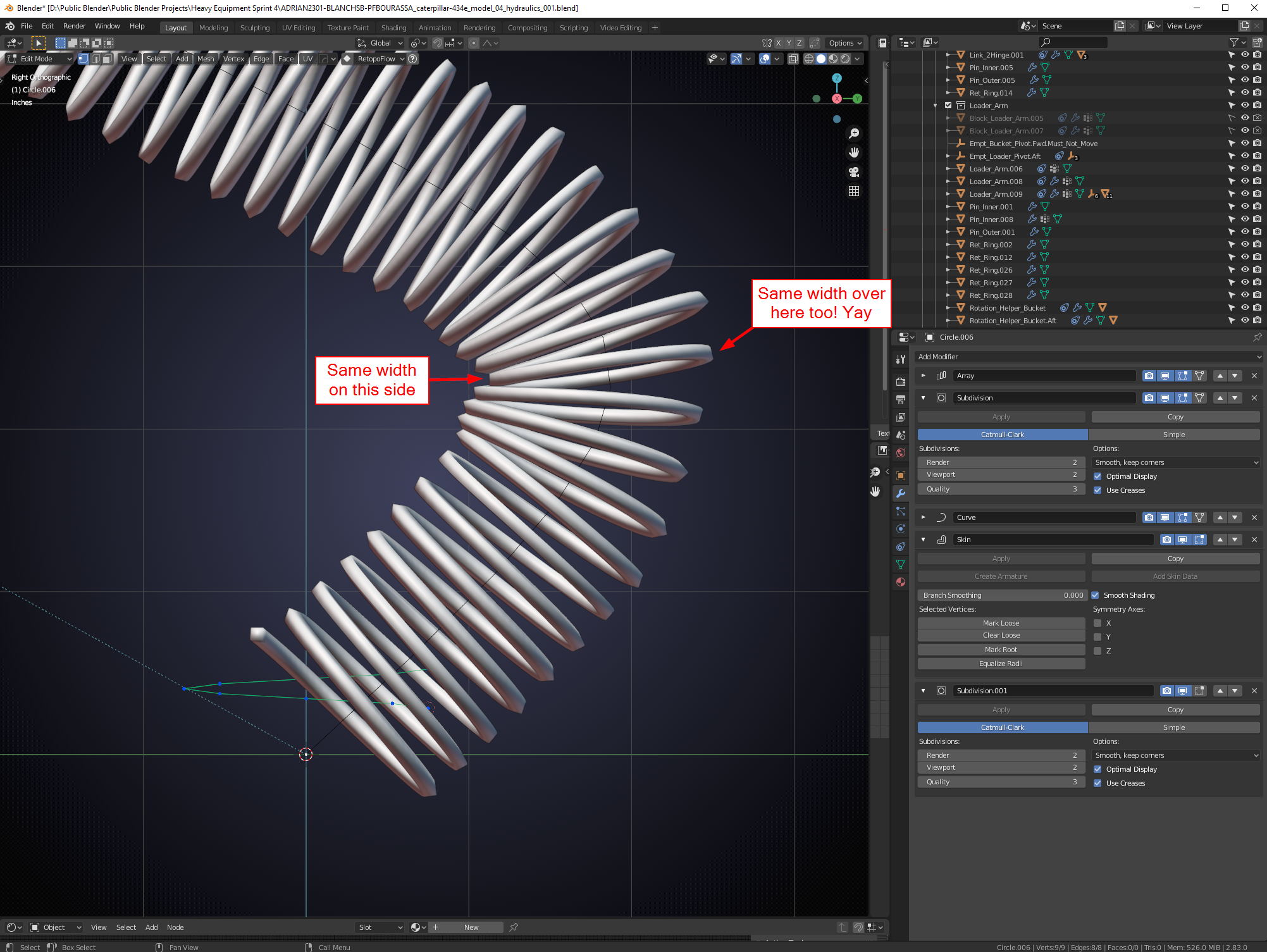
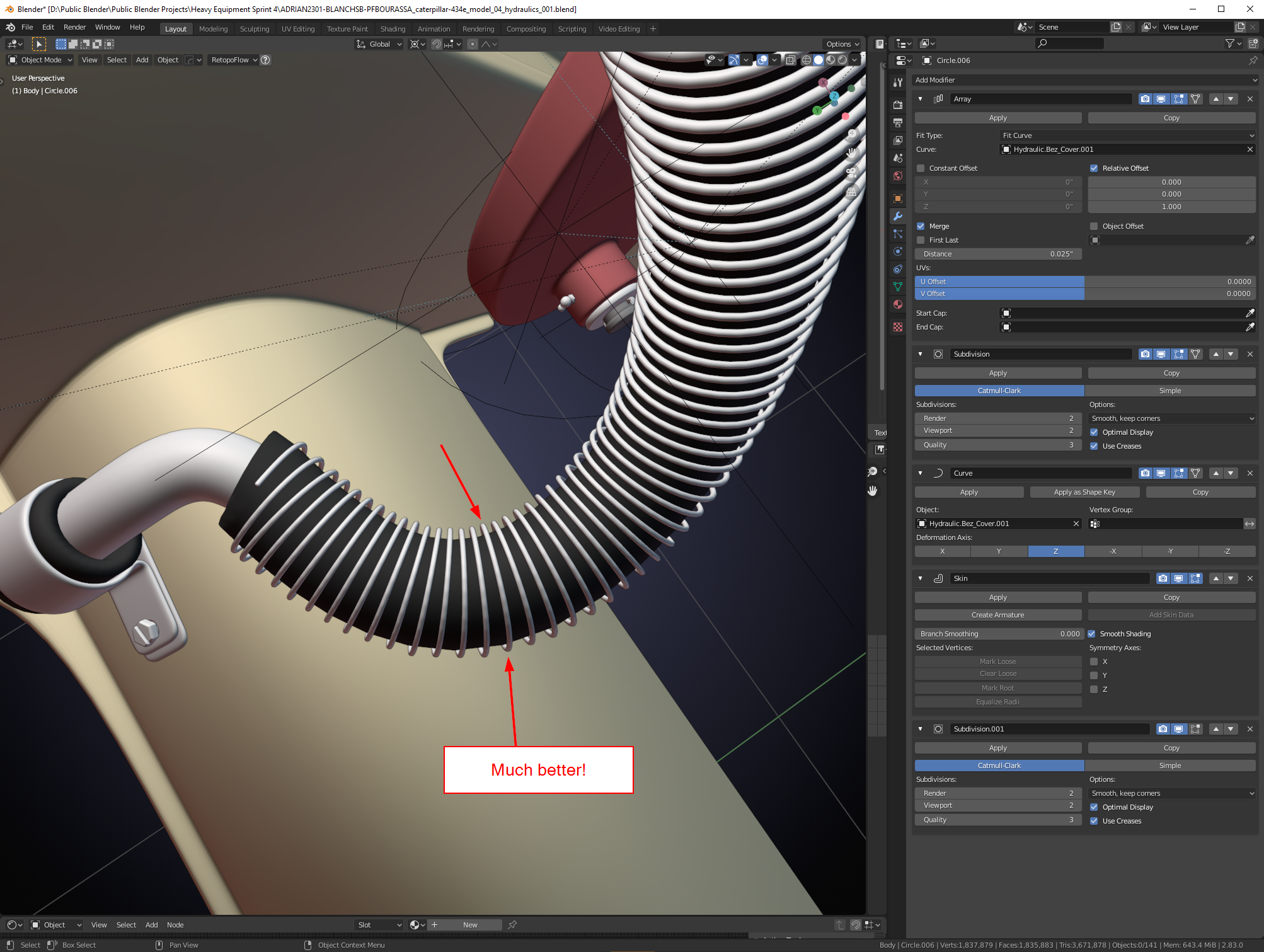
Just had to go into edit mode and scale down the skin (using CTRL+A) by like 100 times and I finally got what I was looking for: A spring that arrays and follows a curve without deforming terribly: I took things to an extreme here below
This is the curve I was trying to actually get my results on:
I haven’t run into this problem yet, but this is an excellent solution!
It’s clear that the spiral needs to get thickness after it’s Curve deformation, but I don’t think I would have gotten the idea to not start with a Curve, but with a Mesh (Circle), so that you can use a Skin Modifier after the Curve Modifier!
It sounds so simple and logical when you’ve seen it, but coming up with this method is definitely not straight forward…
Yeah I am amazed at what modifier stack is capable of now and the skin modifier has a super power I never was aware of……….. and now everyone can make a slinky without worrying about squishing deformations!
I think this will help with making any kinds of chain link,rope, spring that needs to bend sharper corners. I can’t say I was clever enough to come up with this on my own but I’m glad doing some research lead to fruitful results. I had to get creative with The Google though haha.
Author
Posts
Viewing 3 posts - 1 through 3 (of 3 total)
The topic ‘Blender Nugget: Using Array and Curve Modifier without the Curve deformations (shrinking/fattening)’ is closed to new replies.

.