Curve array problems in blender

Forum Archive Curve array problems in blender

Viewing 15 posts - 1 through 15 (of 23 total)
  • Author
    Posts
  • #10388
    romainhd
    Participant

      Hello everybody 🙂

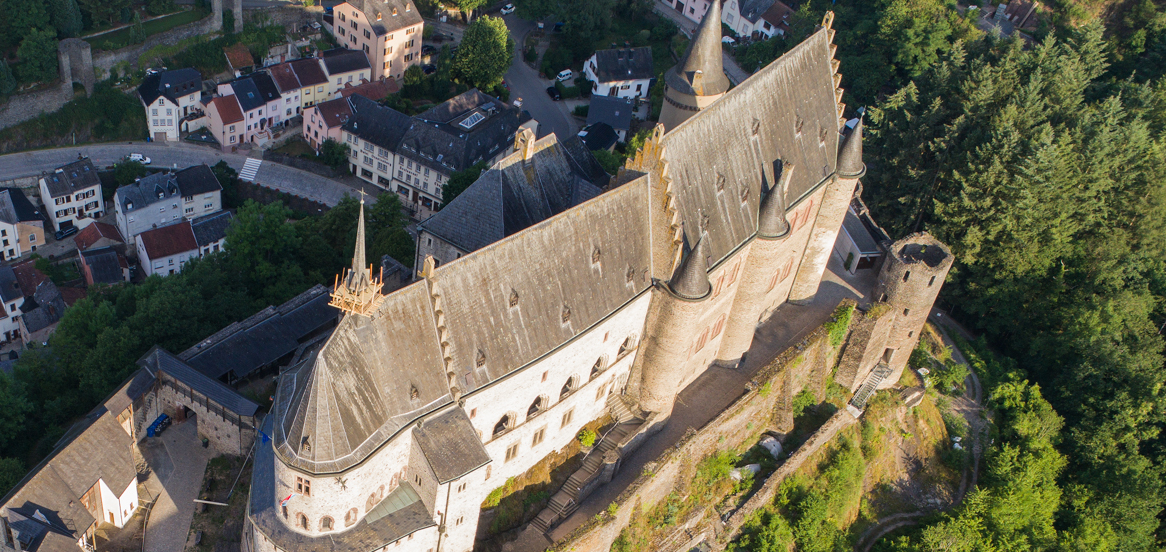
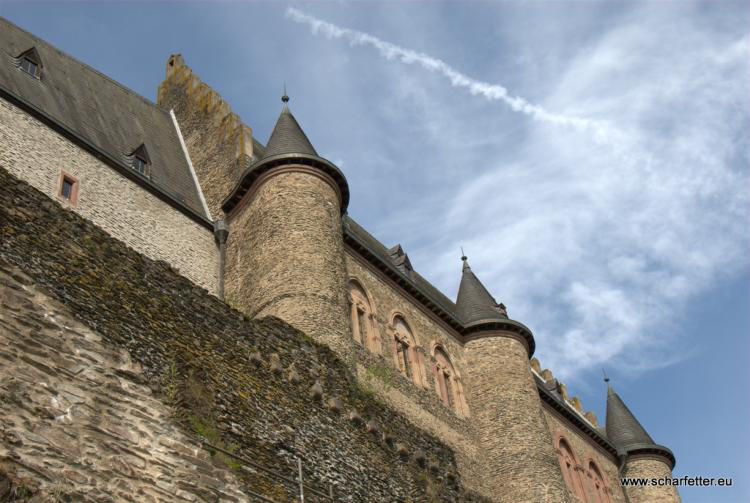
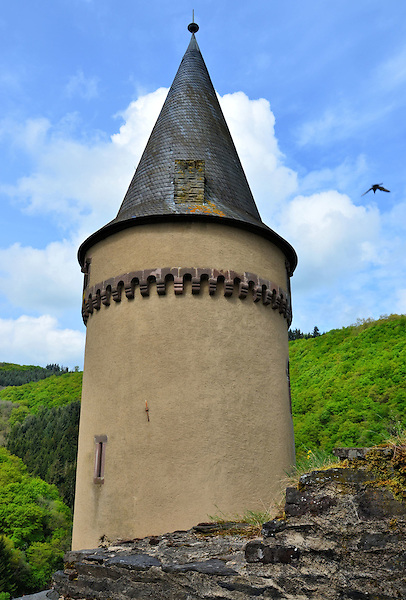
      I tried to make an array with a bezier circle to make the tower Details
      It worked, but the circle is not round anymore, it seems that it turns itself into a spiral
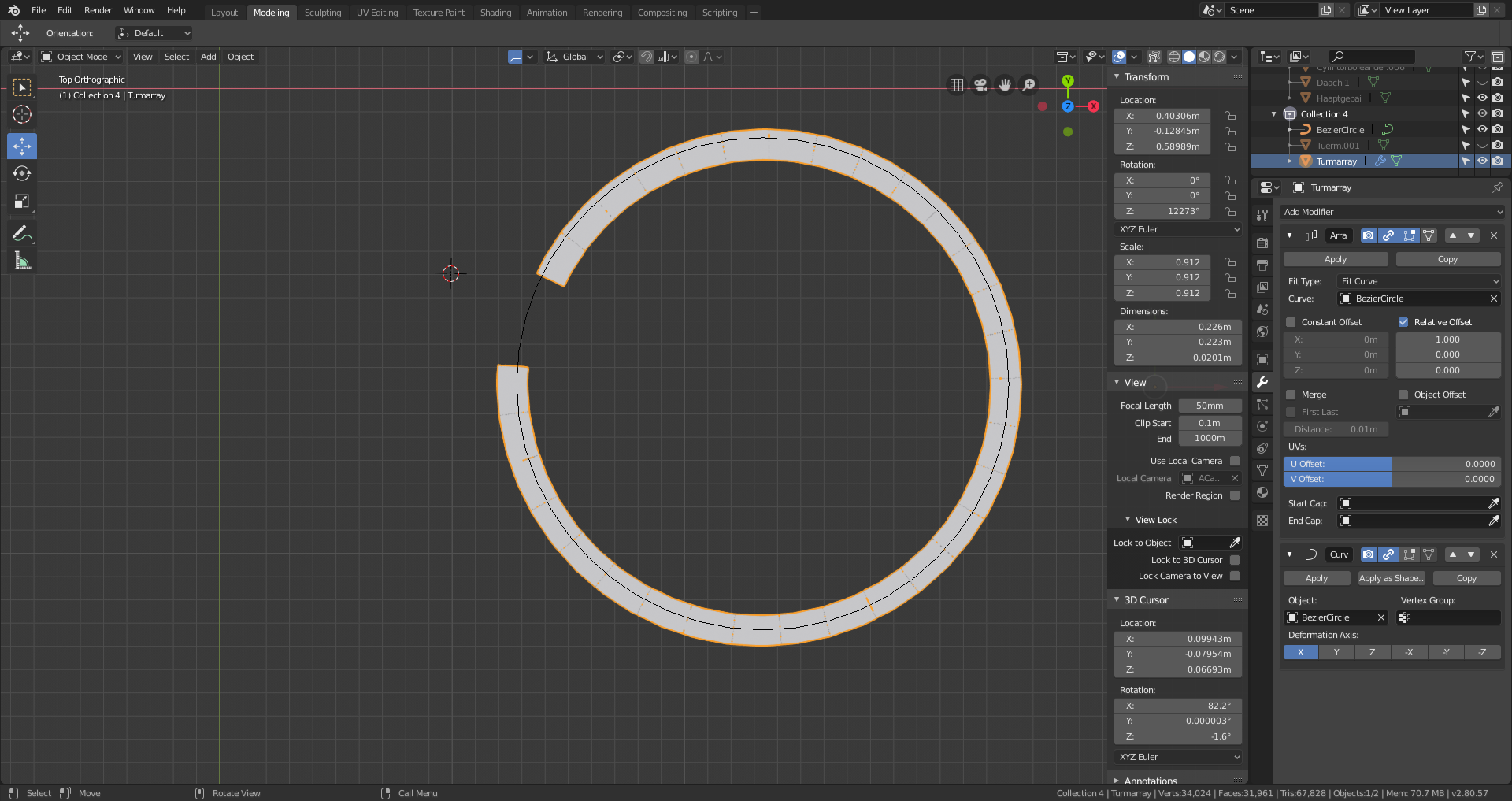
      Here my steps:

      -I created a part of the detail,
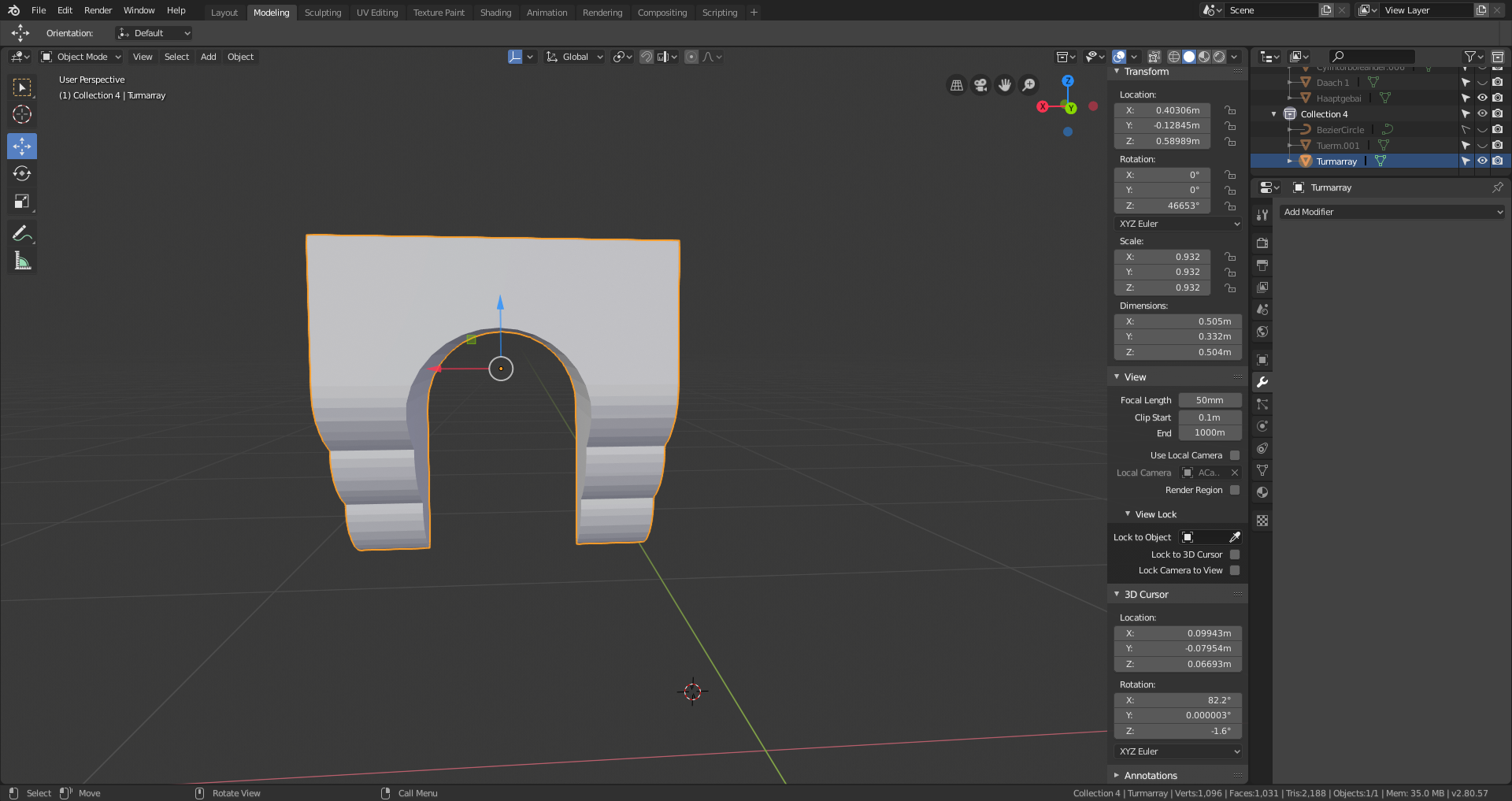
      – I added an array modifier with fit type as fitcurve, selected the bezier. 

      – then I added a curve modifier, selected the bezier again. 
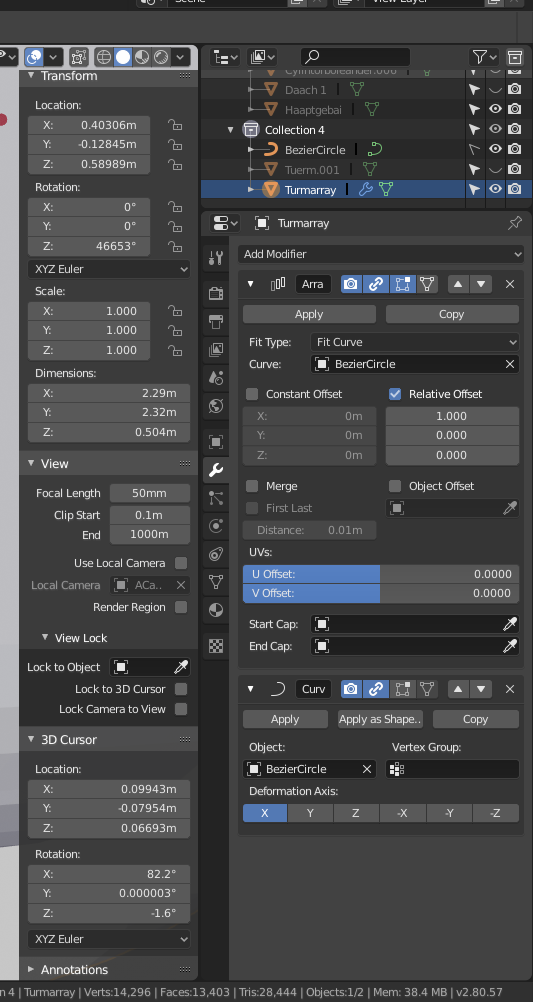
      I applied scale with ctrl a for the object too. I tried also to change the local axis in edit mode, brings me weirder results…

      Thanks for your help 🙂

      Greetings

      #46699
      numbernine
      Participant

        The current scale of the ‘tower detail’ object is 0.932, that’s why it doesn’t complete the circle all the way. Hit CTRL+A with the object selected and hit “Scale”. This applies the current scale of the object and sets it 1.

        #46700
        spikeyxxx
        Participant

          Hi romainhd,  as numbernine said the scale should be applied, but it looks like you did that already in the last screenshot ( and you also said that you applied it), but for the spiralling, that has to do with the rotation of your detail segment. Set the Z-rotation back to 0. (Do NOT apply the rotation, but set it to 0 in the N-panel!)

          #46701
          romainhd
          Participant

            @spikeyxxx hi, thanks but it didnt change. Here s a quick video: https://www.youtube.com/watch?v=oiNdDXpAgno&feature=youtu.be

            #46702
            spikeyxxx
            Participant

              @romainhd Bummer! Could you share your .blend? That would be extremely helpful! Otherwise it’s just a guessing game;)

              I’ve had similar problems with the curve modifier and there is a lot that you could be doing wrong.

              The video showed the problem all right, but not what’s causing it. At least, I couldn’t figure it out, just by looking at it.

              I’m convinced that I could help you if I had access to your .blend.

              #46703
              romainhd
              Participant

                @spikeyxxx how can I share the blend file here?

                #46704
                spikeyxxx
                Participant

                  @romainhd I  don’t know if there is any other way to do this, but you can upload it to a cloud service like, for instance, ‘Dropbox’ and then share the link.

                  #46705
                  romainhd
                  Participant
                    #46706
                    spikeyxxx
                    Participant

                      @romainhd Sorry, but the link just gets me into Dropbox, it doesn’t give me access to your .blend…

                      #46707
                      romainhd
                      Participant
                        #46708
                        spikeyxxx
                        Participant

                          @romainhd Yes, it’s working, but this is your .blend1, I need the .blend, because I can’t open the . blend1. Sorry for all the inconvenience, but we will get there in the end:D

                          #46709
                          romainhd
                          Participant

                            @spikeyxxx whats the difference? 😉 here the link, thank you spike! 

                            https://www.dropbox.com/s/ana36aw6fry3ur2/ViandenPlangrPalaisneiblend.blend?dl=0

                            #46710
                            spikeyxxx
                            Participant

                              @romainhd Okay, I’ve got it now, I’ll look into it. As for the difference, as far as I understand it, the .blend1 is sort of a backup. There is an Article about this, just released, by Wayne: https://blog.cgcookie.com/what-is-a-blend1-file-and-do-you-really-need-them/

                              #46711
                              spikeyxxx
                              Participant

                                @romainhd So it seems to be simply a matter of the rotation of the ‘Turmarray’ as I suspected, Maybe this will show you how the rotation affects the result: https://youtu.be/Gq9eqqdphLc

                                It’s really poor quality, but I hope you can see it, because YT told me the video is private, although I set it to public???

                                #46712
                                romainhd
                                Participant

                                  @spikeyxxx Thank you, yes it worked 🙂 Maybe you can help me with the next Problem, I want to do one Roof with the Building and the Towers, how should i do it? I tried to extrude the edges of a clyinder, but the Transition from it between the Roof of Tower and Building is a mess 😉 thank you

                                Viewing 15 posts - 1 through 15 (of 23 total)
                                • The topic ‘Curve array problems in blender’ is closed to new replies.