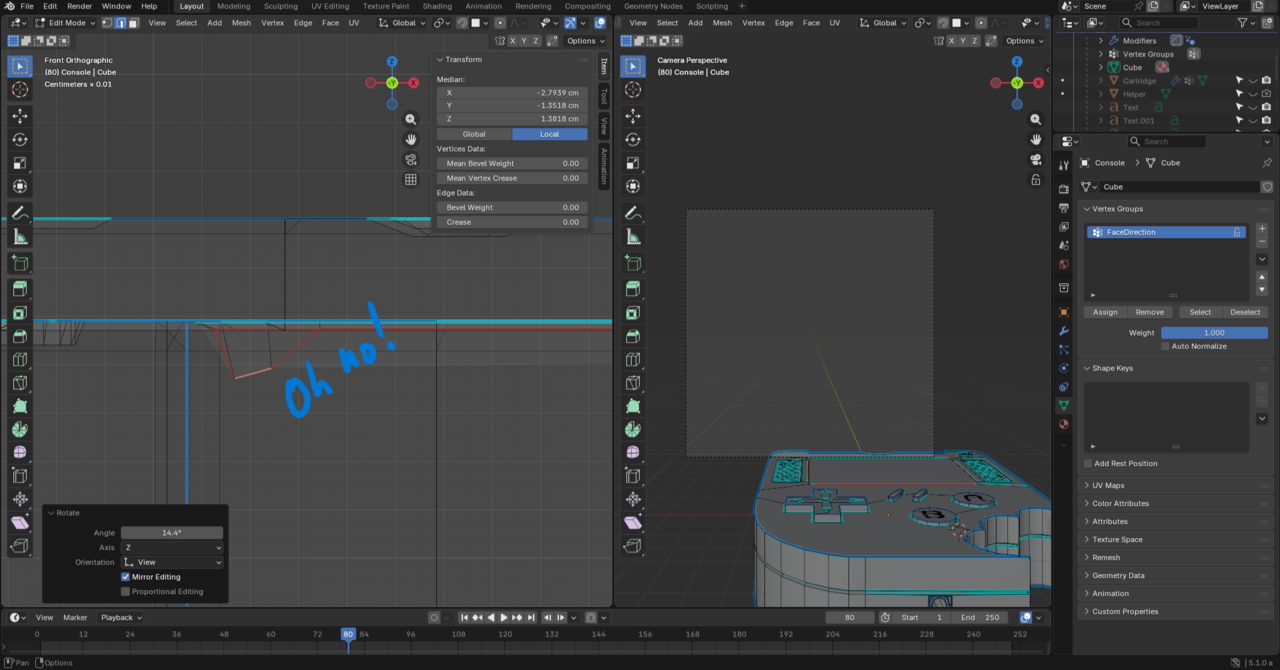
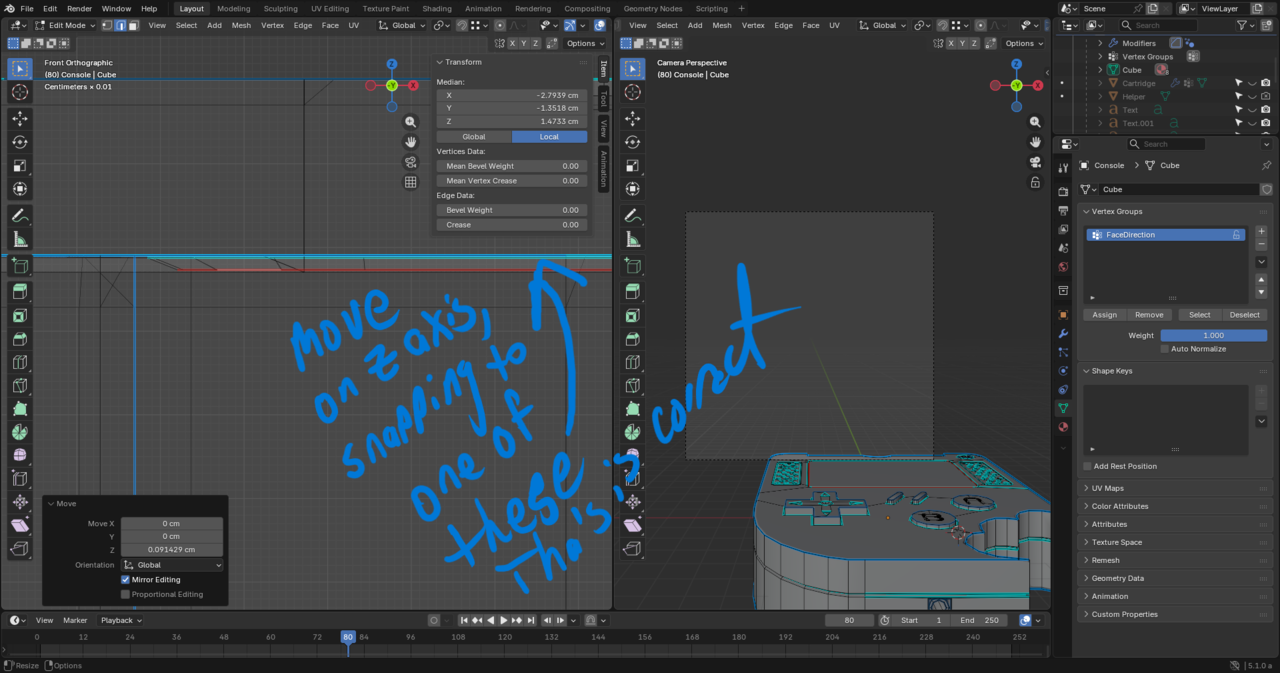
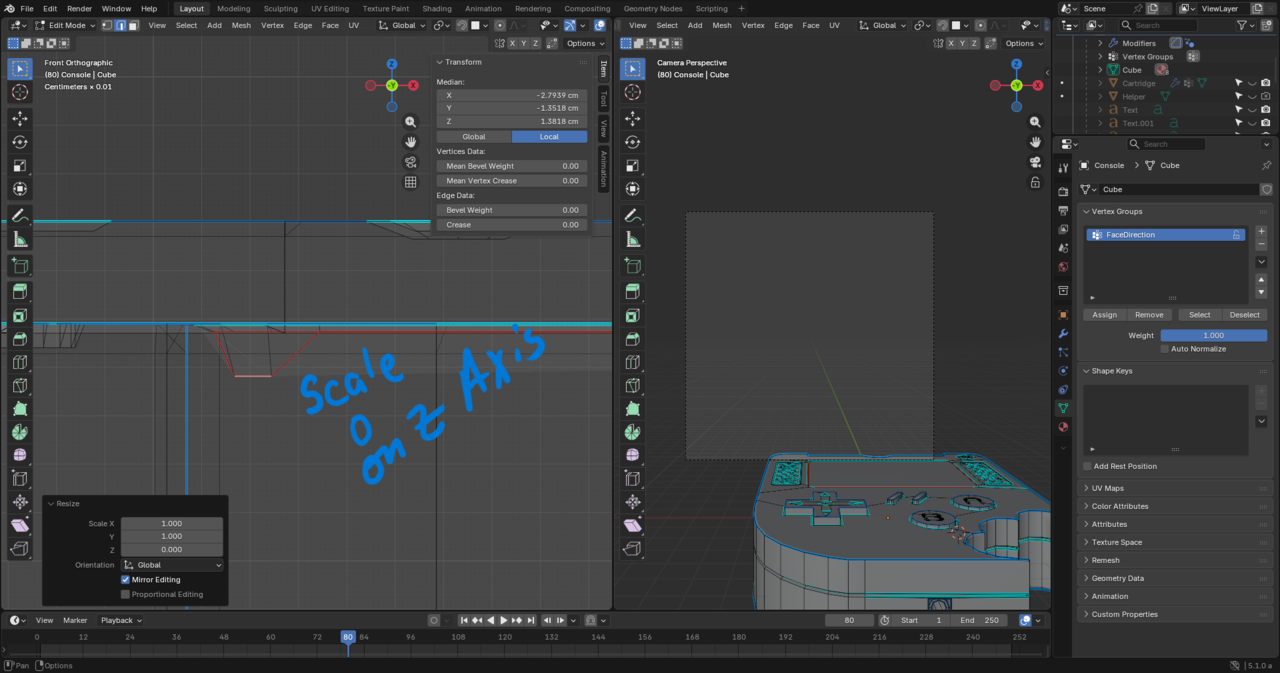
There’s any number of reasons why it might not be flat, including accidentally moving when you didn’t intend to or moving using proportional editing with a bigger fall off than you realized that wound up influencing something. The easy way to fix somethign that’s not flat that’s supposed to be is to scale to 0 along the axis that’s supposed to be planar (ie if it’s supposed to be flat on the Z axis, scale to 0 along the Z) and then you can snap it, constraining to that axis to a vertex/edge/face that is in the correct position.