You have three issues here, that are contributing to this shading issue.
As Spikey said, you can lower the Auto Smooth Angle, however to understand why this is happening and to avoid this in the future I will show you the issues I see, and prevent any other problems later.
Firstly, the vertices defining the screen are not in alignment with the surface of the console.
With the vertices selected 👇
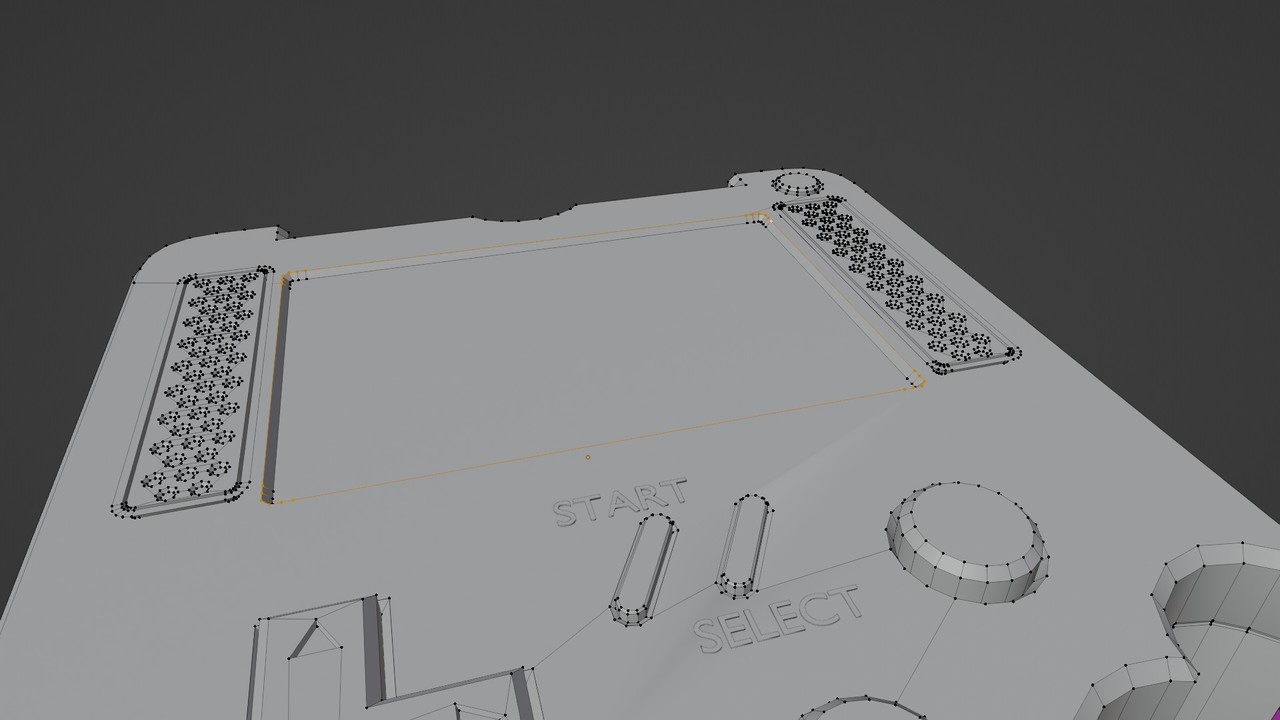
You can see here in front view with x-ray mode, the selected vertices are lower than the surface of the console. 👇
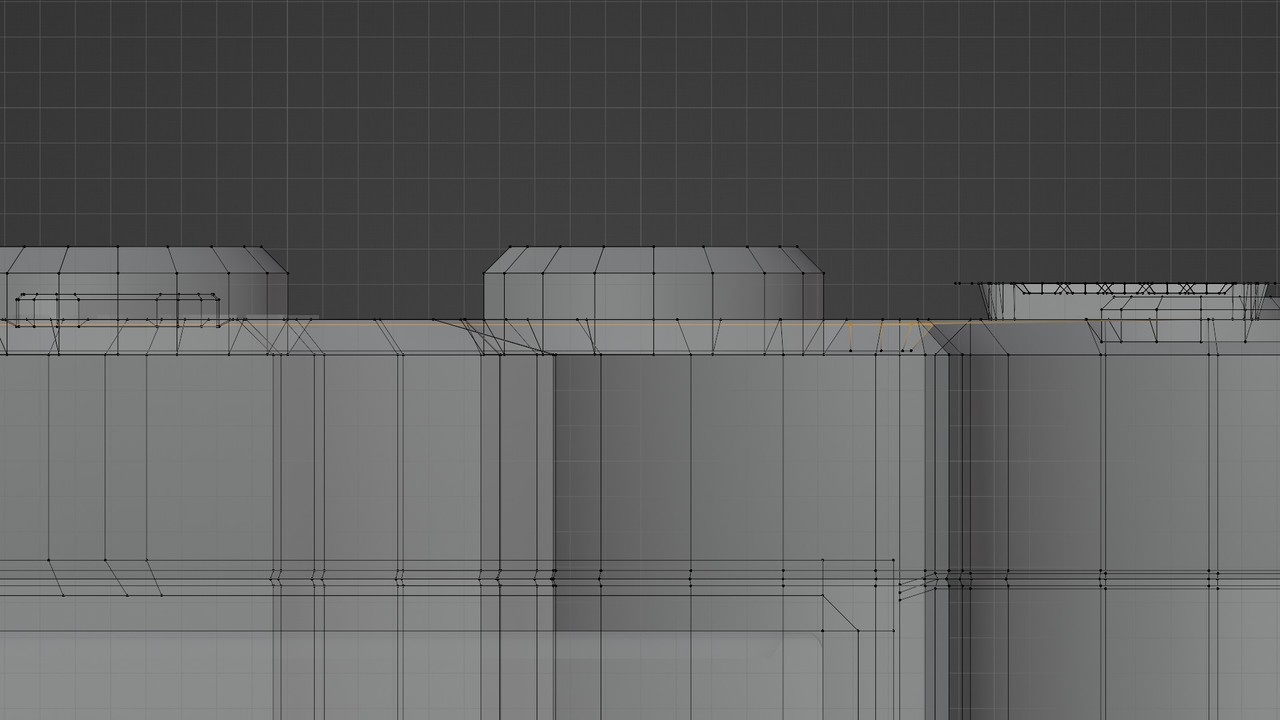
Secondly, You have double vertices, two vertices occupying the same 3d space, see here.👇
The loop around the start button is selected, you can see the top vertices are black but see the underneath are orange. Press A to select all vertices and then M > Merge by Distance.
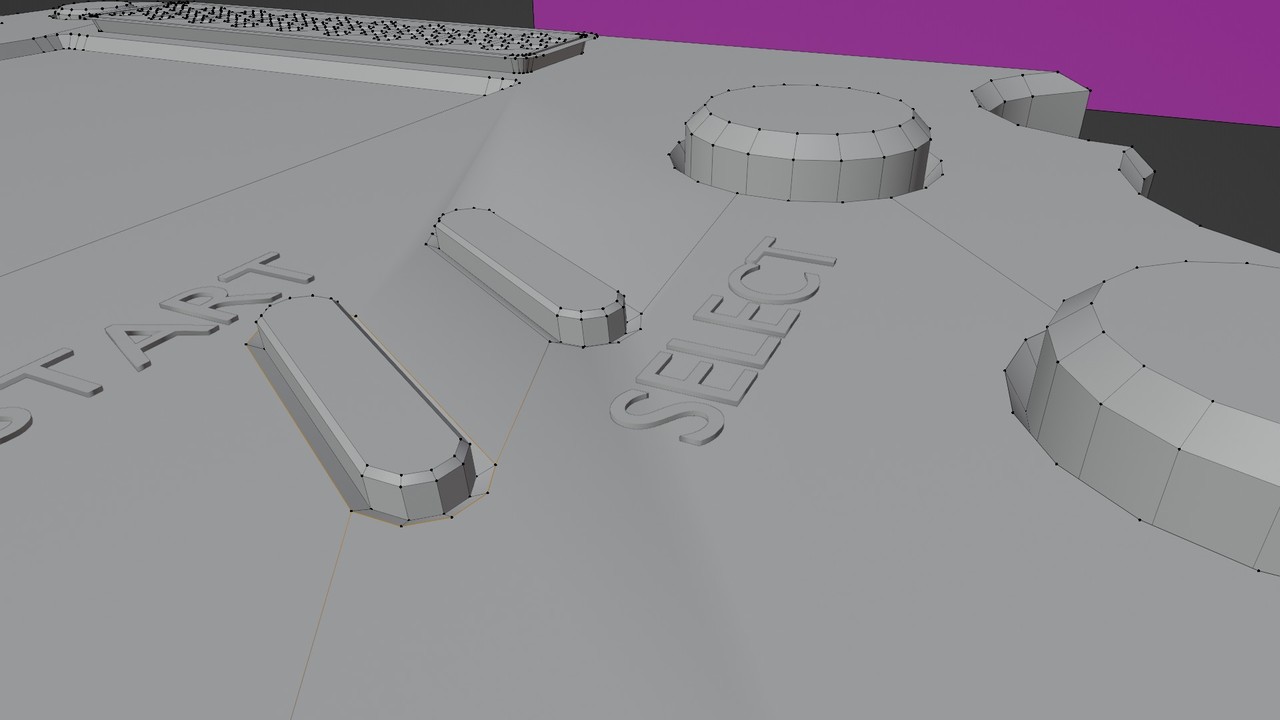
And lastly, the inset of the start and select buttons need to be lower for the angle to be over 30d. 👇
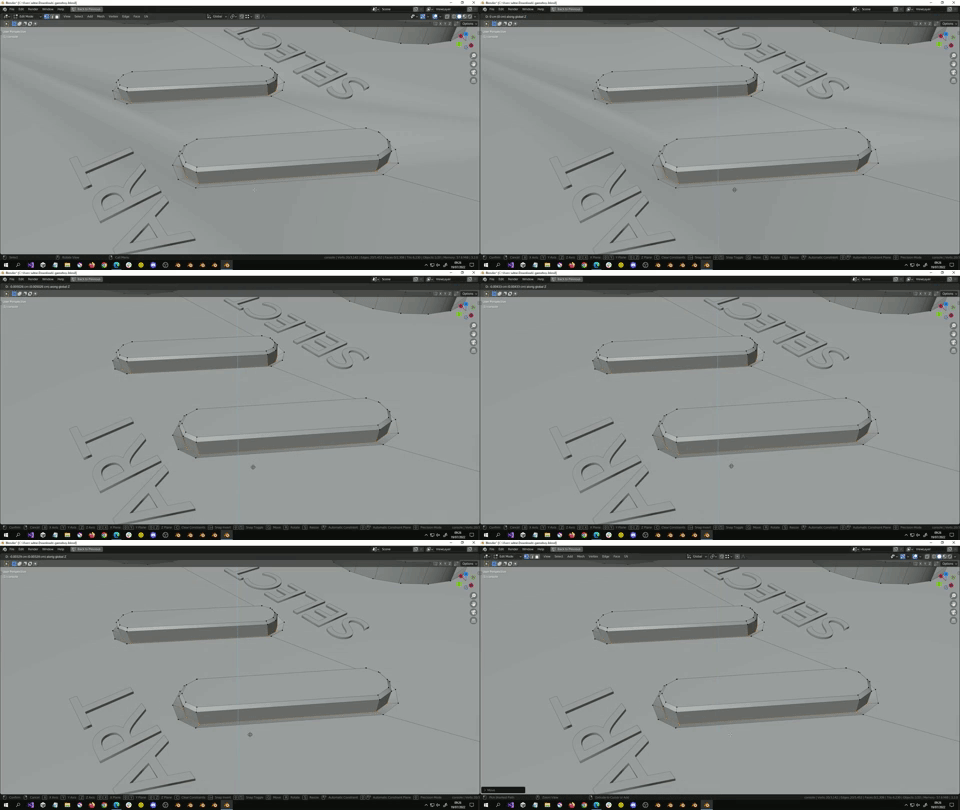
Resolve this by moving the inner vertices down in the Z direction a little.
Hope this helps!

