Hi Thomas, I don’t understand exactly what is happening, but, as I couldn’t even paint on a Default Cube that I added, I knew that it was probably one or more of your paint settings and found this:
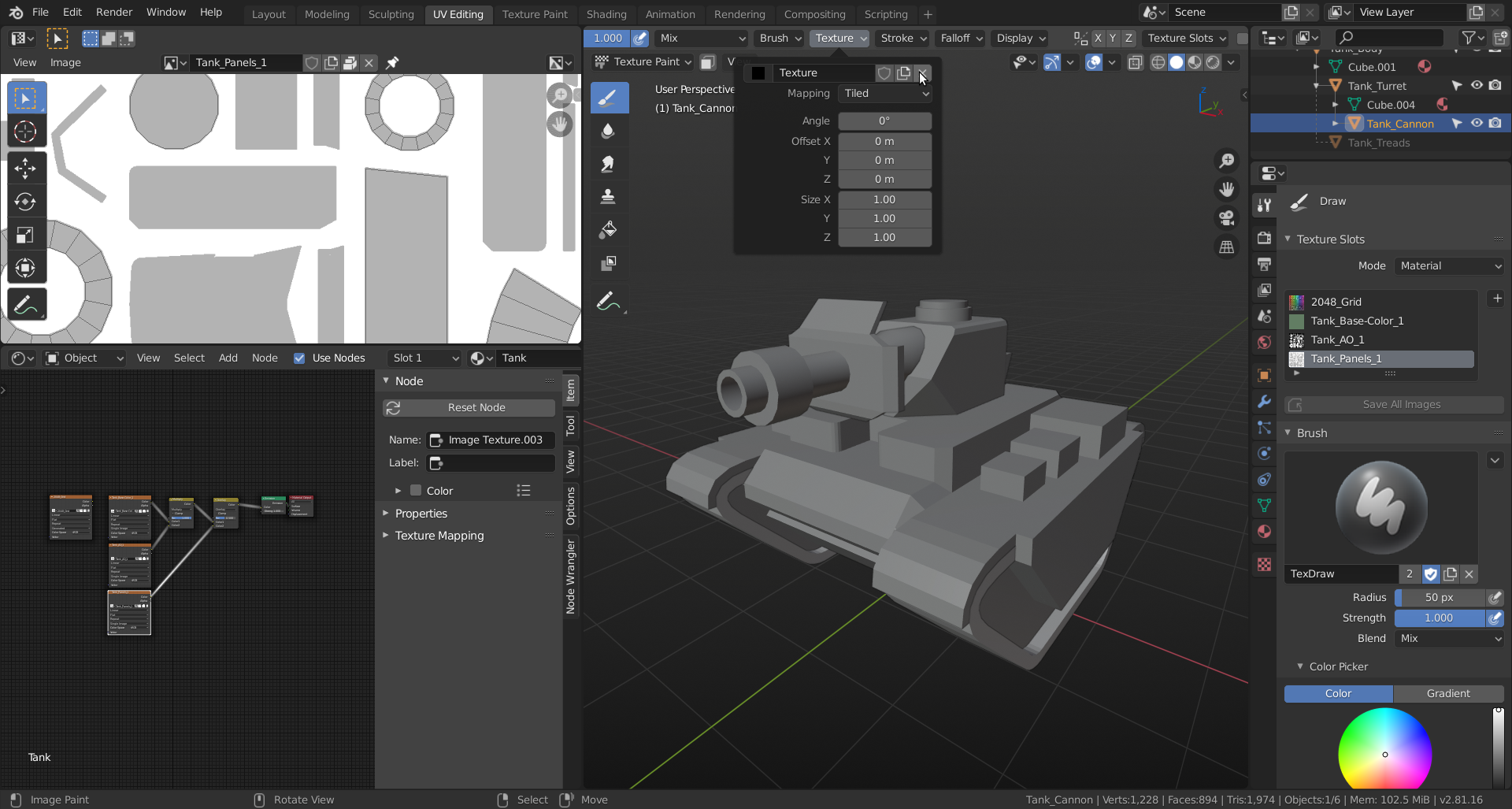 Click the x, where the mouse pointer is to remove the black texture. (Must be working like some sort of mask, I guess…)
Then you can paint away. (Hurray: a one-click-solution!)
Let us know if you run into other issues (or if this doesn’t work for you).

